
Natürlicher Realismus
GPT Image 2
Erstellt hochwertige Bilder aus Prompts und Referenzen.
GPT Image 2.5
Ergänzt schärfere Details, natürlicheres Licht und reichere Texturen für glaubwürdigere Personen, Produkte und Orte.
Erstelle schärfere Bilder mit natürlichem Licht und detailreichen Texturen, bewahre Personen und Produkte aus Referenzfotos und nimm präzise Änderungen in kürzerer Zeit vor.
Beispielergebnis – dein generiertes Bild wird hier angezeigt
Beginne mit einem Produktfoto, einer Figur, einem Poster oder einer Szene und gestalte das Ergebnis mit einem klaren Prompt und Referenzbildern.
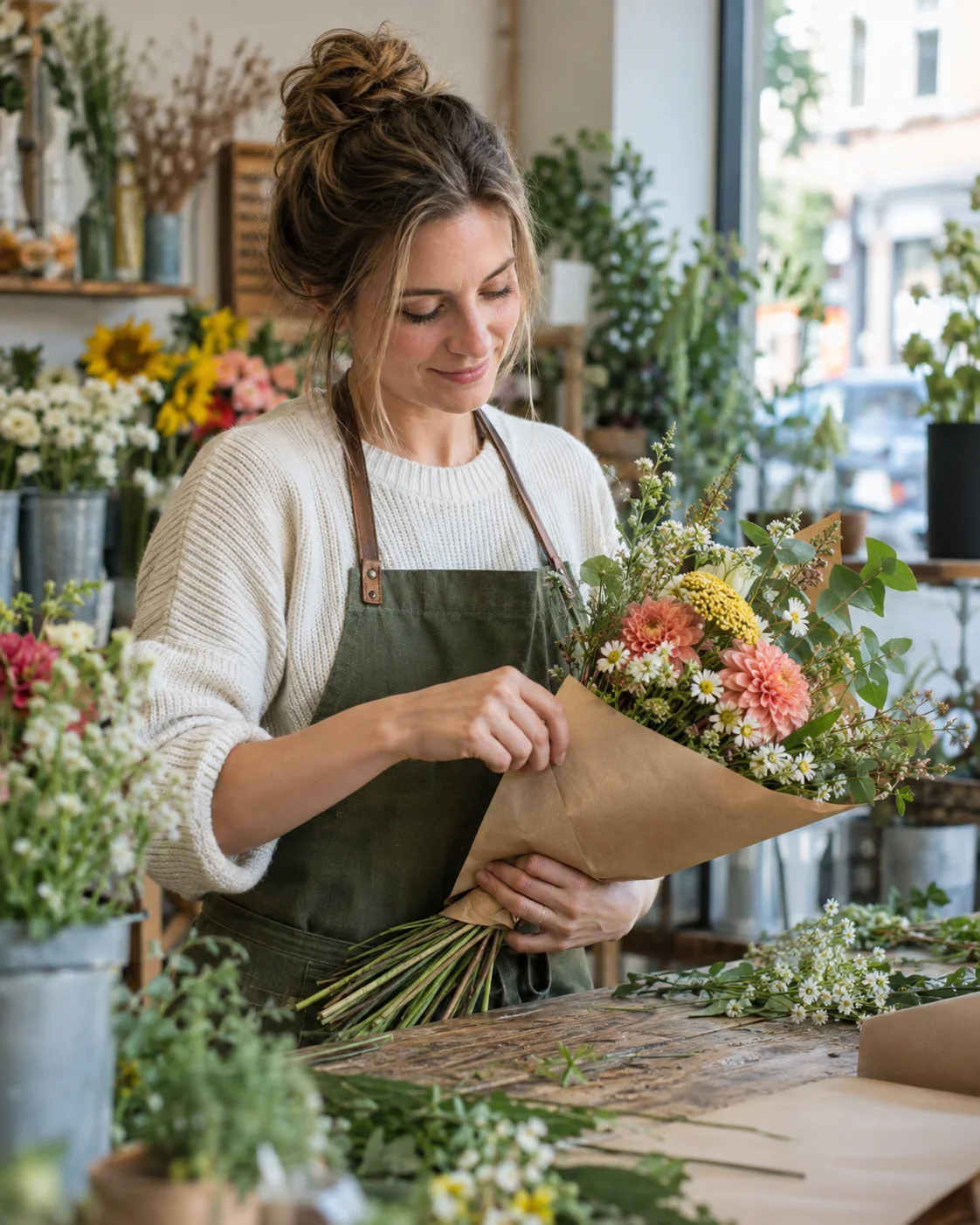
“Erstelle ein ungestelltes redaktionelles Foto einer weißen Frau, die in einem kleinen Blumenladen Wildblumen arrangiert. Zeige, wie sie einen Strauß in Kraftpapier einwickelt, mit authentischen Haut-, Stoff-, Blatt- und Blumentexturen in weichem morgendlichem Fensterlicht. Gestalte es als vertikales Umgebungsporträt im Format 4:5, auf dem beide Hände deutlich sichtbar sind. Kein Text, Logo, Wasserzeichen, keine plastikartige Haut und keine Magenta-Farbgebung.”
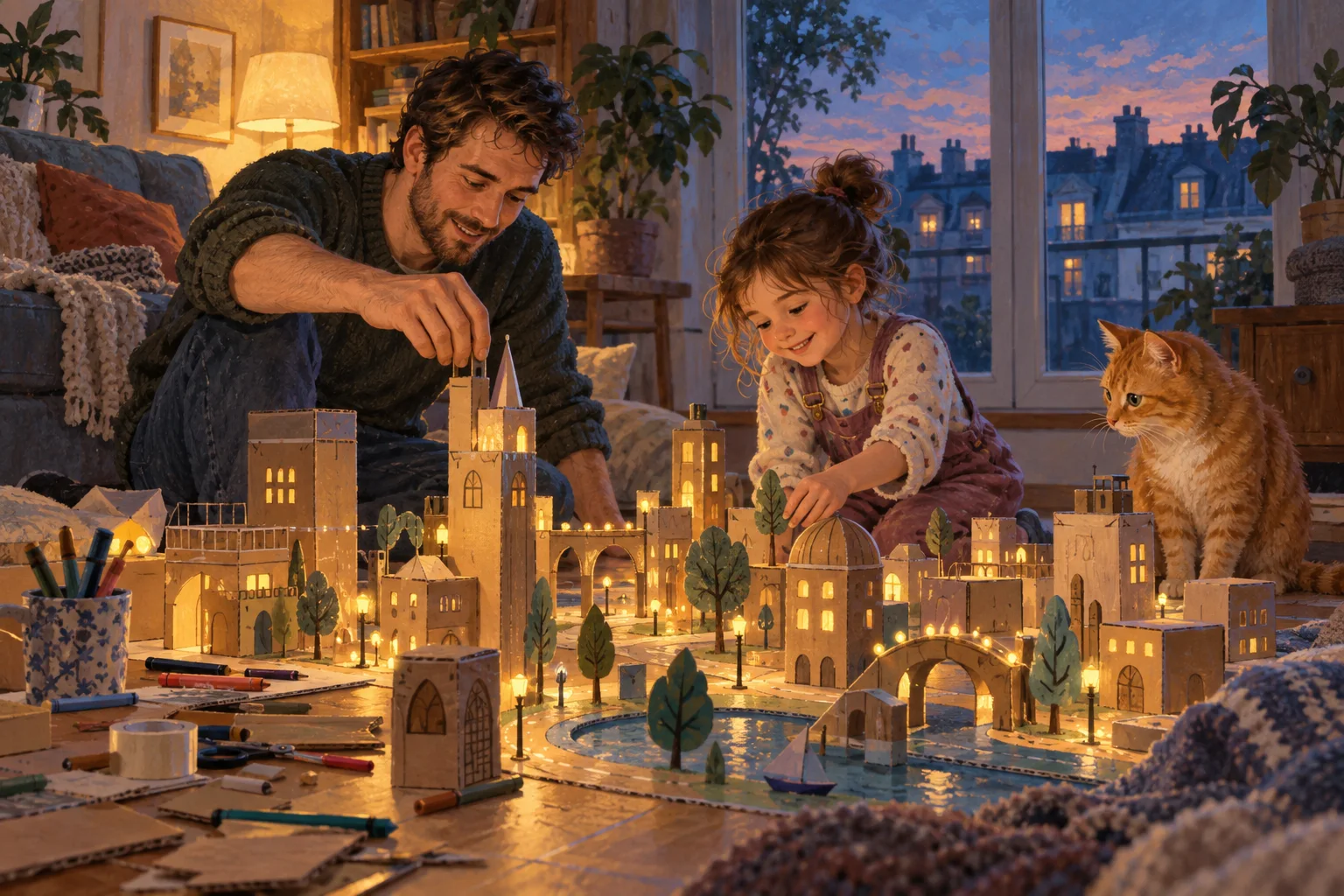
“Illustriere einen weißen Vater und seine kleine Tochter, die auf dem Wohnzimmerboden eine winzige leuchtende Pappstadt bauen, während eine orangefarbene Katze zusieht. Verwende eine anspruchsvolle malerische Gouache-Textur, eine horizontale Komposition aus niedriger Bodenperspektive und warmes Lampenlicht, gemischt mit dem Blau der Dämmerung. Stelle die Figuren und handgefertigten Details natürlich und klar erkennbar dar. Kein Text, keine Logos, kein Wasserzeichen und kein Clipart-Stil.”
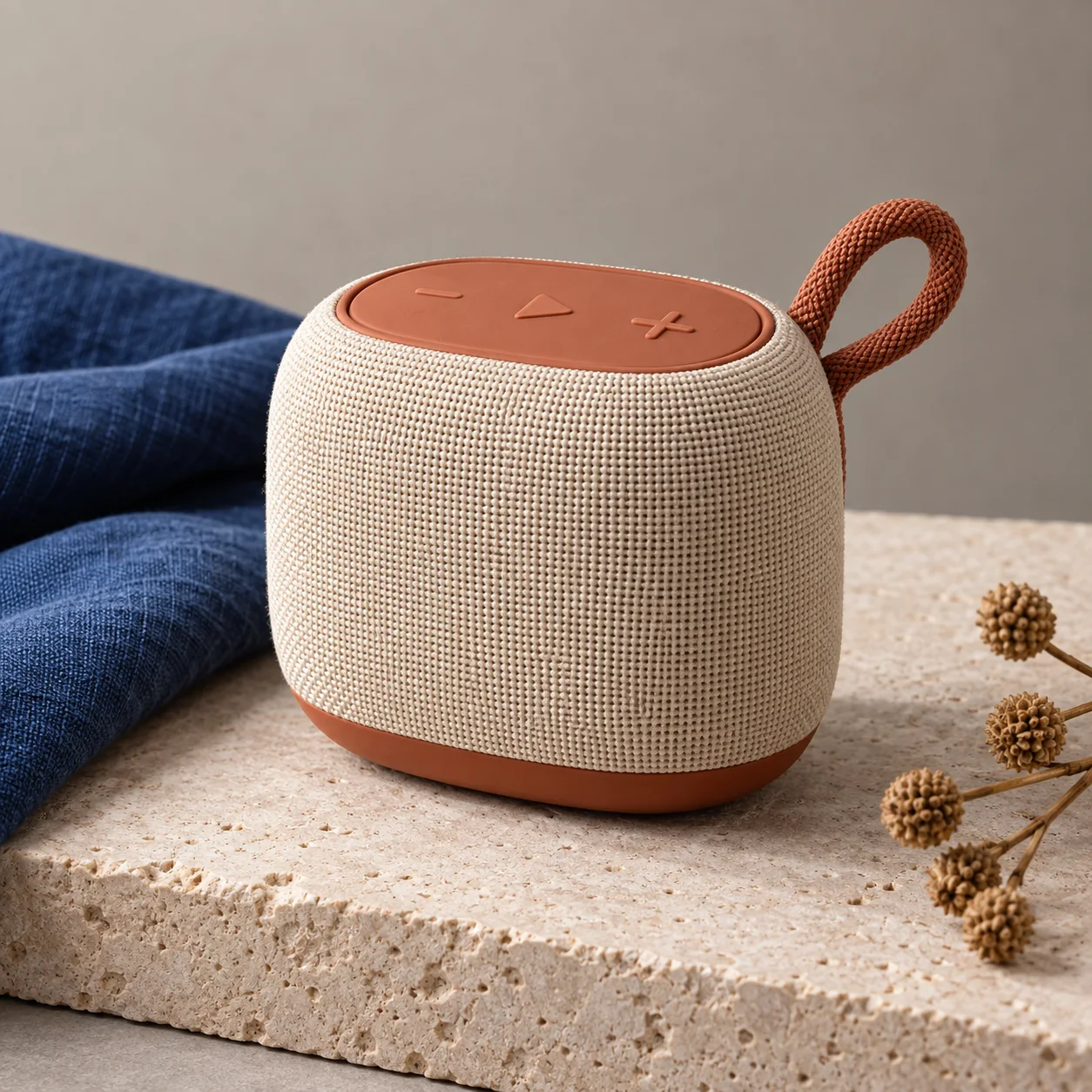
“Fotografiere einen hochwertigen, markenlosen tragbaren Lautsprecher mit einem warmen, elfenbeinfarbenen Gehäuse aus Webstoff und terrakottafarbenen Bedienelementen auf hellem Kalkstein, neben gefaltetem kobaltblauem Leinen und dezenten getrockneten Samenkapseln. Verwende eine quadratische Dreiviertelansicht mit klarer Softbox-Beleuchtung und präziser Textilstruktur. Kein lesbarer Text, keine Logos, kein Wasserzeichen, keine zusätzlichen Produkte und kein glänzender Kunststoff.”
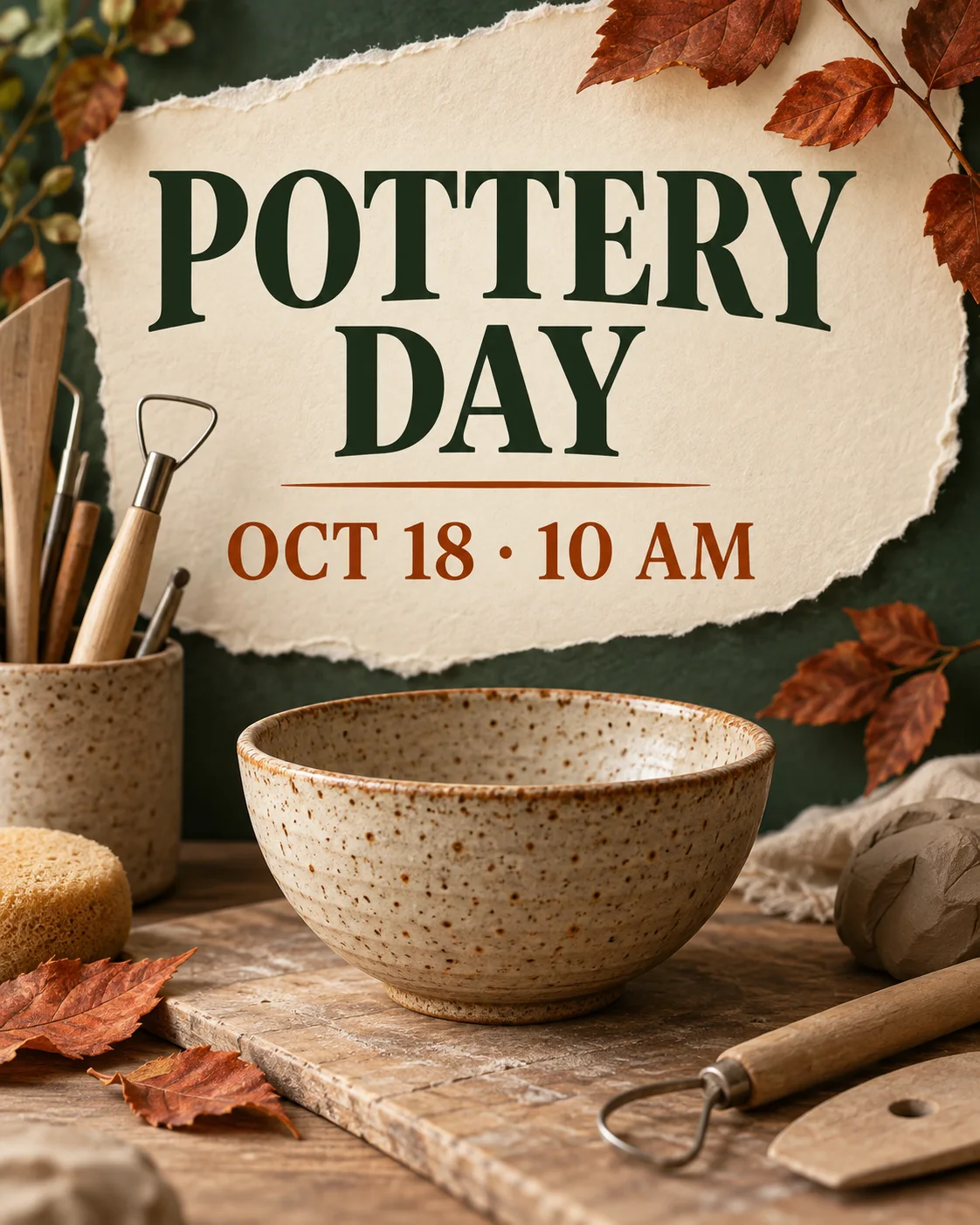
“Gestalte ein vertikales, zeitgemäßes Poster für einen herbstlichen Töpferkurs in der Nachbarschaft mit einer handgefertigten gesprenkelten Schale, Tonwerkzeugen, gerissenem cremefarbenem Papier und rostfarbenen Blättern. Gib ausschließlich den exakten Text ‚TÖPFERTAG‘ und ‚18. OKT. · 10 UHR‘ in einer klaren redaktionellen Hierarchie wieder. Verwende erdiges Tonbraun, Waldgrün, Creme und gebranntes Orange. Keine Logos, kein Wasserzeichen und kein weiterer Text.”
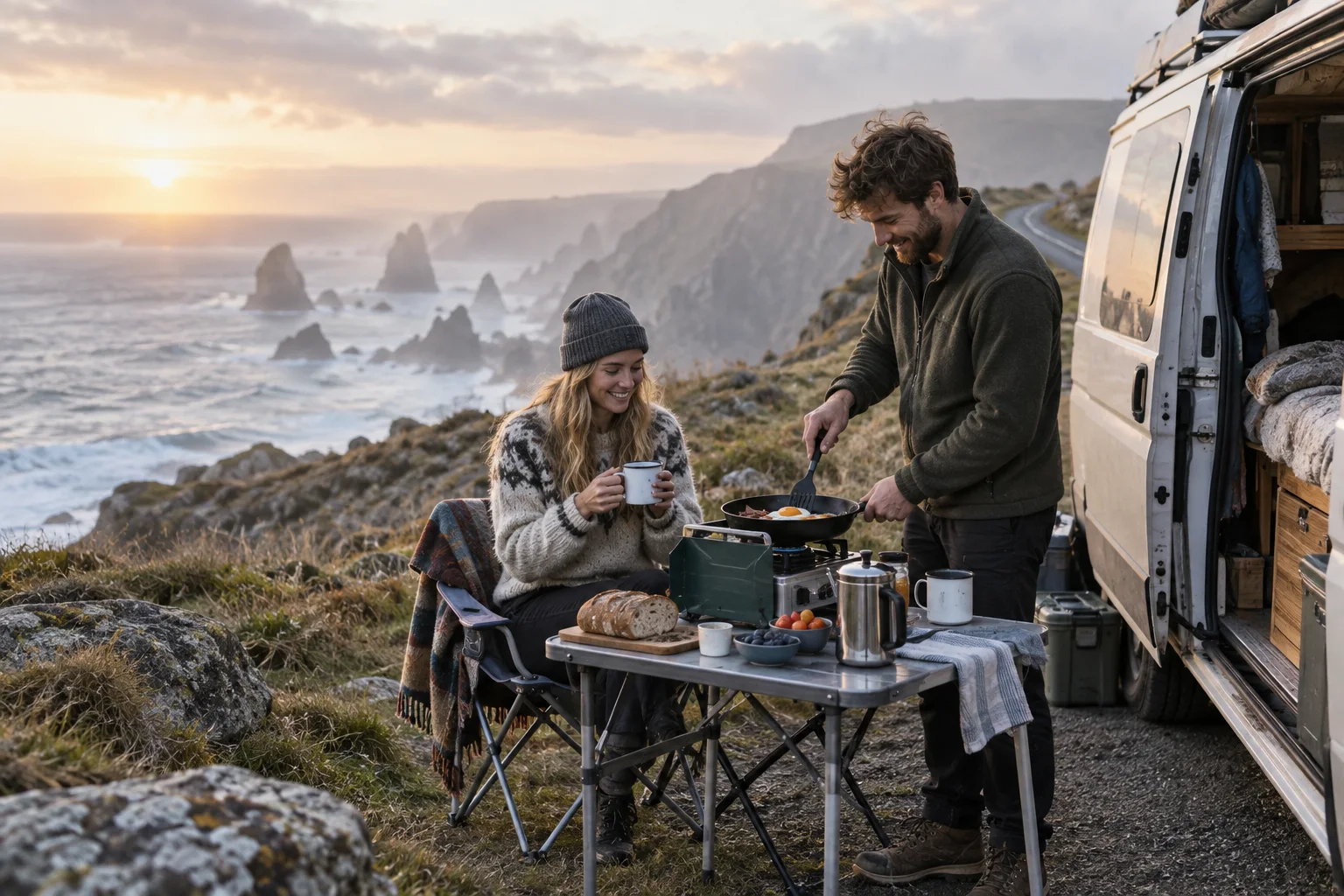
“Erstelle ein ungestelltes Reisefoto eines jungen weißen Paares, das neben einem kompakten Camper an einem windigen Aussichtspunkt über der Atlantikküste Frühstück zubereitet. Zeige helle Gräser, Emaillebecher, einen klappbaren Campingtisch, Meeresnebel und eine ruhige Straße. Verwende eine horizontale Komposition mit kühlem Sonnenaufgang und weichem bernsteinfarbenem Kantenlicht. Kein lesbarer Text, keine Logos, kein Wasserzeichen, keine Pose wie in einer Luxusanzeige und keine übertriebene Farbkorrektur.”
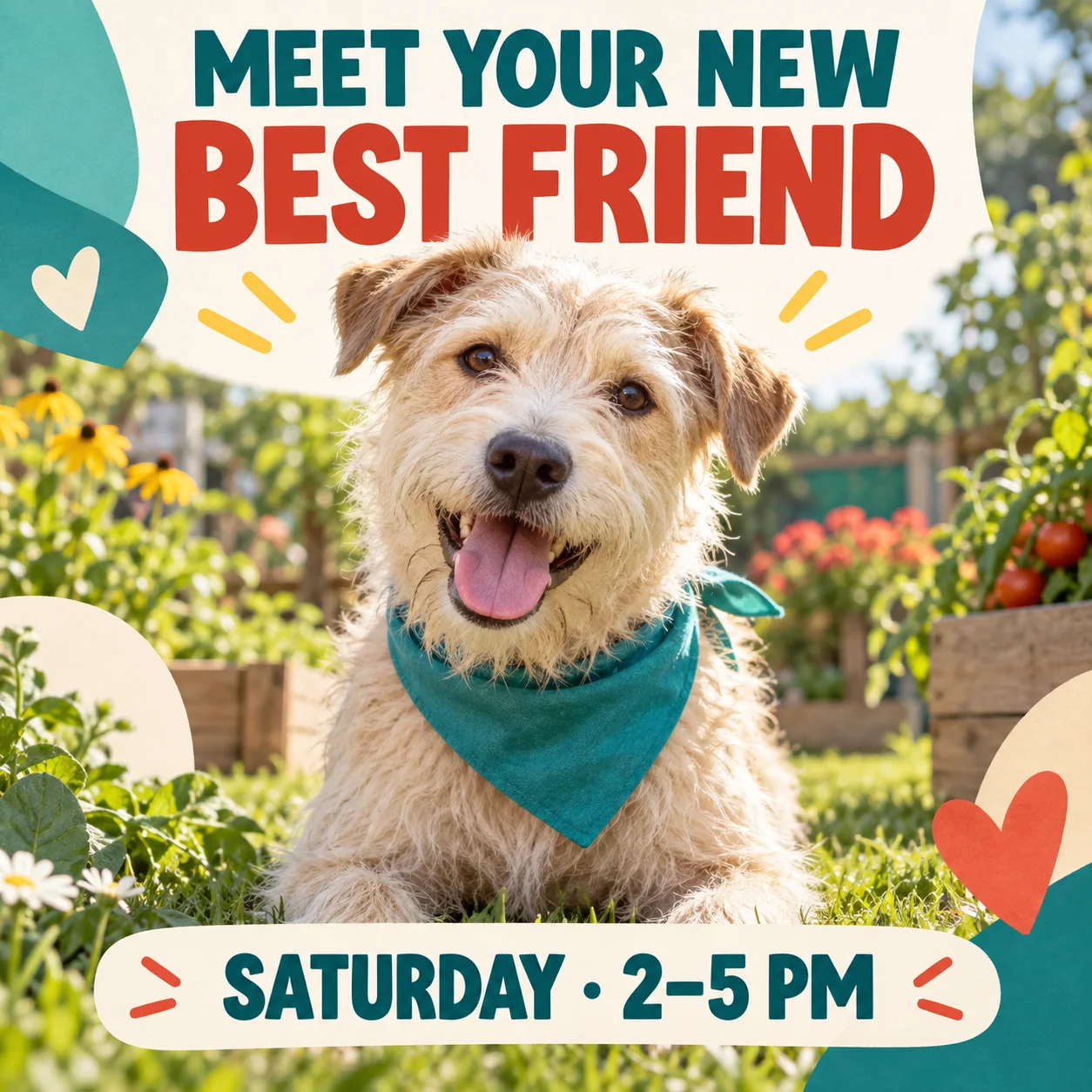
“Erstelle eine quadratische Social-Media-Ankündigung für einen Hundenachmittag zur Tiervermittlung in der Nachbarschaft. Zeige einen freundlichen, struppigen, cremefarbenen Tierheimhund mit türkisfarbenem Halstuch in einem sonnigen Gemeinschaftsgarten. Gib ausschließlich den exakten Text ‚FINDE DEINEN NEUEN BESTEN FREUND‘ und ‚SAMSTAG · 14–17 UHR‘ in großer, gut lesbarer Typografie wieder. Verwende Türkis, warmes Creme, Tomatenrot und frisches Grün. Keine Menschen, Logos, kein Wasserzeichen und kein weiterer Text.”
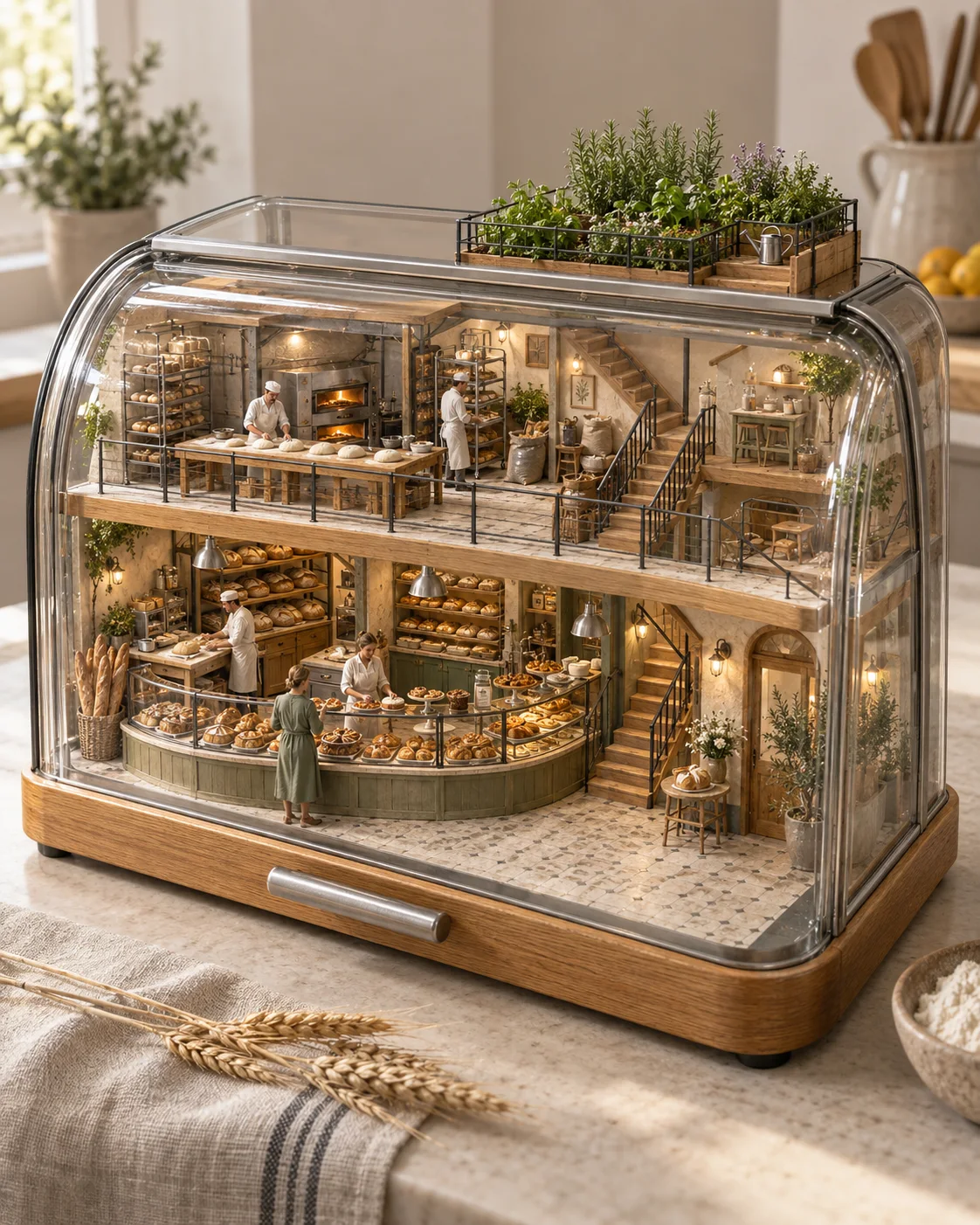
“Baue eine Miniaturbäckerei aus der Nachbarschaft in einem transparenten gläsernen Brotkasten, mit winzigen weißen Bäckern beim Formen von Teig, geschwungenen Verkaufstheken, Öfen, schlüssig angeordneten Treppen und einem Kräutergarten auf dem Dach. Stelle sie als vertikalen fotorealistischen architektonischen 3D-Schnitt dar, mit fühlbaren Texturen von Eiche, gebürstetem Stahl, Leinen, Brotkruste und Glas in weichem Morgenlicht. Kein Text, keine Beschilderung, Logos, kein Wasserzeichen und keine spielzeugartigen Kunststoffoberflächen.”
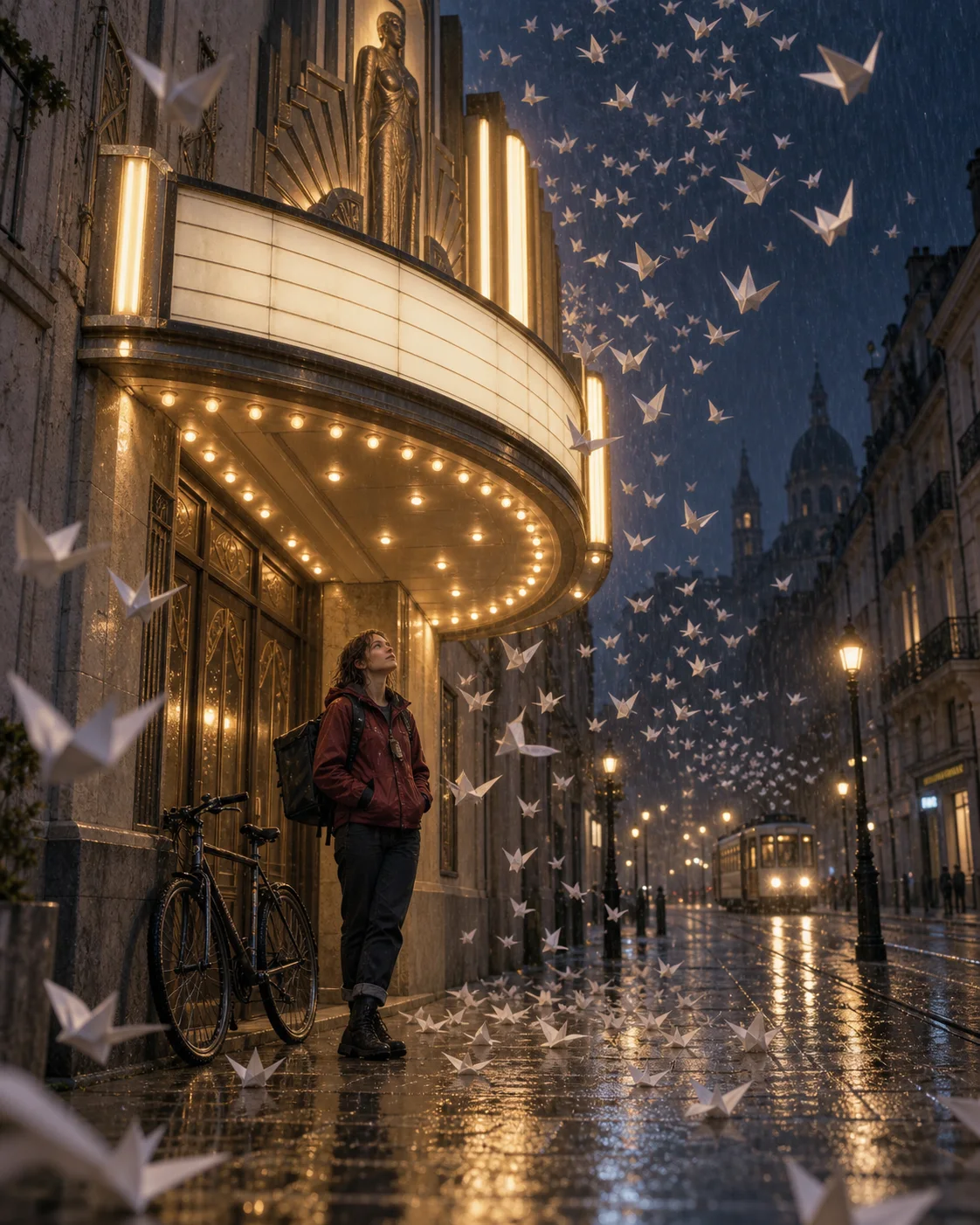
“Erstelle ein vertikales filmisches Standbild einer weißen Fahrradkurierin, die unter dem beleuchteten Vordach eines geschlossenen Art-déco-Kinos Schutz sucht, während gefaltete Papiervögel durch den Regen wirbeln. Zeige nasses Pflaster, leere Tafeln am Vordach, ein plausibles Fahrrad und eine Straßenbahn in der Ferne. Mische warmes Glühlampenlicht mit einer tiefen regnerisch-blauen Nacht und dezenter 35-mm-Körnung. Kein lesbarer Text, keine Logos, kein Wasserzeichen, kein Cyberpunk-Neon und keine starke Türkis-Orange-Farbgebung.”
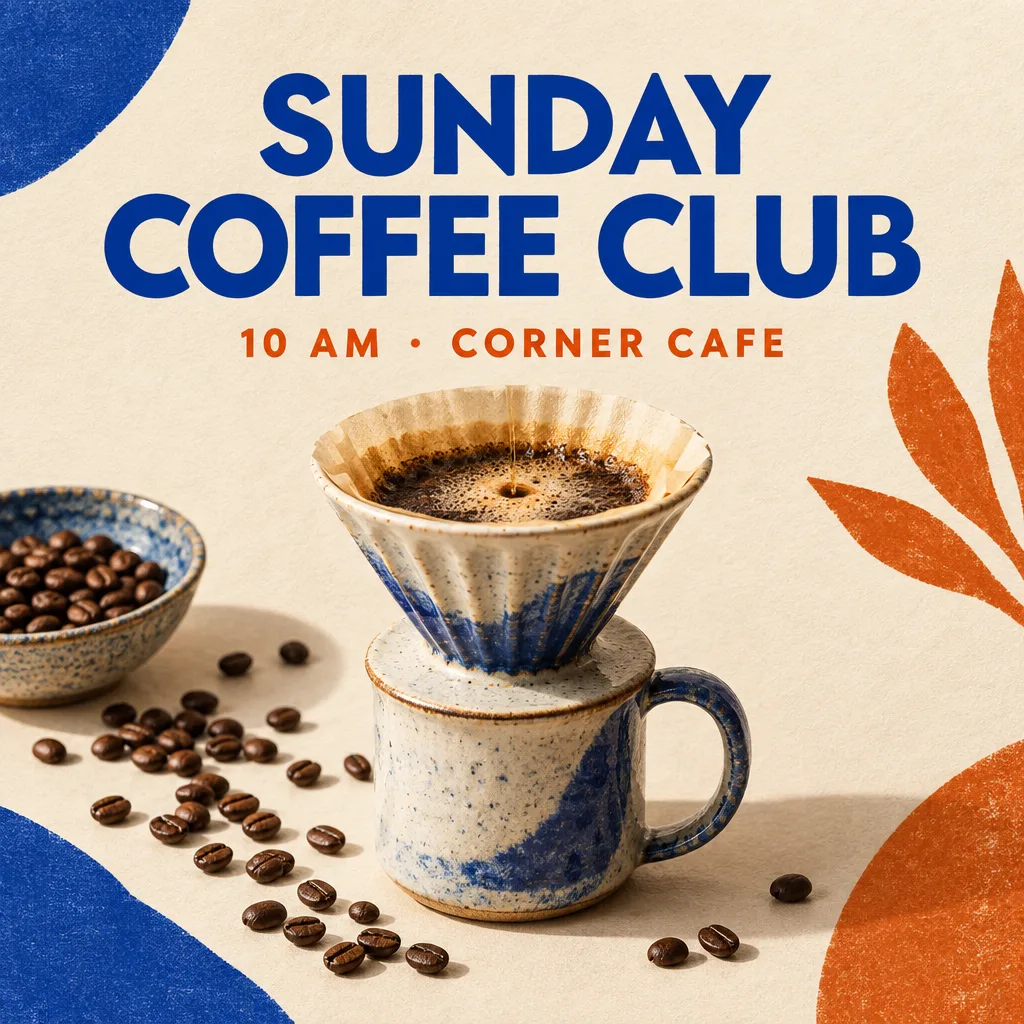
“Erstelle ein quadratisches redaktionelles Social-Media-Poster für eine Kaffeeverkostung in der Nachbarschaft. Zeige einen Keramik-Kaffeefilter mit Tasse, verstreute Kaffeebohnen, eine warme cremefarbene Papiertextur, kobaltblaue und gebrannt orangefarbene Akzente sowie klare Studiobeleuchtung. Gib ausschließlich den exakten Text ‚SONNTAGS-KAFFEEKLUB‘ und ‚10 UHR · ECKCAFÉ‘ in einer klaren modernen Hierarchie wieder. Keine Logos, kein Wasserzeichen, kein zusätzlicher Text, keine falsch geschriebenen Wörter und keine Menschen.”
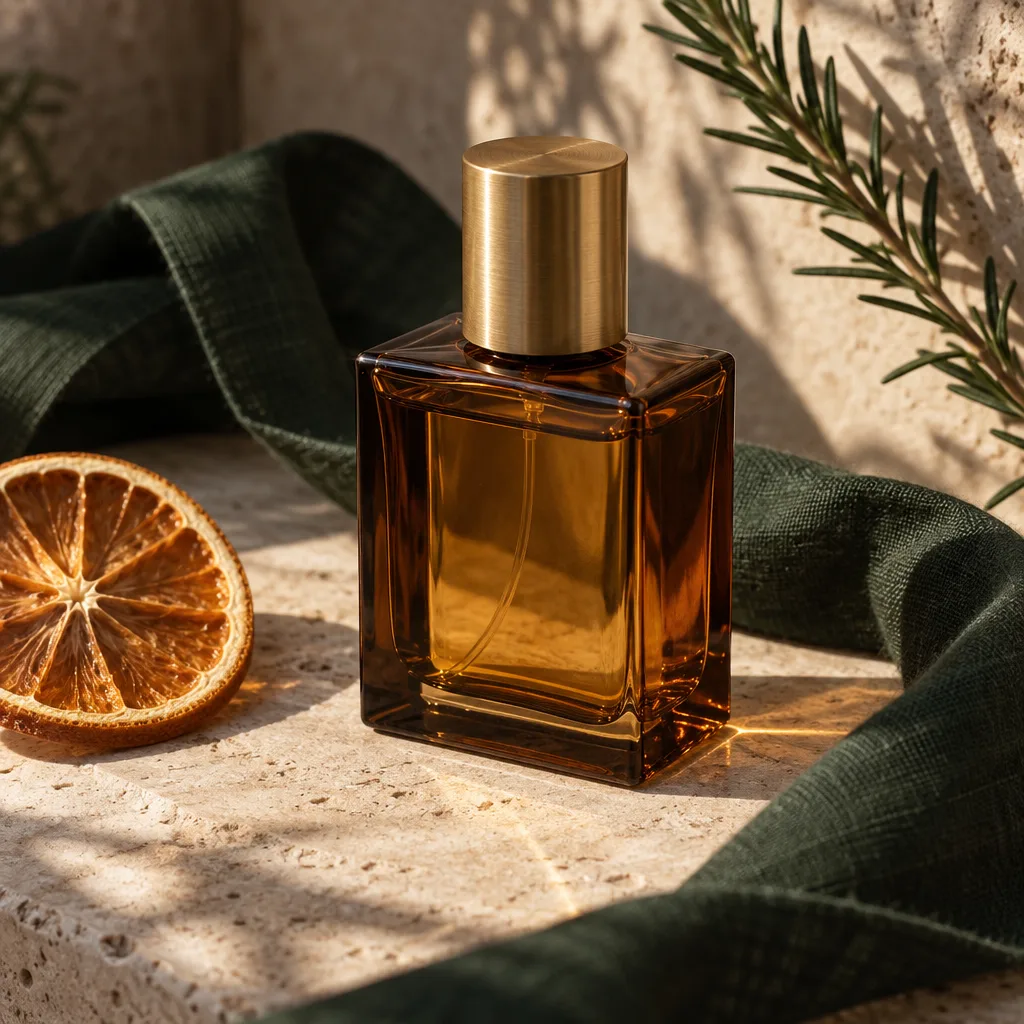
“Erstelle ein elegantes quadratisches Produktfoto für einen kleinen Laden mit handgefertigten Düften. Zeige ein einzelnes markenloses Parfümfläschchen aus bernsteinfarbenem Glas mit einer Kappe aus gebürstetem Messing auf hellem Kalkstein, umgeben von einem gefalteten dunkelgrünen Leinenband, einer einzelnen getrockneten Orangenscheibe und feinen Rosmarinschatten. Verwende eine präzise Dreiviertelkomposition, natürliches spätnachmittägliches Fensterlicht, realistische Glasreflexionen, klare etikettfreie Oberflächen und detailreiche fühlbare Texturen. Kein Text, keine Logos, kein Wasserzeichen, keine doppelten Fläschchen, zusätzlichen Kappen oder Menschen.”
GPT Image 2.5 ist OpenAIs neueste Modellfamilie zur Bilderstellung und -bearbeitung, veröffentlicht am 8. September 2026. In ChatGPT heißt sie ChatGPT Images 2.5. Sie erstellt schärfere Bilder, bewahrt Motive aus Referenzen zuverlässiger und befolgt gezielte Bearbeitungsanweisungen über mehrere Überarbeitungen hinweg.
Erstelle referenzgetreuere Bilder, nimm gezielte Änderungen ohne Verlust bereits abgestimmter Details vor und setze anspruchsvolle visuelle Anweisungen kontrollierter um.
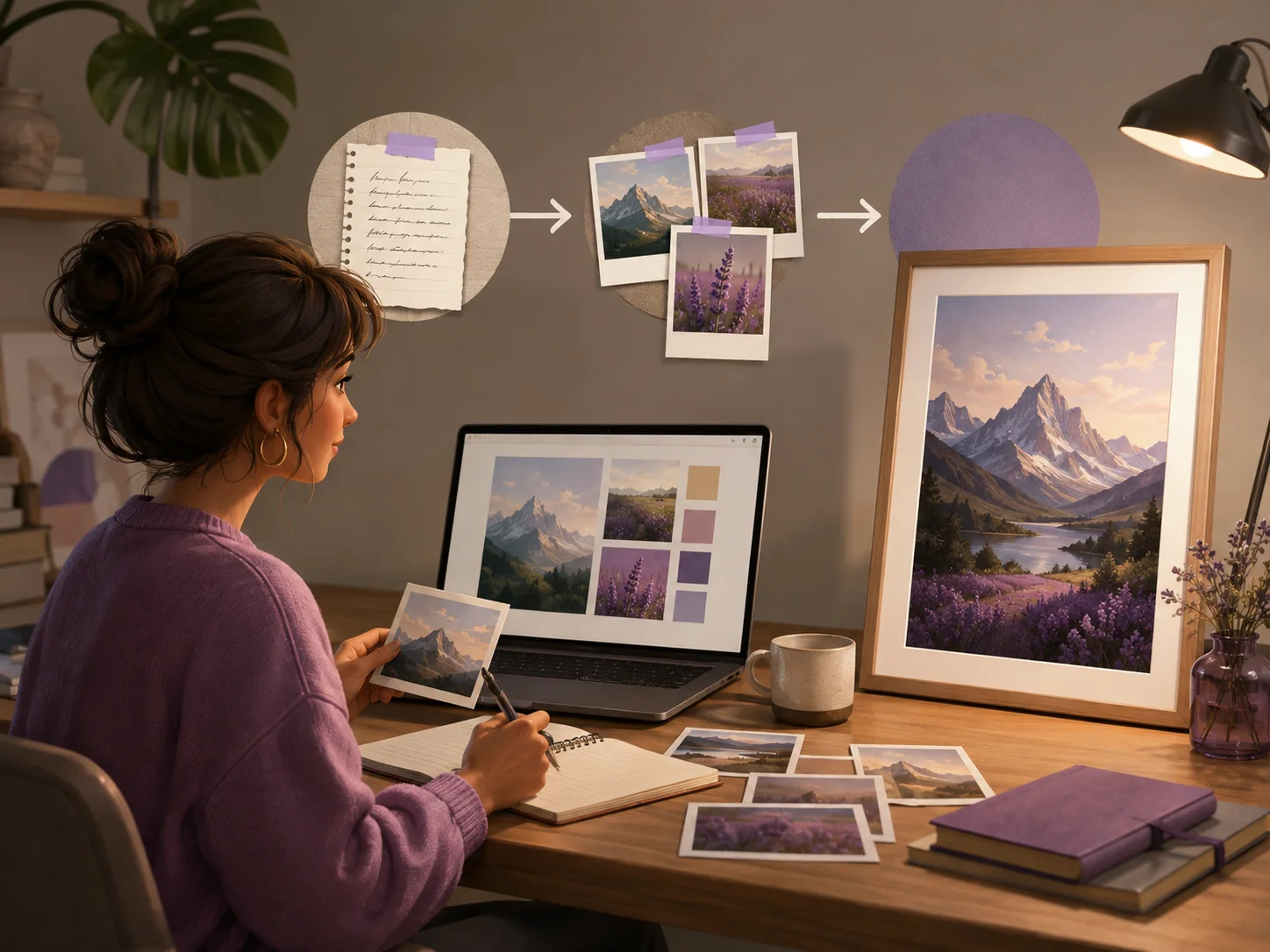
Lade Fotos einer Person, eines Haustiers, Produkts oder Ortes hoch und beschreibe eine neue Umgebung, einen Stil oder eine Komposition. GPT Image 2.5 bewahrt erkennbare Merkmale zuverlässiger und fügt zugleich schärfere Details, natürliches Licht und reichere Texturen hinzu.
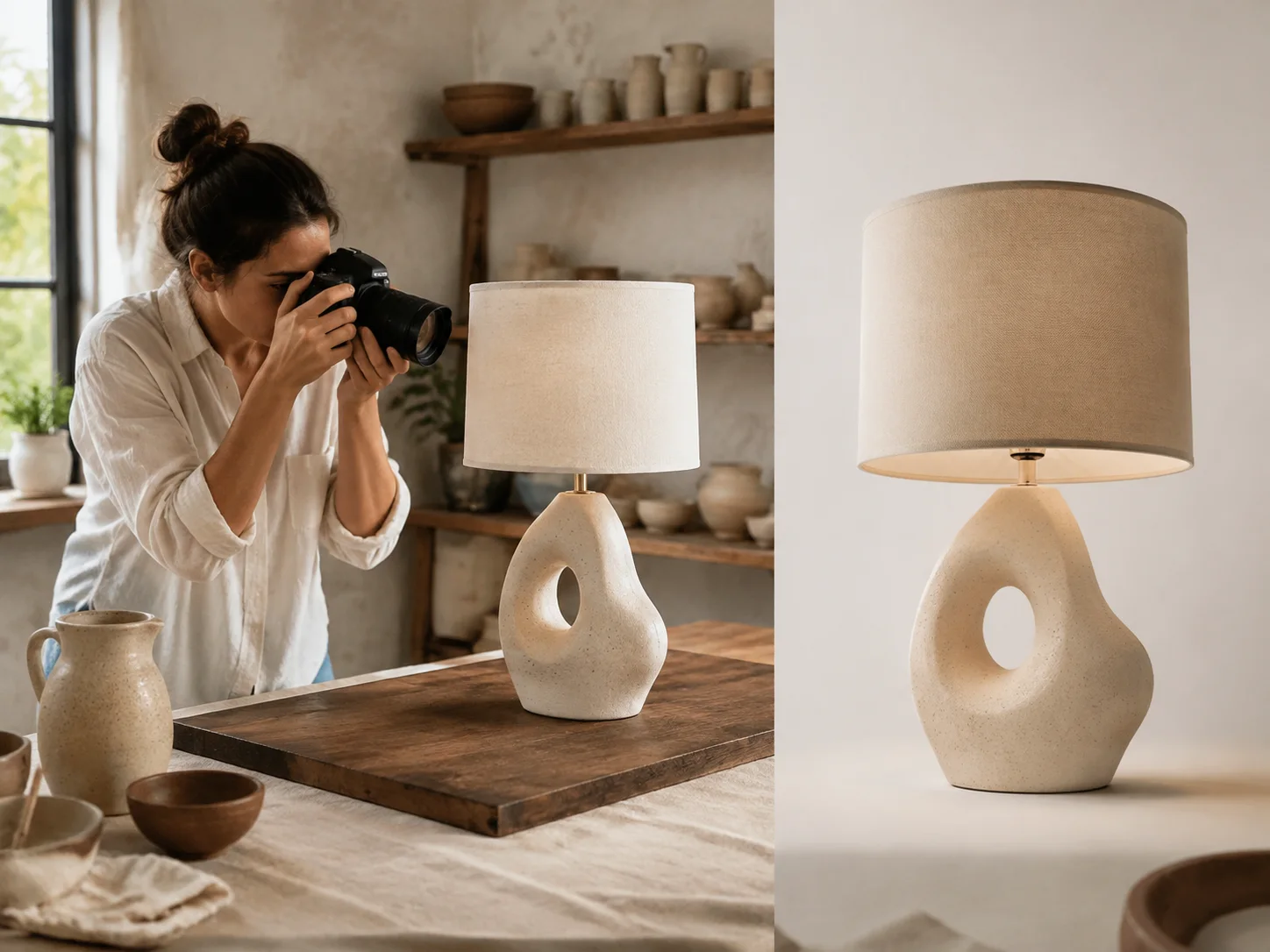
Bitte darum, ein Objekt zu ersetzen, einen Hintergrund anzupassen oder einen Text zu überarbeiten, während der Rest des Bildes unverändert bleibt. Bearbeite das Bild über mehrere Runden mit weniger Abweichungen, sodass frühere Entscheidungen und die Bildqualität eher erhalten bleiben.
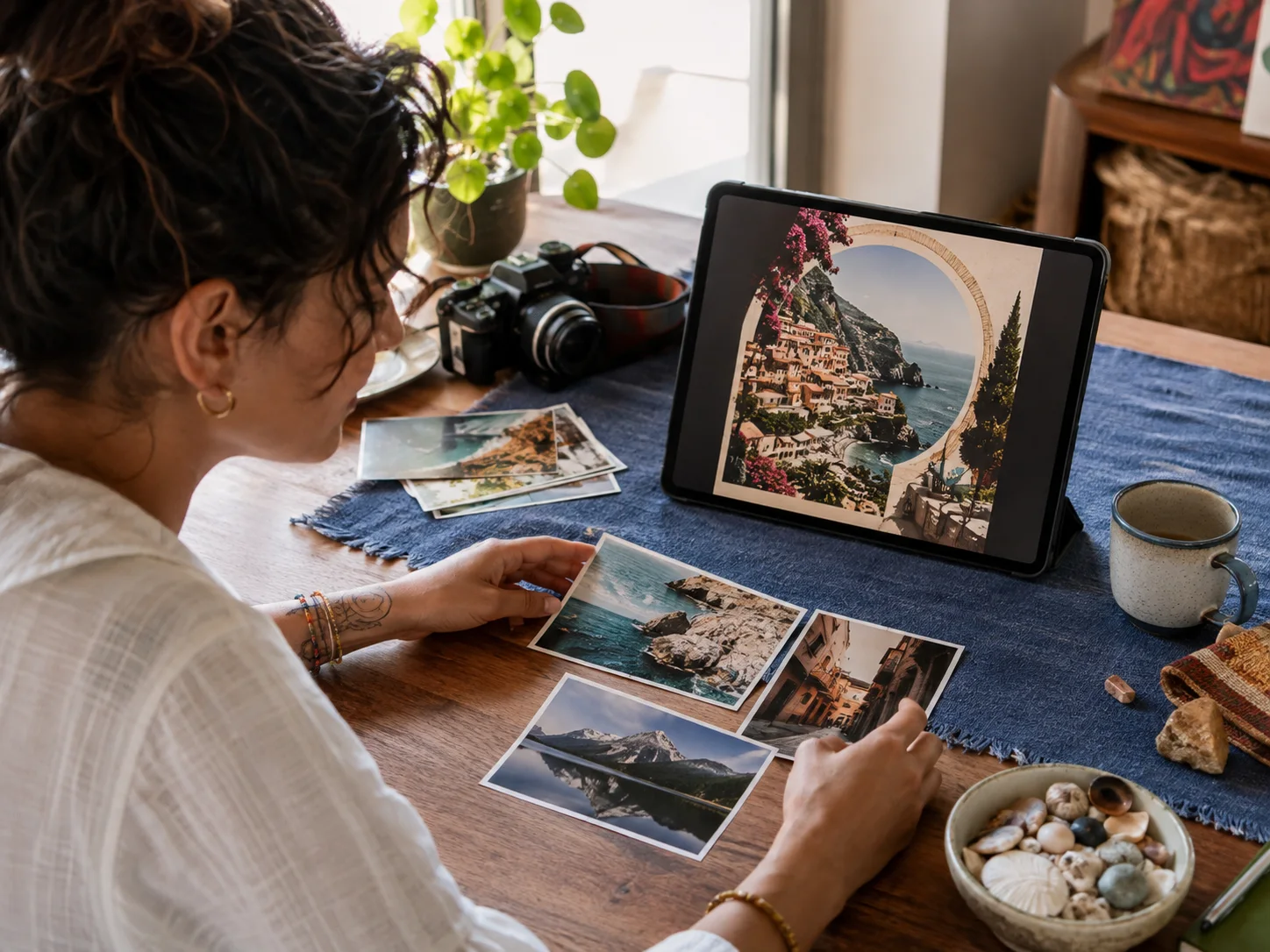
Gib ein detailliertes Briefing mit Motiv, realem Kontext, Text, Hierarchie und Ausgabeanforderungen. GPT Image 2.5 setzt komplexe visuelle Anweisungen schlüssiger um, darunter strukturierte Layouts und transparente Hintergründe.
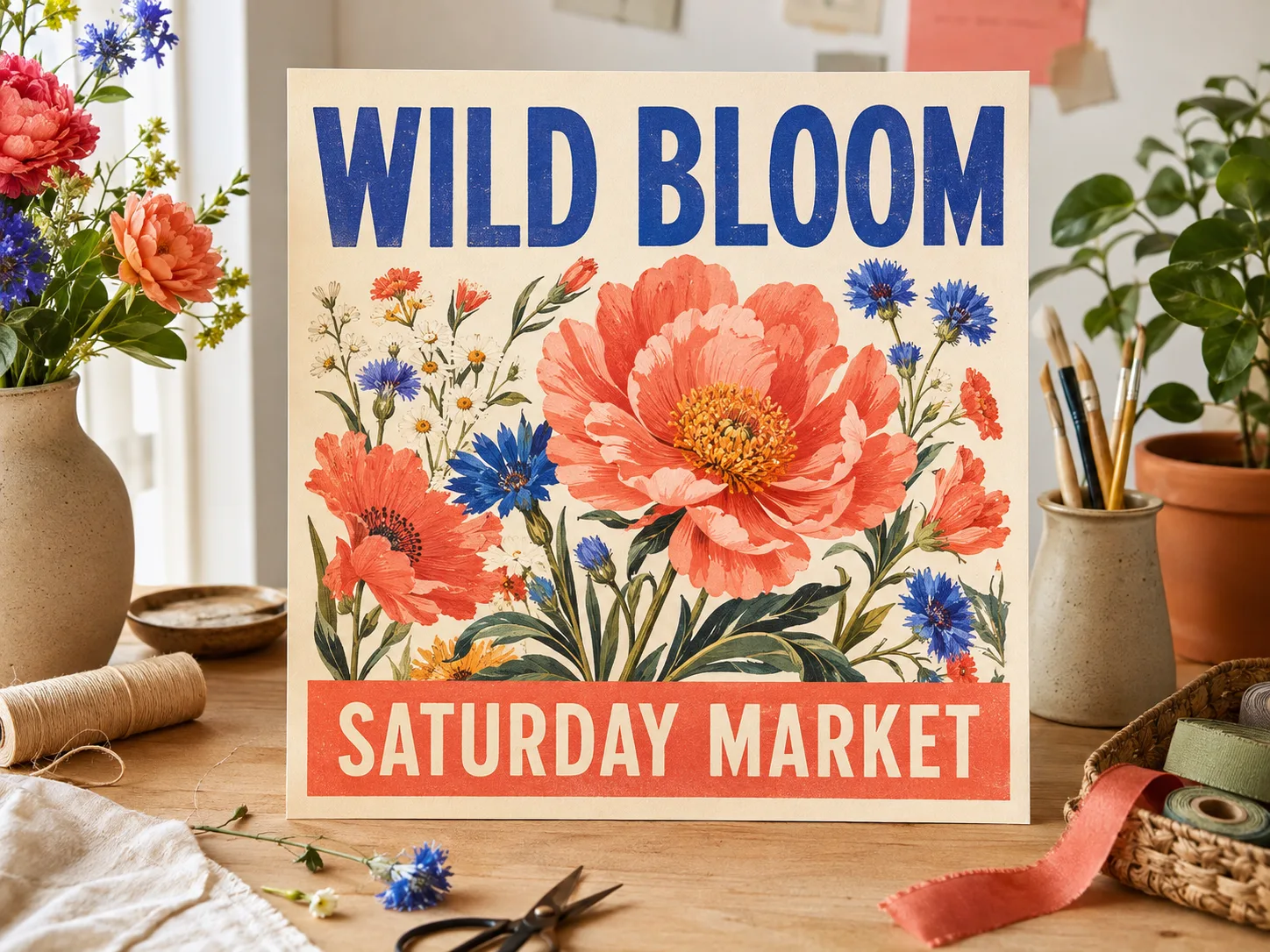
GPT Image 2.5 verbessert die Bereiche der Bilderstellung, die in echten Projekten zählen: visuelle Wiedergabetreue, Erhalt von Referenzen, Bearbeitungskontrolle und Iterationsgeschwindigkeit.
GPT Image 2
Erstellt hochwertige Bilder aus Prompts und Referenzen.
GPT Image 2.5
Ergänzt schärfere Details, natürlicheres Licht und reichere Texturen für glaubwürdigere Personen, Produkte und Orte.
GPT Image 2
Nutzt Referenzbilder als Orientierung für Motiv und Komposition.
GPT Image 2.5
Bewahrt erkennbare Personen, Haustiere, Produkte und andere Motive zuverlässiger in neuen Umgebungen und Kompositionen.
GPT Image 2
Verarbeitet Bildbearbeitungen und visuelle Überarbeitungen.
GPT Image 2.5
Ändert das gewünschte Element präziser, während Motiv, Komposition und umgebende Details erhalten bleiben.
GPT Image 2
Bietet den bisherigen Ablauf zur Bilderstellung und -bearbeitung.
GPT Image 2.5
Reduziert die Generierungslatenz um bis zu 50 %, damit du Varianten schneller ausprobieren und Ideen zügiger verfeinern kannst.
Beginne mit einer schriftlichen Idee oder einem Referenzbild, beschreibe das Ergebnis klar und verfeinere nur die Details, die du ändern möchtest.
Wähle GPT Image 2.5 Flare für schnellere alltägliche Kreationen oder GPT Image 2.5 Sunburst, wenn ein detailreiches Bild oder eine präzise Bearbeitung wichtiger ist als die Generierungszeit.
Beschreibe Motiv, Umgebung, Stil, Komposition, Text und wichtige Vorgaben. Lege bei einer Bearbeitung genau fest, was geändert werden und was gleich bleiben soll.
Wähle die verfügbaren Ausgabeeinstellungen, erstelle dein Bild und prüfe das Ergebnis. Nimm gezielte Änderungen vor, bis es zum Herunterladen und Verwenden bereit ist.
Nutze bessere Motivtreue, natürliche Details und präzise Bearbeitung, um kreative Alltagsprojekte abzuschließen, ohne das Bild nach jeder Änderung neu zu erstellen.
Halte ein Produkt erkennbar, während du Umgebung, Jahreszeit, Perspektive oder Werbestil für Angebote und Kampagnen kleiner Geschäfte änderst.
Verwandle eine visuelle Idee in Social-Media-Beiträge, Storys, Einladungen, Flyer und Ankündigungen mit zuverlässigeren Layouts und Texten.
Übertrage dieselbe Person, dasselbe Haustier, Outfit oder eine eigene Figur in neue Umgebungen, Kompositionen und Bearbeitungsrunden.
Gestalte ein Lieblingsfoto neu oder kombiniere persönliche Referenzen, während Personen, Haustiere und Orte erkennbar bleiben.
Entwickle Umgebungen, Requisiten, Kreaturen und Story-Momente und verfeinere anschließend einzelne Details, ohne die gesamte Szene neu zu erstellen.
Erkunde fotografische, illustrative, fühlbare und filmische Darstellungen, während das zentrale Motiv und die visuelle Richtung erhalten bleiben.
Antworten zu Veröffentlichungsdatum, Modellnamen, Flare und Sunburst, Bearbeitungsfunktionen, Verfügbarkeit und MagicCreator-Credits.
OpenAI veröffentlichte ChatGPT Images 2.5 und die beiden GPT-Image-2.5-API-Modelle am 8. September 2026.
Beide gehören zur selben Veröffentlichung für die Bilderstellung von OpenAI. In ChatGPT heißt das Erlebnis ChatGPT Images 2.5, während Entwickler und Bildgeneratoren die API-Modelle GPT Image 2.5 Flare und GPT Image 2.5 Sunburst verwenden.
Ja. Wähle GPT Image 2.5 Flare oder GPT Image 2.5 Sunburst in der Modellauswahl, füge einen Prompt oder ein Referenzbild hinzu und erstelle oder bearbeite dein Bild mit den verfügbaren Einstellungen.
Wähle GPT Image 2.5 Flare für die meisten Bilder und schnellere Iterationen; laut OpenAI bietet es bei 50 % geringerer Latenz eine höhere Qualität als GPT Image 2. Wähle GPT Image 2.5 Sunburst, wenn zusätzliche Präzision eine längere Generierungszeit wert ist.
GPT Image 2.5 erzeugt schärfere, natürlicher wirkende Bilder, bewahrt Referenzmotive zuverlässiger, setzt gezielte Änderungen präziser um und erhält die Qualität über mehrere Überarbeitungen hinweg besser.
Ja. Lade ein Bild hoch und beschreibe die gewünschte Änderung. Das Modell ist darauf ausgelegt, das gewünschte Element zu aktualisieren und dabei Motiv, Komposition und andere Details zuverlässiger zu bewahren.
GPT Image 2.5 verbessert die Motivtreue bei Referenzfotos, sodass erkennbare Merkmale eher in eine neue Umgebung, einen neuen Stil oder eine neue Komposition übernommen werden. Ergebnisse können dennoch variieren. Prüfe daher wichtige Details vor der Verwendung.
Ja. OpenAI nennt transparente Hintergründe als eine der komplexeren Bild- und Layoutanweisungen, die GPT Image 2.5 besser umsetzt. Formuliere die Anforderung klar im Prompt und wähle, sofern verfügbar, ein kompatibles Ausgabeformat.
Die Credit-Kosten hängen von der Modellvariante und den im Generator verfügbaren Einstellungen ab. MagicCreator zeigt dir vor der Generierung den genauen Credit-Betrag an.
Nutze einen Prompt oder ein Referenzbild, erstelle ein schärferes Ergebnis und verfeinere Details, ohne von vorn zu beginnen.