
Create the Look
Generate a character, product image, poster or scene that gives your idea a visual starting point.
Turn one idea into original images, videos, and music—all in one place.
Your creation is saved automatically in its Create workspace.
Pick the model that fits your idea. Compare strengths, switch whenever you want, and create without managing separate accounts.

ByteDance
Flexible text, image, frame and reference inputs for expressive video creation.

High-quality video generation with cinematic scenes and supported audio options.

Kuaishou
Natural motion, strong frame control and detailed high-resolution output.

Alibaba
Versatile video creation from prompts and images across everyday formats.
PixVerse
Fast, lively video generation for social clips, ideas and visual effects.

MiniMax
Detailed scenes and expressive movement from straightforward creative direction.
Every available video model remains visible inside the generator, with its supported inputs, formats and current credit cost.
Start from words, an image or reference frames. Choose the model yourself, guide the motion and sound, and create the clip you imagined.
Popular video models
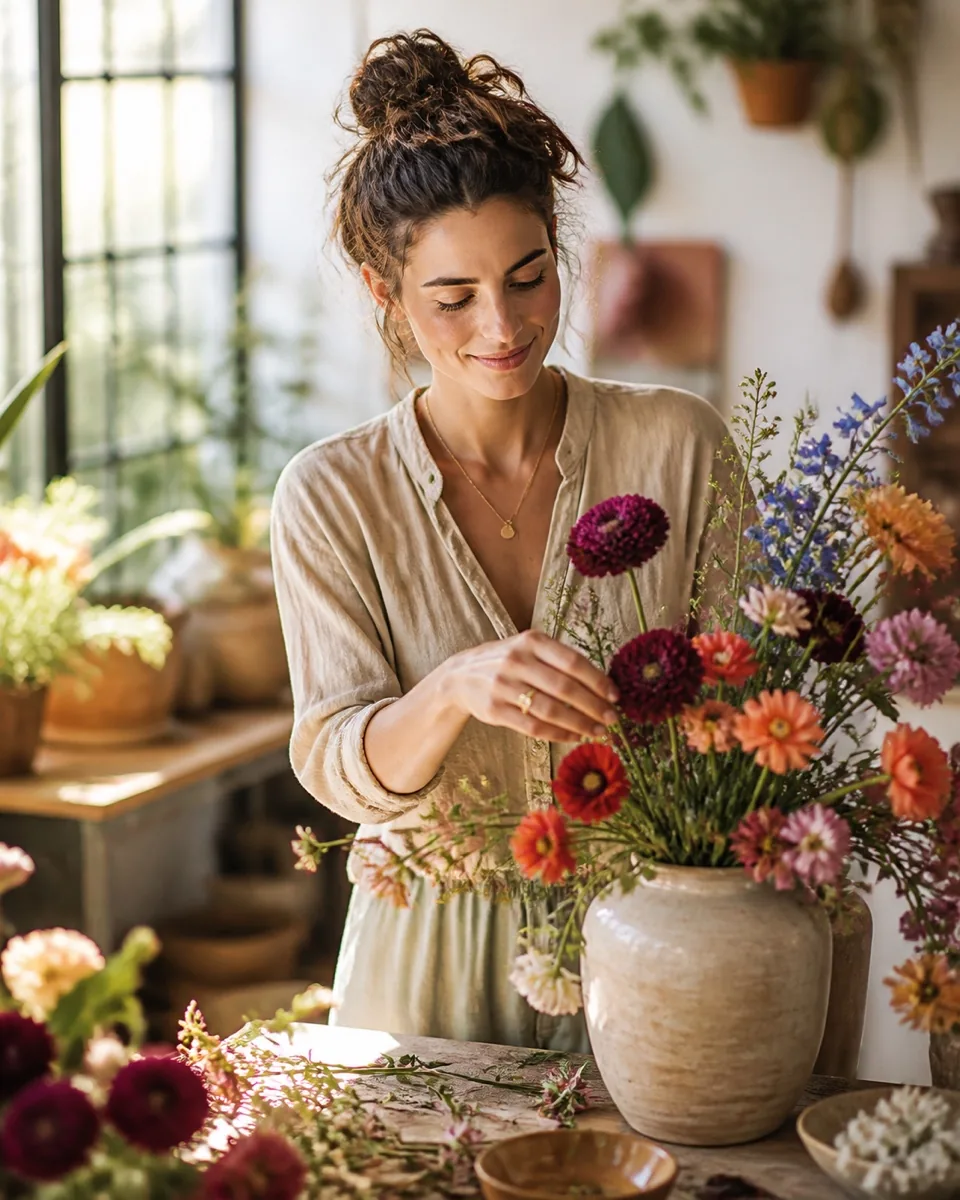
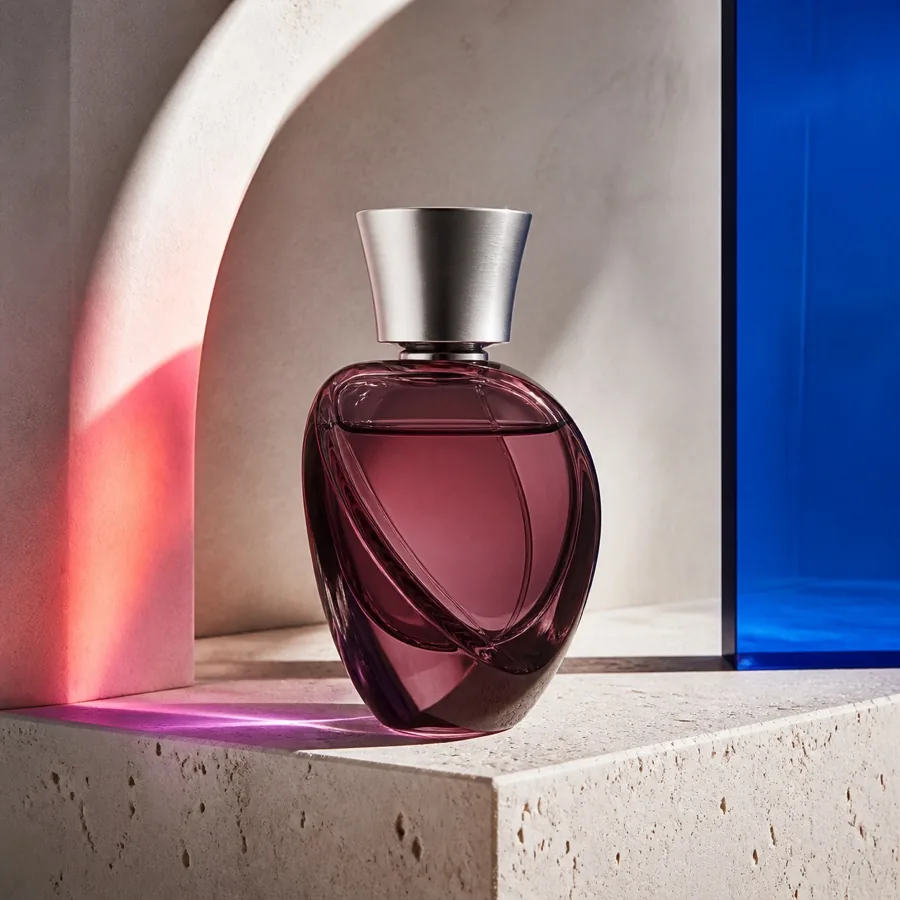
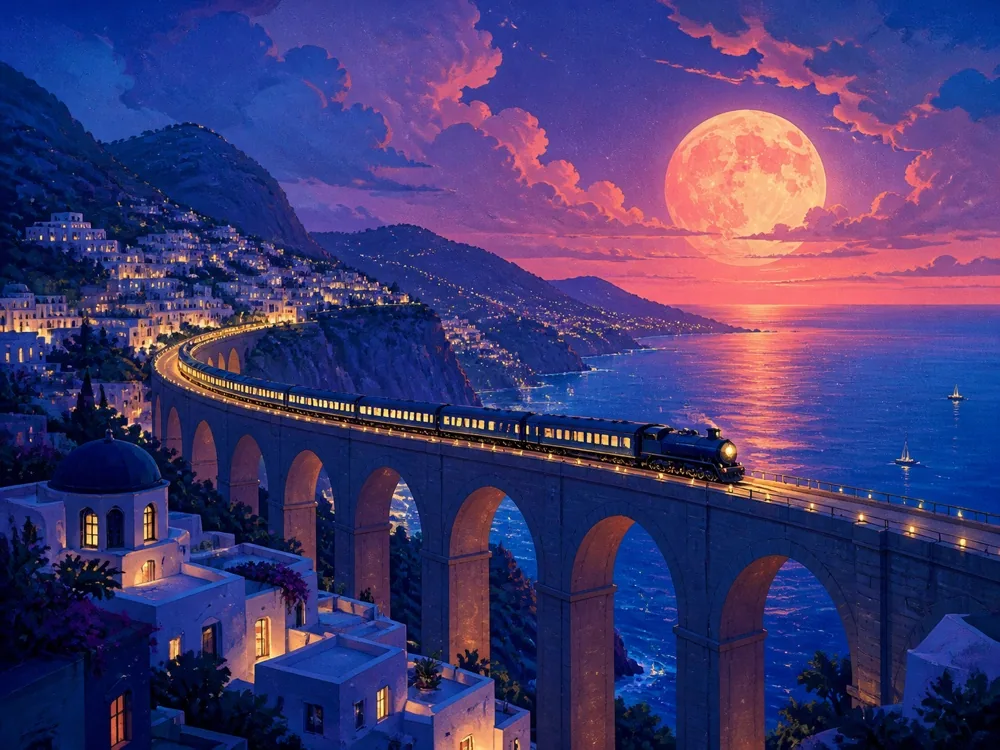
Describe a new image or upload one you already have. Generate fresh ideas, make precise edits and download a polished result without learning design software.
Popular image models
Describe the sound you want and turn it into a complete track. Try different genres, vocals and moods, then keep the version that feels right.
Create each piece in the same place and turn a simple thought into a complete story without switching tools or subscriptions.
Generate a character, product image, poster or scene that gives your idea a visual starting point.
Use the image as your first frame, choose a video model and add the movement you want.
Create an original track that matches the mood and finish a story ready to share.
One person, one idea, one finished piece you can post, share, sell or keep.
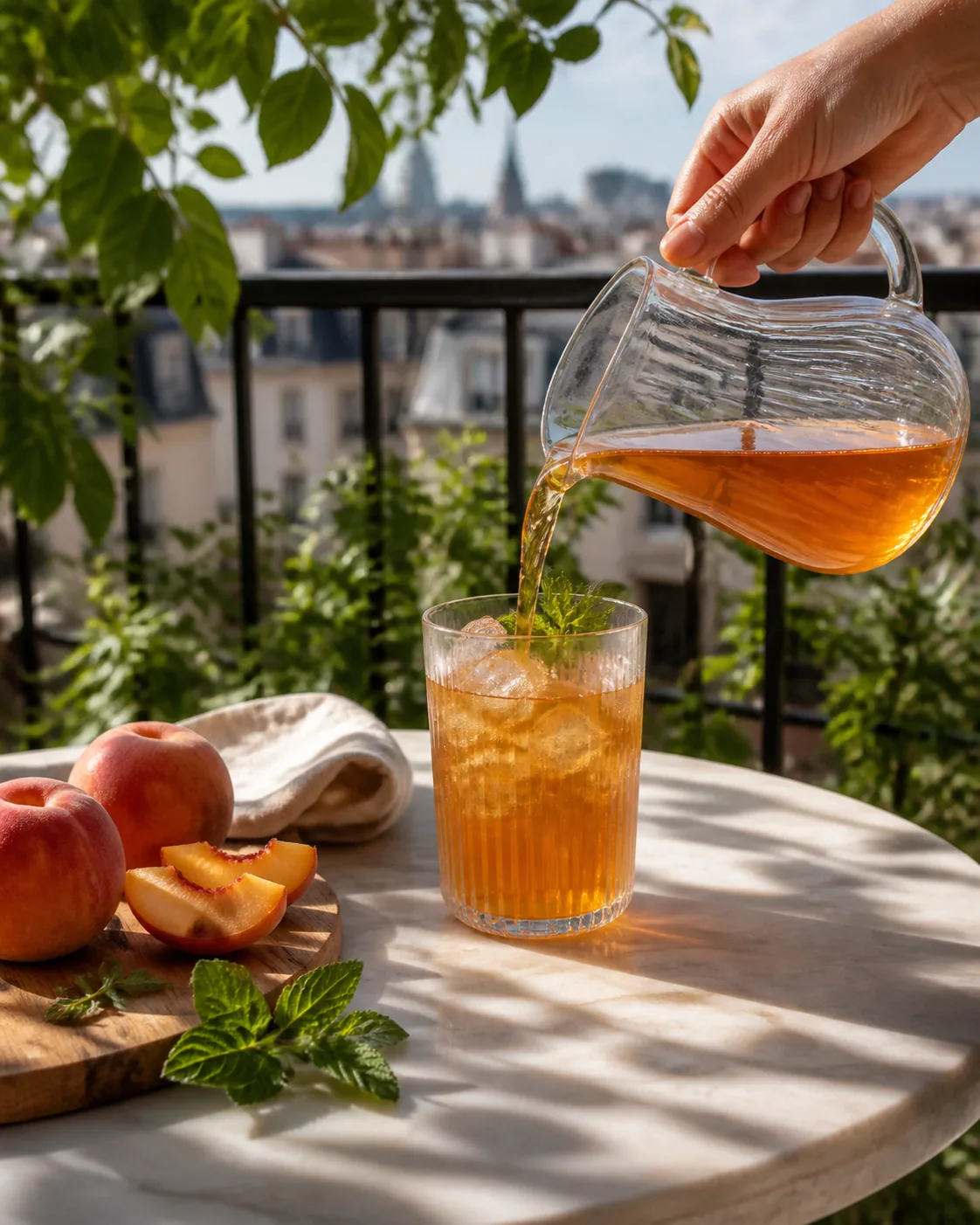
Create an original image, short clip and soundtrack for your next post without starting from a template everyone has seen.
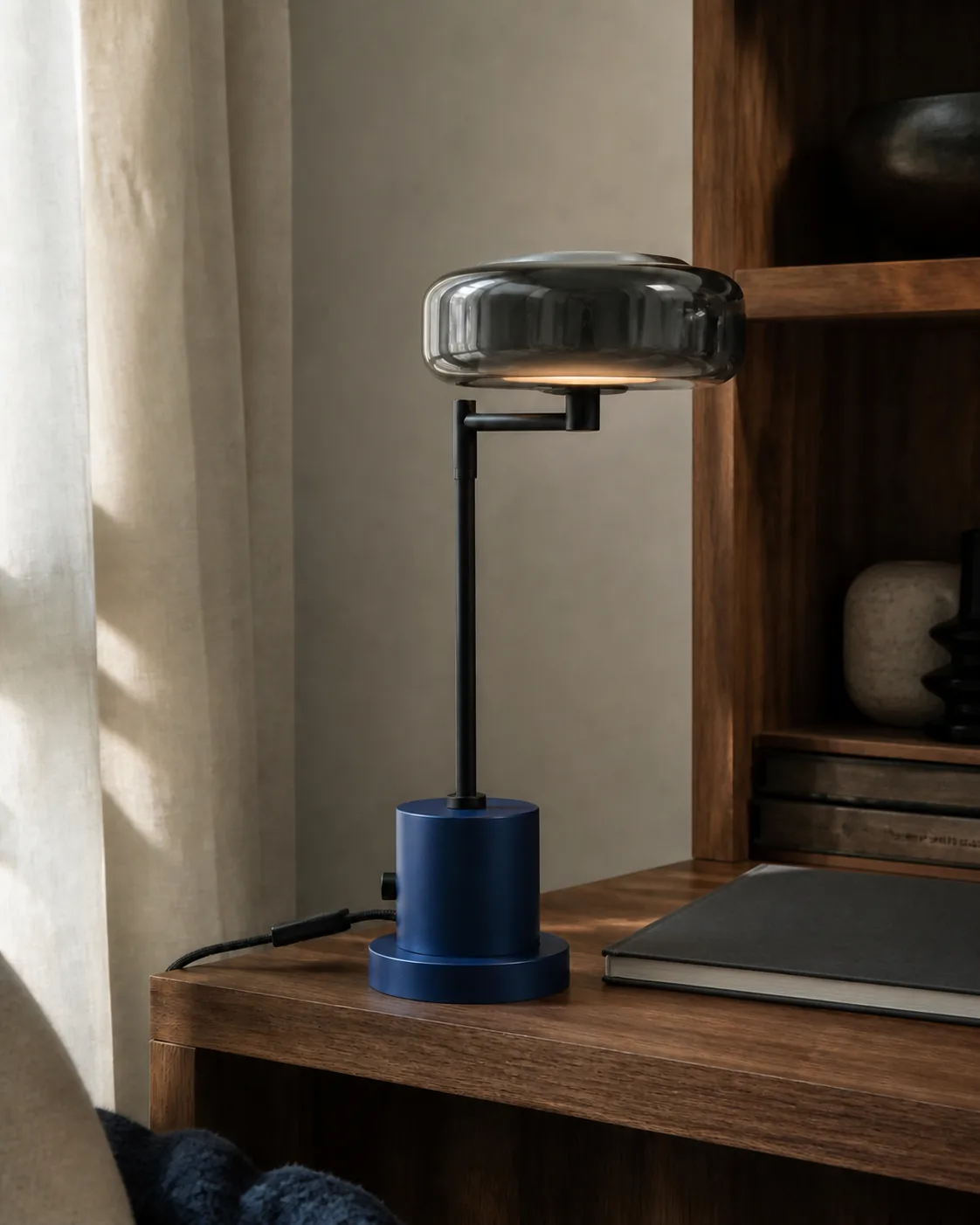
Turn a simple product photo into polished visuals and short promotional clips without arranging a full shoot.
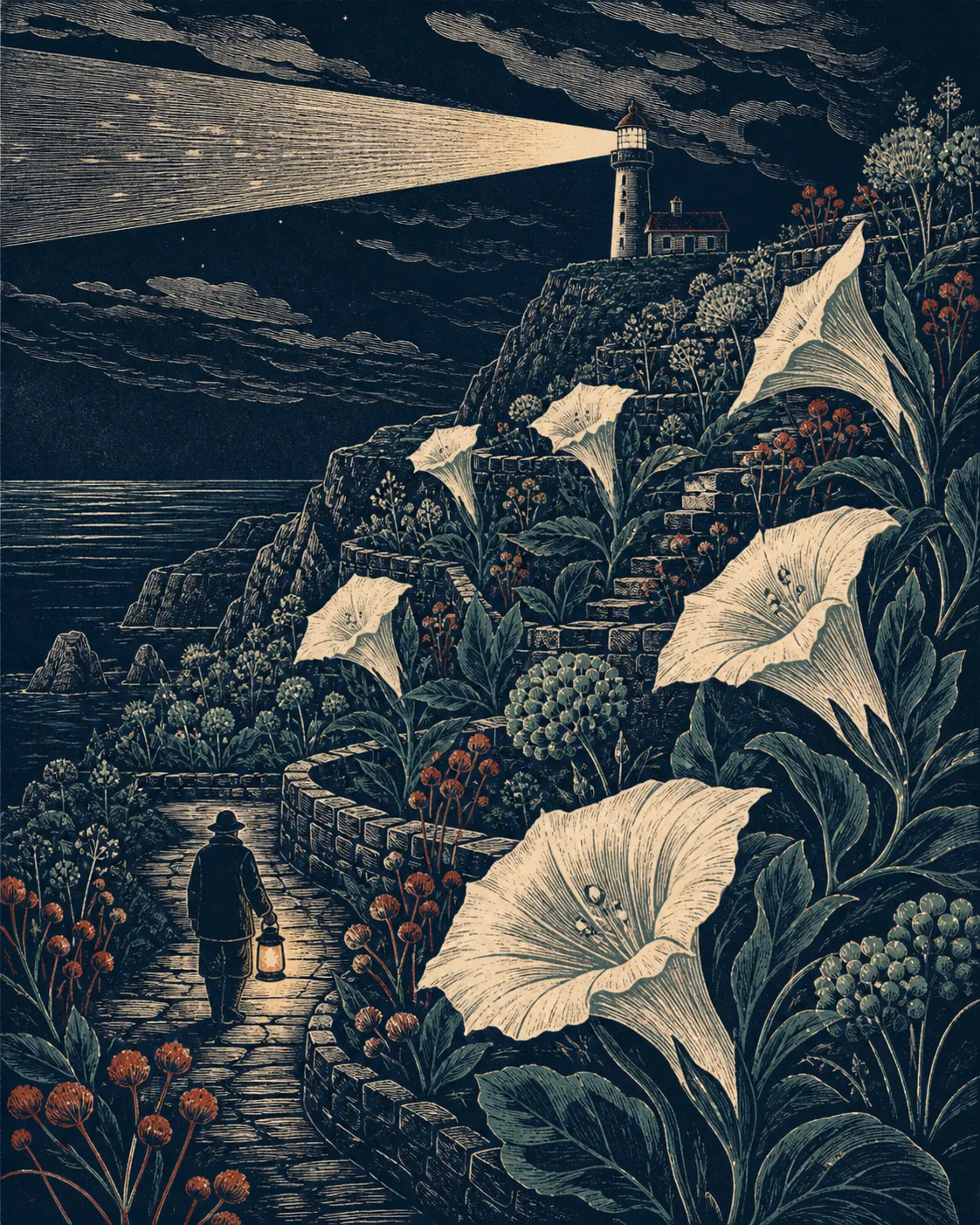
Make birthday songs, invitations, travel stories and creative keepsakes for the people and moments that matter.
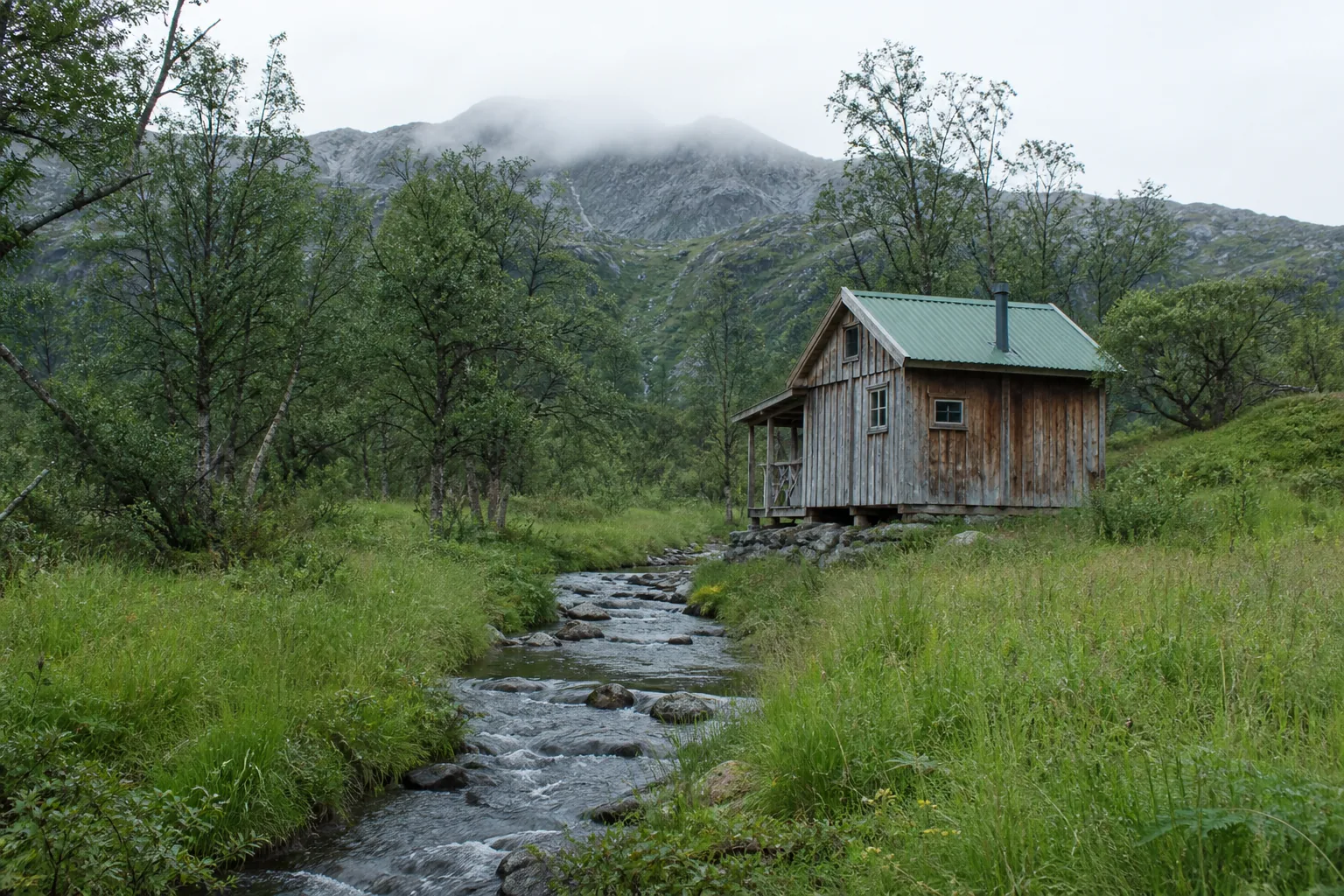
Animate a favorite photo, build a playful scene or add original music to a memory you want to share.
Choose from current video and image models instead of being locked into one option.
Create images, videos and music without managing a separate subscription for every tool.
Begin with everyday language, then open the controls when you want to shape the result further.
New models and useful creative options are added as the technology moves forward.
Everything you need to know before creating your first image, video or song.
MagicCreator lets you generate and edit images, create videos from text or photos, and make original music from a prompt or lyrics. You can use each tool on its own or combine them into one creative project.
MagicCreator brings together leading video models such as Seedance, Veo, Kling, Wan, PixVerse and MiniMax, plus image models including GPT Image, Nano Banana, Seedream, FLUX and Z-Image. The generator always shows the currently available models.
Yes. Model selection is always visible in the image and video generators. You can compare supported inputs and controls, choose a model directly, and switch models whenever another one suits your idea better.
No. Start by describing what you want in everyday language. MagicCreator keeps advanced choices available, but you do not need professional software or production experience to make your first result.
Commercial use depends on your plan, the selected model and the applicable terms. Review the current plan details and terms before using an output in paid work, advertising or products.
Generation cost varies by model and settings such as duration, resolution and audio. The generator shows the current credit cost before you submit, so you can make the choice yourself.
Start with an idea, choose your model and create an image, video or song in one place.