Kling 4.0 AI Video Generator

Explore the official Kling 4.0 workflow for longer stories, multi-keyframe direction, mixed references, stereo sound, and sharper output—then shape your idea with MagicCreator's available video models.

Up to 30-second videoUp to 10 keyframes720p, 1080p, and 4K
293 / 2500

Generate synchronized audio with the video

Ready to generate

Your generated video will appear here

Kling 4.0 Video Showcase

Explore four standout preview clips, then use the prompt ideas below to plan a similar scene with the video models currently available in MagicCreator.

Stage a Cinematic Boss Encounter

A wide game-like scene holds together through complex water, architecture, interface elements, and a large creature reveal.

Game-style actionLarge-scale motionStable scene detailCinematic camera

Carry Fast Action across a Wide Environment

A lion-dance performer crosses rooftops while the old town and modern skyline remain coherent through a long lateral move.

Fast subject motionWide environmentSideways trackingWarm sunrise

Control a Precise Multi-Step Transformation

Glowing symbols and particles respond to a hand gesture while the warm interior lighting and spatial relationships stay consistent.

Multi-step actionParticle effectsPrecise hand motionWarm interior light

Lock a Bold Style across Camera Motion

Neon light, wet reflections, a rider, and a futuristic city share one consistent cyberpunk look as the shot moves forward.

Cyberpunk styleRain and reflectionsForward camera moveNeon night lighting
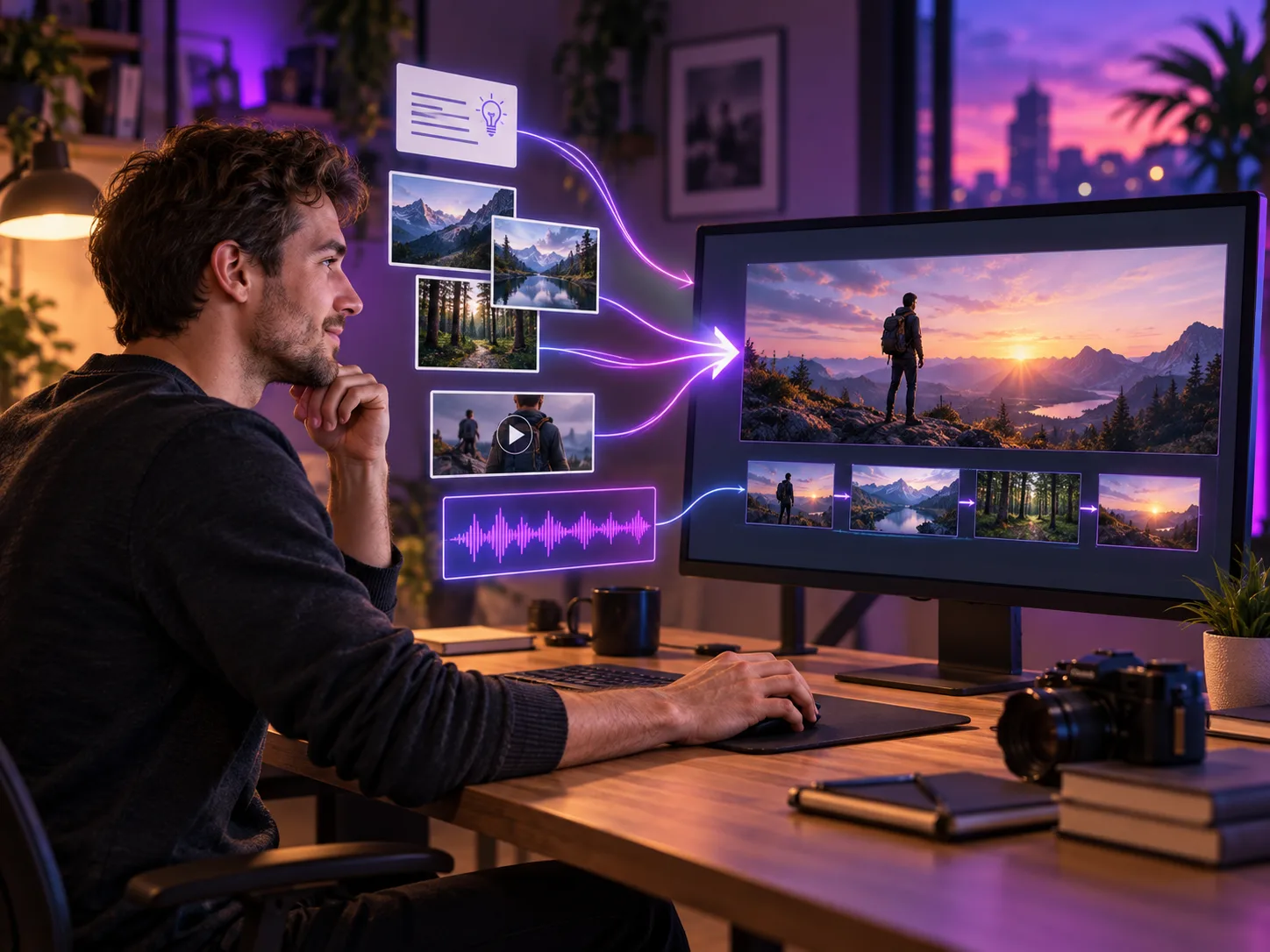
Concept illustration of a home creator combining a written idea, reference images, a video clip, and audio into one finished video sequence

What Is Kling 4.0?

Kling 4.0 is Kuaishou's next AI video model, scheduled for an official October launch. Kling 4.0 Flash entered limited early access on September 28, but the full model is not yet available in MagicCreator. Officially announced workflows include text to video, image to video, first-and-last frames, multi-keyframes, Omni Reference, video editing, native stereo audio, and output from 3 to 30 seconds.

  • A Unified Video Workflow
    The announced model brings prompting, frames, mixed references, editing, picture, and sound into one video creation system.
  • More Control across a Longer Story
    Official specifications list up to 10 keyframes and a 3–30 second duration, giving creators more room to place story beats and transitions.
  • MagicCreator Integration Is Pending
    Kling 4.0 is not yet selectable here. The generator above clearly shows the currently available models while this page tracks the confirmed 4.0 workflow.

Kling 4.0 Connects Story Beats, References, and Sound

The official announcement centers on three practical gains: directing a longer sequence, combining more creative references, and producing a more complete audio-visual result.

Direct Up to Ten Key Moments in One Story

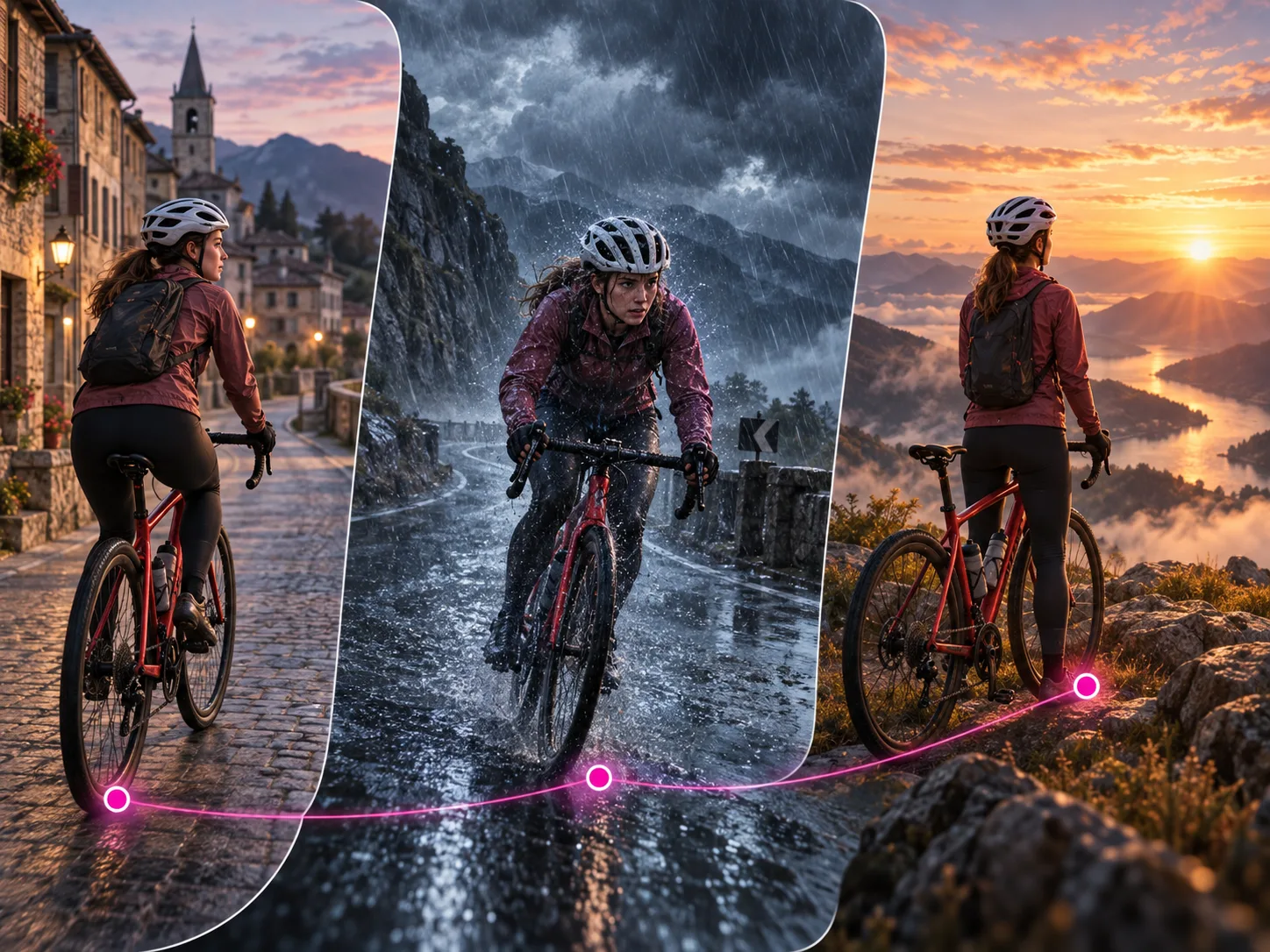
Provide keyframe images for important character states, scene changes, or story beats, then let the model generate the motion between them. With output up to 30 seconds, this workflow can support a short travel sequence, reveal, mini narrative, or continuous action instead of only one brief moment.

  • Use up to 10 keyframe images
  • Generate 3–30 second videos
  • Plan character states, scene changes, and story beats
Concept illustration of one cyclist progressing from a town through a rainstorm to a sunrise overlook across three connected story frames

Combine Images, Video, Voice, and Subjects

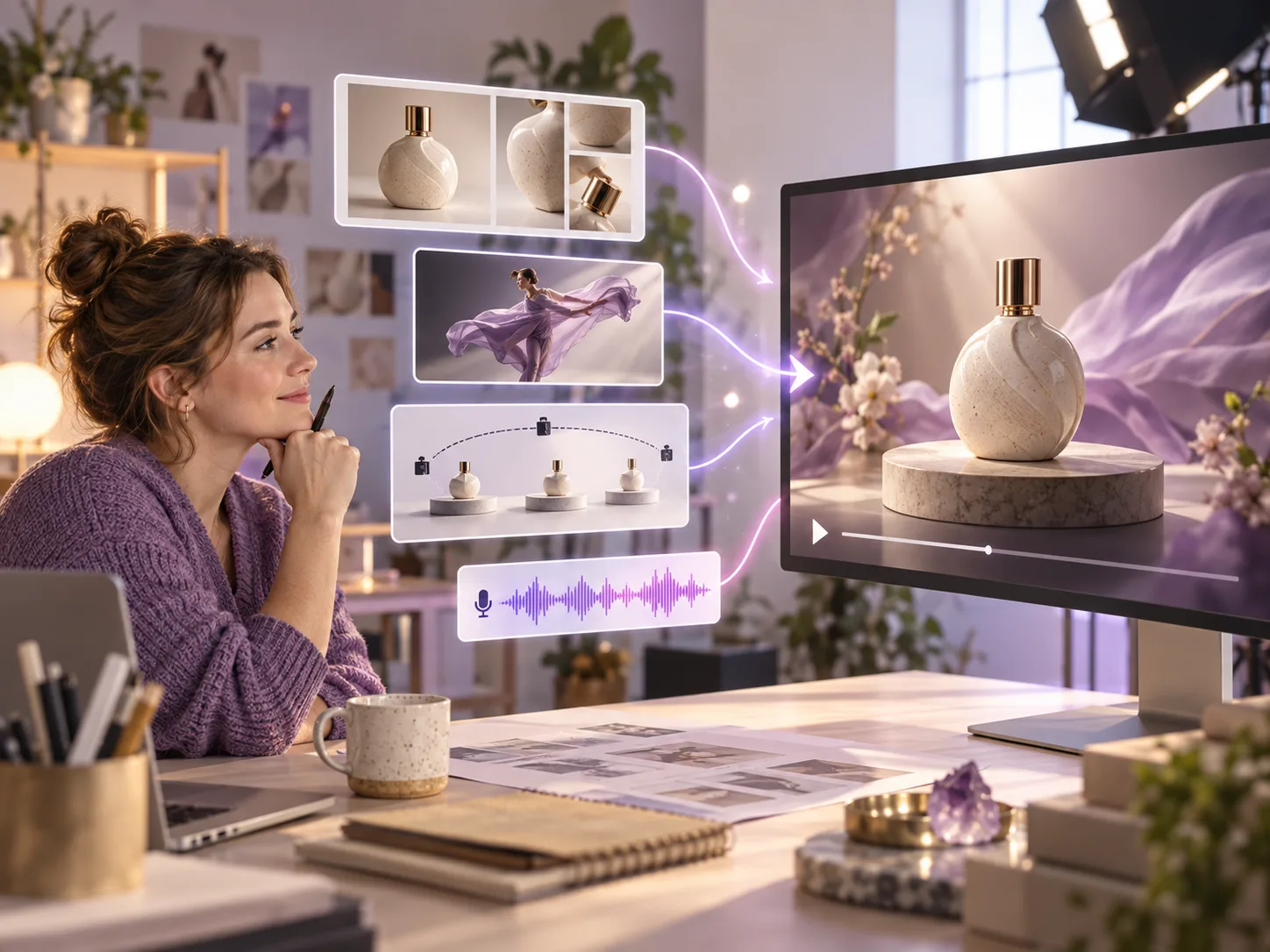
Use Omni Reference to bring several kinds of guidance into one generation. The official limit is up to 15 reference items across images, videos, voice, and subject elements, so a product photo can define appearance while another clip guides motion, pacing, or camera behavior.

  • Add up to 10 reference images
  • Use up to 5 reference videos totaling 30 seconds
  • Guide as many as 7 subject elements within the overall limit
Concept illustration of a small shop owner combining product photos, motion, camera, and voice references into a product video

Keep Motion, Dialogue, and Picture Working Together

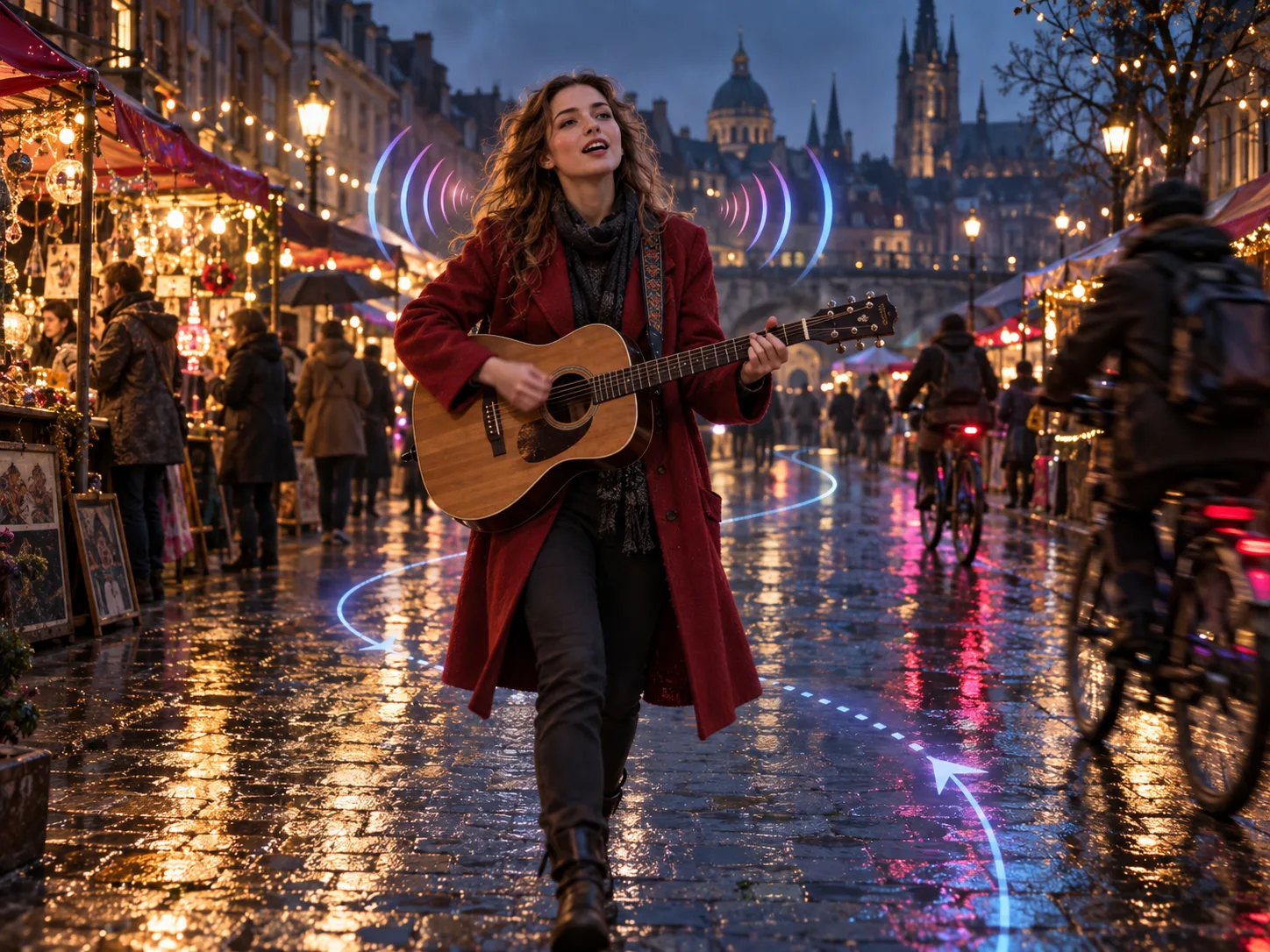
Kling's announcement emphasizes smoother large-scale motion, more natural expressions, improved lip sync, and two-channel stereo audio. The full model also lists 720p, 1080p, and 4K output; 10-bit HDR at 1080p and 4K is announced as coming soon.

  • Coordinate dialogue, performance, ambience, and music
  • Compose in 16:9, 9:16, 1:1, Auto, or 21:9
  • Plan for 4K and future 10-bit HDR delivery
Concept illustration of a street musician moving through a rainy night market with camera-path and stereo-audio cues

Plan a Kling 4.0 Video from Prompt to Final Shot

Use the announced workflow to prepare the story, references, timing, and sound now; select Kling 4.0 here once MagicCreator integration is available.

01

Choose the Right Starting Point

Begin with text, a first image, first and last frames, a set of keyframes, mixed references, or an existing video that needs a targeted edit.

02

Describe the Story and Add References

Write the action, camera, lighting, pacing, dialogue, and sound. Add only the images, clips, subjects, or voice reference that give the model useful control.

03

Set the Format and Generate

Choose a supported duration, resolution, and aspect ratio, then generate and review character consistency, motion, text, lip sync, and sound before downloading or revising.

Everyday Projects That Fit the Kling 4.0 Workflow

The announced controls are useful for self-contained videos that one person can plan, create, and publish for a practical or personal goal.

Small-Shop Product Videos

Combine product images with a motion or camera reference to build a short launch, demonstration, seasonal promotion, or social ad.

Short Stories and Mini Dramas

Place key character moments across several frames and use the longer duration to connect an opening, change, and payoff in one sequence.

Talking Characters and Vlogs

Coordinate a subject, voice, dialogue, expression, and camera movement for an introduction, reaction, personal update, or character scene.

Music and Performance Clips

Plan movement and camera rhythm together with stereo music, spoken lines, and ambience for a compact performance or visualizer.

Targeted Video Revisions

Change a background, expression, movement, camera position, style, character, or object while asking the rest of the source scene to remain stable.

Travel, Pets, and Memory Stories

Use favorite photos and clips as guidance for a connected recap, imaginative pet moment, family memory, or event highlight.

Kling 4.0 Release, Access, and Specs Explained

Direct answers about the official launch window, early access, MagicCreator availability, inputs, output, Flash variant, pricing, and open questions.

1

When is Kling 4.0 being released?

Kling's official release note says the full Kling 4.0 model will launch in October. It does not provide a specific day. Kling 4.0 Flash became available to a limited early-access group on September 28.

2

Can I use Kling 4.0 on MagicCreator now?

No. MagicCreator currently supports Kling 3.0, not Kling 4.0. The embedded generator shows the real available model list, and this page will be updated in place when 4.0 is integrated.

3

How long can Kling 4.0 videos be?

The official specification lists 3–30 second generation for the full Kling 4.0 model. Kling 4.0 Flash is listed separately at 3–20 seconds.

4

Does Kling 4.0 support 4K and HDR?

Kling lists 720p, 1080p, and 4K output. The release note says 10-bit HDR at 1080p and 4K is coming soon, so HDR should not yet be treated as universally available.

5

What can I use as a Kling 4.0 reference?

Officially announced inputs include up to 10 images, up to 5 reference videos totaling 30 seconds, a voice reference, and up to 7 subject elements, within an overall maximum of 15 reference items.

6

What is Kling 4.0 Flash?

Kling 4.0 Flash is the speed-and-value-focused variant for frequent generation. Its announced specification includes text to video, image to video, Omni Reference, 3–20 second output, 720p, and 8-bit SDR.

7

How much will Kling 4.0 cost?

Official Kling 4.0 pricing and MagicCreator credit costs have not been confirmed. MagicCreator will show the exact credit amount in the generator before a task is submitted once the model is integrated.

8

How is Kling 4.0 different from Kling 3.0?

Kling describes 4.0 as a major upgrade in realism, creative control, narrative completeness, audio-visual quality, multi-keyframes, lip sync, text generation, and creative recreation. A complete like-for-like public benchmark is not yet available.

Plan Your First Kling 4.0 Video

Draft the prompt, story beats, references, camera direction, and sound now, then use the same page when Kling 4.0 becomes available in MagicCreator.