
 Edit
EditPrecise edits · @k_matsumaru
Restore a Low-Resolution Frame Without Changing Its Style
Upscale a noisy frame while preserving its composition, palette and original rendering style.
Real prompts · Creator sources · Curated by MagicCreator
Continuously updated
Start with prompts creators actually shared. Copy the wording, inspect the result, then adapt the smallest detail you need.
Each example keeps its original source, required inputs and practical adaptation guidance visible.
70 curated prompts
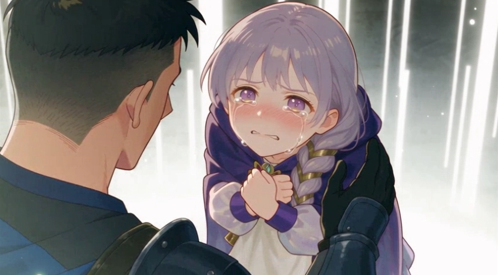
Featured restoration prompt · @k_matsumaru
Explore GPT Image 2.5 Prompts by Use Case
Filter by task or workflow, then open a card for the full prompt, inputs, result and creator notes.
70 prompts
Use these GPT Image 2.5 editing prompts when one part of an existing image should change while its style, composition or subject stays recognizable. The examples cover targeted object movement, lighting that responds to the edit and low-resolution restoration. Open a card to compare the supplied image with the creator-reported result and copy the exact instruction when available.
EditPrecise edits · @k_matsumaru
Upscale a noisy frame while preserving its composition, palette and original rendering style.
 Edit
EditPrecise edits · @higgsfield_ai
A single-object edit relocates a lamp and updates the illumination while preserving the rest of the room.
 Edit
EditPrecise edits · @higgsfield_ai
Use an intentionally terse instruction to remove conspicuous AI-looking defects while leaving the overall image intact.
 Edit
EditPrecise edits · @ponzponz15
Preserve an existing poster's composition and world while changing the viewpoint to a male audience and replacing all displayed text.
 Generate
Precise edits · @magu_ai_h
Treat noisy-looking overlaps in fine illustrated hair as unwanted translucency, then explicitly keep every strand opaque and suppress lower layers.
Explore prompts for placing an existing product in a new studio scene, building consistent UGC images and turning product references into advertising visuals. These examples show which source images the workflow needs, what the prompt asks the model to preserve and how to adapt the setup for your own packaging, background, lighting or campaign format.
 Workflow
Products & ads · @Mho_23
Use Astra to extract visual direction, then keep the product and character consistent across a set of UGC images.
 Edit
EditProducts & ads · @eptwts
A four-variant contact sheet keeps an uploaded app screen readable while changing the creator, pose and home setting for UGC video openings.
Browse GPT Image 2.5 examples that combine readable text with a deliberate visual layout, including posters, social screens, classroom diagrams and multi-page learning materials. Use them to study how creators specify copy, hierarchy, spacing and visual style together. Check every generated word before publishing, especially in educational, promotional or multilingual designs.
 Generate
Text & layout · @LuminaBench
A four-image showcase tests readable text inside photographic, editorial and graphic compositions.
 Generate
Text & layout · @msdkim0424
A one-shot set of educational diagrams keeps equations, axes, labels and callouts legible and spatially separated.
 Edit
EditText & layout · @sakisuta_
Use a portrait as the subject reference and rebuild it as a believable vertical livestream interface.
 Generate
Text & layout · @kiyoshi_shin
A natural-looking ramen photo is combined with large Japanese display type, pricing and layered promotional accents.
 Generate
Text & layout · @KevinYu77034270
A structured bilingual lesson uses headings, objectives, vocabulary groups, icons and illustrations across four coordinated pages.
 Generate
Text & layout · @ImagineArt_X
Run the same six prompts through GPT Image 2 and GPT Image 2.5 Sunburst to compare fashion composition, technical diagrams, period graphics, comics, dense notice-board text and cel animation.
 Workflow
Text & layout · @bogdan_qclay
Combine GPT Image 2.5 assets with GPT-6 Astra to create a polished automotive diagnostic-device landing page in one pass.
 Workflow
Text & layout · @viktoroddy
Use GPT Image 2.5 for a cinematic planetary visual system and GPT-6 Astra to assemble it into a polished landing-page experience.
 Edit
EditText & layout · @minchoi
Turn a character photo and destination into an information-dense travel magazine page with readable sections, recommendations and integrated sightseeing photography.
 Workflow
Text & layout · @zemaj
Compare the same UI briefs and ordered visual references across GPT Image 2 and GPT Image 2.5 Flare and Sunburst, including multiple quality levels.
Find workflows for keeping a character, object or scene recognizable across repeated edits and generated frames. The collection includes photo sequences, sprite animation, storyboards, avatar expressions and stop-motion projects. Each example separates the stable reference from the changing pose, angle or action so you can see how consistency is managed over a longer sequence.
 Workflow
Reference consistency · @charlierguo
A short stop-motion clip assembled from GPT Image 2.5 frames while keeping the clay character and handcrafted scene coherent.
 Workflow
Reference consistency · @chetaslua
A side-by-side rotation test shows a blue cube holding its position, scale and background more consistently across generated frames.
 Edit
EditReference consistency · @ctgptlb
A robot picks up, raises and returns a glowing star over nine chained edits while its face, materials and background stay recognizable.
 Workflow
Reference consistency · @ivanainai
Thirty-six GPT Image 2.5 images were stitched in Codex into a six-second stop-motion clip without a video model.
 Generate
Reference consistency · @ZeroZ_JQ
A single contact sheet varies pose, gaze and framing across twelve moments while keeping the same person, outfit, street and light.
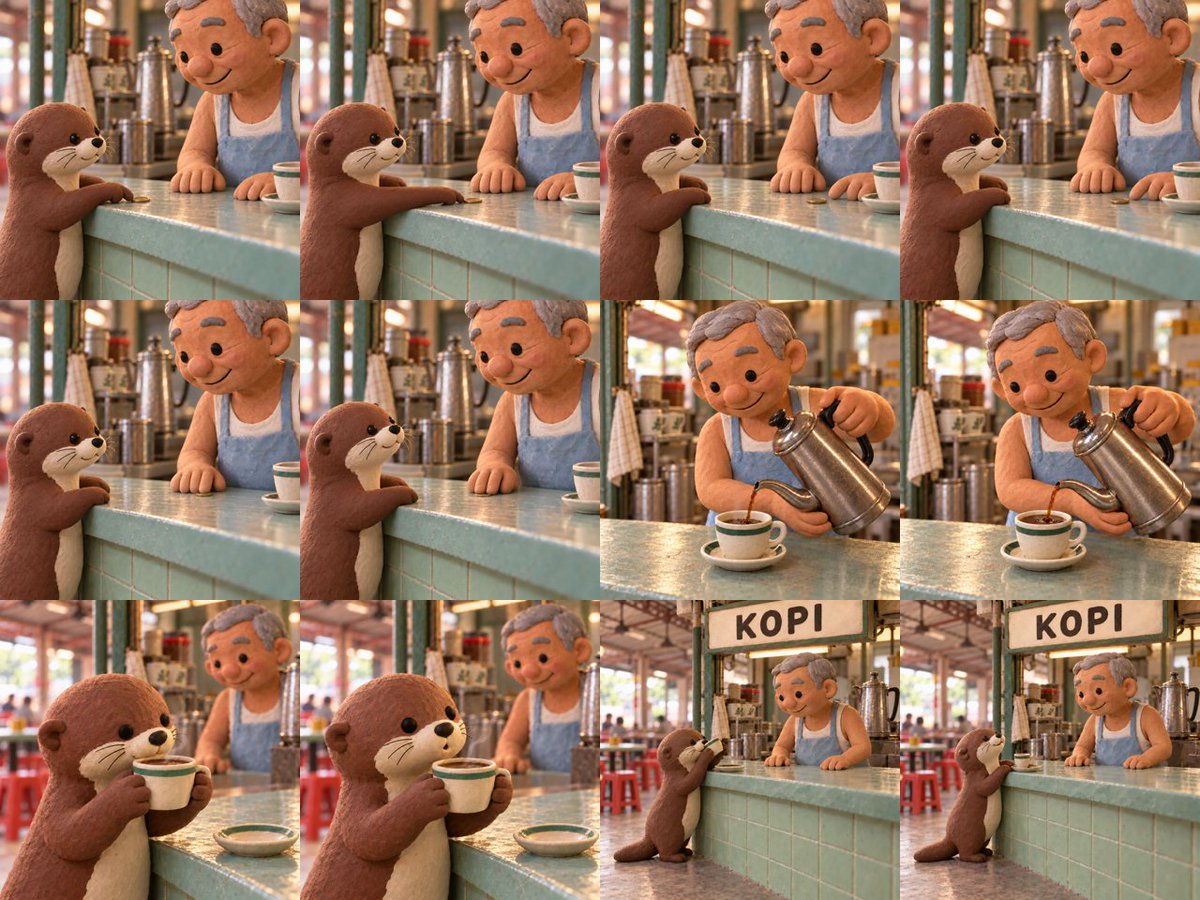 Workflow
Reference consistency · @gabrielchua
Ninety-nine GPT Image 2.5 Sunburst frames preserve the characters and stall across edits before Astra assembles the stop-motion film.
 Workflow
Reference consistency · @nemumusitocha
GPT Image 2.5 creates a set of facial expressions that an Astra-built app maps to iFacialMocap tracking.
 Workflow
Reference consistency · @EHuanglu
GPT Image 2.5 creates consistent character sheets, props, a kitchen reference and a detailed storyboard before Seedance 2.5 turns the package into a film scene.
 Workflow
Reference consistency · @Mayz1169
Convert an uploaded character into a consistent 16-frame chibi pixel-art sprite sheet, then export the transparent sheet, looping GIF and individual frames.
 Workflow
Reference consistency · @higgsfield_ai
Use one tightly constrained motion brief to compare design preservation and movement quality between GPT Image 2.0 and GPT Image 2.5.
 Workflow
Reference consistency · @elle_elle_e
Create matching pixel-art variation frames one at a time, preserving composition and scale so they can be joined into a smooth GIF.
 Generate
Reference consistency · @higgsfield
Keep a carved wooden chess knight centered and structurally stable through a full 360-degree studio rotation.
 Edit
EditReference consistency · @higgsfield
Rotate two matching gothic anime figures in sync while preserving faces, costumes, swords, bases and fixed studio framing.
 Workflow
Reference consistency · @higgsfield
Generate a new character from a text prompt with GPT Image 2.5, then use GPT-6 Astra to apply it as a live camera face changer.
 Workflow
Reference consistency · @higgsfield_ai
Start from one photographed book page, generate the animated scene with GPT Image 2.5, use Astra for the workflow and add sound design in REAPER with Soundly.
 Edit
EditReference consistency · @pureso_studio
Create multiple walking and combat poses while preserving a pixel character's outfit and keeping both feet involved in the motion.
 Edit
EditReference consistency · @higgsfield_ai
Test whether a new frame can preserve an object's position and lighting instead of silently redesigning the scene.
 Edit
EditReference consistency · @ZHO_ZHO_ZHO
Apply a distinctive design style across repeated turns to test reference transfer quality and where long conversations begin to drift.
 Edit
EditReference consistency · @higgsfield
Use a rough geometry guide to render a polished orange spiral while locking every coil, camera angle, contact point and frame position.
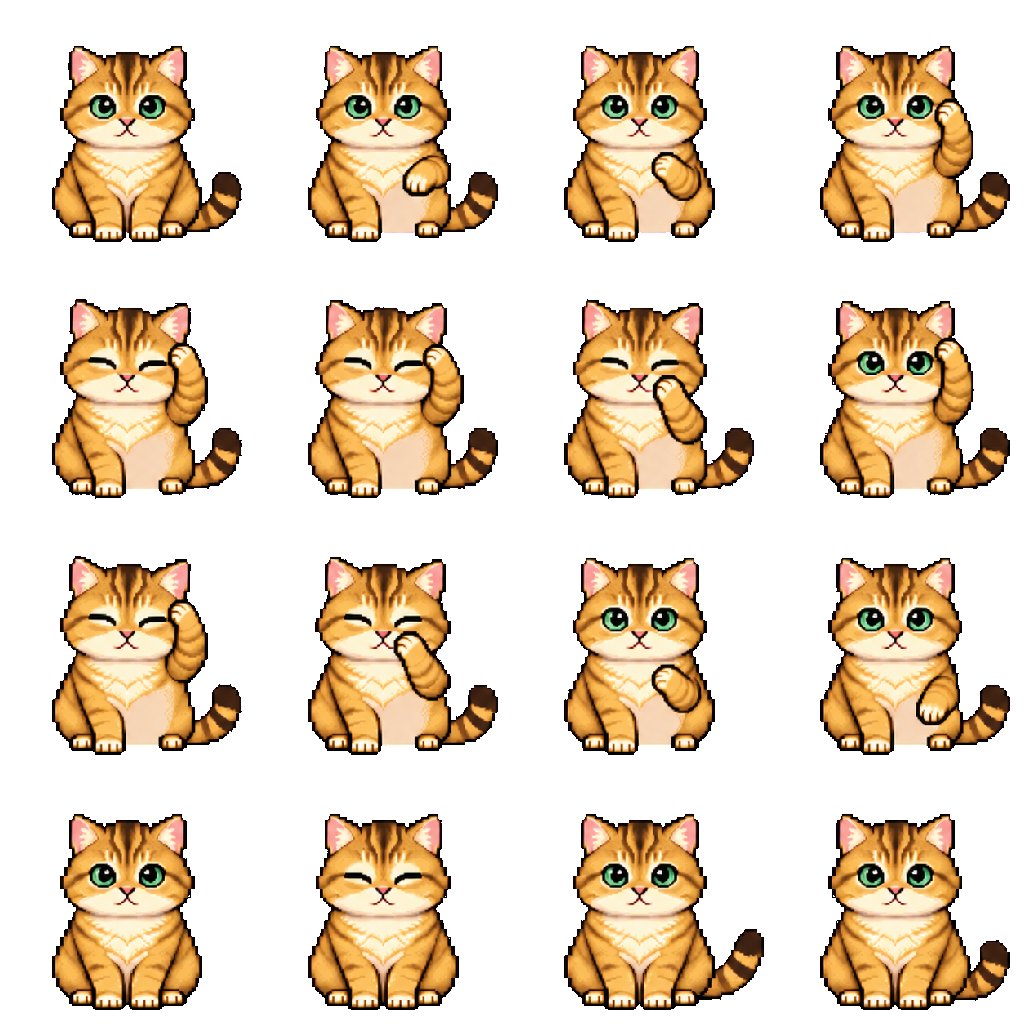 Edit
EditReference consistency · @Mayz1169
Convert a pet reference into 16 consistent pixel-art idle frames, with instructions for transparent PNG, GIF and individual-frame exports.
 Edit
EditReference consistency · @thefinnmckenty
Keep the content of one reference while borrowing the medium, palette, mood, texture and rendering technique of a second reference.
 Workflow
Reference consistency · @abxxai
Create matching character sheets and a location frame with GPT Image 2.5, then use them as identity and scene references for a realistic video workflow.
 Edit
EditReference consistency · @8co28
Use a single character reference to generate a 3×3 contact sheet of deliberately awkward amateur photos while preserving the character's identity and outfit.
 Workflow
Reference consistency · @muku_sns
Generate six coherent game-like stills from a childhood summer-vacation script, then use them as references for a continuous video sequence.
 Workflow
Reference consistency · @agi_aibusi
Lay out a complete magical transformation as a 4×4 sequence, keeping one character recognizable as energy builds, the costume changes and the final poses settle.
Turn a rough drawing into a more finished image without losing the idea that made the sketch useful. These GPT Image 2.5 prompts cover fashion concepts, composition changes, architecture and a sketch-to-3D workflow. Compare the input and output, then state which silhouette, placement or structural detail must survive when you replace the reference with your own sketch.
 Edit
EditSketch to image · @Synthetic_Copy
A minimal sketch redirects the composition while the source image's surreal editorial style and material details remain intact.
 Edit
EditSketch to image · @peter6759
A tiny architectural doodle becomes a polished wide-format concept image while preserving the sketch's central silhouette.
 Workflow
Sketch to image · @karankendre
GPT Image 2.5 turns a hand-drawn jet into a realistic reference before Astra reconstructs it as a 3D Blender model.
 Edit
EditSketch to image · @yanabana
Translate an original garment sketch into a polished runway photograph while retaining the design's distinctive silhouette, colors and construction.
Explore standalone image prompts and larger creative workflows built around GPT Image 2.5 assets. Examples range from portraits and detailed environments to game sprites, panoramas, Blender references and interactive projects. The notes identify when another tool such as Astra, Blender, Unreal Engine or Three.js handles a later step, so the image model’s role stays clear.
 Generate
Creative generation · @mark_k
A deliberately short forest prompt used to inspect foliage detail and the model's remaining noise artifacts.
 Workflow
Creative generation · @higgsfield
Higgsfield's launch reel shows GPT Image 2.5 across product-consistent imagery, editorial compositions, readable text and knowledge-driven graphics.
 Workflow
Creative generation · @Fomsky_Wei
Generate the full draw-and-fire motion as a pixel-art sprite sheet, then cut the frames into a looping animation.
 Generate
Creative generation · @meng_dagg695
Combine cracked porcelain, asymmetrical mechanical eye sockets and dense cabling in a high-contrast photographic portrait.
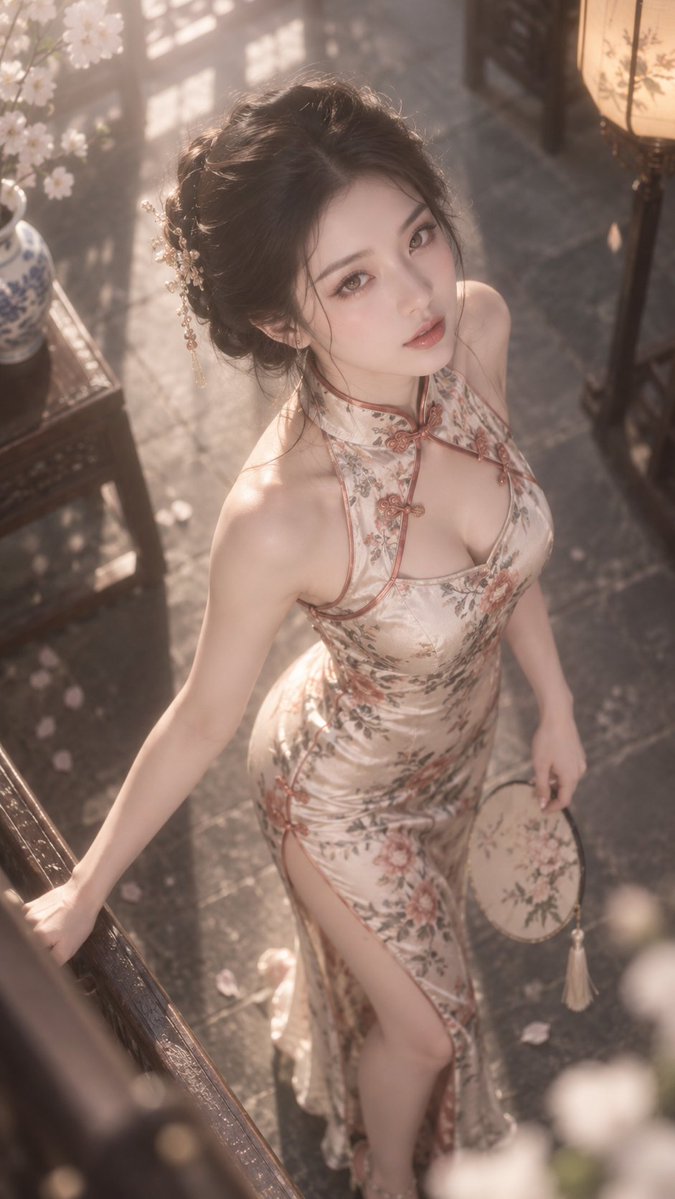 Generate
Creative generation · @BubbleBrain
A short portrait prompt produces a vertical fashion image with soft bloom, a steep camera angle and a delicately lit traditional interior.
 Workflow
Creative generation · @higgsfield_ai
GPT Image 2.5 supplies the visuals for a hand-tracked journey from the first cell to modern humans, with Astra building the interaction.
 Workflow
Creative generation · @higgsfield_ai
GPT Image 2.5 generates imagery for a Unity fighting game that Astra assembles with touch controls, animation clips and mobile-ready 3D assets.
 Workflow
Creative generation · @higgsfield_ai
GPT Image 2.5 assets feed an Astra-built Unreal Engine remake, with Blender used for its 3D animation.
 Workflow
Creative generation · @old_pgmrs_will
A cube-city concept generated with GPT Image 2.5 becomes the visual reference for Astra's Blender reconstruction.
 Workflow
Creative generation · @KanaWorks_AI
A ChatGPT Images 2.5 panorama feeds an Astra-built tool for compositing character video and exporting YouTube-ready 360° footage.
 Workflow
Creative generation · @SimonasLTU1
ChatGPT Images 2.5 and Tripo3D produce a GLB before Astra rigs and animates it for a Three.js browser scene.
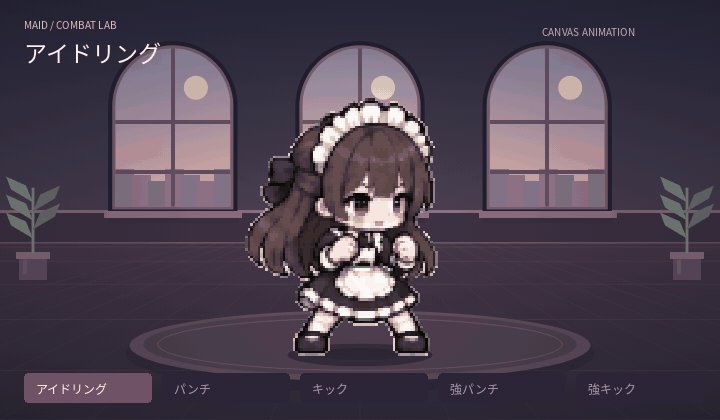 Workflow
Creative generation · @YuK1_Game
A first-pass fighting animation combines artwork from GPT Image 2.5 with Astra Pro's implementation work.
 Workflow
Creative generation · @8co28
Simplify a character into 128-pixel combat poses, arrange sixteen frames in a 4 × 4 sheet, then clean the background and align the frames for a GIF.
 Generate
Creative generation · @0xROAS
Create a highly realistic vertical portrait with natural skin texture, subdued lighting and an everyday phone-photo feel.
 Generate
Creative generation · @gabrielchua
Generate the classic Will Smith eating spaghetti benchmark as a coherent animated scene with detailed food and facial motion.
 Generate
Creative generation · @leploutos
Render a wet survivor, wreckage and a running dog on a storm-lashed beach with layered sunset lighting and cinematic depth.
 Generate
Creative generation · @TimJayas
Use a dense forest scene to compare richer texture and sharper detail against the risk of extra visual noise.
 Generate
Creative generation · @NguynTu135869
Run the same prompt through GPT Image 2 and 2.5 to compare color, texture, atmosphere, lighting and photographic restraint.
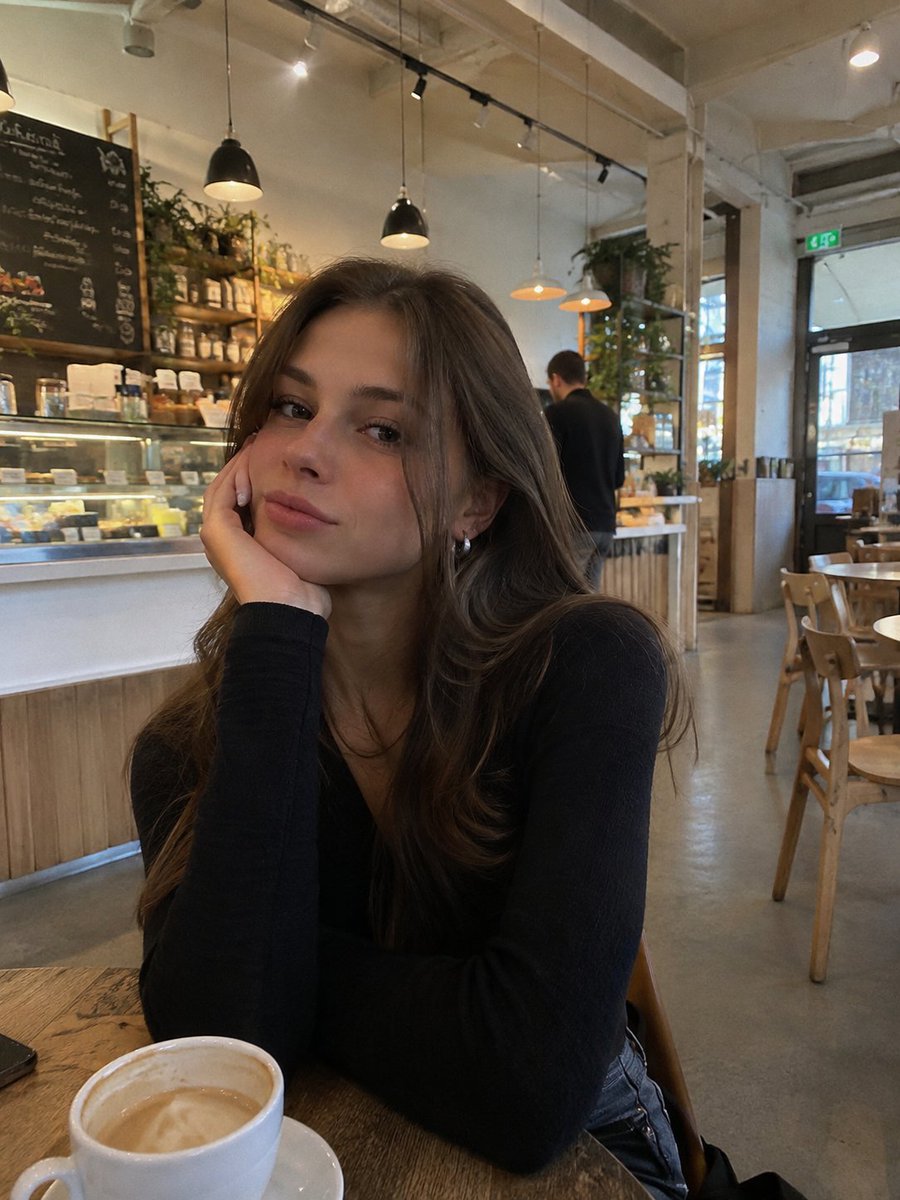 Generate
Creative generation · @blueemi99
Generate a casual phone-camera photograph of a woman in a cafe from a short natural-language request.
 Generate
Creative generation · @leploutos
Use a deliberately plain beach portrait to compare skin, gaze, hair, gray light and depth across four leading image models.
 Generate
Creative generation · @notjazii
Create a cinematic ensemble scene imagining the ending of Avengers: Doomsday with detailed characters, costumes and environment.
 Generate
Creative generation · @higgsfield
Build a tightly staged dragon-versus-samurai scene with a limited cherry-red, black and white palette and distressed photocopy texture.
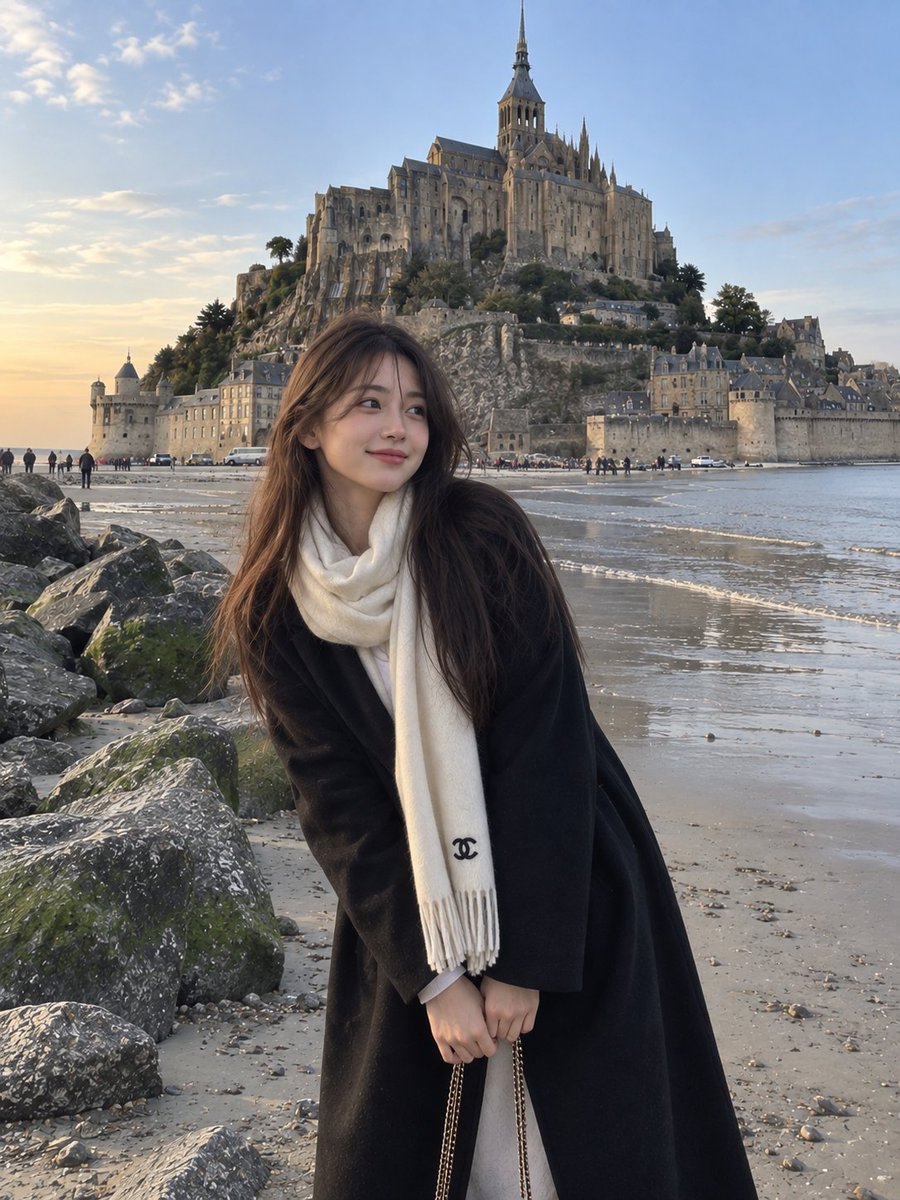 Generate
Creative generation · @saniaspeaks_
Generate a realistic vertical travel portrait with a carefully placed subject, recognizable coastal architecture and natural smartphone-like detail.
 Workflow
Creative generation · @techhalla
Use a repeatable field-by-field prompt format to specify subject, moment, camera, composition, light, material detail and deliberate smartphone flaws before animating the frames.
A practical starting point
GPT Image 2.5 follows precise edits well when you separate what must stay fixed from what may change.
Use the original image for edits, and add a second reference only when it contributes style or product identity.
Say what must remain unchanged before describing the one variable you want to alter.
Keep the successful base and make narrow follow-up edits instead of rewriting every instruction.
Open GPT Image 2.5 in MagicCreator, upload your references and start from a prompt above.
An independent prompt collection, not an OpenAI product. Examples and images belong to their creators and link to the original posts.
MagicCreator