
 Generate
Transparent assets · @PhotoX86
Generate a Cartoon Sticker With Native Transparency
Use Qwen's recommended RGBA wording to create a cutout-style asset with an alpha channel instead of a baked background.
Real prompts · Original sources · Curated by MagicCreator
Open-weight prompt collection
Start with prompts that Qwen or real creators actually published. See the reported result, copy the wording and adapt one controlled part at a time.
Every entry keeps its source, input requirements and practical adaptation notes visible.
9 curated prompts
Featured RGBA prompt · @PhotoX86
Explore Qwen Image 2.1 Prompts by Use Case
Filter by task, then open a card for the complete prompt, required inputs, reported output and source.
9 prompts
Use the model's native transparency for stickers, interface artwork and cutout-ready assets. These prompts make the alpha requirement explicit instead of merely asking for a plain or white background. Save the result as PNG or another alpha-preserving format, and inspect edge quality before compositing.
GenerateTransparent assets · @PhotoX86
Use Qwen's recommended RGBA wording to create a cutout-style asset with an alpha channel instead of a baked background.
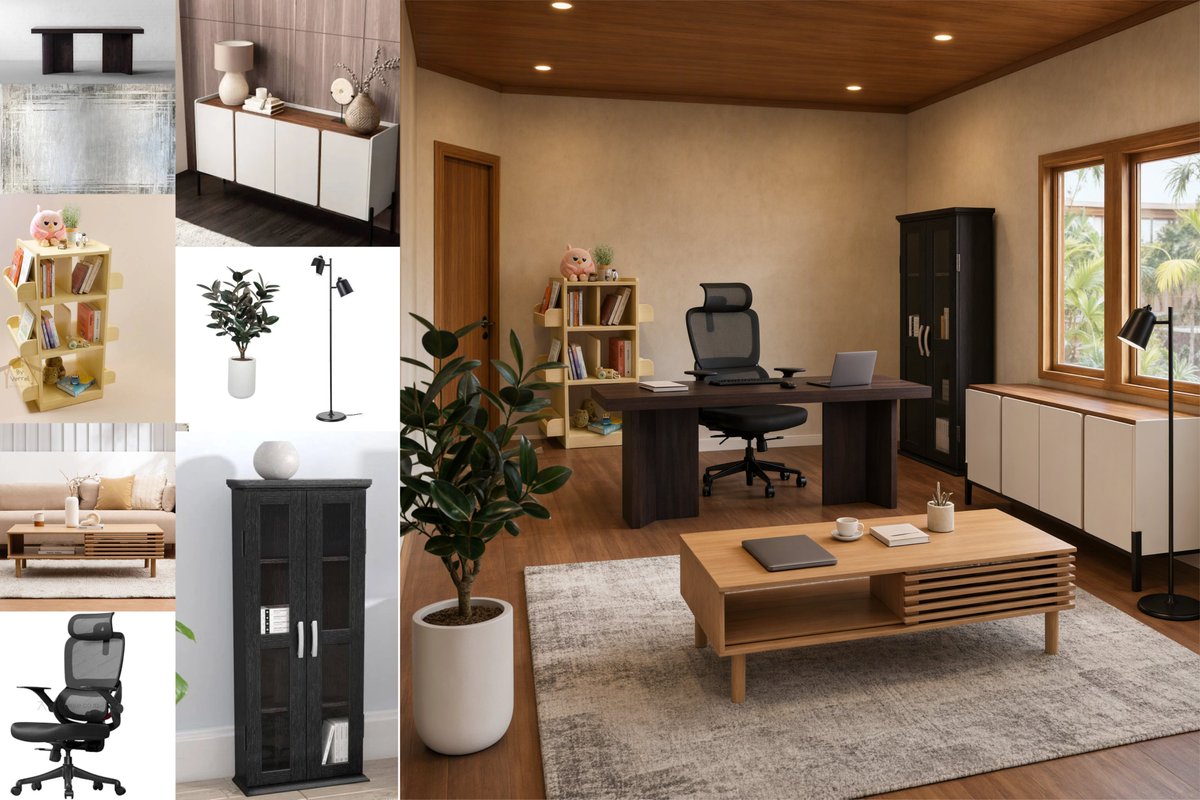
Combine several people, products or furniture references without letting their original backgrounds leak into the final scene. The strongest prompts number the inputs, assign one role to each image and state which environment, camera and lighting must remain fixed.
 Edit
EditMulti-reference · @junwatu
Assign one role to each reference image while preserving the room, camera and architecture as the fixed scene.
These three characters are sitting around a campfire in a forest
Multi-reference
A minimal official multi-reference instruction that gives three supplied characters one shared action and environment.
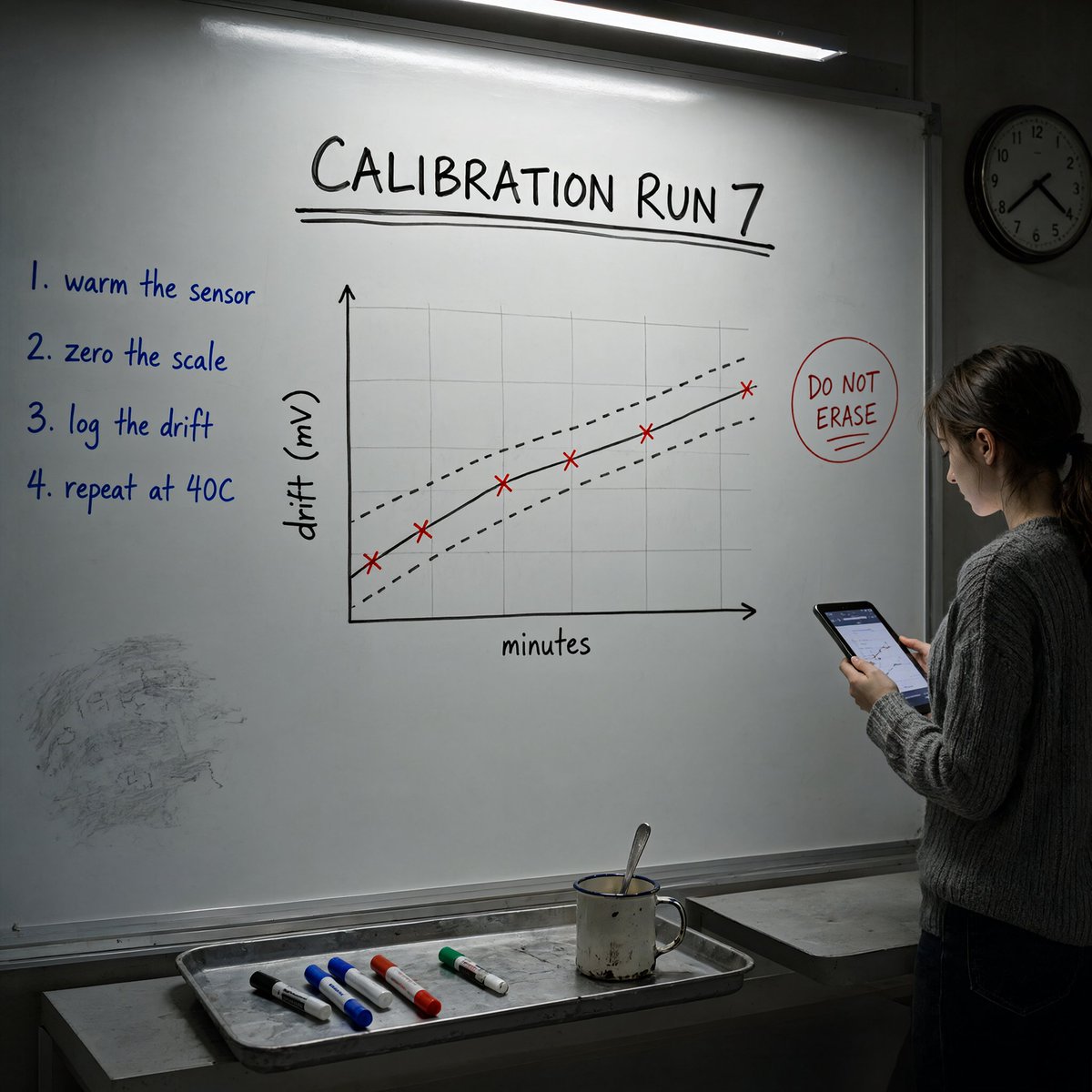
Explore typography-heavy prompts for signs, whiteboards, posters and character infographics. Put every required string in quotation marks, attach it to a clear region and reduce copy when readability matters more than density. Generated text still needs human proofreading.
 Generate
Text & layout · @guitaripod
Stress-test exact labels, numbered instructions, a chart and physical props inside one realistic photograph.
 Edit
EditText & layout · @junwatu
Build a magazine-style profile poster with a preserved face, fixed title bar, information cards, swatches and a radar chart.
A neon shop sign that reads "QWEN IMAGE 2.1", rainy night, reflections on wet pavement
Text & layout
A compact official example that combines quoted display text with weather, surface reflections and a night setting.
Change a specific visual variable while protecting identity, composition or product details. State the preservation boundary first, describe the allowed change second and list modern or unwanted elements to exclude when the edit depends on a period or style.
 Edit
EditPrecise edits · @VictorMotricala
Change hair, clothing and surroundings while explicitly protecting identity, facial features, skin tone and age.
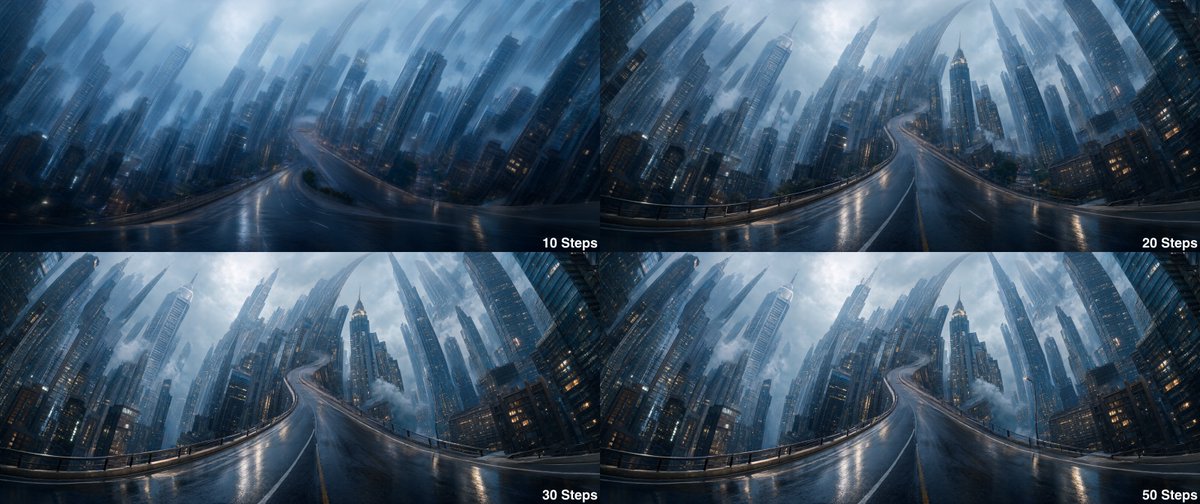
Study prompts for cinematic environments, industrial concepts and unusual geometry. These examples separate the subject, spatial rule, materials, palette, lighting and camera language so you can replace one layer without rewriting the entire idea.
 Generate
Creative generation · @ivanfioravanti
Describe impossible geometry as one continuous environment while locking the cinematic palette, materials and camera language.
 Generate
Creative generation · @JiaMiXingTuan
Combine a concise style block with a specific industrial subject to produce a detailed widescreen science-fiction concept.
A practical pattern
Qwen Image 2.1 prompts become easier to adapt when preservation rules, reference roles and requested changes are separated.
Decide whether you are generating, editing or combining references, then number every input that needs a distinct role.
State which face, product, room, layout or camera relationship must remain unchanged before describing the edit.
Finish with exact text, materials, lighting, framing and output requirements such as native transparency.
Open the Qwen Image 2.1 model page for capabilities, access options, open-weight links and current availability.
An independent prompt collection, not an official Qwen resource. Prompts and images remain attributed to their original sources.
MagicCreator