
Does the converter upload or store my photo?
No. Reading, cropping, JPEG encoding, EXIF creation, previewing, and downloading happen in your current browser session. MagicCreator does not receive or store the selected photo.
Free, private browser photo tool
Prepare any photo as a 3024×4032 portrait JPEG with a minimal Meta glasses EXIF profile. Adjust the crop, convert it locally, then download or share the new file.
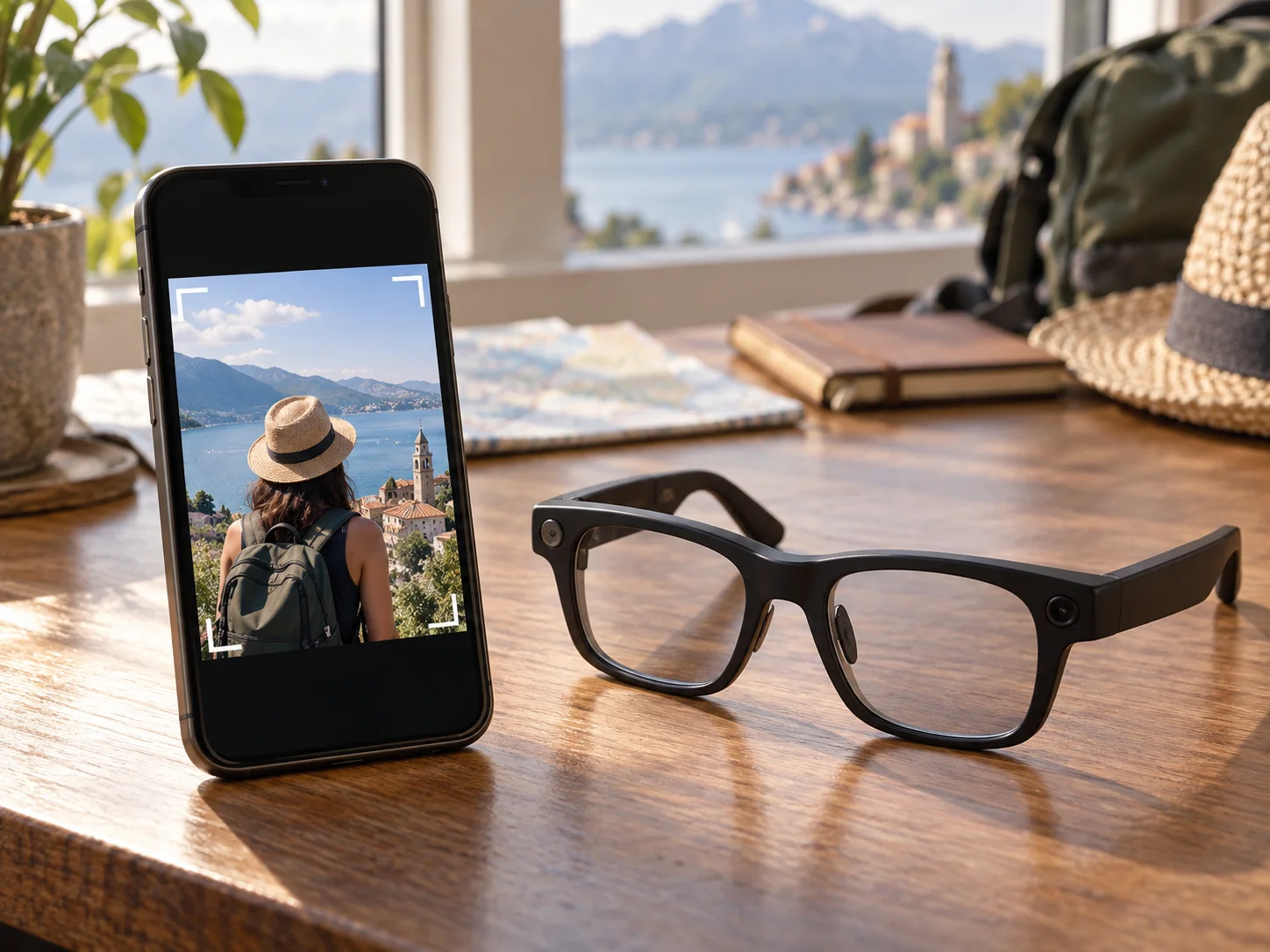
A Meta AI glasses photo converter prepares an ordinary image as a portrait JPEG with the dimensions and editable camera metadata commonly associated with smart-glasses photos.
Create the standardized JPEG in three local steps without sending the source photo to MagicCreator.
Select a JPG, PNG, or WebP from your device. Native HEIC and HEIF decoding depends on your browser.
Drag the preview or move the position controls until the subject fits the 3:4 frame. The converter crops instead of distorting the image.
Create a high-quality 3024×4032 JPEG, then download it or open the device share sheet where supported.
The tool prepares a predictable derivative file while leaving your original photo untouched.
The output uses a precise 3:4 portrait canvas. You control the crop position, and faces, text, and objects are never stretched.
The JPEG records Meta AI as the make, Ray-Ban Meta Smart Glasses 2 as the model, normal orientation, sRGB, and the final pixel dimensions.
Canvas creates a new JPEG without copying the source file's GPS, serial numbers, or device identity. Nothing is uploaded for conversion.
Practical answers about formats, image quality, metadata, privacy, and platform compatibility.
No. Reading, cropping, JPEG encoding, EXIF creation, previewing, and downloading happen in your current browser session. MagicCreator does not receive or store the selected photo.
The new JPEG contains Make: Meta AI, Model: Ray-Ban Meta Smart Glasses 2, Orientation: 1, ColorSpace: sRGB, PixelXDimension: 3024, and PixelYDimension: 4032. It does not copy GPS or identifying camera fields from the source.
No. This tool prepares image dimensions and standard EXIF fields, but Instagram can use private checks, upload paths, app versions, accounts, regions, or other rules. Platform behavior can change without notice.
No. EXIF values are editable file metadata and cannot prove which camera captured an image. The output should be treated as a prepared derivative, not evidence of its origin.
HEIC support varies by browser and operating system. This converter does not download an additional HEIC library, so export the photo as JPG when your browser cannot decode it.
No. The output has the required pixel dimensions, but enlarging a small source cannot restore missing detail. Start with the largest, sharpest original available.
No. MagicCreator is independent and is not affiliated with, endorsed by, or sponsored by Meta Platforms, Ray-Ban, or EssilorLuxottica. Product names are used only to describe file compatibility.