
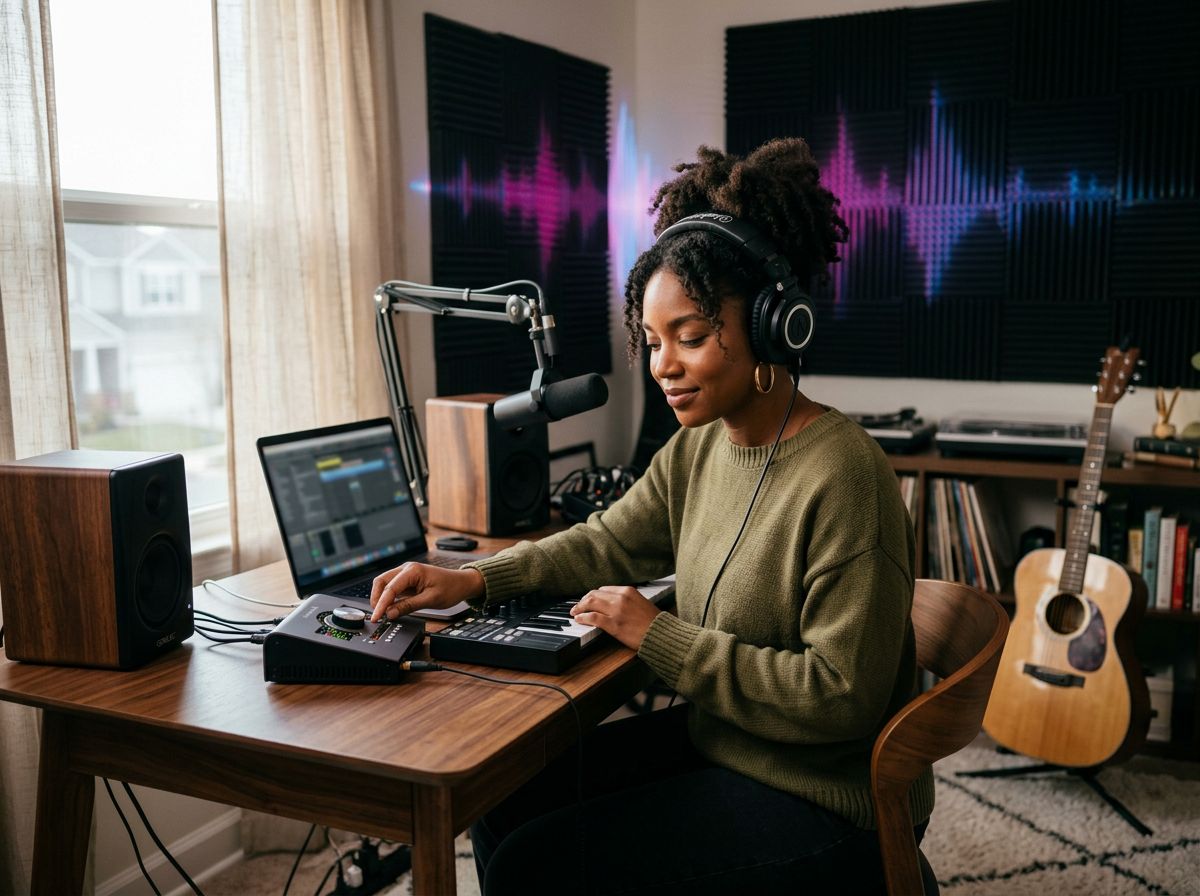
From a Simple Idea to a Complete Song
Describe the sound you want in everyday language. MagicCreator turns your mood, story, or creative direction into an original track with a natural beginning, build, and finish.
Generate original music with AI in minutes—from a simple idea, a few lyrics, or a mood. Create complete songs with vocals or instrumentals, no music experience needed.
Lyrics, titles, and styles must not contain names of famous people or sensitive words.
Explore original tracks created from simple text prompts across different genres, moods, and vocal styles.
Start with whatever you have — a sentence, finished lyrics, a genre, or just a feeling. MagicCreator helps shape it into a complete track.
Describe the sound you want in everyday language. MagicCreator turns your mood, story, or creative direction into an original track with a natural beginning, build, and finish.

Paste your own lyrics or draft new ones with AI, then choose a vocal direction and hear your words become a fully performed song.
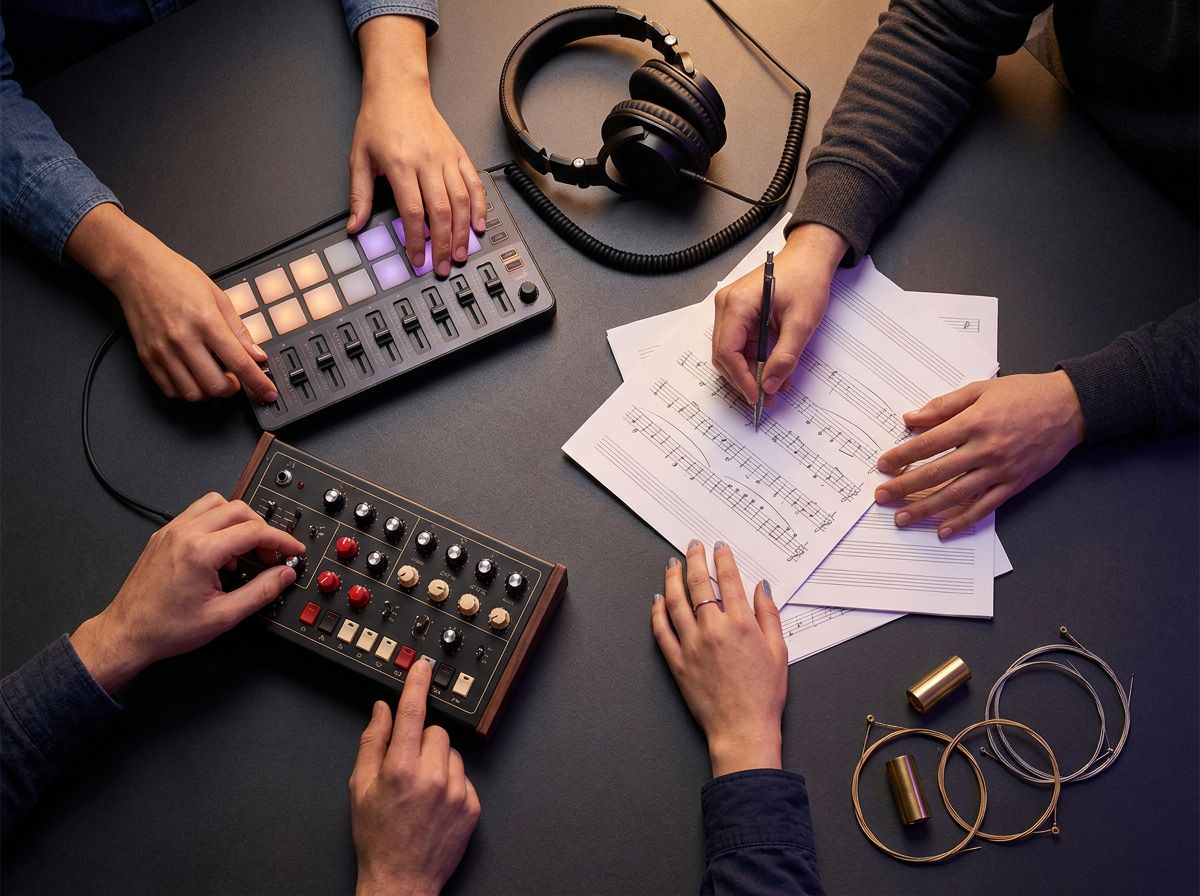
Guide the genre, mood, tempo, instruments, and vocal character. Keep it familiar or blend styles into something that feels entirely your own.

Create original music for travel edits, social posts, personal videos, podcasts, games, or the moments you simply want to remember differently.
Make your first song, develop a serious idea, or create the soundtrack your next project needs. Start at your level and take the music as far as you want.
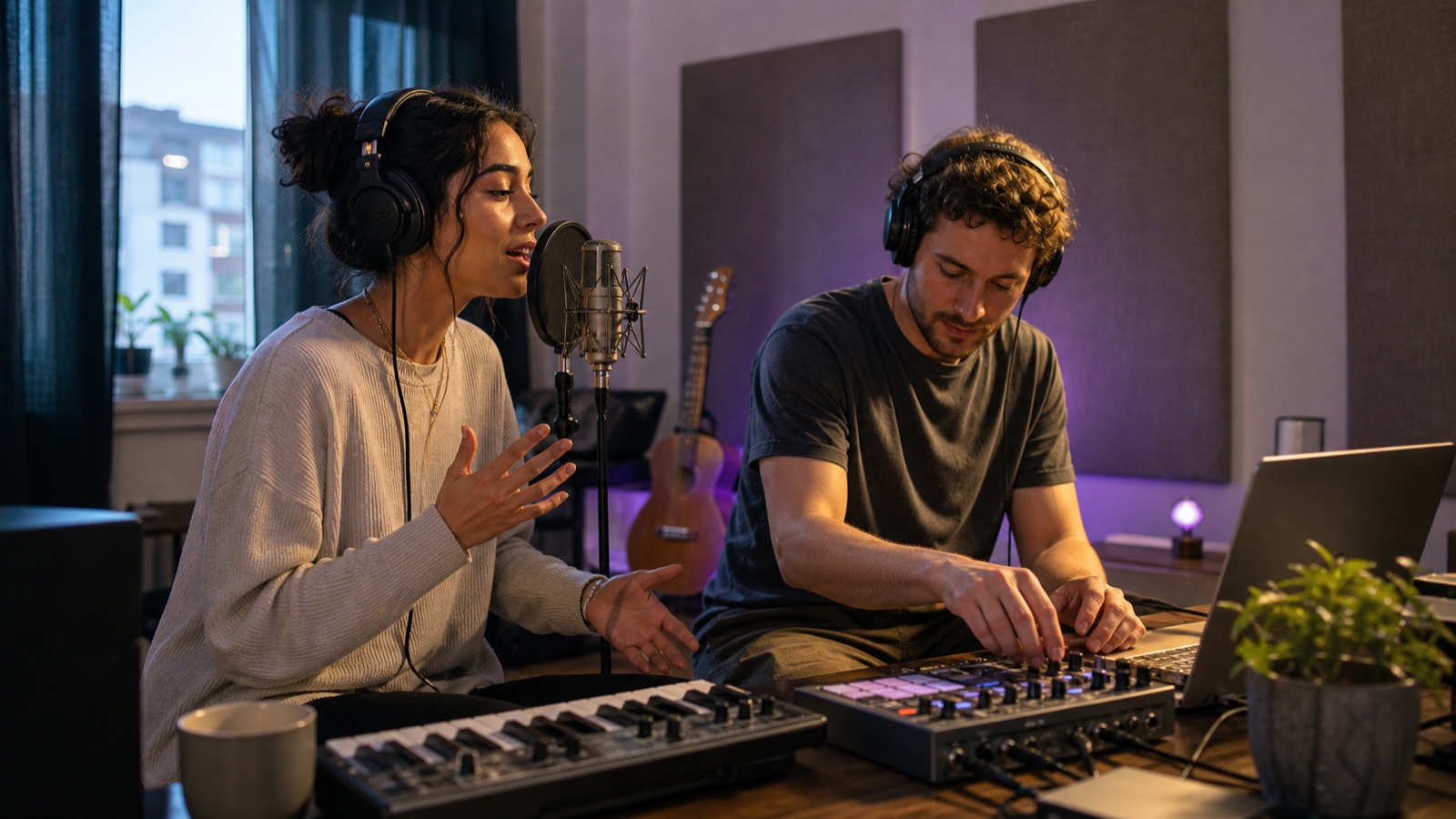
Turn a feeling, story, or personal moment into a song without learning instruments or production software.
Hear lyrics in context, explore vocal directions, and turn unfinished ideas into complete song drafts.
Create original music for videos, podcasts, streams, games, social posts, and personal projects.
Explore new directions, sketch arrangements, and build demos before taking an idea further in your own workflow.
No timeline, instruments, or production software. Just make a few creative choices and let the AI handle the composition.
Enter a text prompt with the genre, mood, tempo, and instruments you want. The more detail you provide, the closer the result matches your vision.
Start from lyrics, a text prompt, or an instrumental idea. Add a title, voice direction, and style details when you want more control.
Generate your track in a few minutes, listen to the result, refine the direction if needed, and download the version you want to keep.
Everything you need to know about generating music with MagicCreator AI.
You can generate virtually any style — pop, EDM, hip-hop, jazz, classical, ambient, lo-fi, folk, rock, cinematic, and more. You can also mix genres and describe custom moods for completely unique results.
Yes. MagicCreator supports AI vocal generation with customizable style, tone, and lyrics. You can generate complete songs with singing or choose a pure instrumental output — whichever suits your project.
Yes. Music generated on MagicCreator with a paid plan is royalty-free and cleared for commercial use — including videos, ads, games, podcasts, and social media without attribution or licensing fees.
Generated tracks can be downloaded in high-quality audio format. The files are ready for use in any video editor, DAW, or other project without additional processing.
Track length depends on the model and settings you select. MagicCreator supports both short clips for content and longer full-length tracks suitable for background music and complete songs.
No. MagicCreator is designed for everyone — creators, marketers, developers, and musicians alike. If you can describe a mood or genre in plain language, the AI handles everything else.
No instruments. No experience. Just describe the music you need and MagicCreator delivers it in minutes.