
The party reference
This is the movement and music reference used by the generator above.
Upload one photo to make a Dime Dime Baby AI video that puts your look into the BBY Wow party clip, using its walk, camera glance and music as the reference.
Upload one clear photo of one person, with their face and upper body visible. The photo guides appearance; the fixed party clip guides movement and music. Output: 10 seconds, vertical 720p, with audio.
Image 1
Preview video - Generate your own video above
The walk, the snack, the stare into the camera: watch the reference and two variations to see the playful energy behind the trend.
This is the movement and music reference used by the generator above.
Another take on the entrance, shown in its original wide framing.
The same playful attitude in a different setting, for inspiration.
Third-party trend references, not MagicCreator-generated results. The first clip guides this effect; the other clips show variations.
Bring your appearance to a familiar party entrance, without filming the dance yourself; the images below illustrate the idea.
Start with one clear photo of yourself or someone who has agreed to take part. The photo guides the performer's face, hair and outfit while the party video supplies the action.
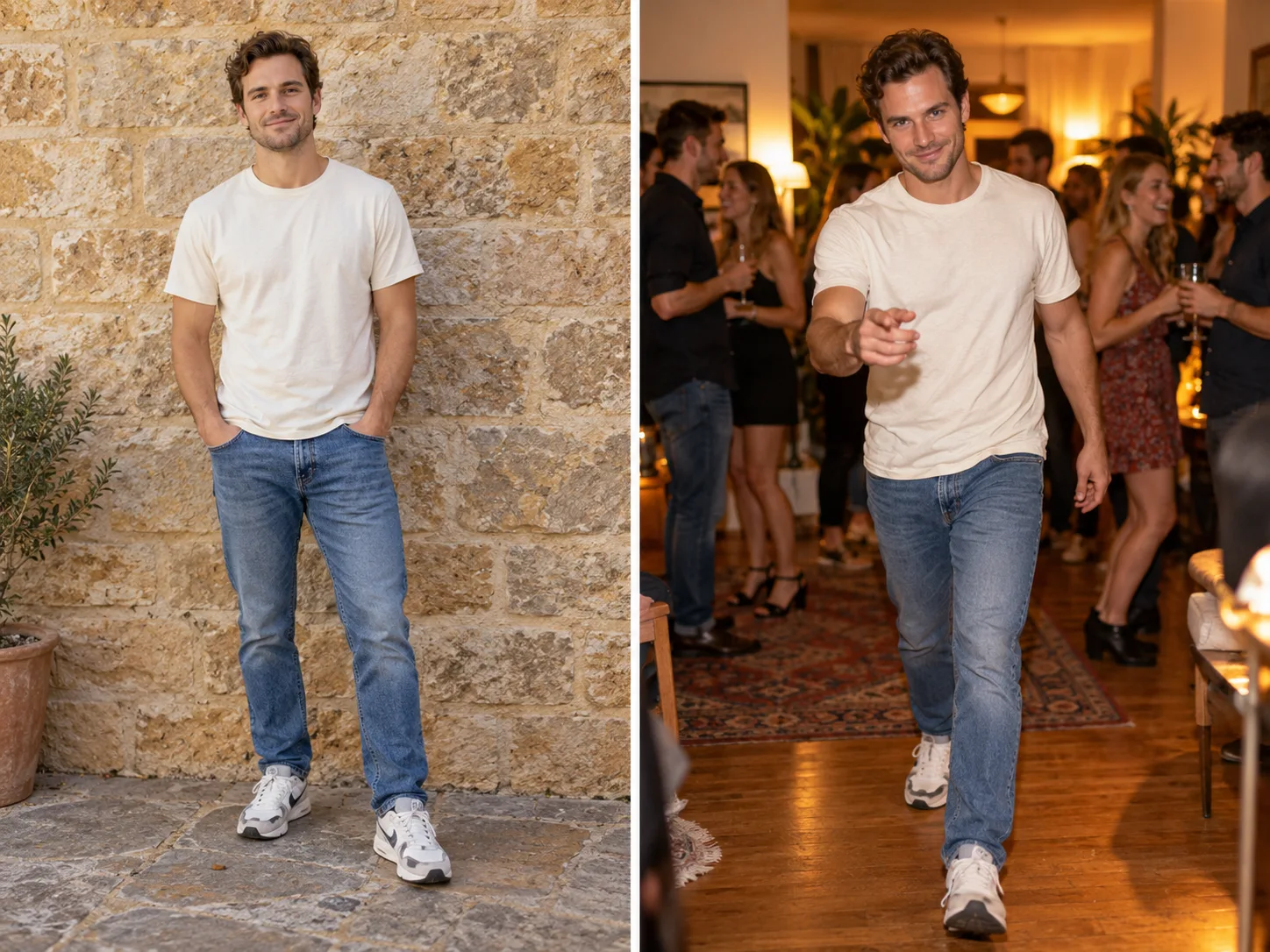
The fixed clip guides the relaxed steps toward the lens, the bite of bread, direct eye contact and the turn away. You do not need to record choreography or write a dance prompt.
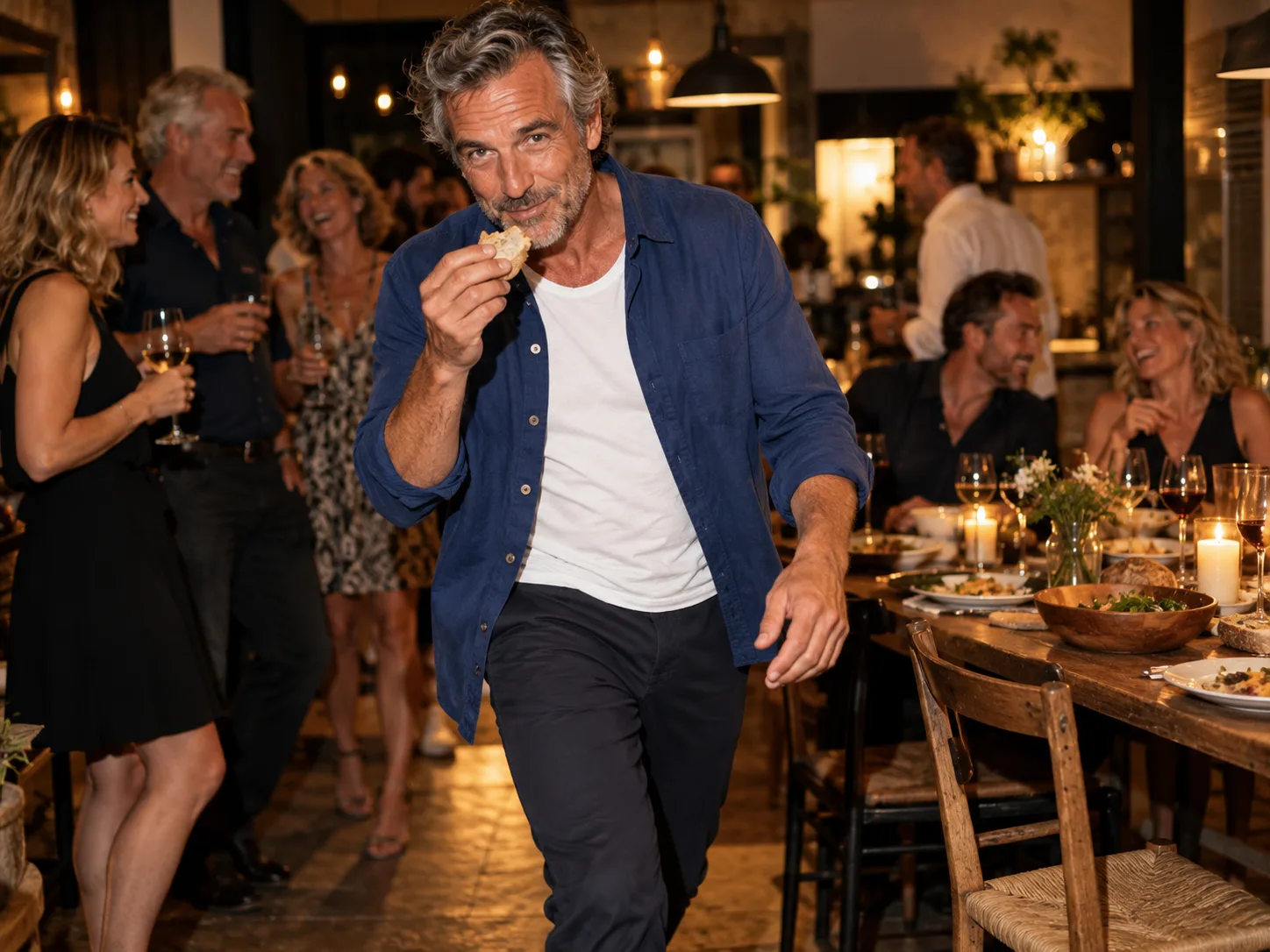
A familiar face giving an unexpectedly confident performance is the joke. Download the finished vertical clip to show a friend, send to the family chat or post with your own caption.

The party reference is ready, so all you need to bring is the person.
Upload a sharp image of one person, with their face and upper body visible. A full-body photo can give more outfit detail.
Check the credit cost on the Generate button, then start. The fixed reference supplies the scene, movement and music direction.
Play the finished clip with sound, check the face and motion, and download the version you want to share.
What to expect before you make your version.
On this page, it means a photo-to-video effect that puts a person's appearance into the party entrance shown above: walking toward the camera, eating, making eye contact and turning away.
Both names are used for the party-video effect shown here. BBY Wow can also refer to other dances or music clips; this generator uses only the first party reference above.
Use a clear photo of one person with an unobstructed face and visible upper body. Good lighting, a front-facing view and a visible outfit give the generator useful appearance detail. Avoid group photos, sunglasses and heavy face filters.
No. Upload one photo. This dedicated effect already includes its party reference and instructions, so there is no prompt to write or movement video to upload.
The task requests a 10-second, 9:16 video at 720p with audio, using the party reference's embedded soundtrack as guidance. Exact sound, movement and timing may vary in the generated result.
This effect uses a fixed party scene. The gym clip is trend inspiration, not an alternate template or a result this task promises to reproduce.
Generation uses MagicCreator credits. The Generate button shows the cost before you submit; you can watch the reference clips without generating.
AI results can vary, especially around hands, eating gestures, facial expressions and turns. Use a clear photo and review the finished video before sharing.
Pick your photo and let the party reference guide the performance.