

Ozil Goal AI: Star in the Solo Run

Make a 15-second Ozil Goal AI football video from a single photo of yourself, a friend, or a character, with the goalkeeper chip, defensive challenges, and final shot already arranged for you—no prompt writing or editing skills required.

One image, a complete football sceneGoal action already preparedVertical video with audio

Upload one clear photo of your scorer, preferably full-body with the face and outfit visible. Your video is 15 seconds in portrait format.

Image 1

Preview video - Generate your own video above

Preview the Ozil Goal AI Football Sequence

Follow the attacker from the lifted ball to the last kick, and notice how a different face and outfit change the scene. These supplied reference clips show the intended action; they are not verified results from this generator.

The Football Moment Behind Ozil Goal AI

On November 1, 2016, Arsenal recovered from a two-goal deficit to beat Ludogorets 3–2 in Sofia. Mesut Özil supplied the late winner, a solo move remembered for the lifted ball, the beaten goalkeeper, and his composure under pressure from two defenders. It was a different match from Arsenal’s earlier 6–0 home win, in which he scored a hat-trick.

That contrast between pressure and composure gives an AI football remix a recognizable story. The scorer changes, but the audience still gets an approaching keeper, a ball to recover, defenders to escape, and a shot. The social edits are creative adaptations: their flying tackles, outfits, camera angles, and endings can differ from the original match.

Read UEFA’s report of the 2016 match

What Your Ozil Goal AI Video Includes

MagicCreator combines your chosen scorer with a prepared football scene. You supply the appearance; the effect supplies the action and camera direction. The still images below are concept illustrations.

A Scorer Defined by More Than a Face

The uploaded image guides the attacker’s whole appearance: hairstyle, build, clothing, and footwear as well as facial features. A jacket or everyday outfit can make the scene feel personal immediately. Show the complete look you want to bring onto the pitch, because a tightly cropped headshot leaves the body and clothes less clearly defined.

  • The photo represents the attacker who controls the ball
  • The scene aims to carry your outfit through running and turning
  • The goalkeeper and defenders remain in their supporting roles
Concept illustration of a man in everyday clothes controlling a football on a stadium pitch

A Continuous Move with the Action Built In

A chip is only the beginning. The ball has to come down, the attacker has to regain it, and the defensive challenges have to lead into the shot. The built-in reference guides this sequence and the tracking camera, so you can create the effect without supplying a match video or writing instructions for each touch.

  • Lifted ball and goalkeeper interaction
  • Ball recovery, close control, and defender evasion
  • Final kick within one guided football sequence
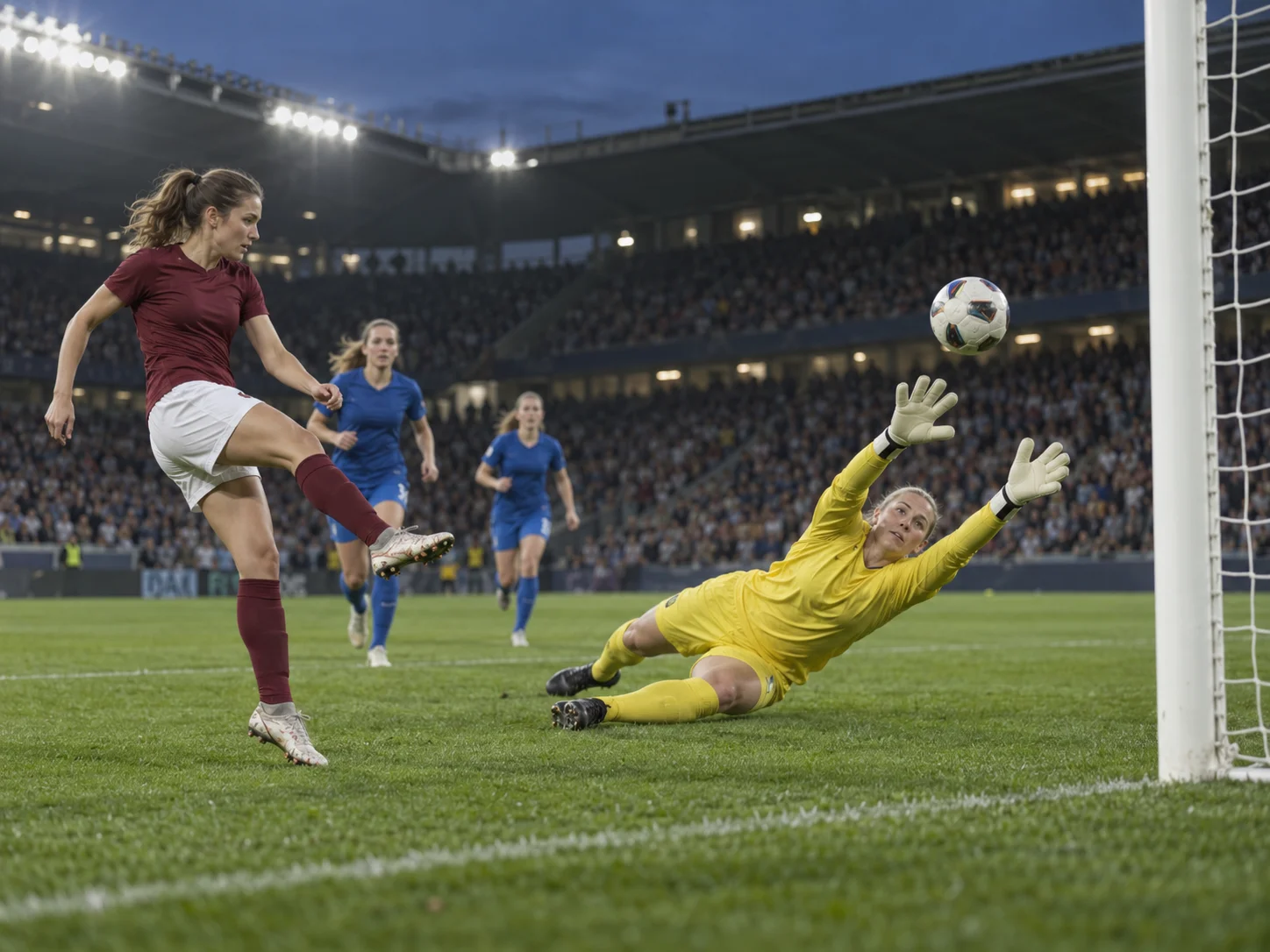
Concept illustration of a woman lifting a football over an approaching goalkeeper under stadium floodlights

A Portrait Clip for Your Own Football Story

The effect is configured for a 15-second, 9:16 video at 720p with audio enabled. Use a real person or a clearly drawn original character as the scorer, then preview the movement before downloading. A simple character with distinct limbs gives the action a clearer starting point than an elaborate design with overlapping accessories.

  • One image upload; no separate video input needed
  • A vertical format for phone viewing and social edits
  • Preview and download before adding your own caption
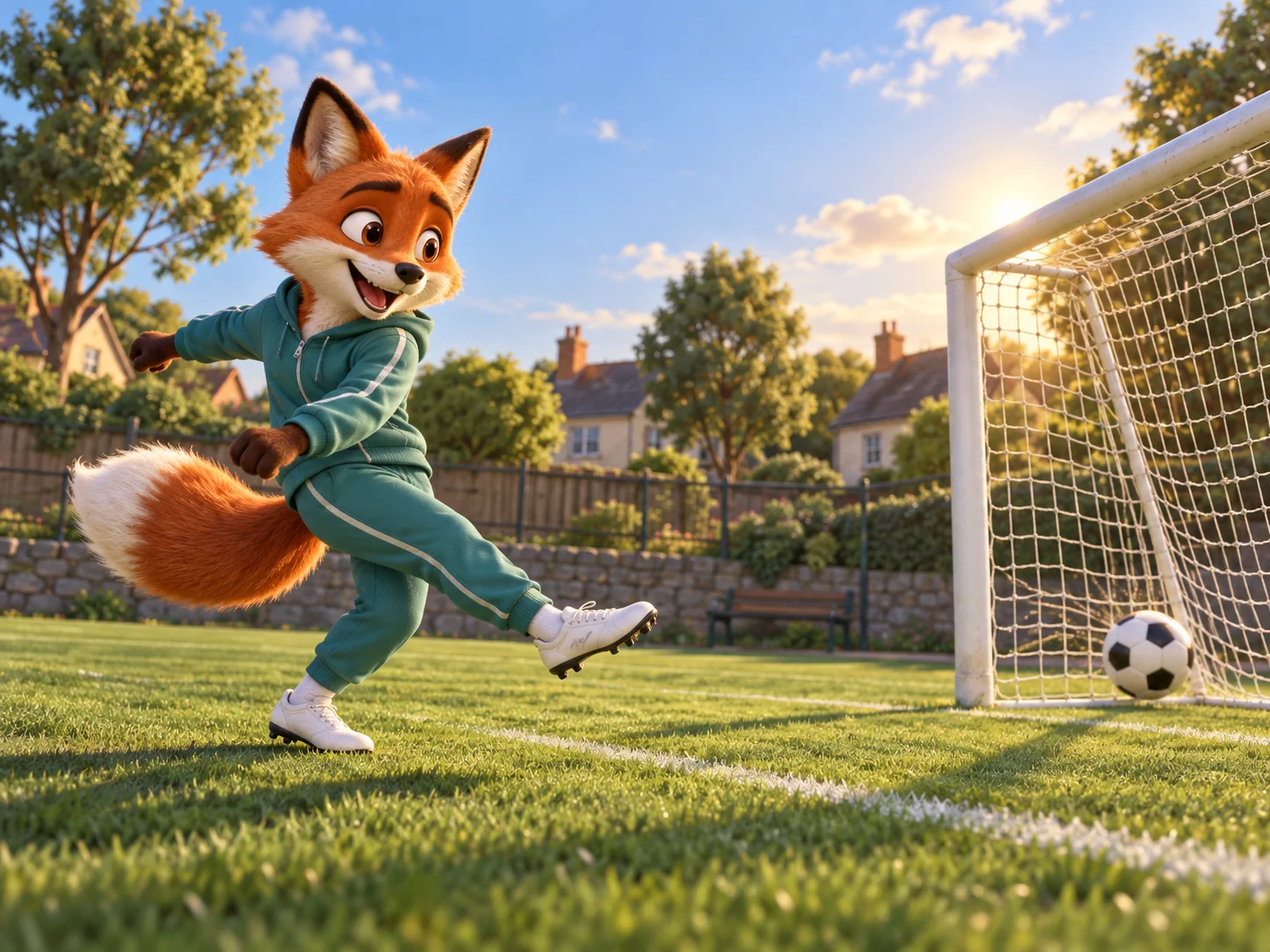
Concept illustration of an original animated fox in a tracksuit scoring on a neighborhood football pitch

Choose a Strong Photo for Ozil Goal AI

The best reference explains who the scorer is and what they should wear. You do not need a football pose or a picture taken on a pitch.

Show the Person Clearly

Prefer even daylight or soft indoor light, with the face large enough to read. A standing full-body photo adds useful detail for arms, legs, and shoes. Avoid motion blur or objects covering the subject.

Keep the Choice Unambiguous

Use a photo with a single person rather than a team lineup. If you start from a group shot, crop it to the intended scorer while keeping as much of their body as possible. Use a friend’s image with their agreement.

Let the Outfit Carry the Idea

A familiar work outfit, a favorite sweater, or a recognizable character costume creates the contrast with the match around them. Pick the look in the source image; this effect does not provide a separate wardrobe control.

Create an Ozil Goal AI Edit in MagicCreator

The football setup is ready in the generator above. Your main creative choice is the image that defines the scorer.

01

Select a Clear Reference Image

Choose one subject with a sharp face and visible clothing. Leave the legs and shoes in frame when possible; they provide appearance details for the dribble and shot.

02

Start the Prepared Goal Effect

Upload the image, check the credit amount on the generation button, and start your video. The effect already includes the football reference and creative instructions; there is no prompt to paste.

03

Watch the Run, Then Export

Review the complete 15-second result, especially the turns and tackles where players overlap. Download the version you like, then add captions, trims, or a different soundtrack in your usual editor.

How Ozil Goal AI Spread Through Social Edits

An unlikely scorer makes people stop; a recognizable move gives them something to recreate. Public Instagram posts show both parts of that loop, from character remixes to requests for instructions.

  1. An Uncle Phil Remix Reaches a Large Audience

    Naio Barreto’s @willbaiano reel puts Uncle Phil into a football scene in a waistcoat and everyday clothes. By October 13, the post displayed about 282,500 likes. Viewers identified Özil in the comments, showing how the movement connected the character joke to football memory.

  2. A Credited Adaptation Becomes a How-To Hook

    Dennis Clancey’s reel explicitly credits @willbaiano’s Uncle Phil edit as inspiration. Its caption invites viewers to request instructions using the keyword CLONE, while comments ask how to make the effect and request a prompt. The post displayed about 36,900 likes when reviewed.

  3. Özil Adds His Own Version to the Conversation

    The verified @m10_official account posted a football reel captioned “Owner’s edition.” It displayed about 800,600 likes on October 13. Later on October 12, CazéTV published an AI-labelled football post crediting that account, extending the conversation to a sports-media audience.

  4. Template Tutorials Invite the Next Remix

    A separate @nnneart.ai tutorial directs viewers from the profile link to an Ideas section, an Ozil Trend template, a photo upload, and generation. It also asks users to tag the creator in their versions. This shows a repeatable path from watching an edit to making and posting another.

Why the Format Is Easy to Pass Along

Our reading of these posts is that the football move supplies recognition, the unexpected scorer supplies the joke, and the tutorial supplies a way to participate. The credited adaptation is a documented connection; the other posts show related activity, not a proven single chain of reposts. Music can help connect edits too: Clancey’s reel and Özil’s reel both list versions of Clandestina, while the template tutorial uses a different track.

Sources reviewed October 13, 2026. Like counts are snapshots, not views or a measure of total trend reach. These posts document part of the spread, not the first creator or a complete history.

Give Your Ozil Goal AI Post a Clear Hook

Let viewers recognize the scorer before the football action becomes busy. A short caption can make a personal edit feel like a story worth sending to someone.

Make the Caption Personal

Tie the clip to the person in it: “When the five-a-side chat finally picks me up front.” One specific joke gives friends more to react to than a list of tool names.

Keep the Keeper and Ball in View

If you trim the clip, preserve the setup and the key touches. Cropping out the goalkeeper or cutting before the shot can remove the very action that makes the edit recognizable.

Choose the Sound for Your Post

Listen to the generated audio first. You can add a suitable track in your social app or editor, then describe the clip as an AI edit so viewers understand what they are watching.

Practical Answers About Ozil Goal AI

Photo input, output format, and what to expect from a personalized football recreation.

1

Do I have to upload the original goal or write a prompt?

No. The MagicCreator effect already has a football-motion reference and instructions for the scorer. The only creative input you upload is one image; the image defines the attacker’s appearance rather than an opening frame.

2

Is a selfie enough, or should I use a full-body photo?

A selfie provides facial information, but a full-body image also shows the proportions, outfit, and footwear needed during the run. Prefer the full-body option when it is clear and well lit. You do not need to pose as if you are playing football.

3

Can the scorer be a character instead of a person?

You can try an original illustrated or animated character. Visible limbs, a distinct face, and a simple silhouette make the appearance easier to interpret. Designs with unusual anatomy can produce less predictable running or kicking motion.

4

What length, shape, and resolution does the effect use?

This effect creates a 15-second portrait video in 9:16 at 720p, with audio enabled. Those settings are prepared for this scene. The approximate 14-second reference clips above illustrate the action; they are not the same as the configured output length.

5

Does it reproduce the real match or paste my face onto it?

It generates a new AI interpretation using a prepared football reference and your scorer image. The image guides the whole attacker, including clothes and shoes. The result is a creative recreation, and movement, likeness, and ball contact can vary.

6

Will I get the Clandestina music heard in social edits?

A specific recording is not guaranteed. Some of the social posts reviewed here list Clandestina remixes, but different edits use different audio. This effect has audio enabled; preview the sound you receive and add your preferred track separately if needed.

7

What does a generation cost, and how long does it take?

The generator displays the credit cost before you start. Video length describes the finished clip, not processing time: completion depends on the generation service and demand. You can prepare the image and start without learning an editing workflow.

8

What should I look for if the result needs another attempt?

Check the scorer’s face and clothing through turns, whether feet meet the ball, and whether the ball stays continuous during tackles. A sharper image helps define appearance; another generation may produce a different interpretation of the same move.

Put Your Scorer into Ozil Goal AI

Bring one clear image and let the prepared football scene guide the run. Create your clip in MagicCreator, preview the action, and download your personal edit.