
Has Qwen-Image 3.1 been released?
No public launch has been announced. Alibaba's September 22, 2026 announcement says Qwen-Image 3.1 is set to launch later this year.
Announced at Apsara Conference 2026
See where Qwen-Image 3.1 is headed: creative designs, product visuals, transparent assets, and image edits. Start creating with Qwen Image 3, selected below and available today.
Ready to generate
Your generated image will appear here
Browse visual starting points, copy a prompt, and adapt it to your own task in the generator above.
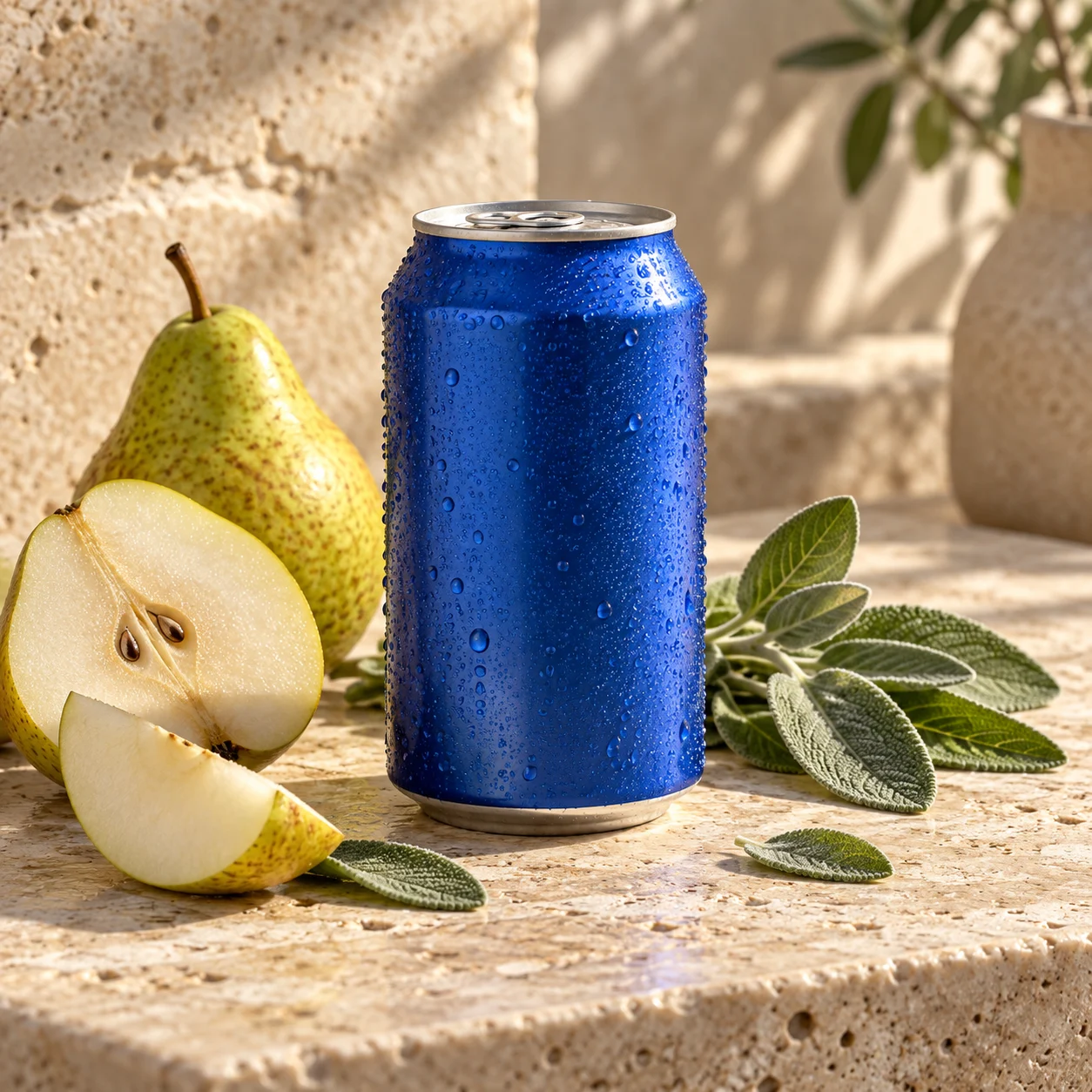
“Create a polished product photograph of an unbranded cobalt-blue tea can beside sliced pear and fresh sage on pale stone. Use natural window light and a square composition. No readable text or logo.”
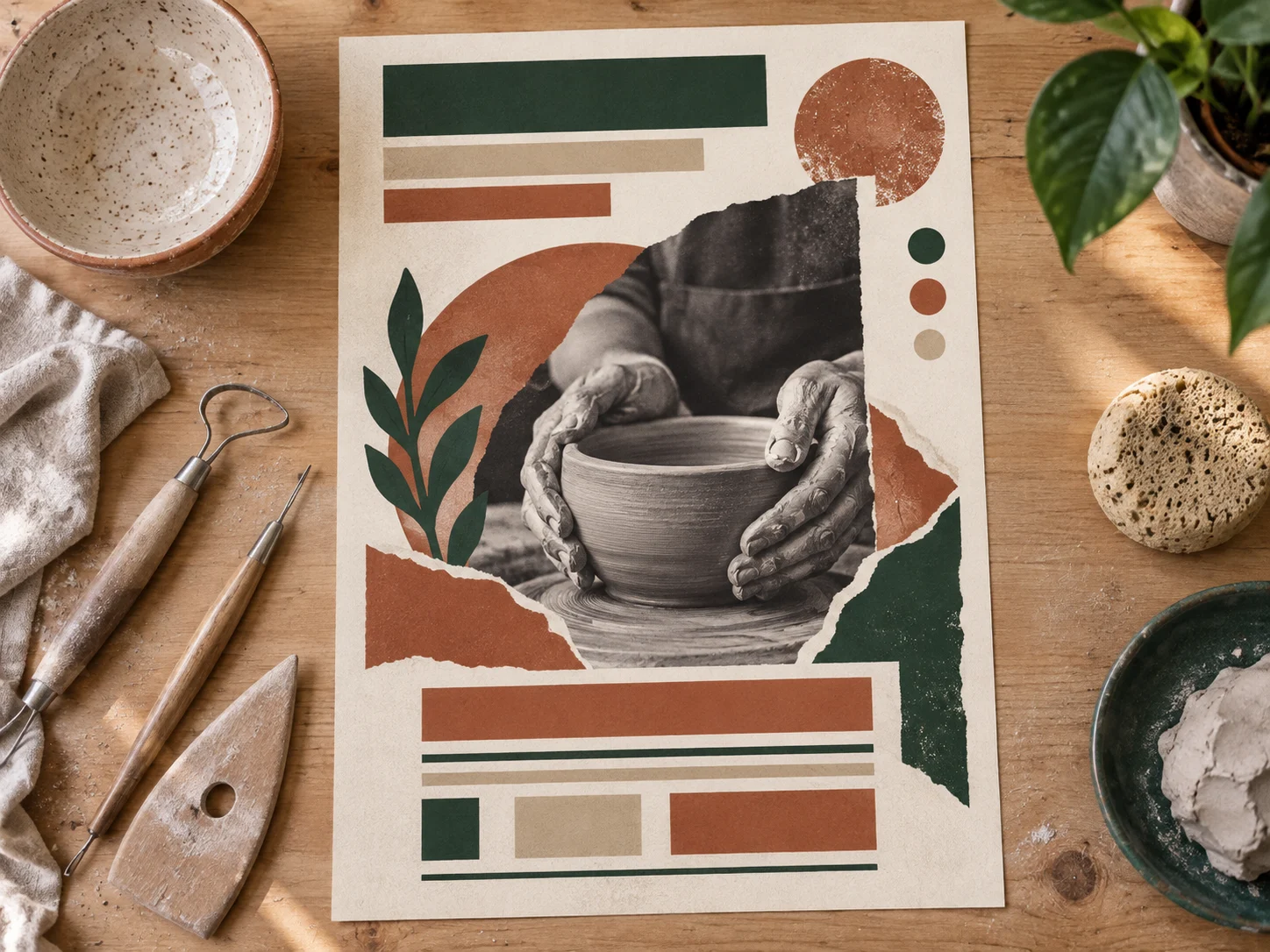
“Design a warm visual concept for a neighborhood pottery workshop poster. Show a handmade ceramic bowl, clay tools, and clear space for a headline. Use terracotta, forest green, and cream. No readable text.”

“Illustrate a white mother and daughter in a cozy bookshop as paper constellations float from an open storybook. Use warm lamplight, painterly texture, and a vertical composition. No readable text.”
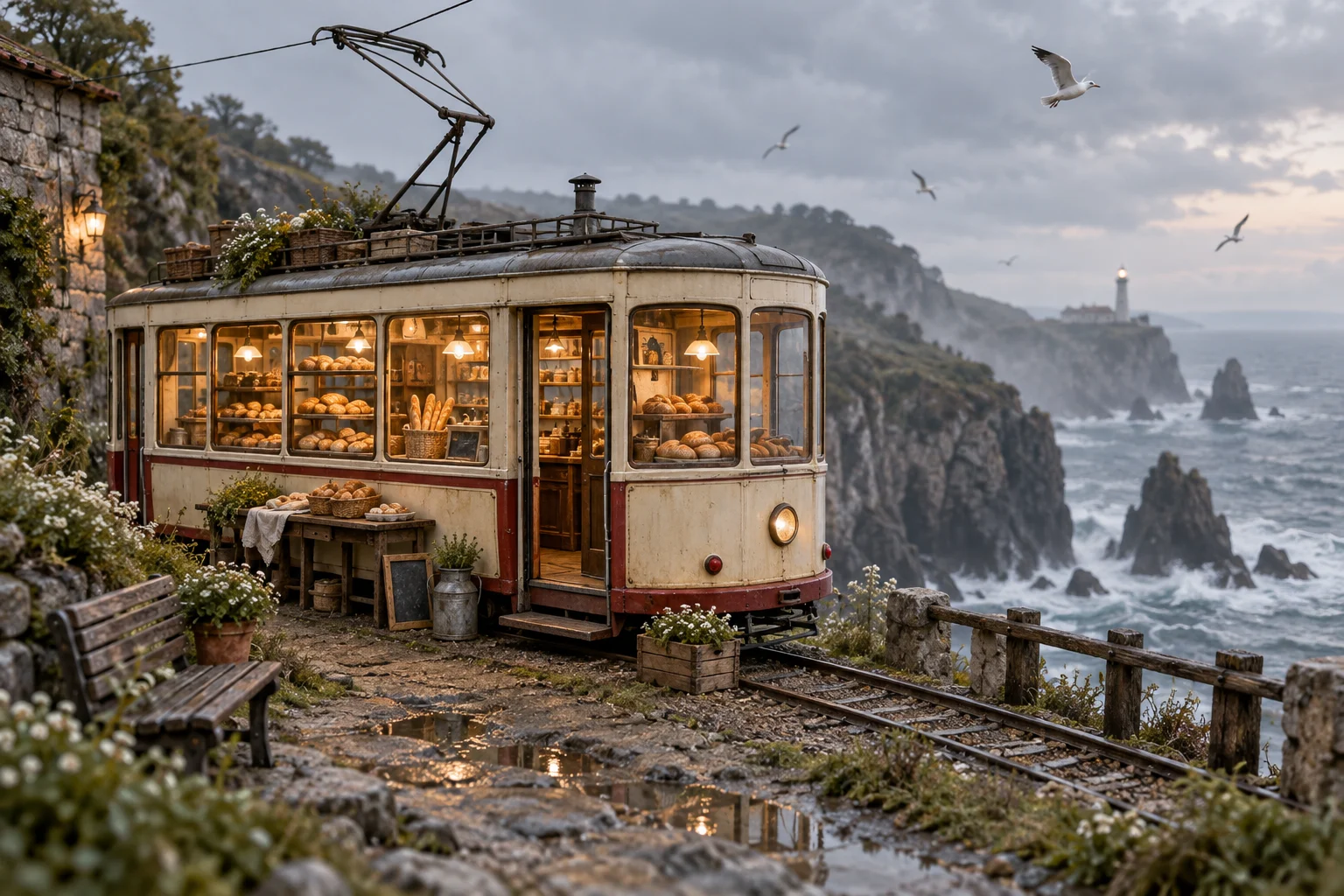
“Create a wide editorial image of a tiny bakery inside a vintage cream tram by a misty coast. Show warm bread shelves, weathered materials, seabirds, and layered sea cliffs. No readable signs.”
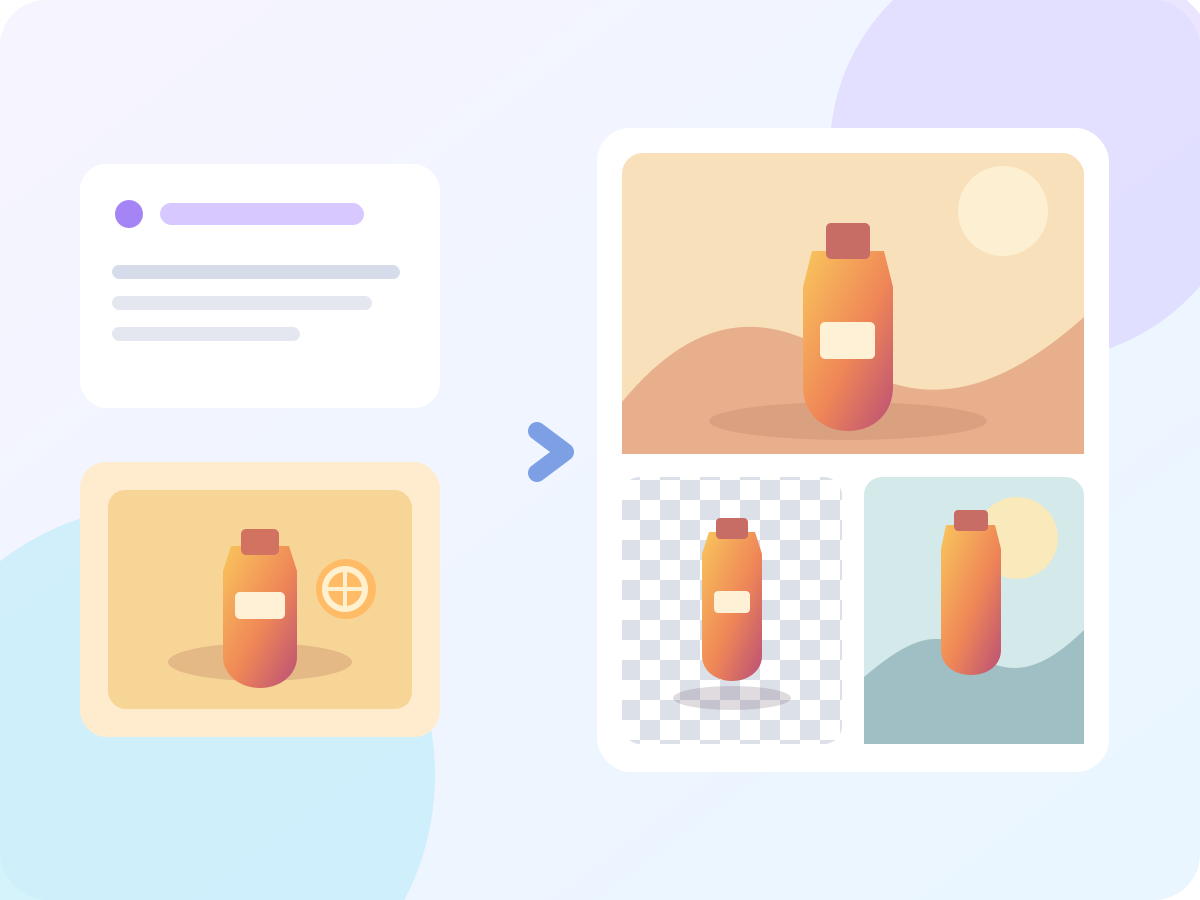
Qwen-Image 3.1 is an upcoming image-generation model from Alibaba's Qwen team. Alibaba announced it on September 22, 2026, with a launch planned for later this year. Its stated focus is creative design and e-commerce marketing, including native transparent-background generation and image editing. Qwen-Image 3.1 is not yet available in MagicCreator; the generator above currently selects Qwen Image 3.
Alibaba has described three practical directions for the upcoming model. These examples show what each direction could mean for one-person creative work, not measured results from the unreleased model.
Describe the subject, mood, composition, and intended format in one brief. A designed result could give you a starting point for a neighborhood event poster or a social announcement.
Ask for a standalone object that can sit over another design. Native transparency could make a product cutout, sticker, or decorative element easier to reuse across several graphics.
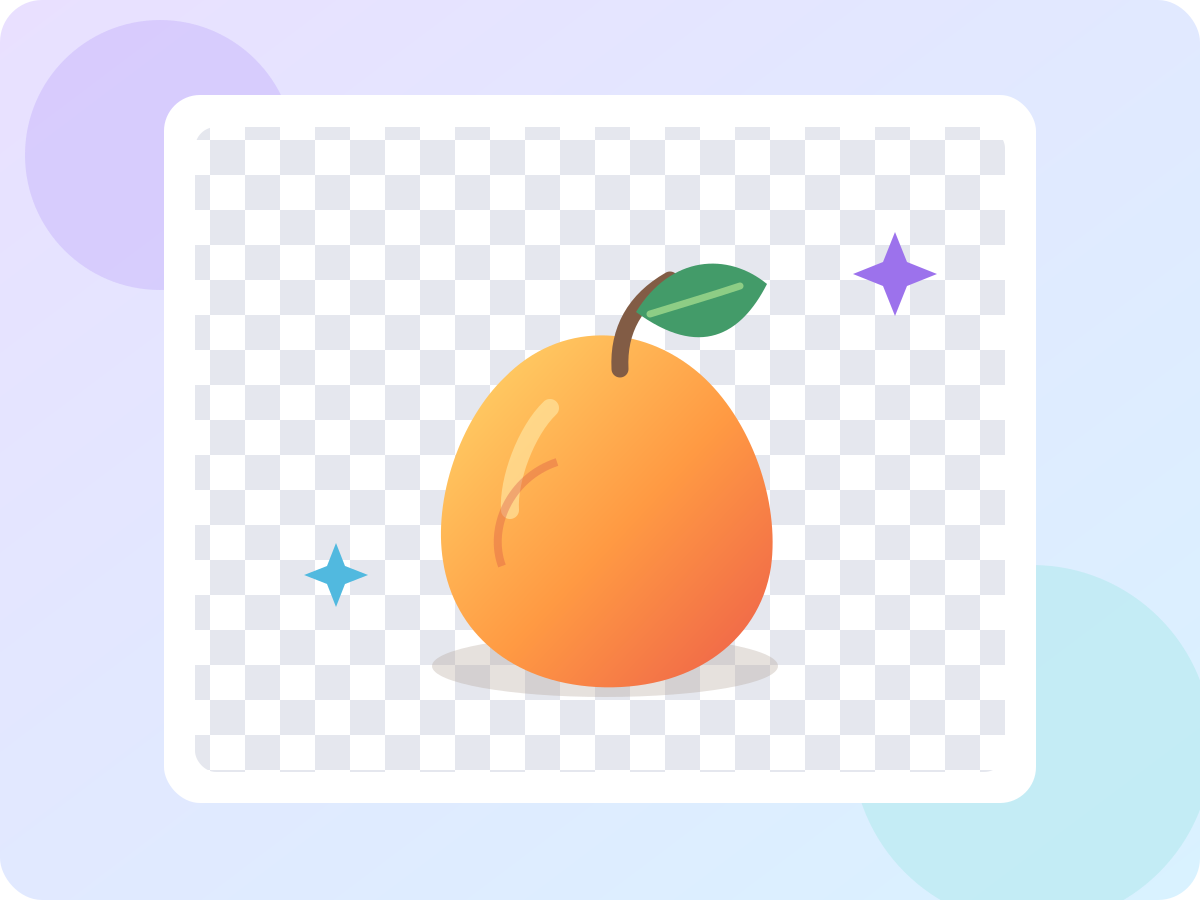
Begin with a photo and describe a focused change, such as a new backdrop or color mood, while naming the details to preserve. Use the result as a fresh version for your project.
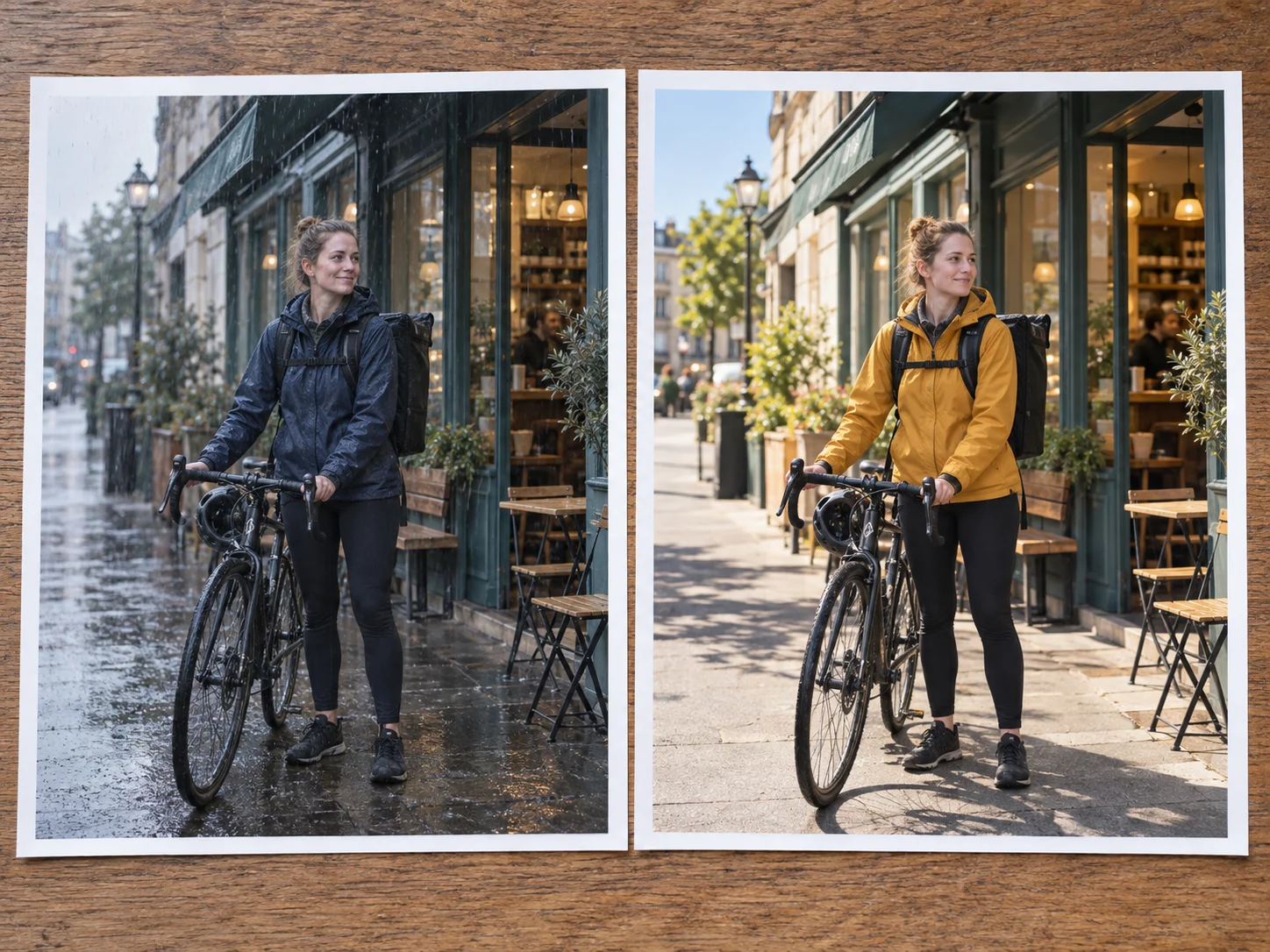
A clear brief helps whether you are creating a new image or planning an edit. Use the current model selector above to make an image today.
Choose the image you need: a poster, a product scene, a standalone asset, or a change to an existing photo.
Write the subject, setting, format, and details to keep. If you edit, add the source image where the selected model supports it.
Check the model name and available settings, generate an image, then make one focused adjustment to the prompt.
These tasks translate Alibaba's announced design, commerce, transparency, and editing directions into practical projects.
Describe one item and the setting you want around it to plan a fresh image for a small shop listing.
Turn the theme, focal image, and format of a local event into a visual draft with space for final text.
Plan a standalone object or decorative element that can be placed over several backgrounds.
Explore different crops, moods, or settings for one announcement without changing the core idea.
Start with a picture and specify the background or color change you want while preserving the subject.
Make an invitation, pet graphic, travel keepsake, or story image from a short creative brief.
What Alibaba has announced, what remains unknown, and which image model you can select here now.
No public launch has been announced. Alibaba's September 22, 2026 announcement says Qwen-Image 3.1 is set to launch later this year.
Not yet. The generator on this page currently offers Qwen Image 3 and the other models shown in its model selector. It does not run Qwen-Image 3.1.
Alibaba describes an image-generation model optimized for creative design and e-commerce marketing, with native transparent-background generation and image-editing tools. Detailed public specifications are still pending.
Alibaba has not confirmed downloadable weights, license terms, a free tier, or public pricing for Qwen-Image 3.1.
Alibaba has highlighted creative design, commerce, native transparency, and editing for 3.1, but a complete side-by-side feature list and independent results are not available yet. Choose Qwen Image 3 in the generator above for work you can do now.
No. They are separately named Qwen image models. For the currently documented open-weight model and its confirmed workflows, see the Qwen-Image 2.1 page.
Select Qwen Image 3 in the generator above to turn a product, poster, or personal idea into a real image now.