
Migos AI Video Generator: Make the Hotel Lobby Trend

Upload two photos to create a 13-second Migos AI video of you and a friend performing in the Hotel Lobby orange studio. Download your clip with generated audio in 9:16 for TikTok, Reels, or Shorts, or choose 16:9. The scene, motion, and audio references are built in—no prompt writing or source-video upload needed.

Two photos; no prompt or source video needed13-second video with generated audio9:16 vertical or 16:9 landscape

Upload two clear photos, preferably full-body: Image 1 is the left performer and Image 2 is the right performer.

Preview video - Generate your own video above

Watch Migos AI Video Examples

See the two-photo format in action with these Hotel Lobby template examples. Play each clip with sound to judge the faces, movement, and audio before making your own.

An Unexpected Football Duo

Ronaldo and Messi share the performance scene in this AI-generated example. A recognizable pairing makes the joke easy to understand, even before the music starts.

A Rivalry Becomes a Rap Pairing

This AI-generated Musk and Zuckerberg clip shows another take on the same template. Compare both examples to see how the appearance and performance can vary between generations.

What Shapes Your Migos AI Video

The recognizable orange set brings the trend together. Your photos supply the two identities, while the existing Hotel Lobby template supplies the performance references. Illustrations below explain the workflow.

Your Photos Define the Cast

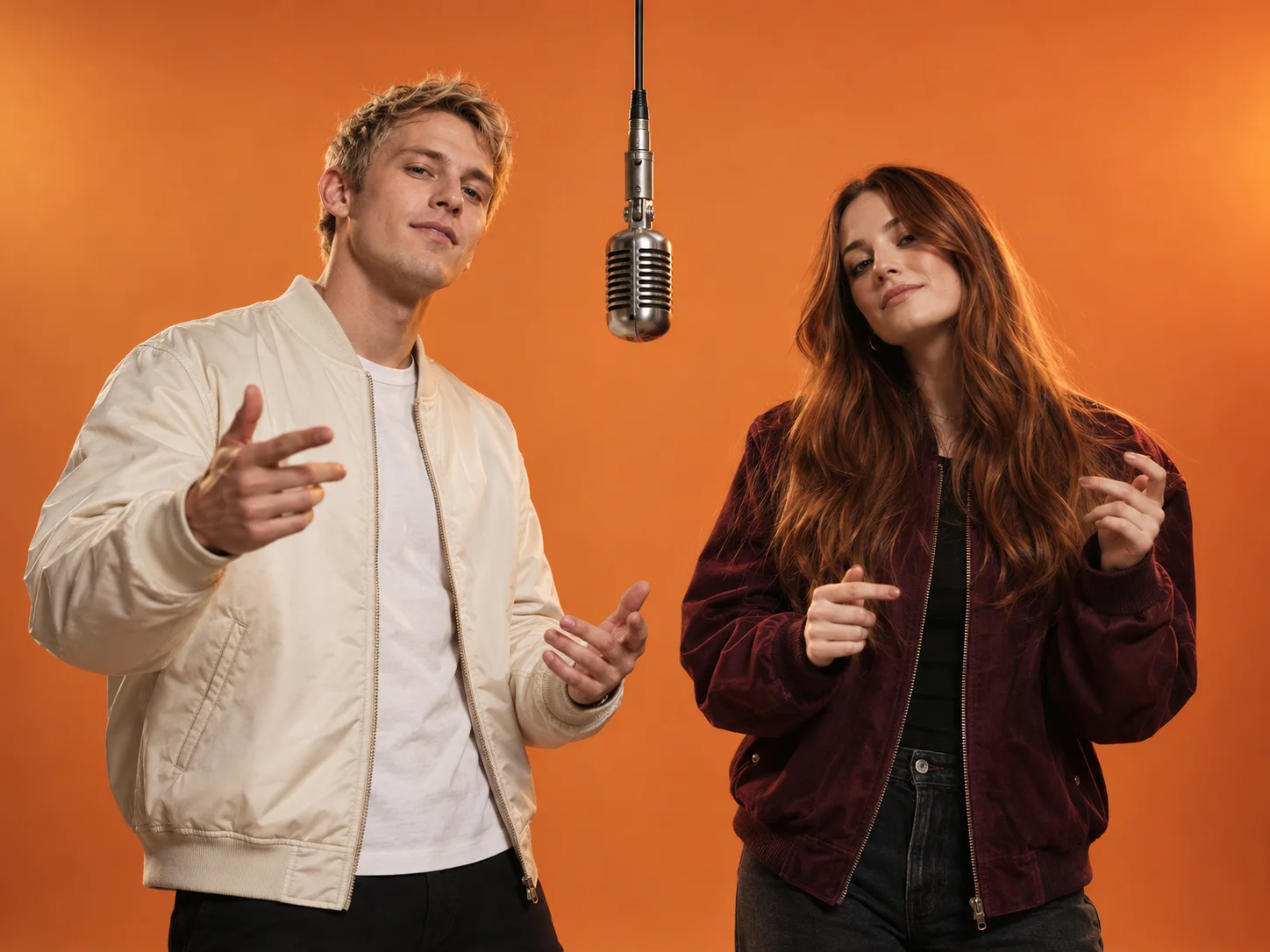
Give each performer a separate reference image. The first photo assigns the left role and the second assigns the right, helping the template keep the two appearances distinct.

  • One subject in each photo
  • Image 1 on the left, Image 2 on the right
  • Clear faces and visible outfits
Illustration of two distinct performers beside a hanging microphone in an orange studio

The Orange Studio Is Already Set

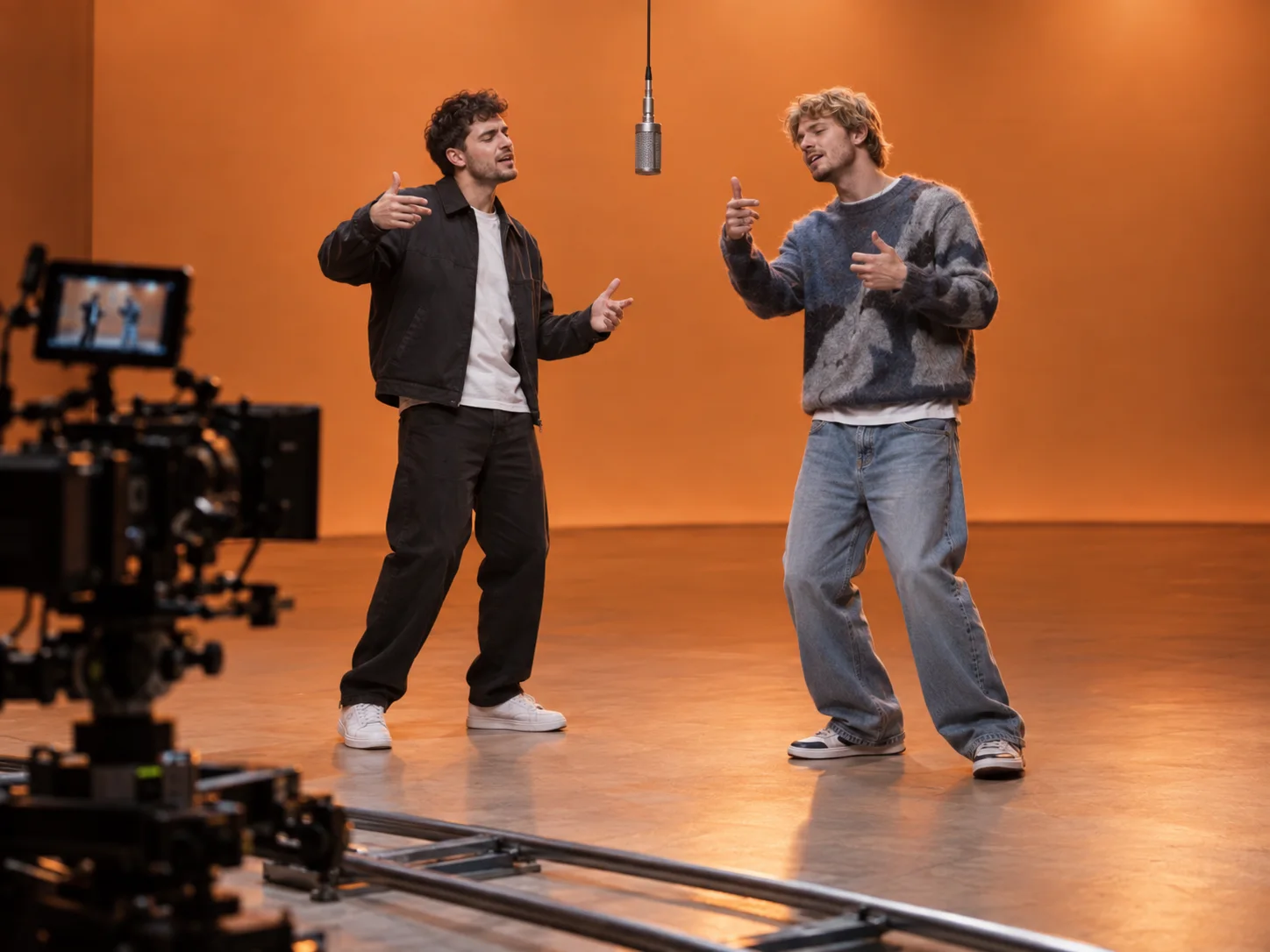
The built-in video reference guides the orange backdrop, hanging microphone, framing, and choreography. You can start with your photos instead of finding and uploading a source performance yourself.

  • Hotel Lobby-inspired setting
  • Reference-guided body movement
  • No scene prompt to write
Concept illustration of two performers and a camera in a warm orange studio

Preview the Performance with Sound

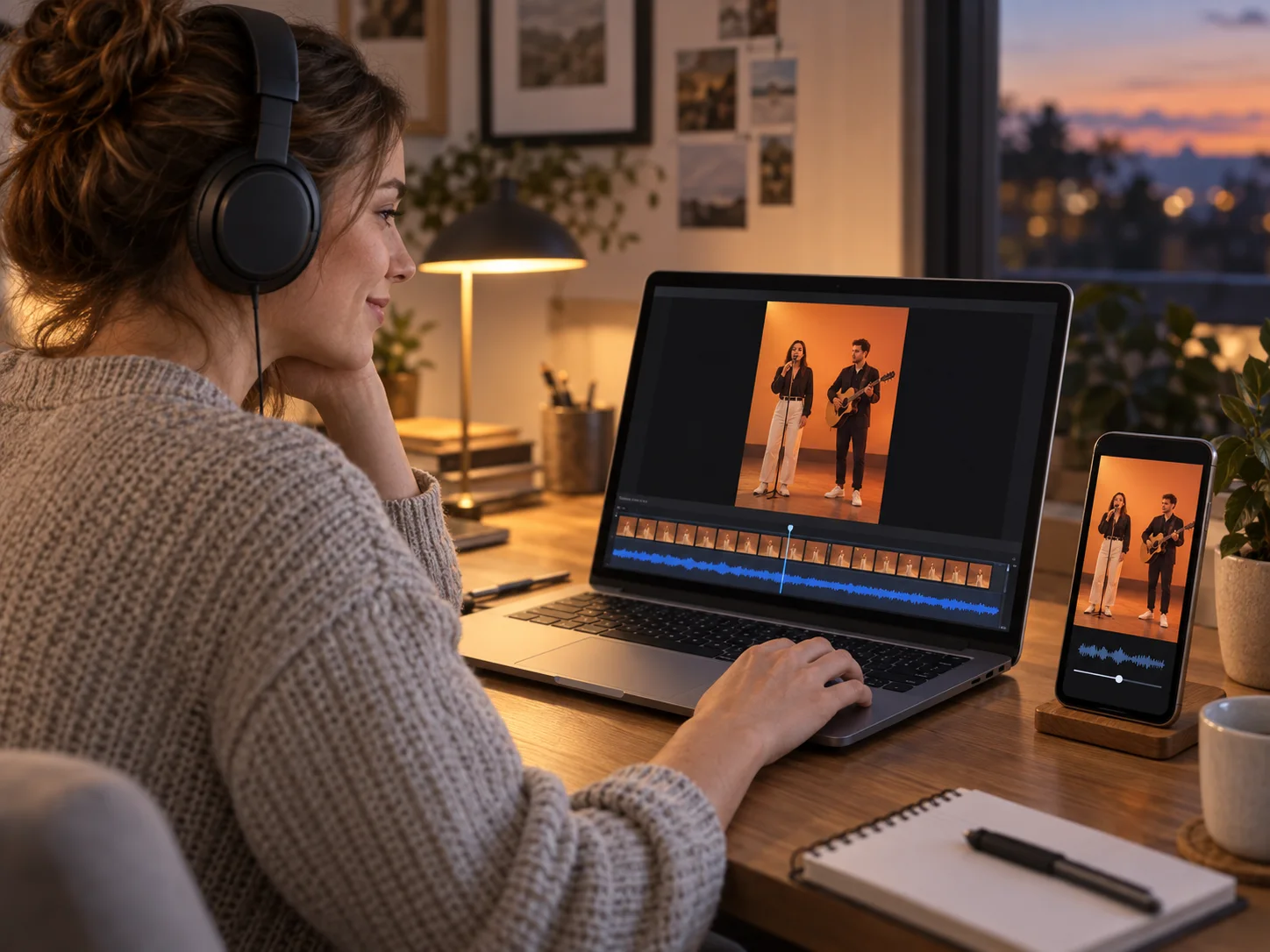
An included Hotel Lobby audio reference guides the music and the left performer’s lip movements. The right performer follows the body motion. Watch and listen to the complete generated result before sharing.

  • Audio reference included in the workflow
  • Left performer carries the vocal role
  • Download after reviewing the result
Illustration of a creator checking a duo video and its audio on a laptop

How to Make a Migos AI Video

Use the same two-photo generator as Hotel Lobby AI. The reference performance and audio are already included.

01

Choose Your Two Performers

Upload a clear photo of the left performer first, then the right performer. Use one person per image with an unobstructed face and visible upper body.

02

Pick Vertical or Landscape

Choose 9:16 for a vertical social clip or 16:9 for a landscape duo. The template uses a fixed 13-second performance; you do not need to enter a prompt.

03

Generate, Review, and Download

Check the credit cost shown in the generator and start the video. When it is ready, review both faces, their movements, and the audio, then download your clip.

Choose a Duo for Your Migos AI Video

Start with a pairing that means something to you. The fun comes from seeing familiar people step into the same unexpected performance.

You and Your Favorite Person

Make a playful clip with a partner or friend for an anniversary, birthday, or a message that makes them laugh.

A Group Chat Surprise

Turn two consenting friends or coworkers into an unlikely performance duo and send the result to your chat.

Your Take on the Trend

Use your own cast for a short social post. Choose vertical for TikTok, Reels, or Shorts, or landscape to give the duo a wider frame.

Get a Clearer Migos AI Video Result

Good references make it easier to recognize your duo. AI output can vary, so check the whole clip rather than judging only its first frame.

Use Sharp, Well-Lit Photos

Choose photos with visible facial features. Avoid group shots, heavy filters, covered faces, and distant subjects.

Check the Photo Order

The first upload defines the left performer and the second defines the right. Decide who should carry the vocal role before uploading.

Listen as Well as Watch

Review the soundtrack and the left performer’s lip movements. Identity consistency, choreography, and lip sync may differ from the reference.

Migos AI Video Questions

What the trend means, how the template works, and what to expect from your result.

1

What is a Migos AI video?

It is an AI recreation of the two-person orange-studio performance associated with Migos members Quavo and Takeoff’s Hotel Lobby appearance on A COLORS SHOW. The trend replaces the performers with a new duo while keeping the recognizable scene and performance idea.

2

Are Migos AI and Hotel Lobby AI the same trend?

In this context, yes. Migos AI names the artists associated with the performance; Hotel Lobby AI names the song and video format. On MagicCreator, both pages use the same generation task, references, and two-photo workflow.

3

How can I make a Hotel Lobby video of me and a friend?

Upload one clear photo of each person in the generator on this page. The first photo sets the left performer and the second sets the right. Choose 9:16 or 16:9 and generate a 13-second video. The orange-studio scene, motion reference, and audio reference are already included; you do not need to write a prompt or upload a performance video.

4

How many photos do I need?

Exactly two, with one person in each image. Image 1 defines the left performer and Image 2 defines the right. Clear faces and visible upper bodies make better references.

5

Can I download a Migos AI video with sound for TikTok or Reels?

Yes. Choose 9:16 to generate a vertical clip, then review and download the video with its generated audio. The Hotel Lobby audio reference guides the result, but it is not a guarantee of the exact original recording or perfect lip sync. Choose 16:9 if you want a landscape clip instead.

6

Does the Migos AI video include the original song?

The workflow includes a Hotel Lobby audio reference to guide the soundtrack and left-side lip sync. The downloaded video keeps the model’s generated audio, so it may differ from the source recording. Play the examples and review your result with sound.

7

Can I change the length, scene, or prompt?

This preset uses a fixed 13-second performance with built-in scene, motion, and audio references. You can upload your two photos and choose 9:16 or 16:9; there is no editable prompt.

8

Is the Migos AI video generator free?

Generation uses MagicCreator credits. The generator displays the required credit amount before you start so you can check the cost for your clip.

9

Can I use a photo of someone else?

Use photos you own or have permission to use, and make it clear that the result is AI-generated when sharing. MagicCreator is an independent tool and is not affiliated with Migos or its members.

Make Your Own Migos AI Video

Pick your duo, upload two photos, and bring them into the Hotel Lobby-inspired orange studio.