
GPT Image 2.5 Image Editor

Upload an image, describe exactly what to change, and preserve everything else with GPT Image 2.5.

Edit images online with a promptChoose Flare or SunburstUpload up to 10 reference images
133 / 2000
After
After
Before
Before
Drag to compare
After
After
Before
Before
Drag to compare

Example results — drag the slider to compare

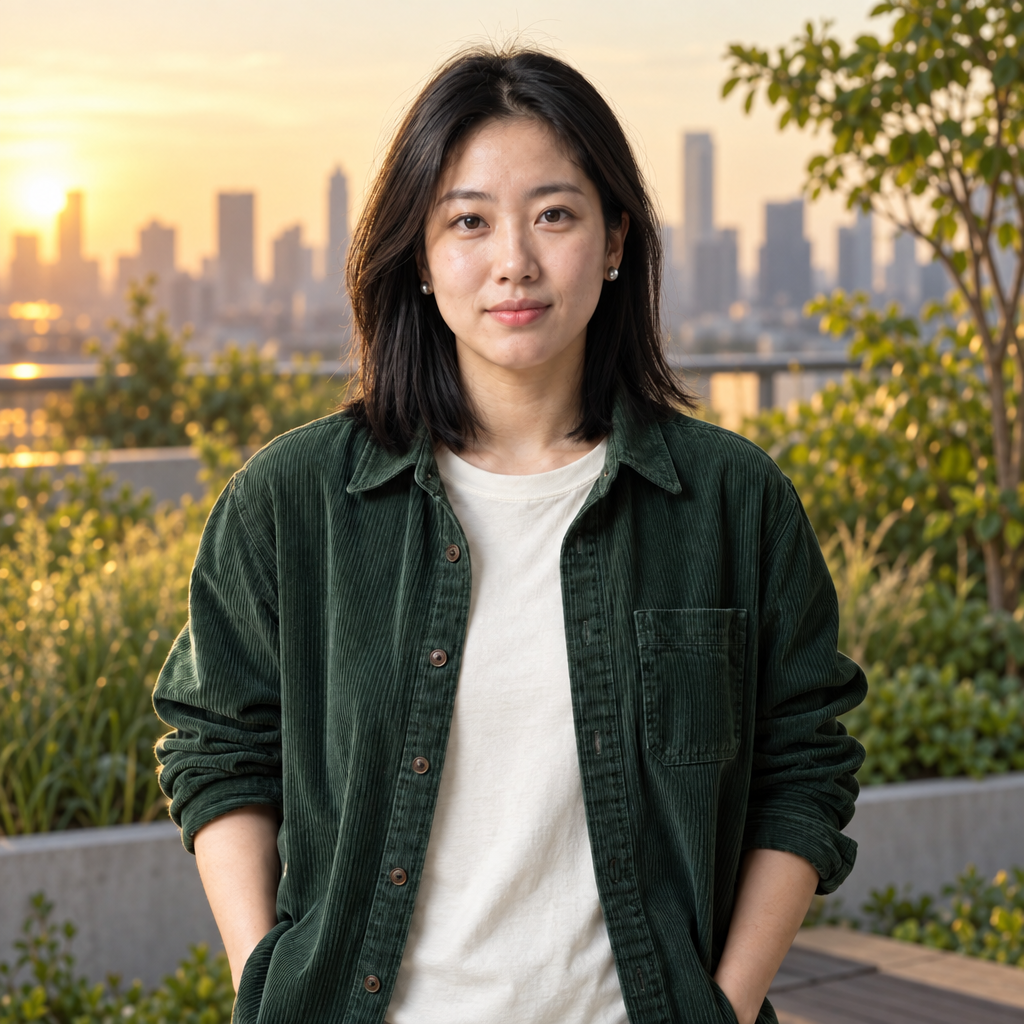
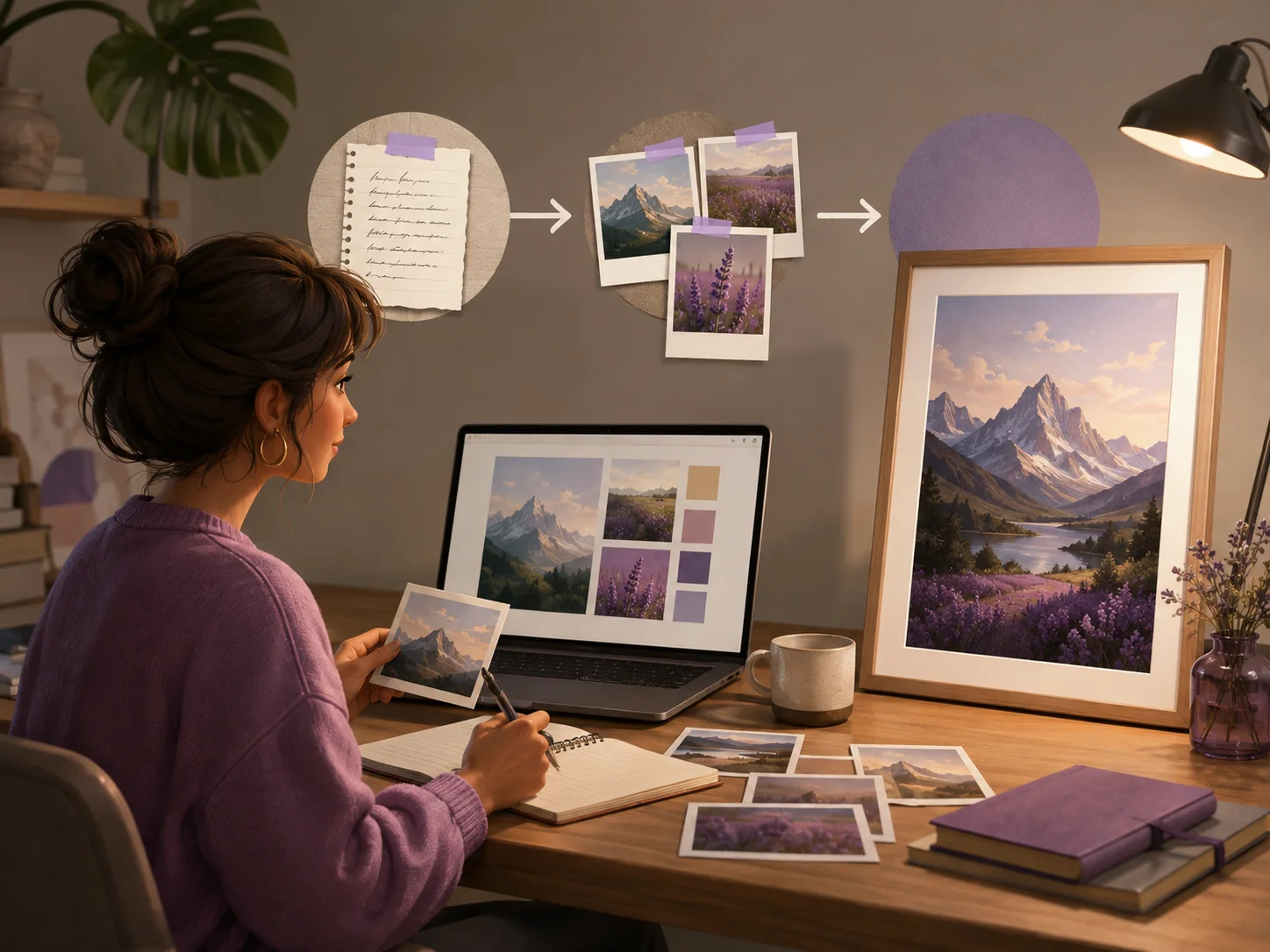
A home creator combining a written edit instruction and reference photos into a finished image

What Is the GPT Image 2.5 Image Editor?

GPT Image 2.5 is OpenAI's image generation and editing model family, released on September 8, 2026. ChatGPT uses it in the ChatGPT Images 2.5 experience, while MagicCreator provides an independent online editor powered by the Flare and Sunburst API models.

  • Edit an Existing Image
    Upload a photo or design, explain the change in everyday language, and generate a revised image instead of rebuilding it from scratch.
  • Choose Flare or Sunburst
    Use Flare as the faster default for everyday edits, or select Sunburst when a detailed revision needs tighter control.
  • Independent from ChatGPT
    MagicCreator is not the official ChatGPT image editor. It gives you direct access to GPT Image 2.5 alongside other clearly labeled image models.

Precise Editing with GPT Image 2.5

Tell the editor what should change and what should remain untouched, then continue refining the image without restarting your work.

Change Only What You Ask For

Upload an image and describe one focused revision. GPT Image 2.5 is designed to update the requested part while keeping the surrounding composition and approved details more stable.

  • Describe the edit in natural language
  • State clearly what should stay unchanged
  • Review the complete image before downloading
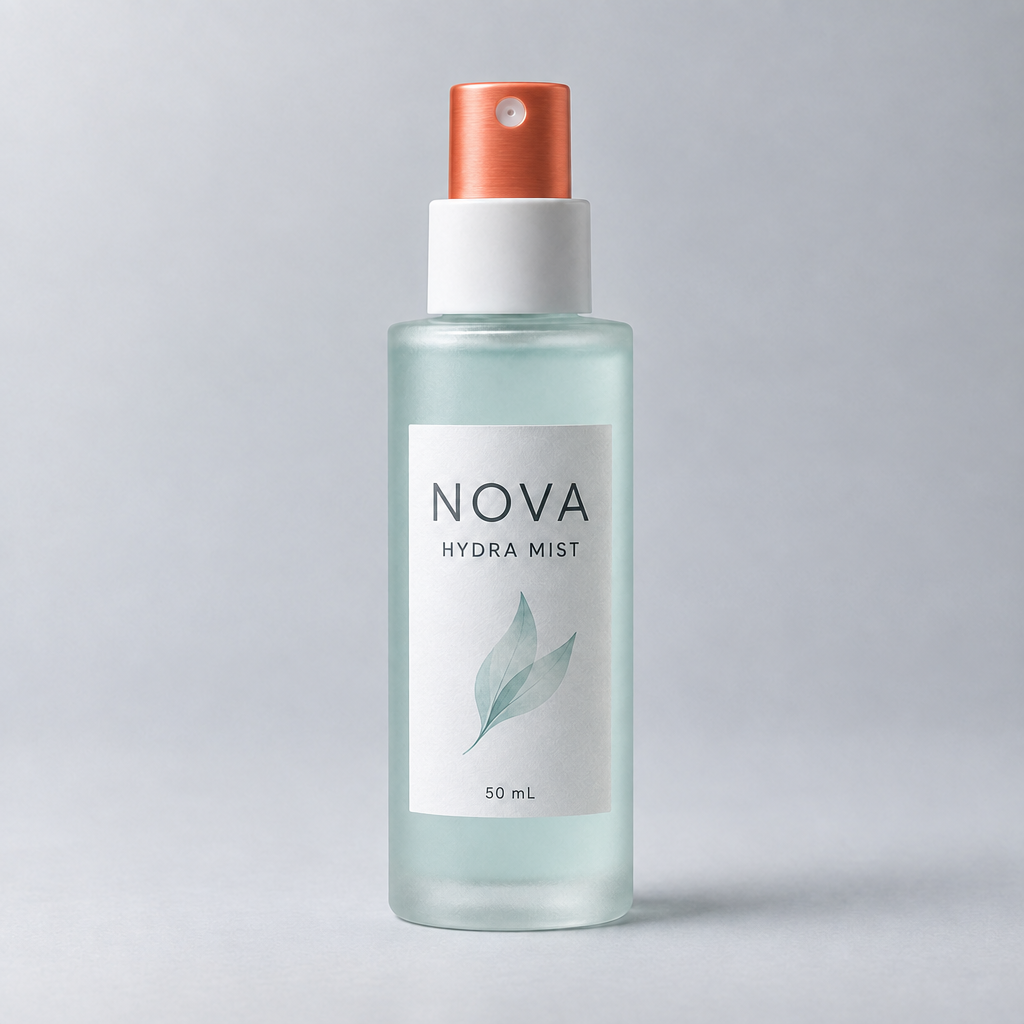
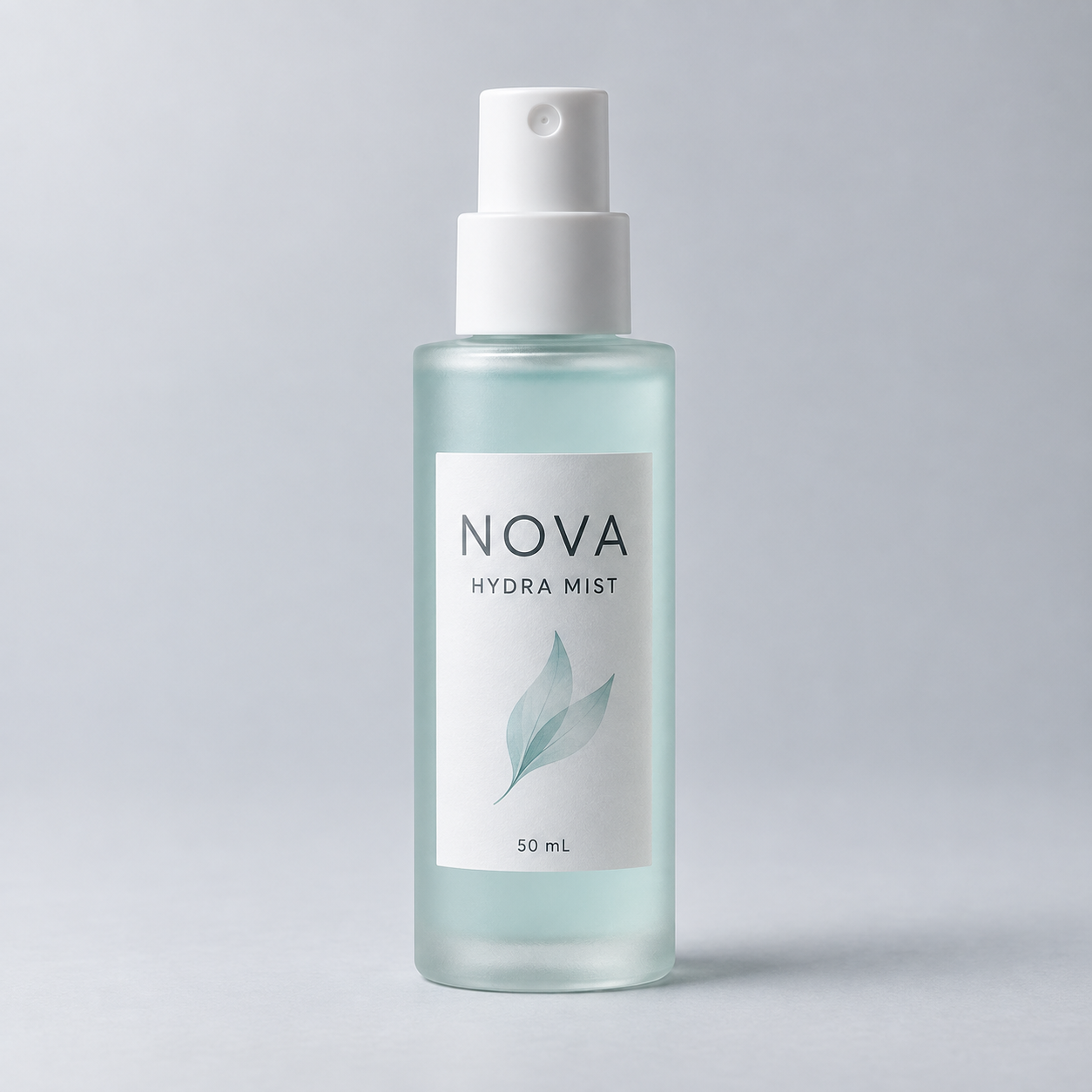
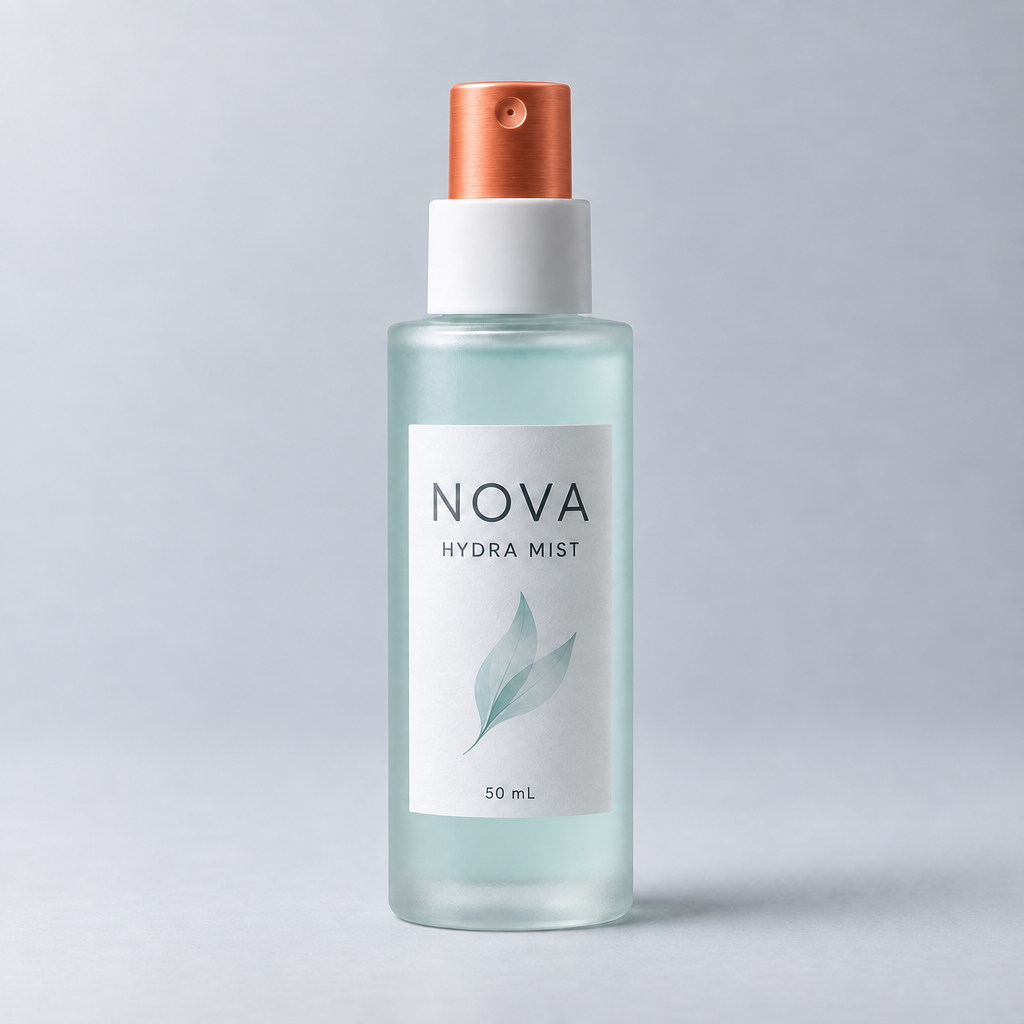
GPT Image 2.5 Flare edit adding an orange pump to a translucent skincare bottle

Keep Objects and Layouts Coherent

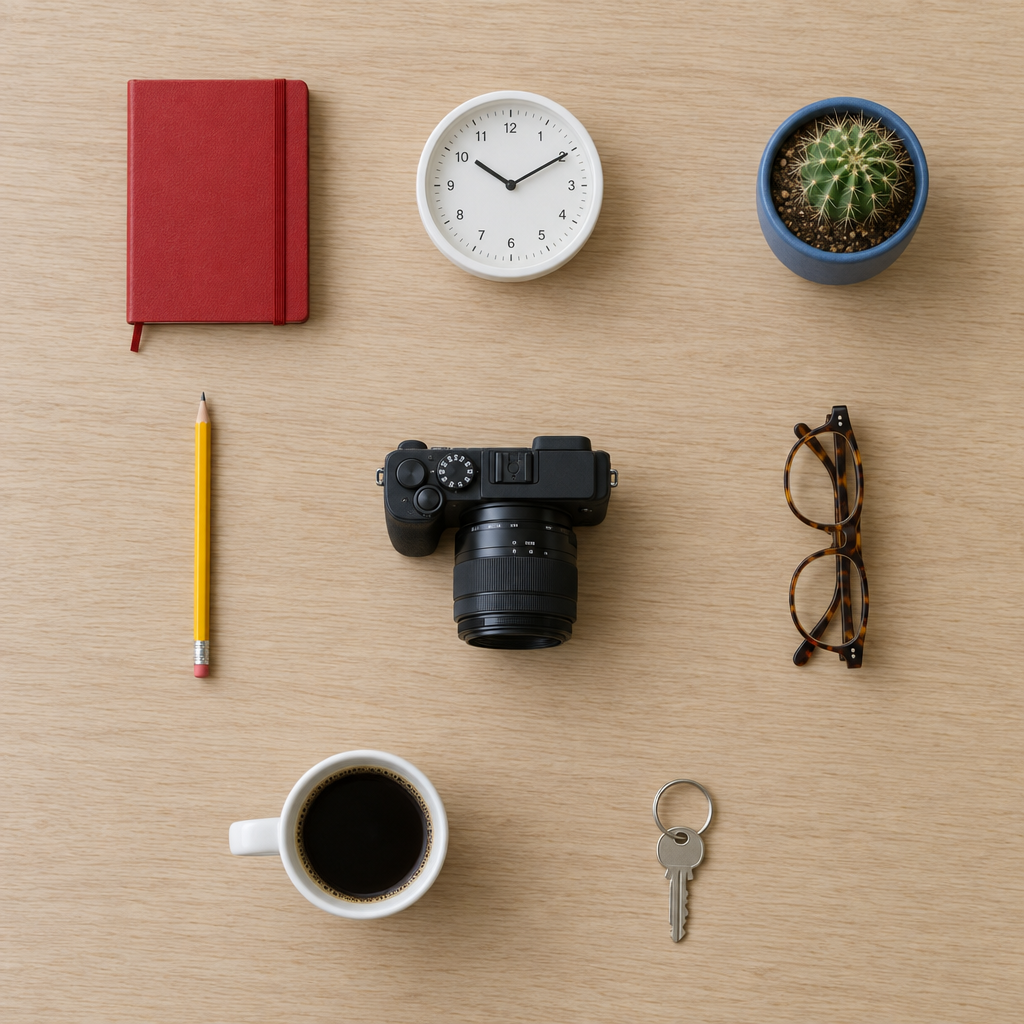
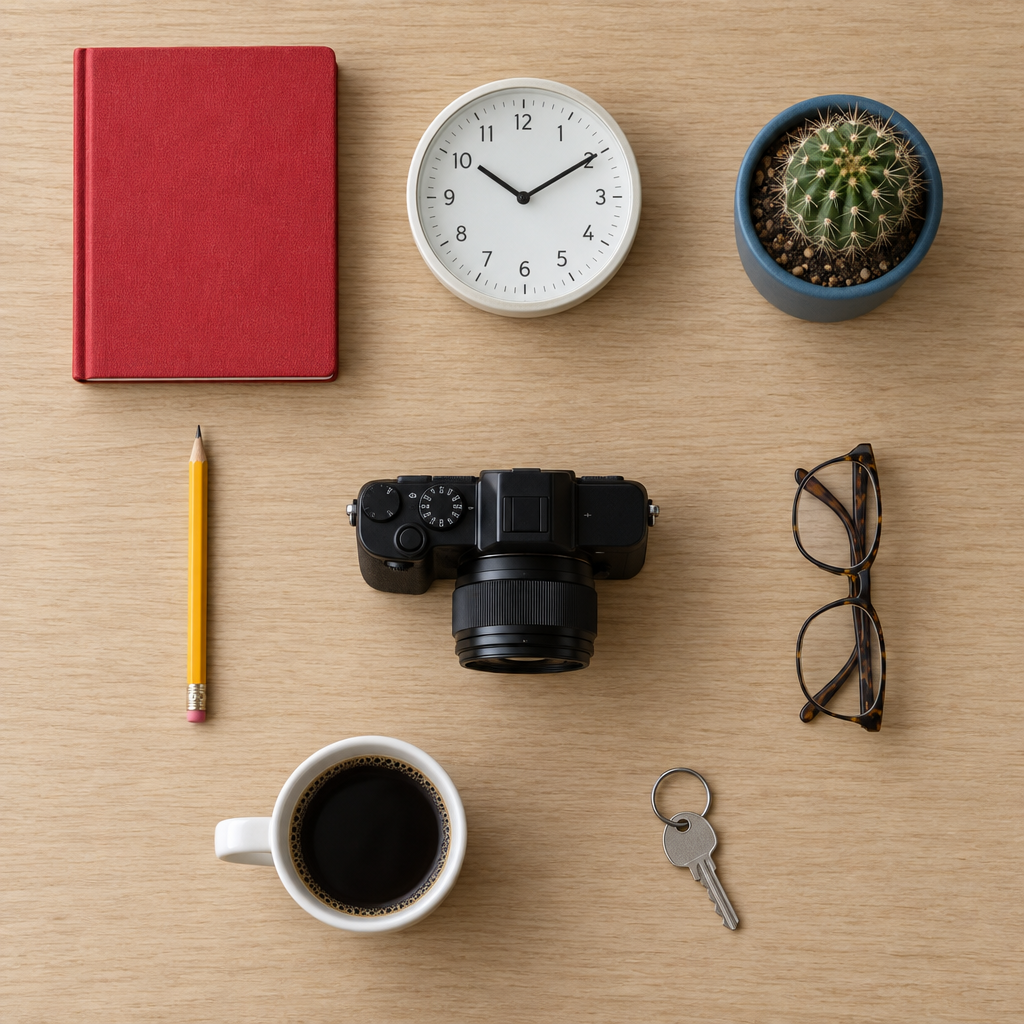
Give the model a structured visual brief with several objects and clear placement requirements. GPT Image 2.5 can organize the requested elements while keeping the overall image readable and balanced.

  • Place several requested objects in one scene
  • Maintain clear spacing and visual hierarchy
  • Use structured layouts for everyday creative work
GPT Image 2.5 Sunburst arranging a notebook, clock, camera, glasses, coffee, cactus, pencil, and key

Keep Characters Consistent Across New Scenes

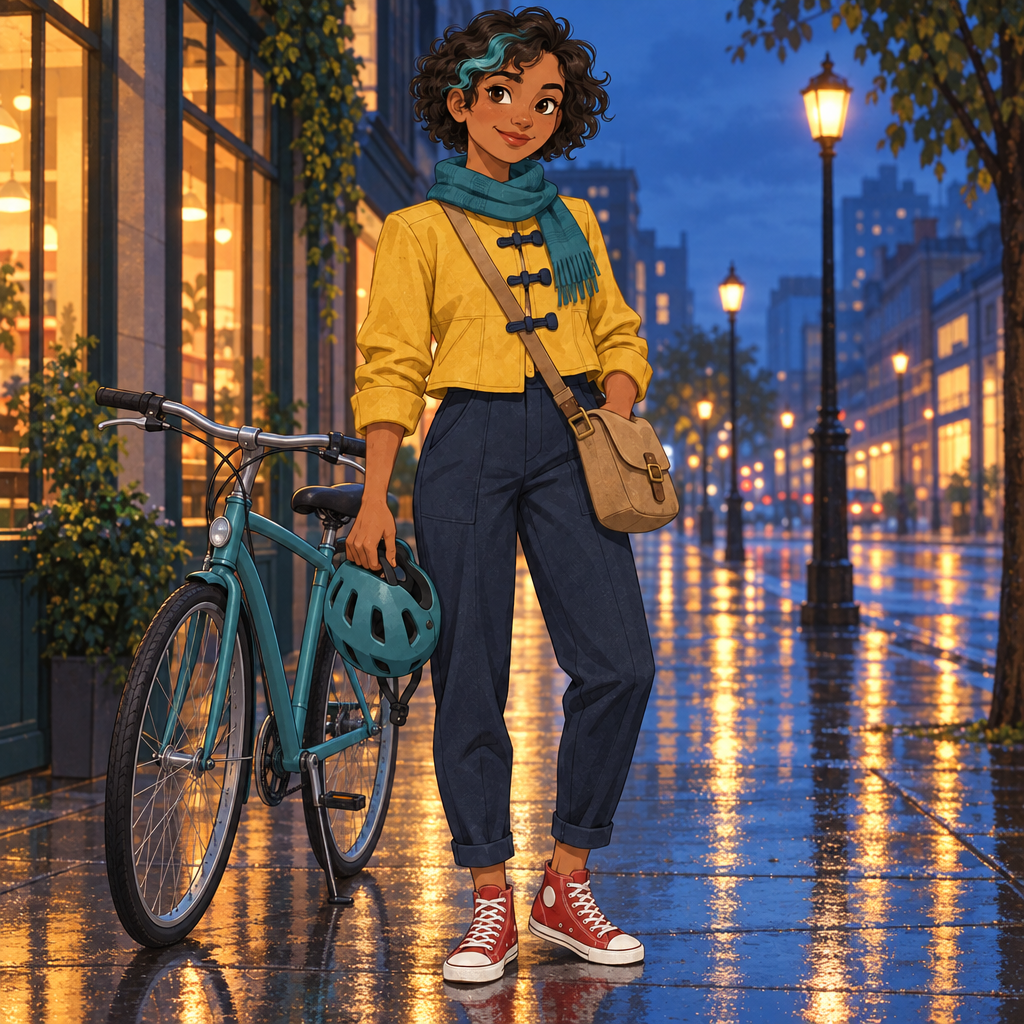
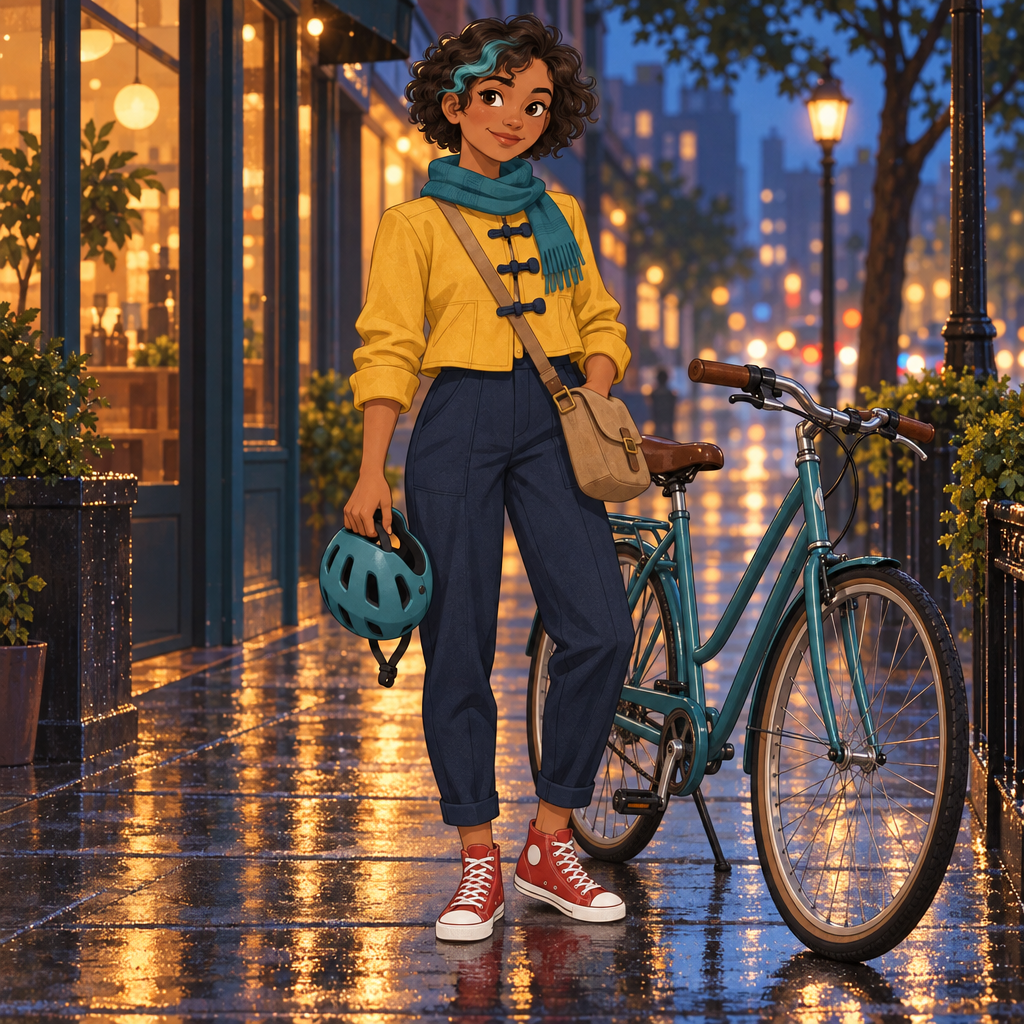
Move the same illustrated character into a new environment while preserving their face, hairstyle, outfit, accessories, and visual style.

  • Use a reference image to define the character
  • Preserve recognizable clothing and accessories
  • Change the scene without drifting from the original style
GPT Image 2.5 Flare preserving the same animated character in a new rainy street scene

How to Edit an Image with GPT Image 2.5

Choose a model, upload your image, and give one clear instruction describing the result you want.

01

Choose Flare or Sunburst

Start with GPT Image 2.5 Flare for most edits, or choose Sunburst when extra precision matters more than generation time.

02

Upload and Describe the Edit

Add your image and explain what to change. Include a short note about the subject, layout, or details that should remain the same.

03

Generate, Review, and Download

Choose the available quality and format settings, run the edit, inspect the result, and download it or continue with another revision.

Everyday Uses for the GPT Image 2.5 Image Editor

Use the GPT Image 2.5 Image Editor for practical, self-contained updates to photos, shop visuals, events, and personal projects.

Personal Photos

Revise a favorite photo while keeping the people, pets, expressions, and important details recognizable.

Product and Shop Images

Update a product visual for a listing, seasonal promotion, or small-shop post while retaining the original item.

Posters and Social Graphics

Refine the copy, arrangement, or visual direction of an image before sharing it online or using it for an event.

Room and Decor Ideas

Revise a room photo to explore a different mood, arrangement, or seasonal look before making changes at home.

Invitations and Event Images

Refresh an invitation, announcement, or celebration image so it better matches the occasion and the people receiving it.

Hobby and Learning Projects

Improve visuals for a school assignment, club activity, recipe card, scrapbook, or another project made for personal use.

GPT Image 2.5 Editor Questions

Direct answers about ChatGPT image editing, MagicCreator access, model choices, existing photos, and credit costs.

1

Is GPT Image 2.5 behind the ChatGPT image editor?

Yes. ChatGPT Images 2.5 and the GPT Image 2.5 API models belong to the same OpenAI image release. ChatGPT provides its own Images experience, while MagicCreator uses the Flare and Sunburst API models in an independent editor.

2

How is MagicCreator different from the ChatGPT image editor?

MagicCreator is a separate service, not an official ChatGPT product. It makes the GPT Image 2.5 model choice visible and lets you switch between Flare, Sunburst, and other image models in one generator.

3

Can I use MagicCreator as a ChatGPT photo editor alternative?

Yes. You can upload an existing photo, choose GPT Image 2.5, and describe the revision directly on this page without opening ChatGPT. The services have different interfaces, accounts, pricing, and usage terms.

4

Can GPT Image 2.5 edit existing photos?

Yes. Upload a photo and describe what you want changed. For a more controlled result, also state which people, objects, and composition details should stay the same.

5

Can I use GPT Image 2.5 online without ChatGPT?

Yes. MagicCreator provides online access to GPT Image 2.5 Flare and Sunburst through the editor on this page. Choose a model, upload an image, enter your instruction, and generate the edit.

6

Should I choose GPT Image 2.5 Flare or Sunburst?

Choose Flare for most edits and faster iteration. Choose Sunburst when you prefer additional precision for detailed creative work and can accept a longer generation time.

7

Is the GPT Image 2.5 editor free?

GPT Image 2.5 is not a free model on MagicCreator. The generator shows the required credit amount before you submit an edit, based on the selected model and quality.

Edit Your Image with GPT Image 2.5

Upload an image, choose Flare or Sunburst, and describe the precise revision you want to make.