
How many photos do I need?
Exactly two. Image 1 becomes the left performer and Image 2 becomes the right performer.
Upload exactly two photos to create a complete 15-second two-person performance. The scene, timing, camera direction, original beat, and lyric handoff are already mapped out in an editable prompt.
Upload exactly two clear photos: Image 1 is the left performer and Image 2 is the right performer.
Preview video - Generate your own video above
Two generations made with the same two-photo workflow. Unmute the videos to compare the automatically generated performances and audio.
A full 15-second take showing how two separate reference identities can remain readable while sharing one performance scene.
A second take focused on native music, alternating vocal parts, synchronized gestures, and a shared ending.
The workflow fixes the technical choices and leaves the creative direction visible, so you can focus on the two people and the performance.
The first photo always defines the left performer and the second defines the right. The prompt reinforces stable faces, outfits, body proportions, and screen positions throughout the clip.
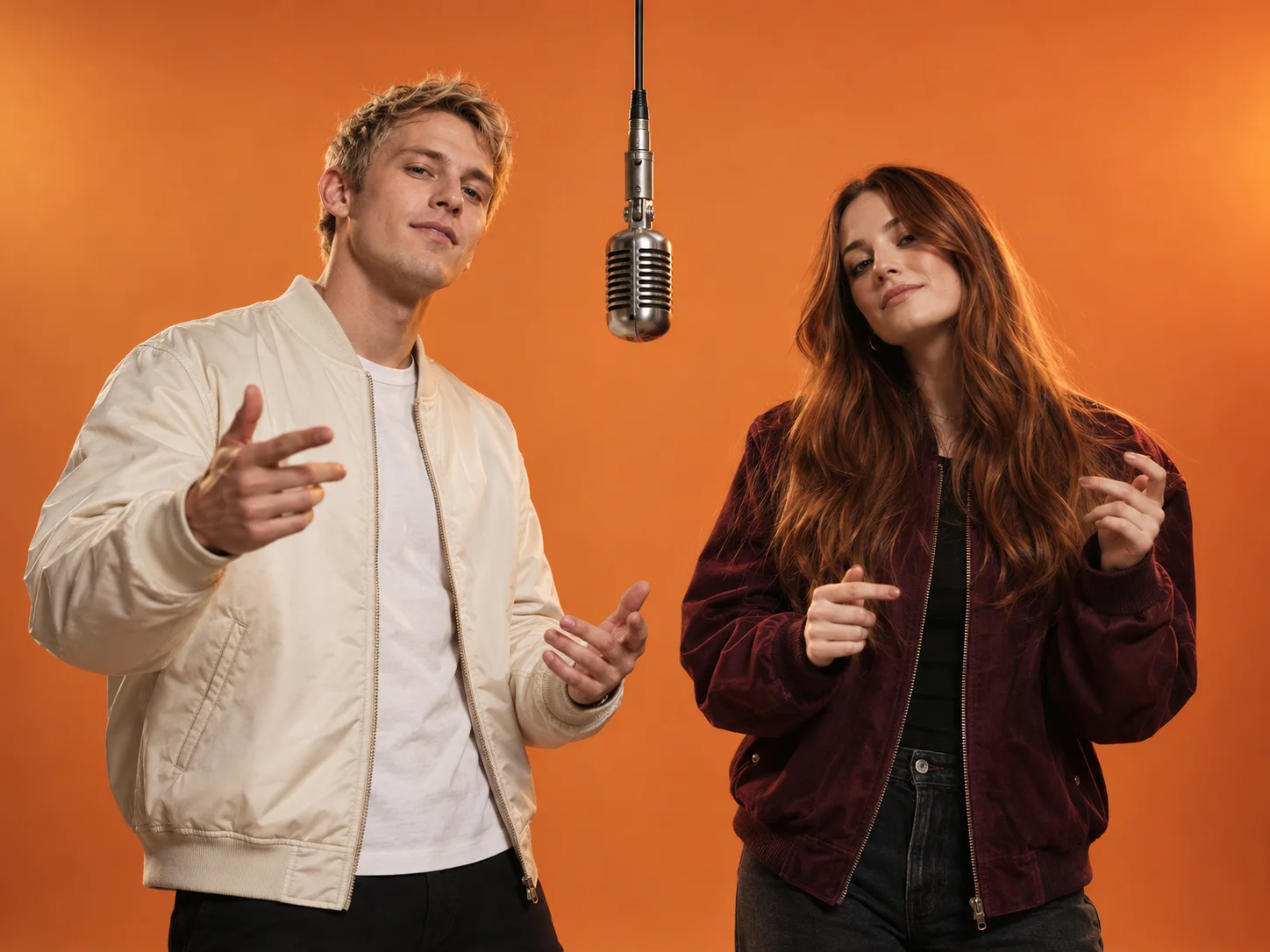
The complete prompt stays visible. Adjust the setting, movement, camera language, or original lyrics while keeping the tested timing structure intact.
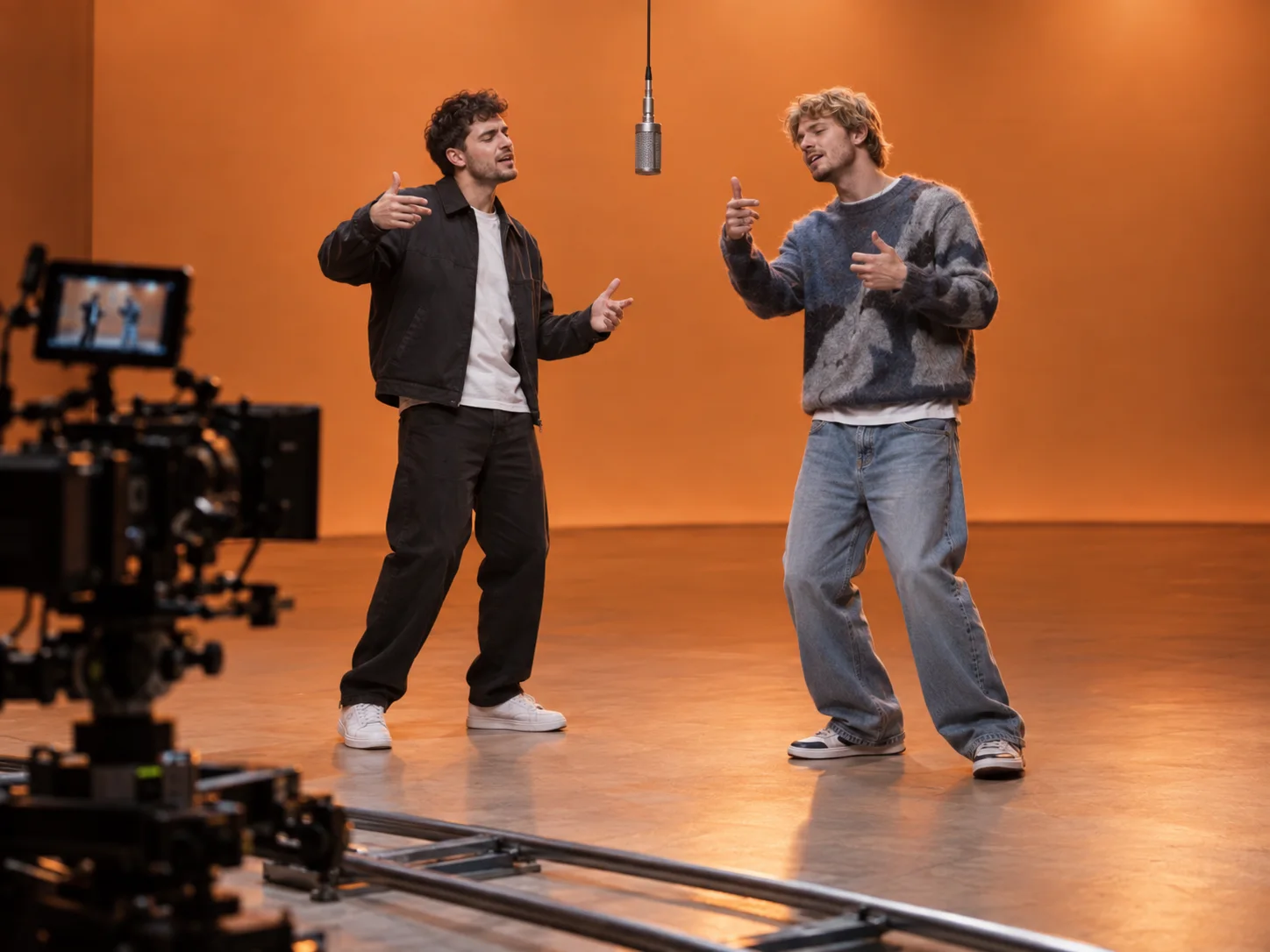
Music and two distinct voices are generated together with the video. The revised prompt keeps the beat running for the full clip and gives the vocal section enough material to avoid an early ending.
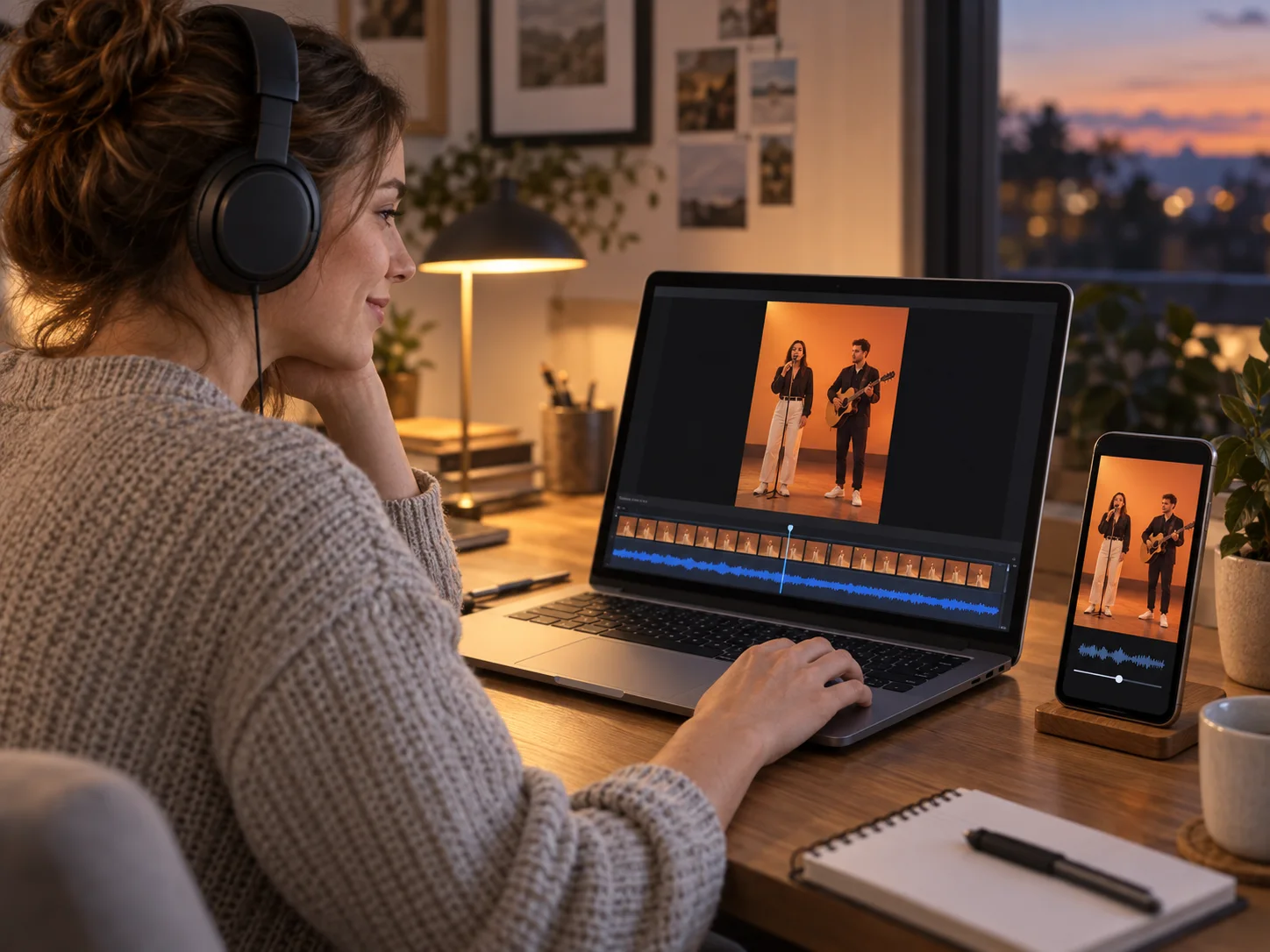
The output settings are fixed, so the workflow takes only three steps.
Use one well-lit person per image. Upload the intended left performer first and the right performer second.
Keep the tested prompt as-is or edit the scene and original lyrics. Preserve the Image 1 and Image 2 role assignments for consistent identities.
Submit the two photos to create one 15-second landscape HD video with synchronized original audio, then review and download it.
The format works best when the pairing is instantly recognizable and the two roles remain visually clear.
Turn a familiar pair into a playful performance for a birthday, group chat, or social post.
Place two original or illustrated characters in one scene while preserving their separate identities.
Create a complete visual and audio concept, then crop or edit the landscape master for your publishing channel.
Clean inputs and a clear division of roles give the generator less room to confuse the two performers.
Choose sharp, front-facing or three-quarter images with an unobstructed face and similar framing.
Refer to Image 1 as the left performer and Image 2 as the right performer everywhere in the prompt.
Keep the timestamped handoff and several short lines so the vocal does not finish after only a few seconds.
Answers about photos, audio, output, and responsible use.
Exactly two. Image 1 becomes the left performer and Image 2 becomes the right performer.
Yes. The complete tested prompt is prefilled and editable. For the most reliable result, keep its identity rules and 15-second timing structure.
The generator uses a fixed 15-second, 16:9 HD configuration. The technical model and provider settings are selected automatically.
No. It generates a new beat, voices, and original lyrics from the prompt; no commercial recording or copyrighted lyrics are bundled.
Explicit timestamps, multiple lyric lines, and a no-early-fade instruction help the performance fill the complete clip instead of ending just after it begins.
Only use images you own or have permission to use. Do not create deceptive, harassing, sexual, or otherwise harmful impersonations.
Upload two photos, review the performance prompt, and generate a complete video with original audio.