
Two Familiar Faces, One Stage
A playful duo takes over the singing and drumming roles, with the pink studio setting tying the performance together.
With just two photos and no prompt writing or video editing required, upload a photo of each person to turn the pair into the singer and drummer in your own APT-style pink-stage music video.
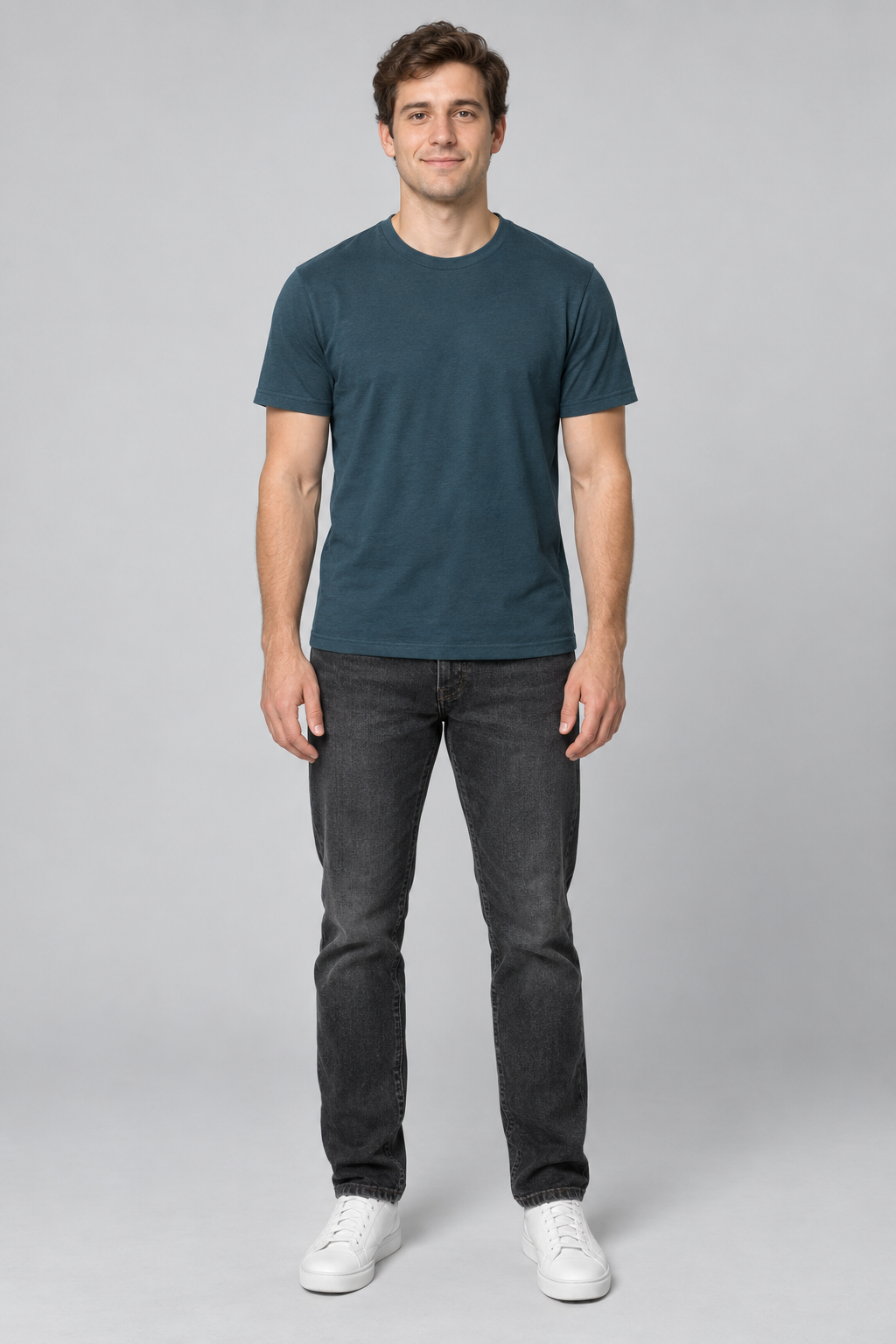
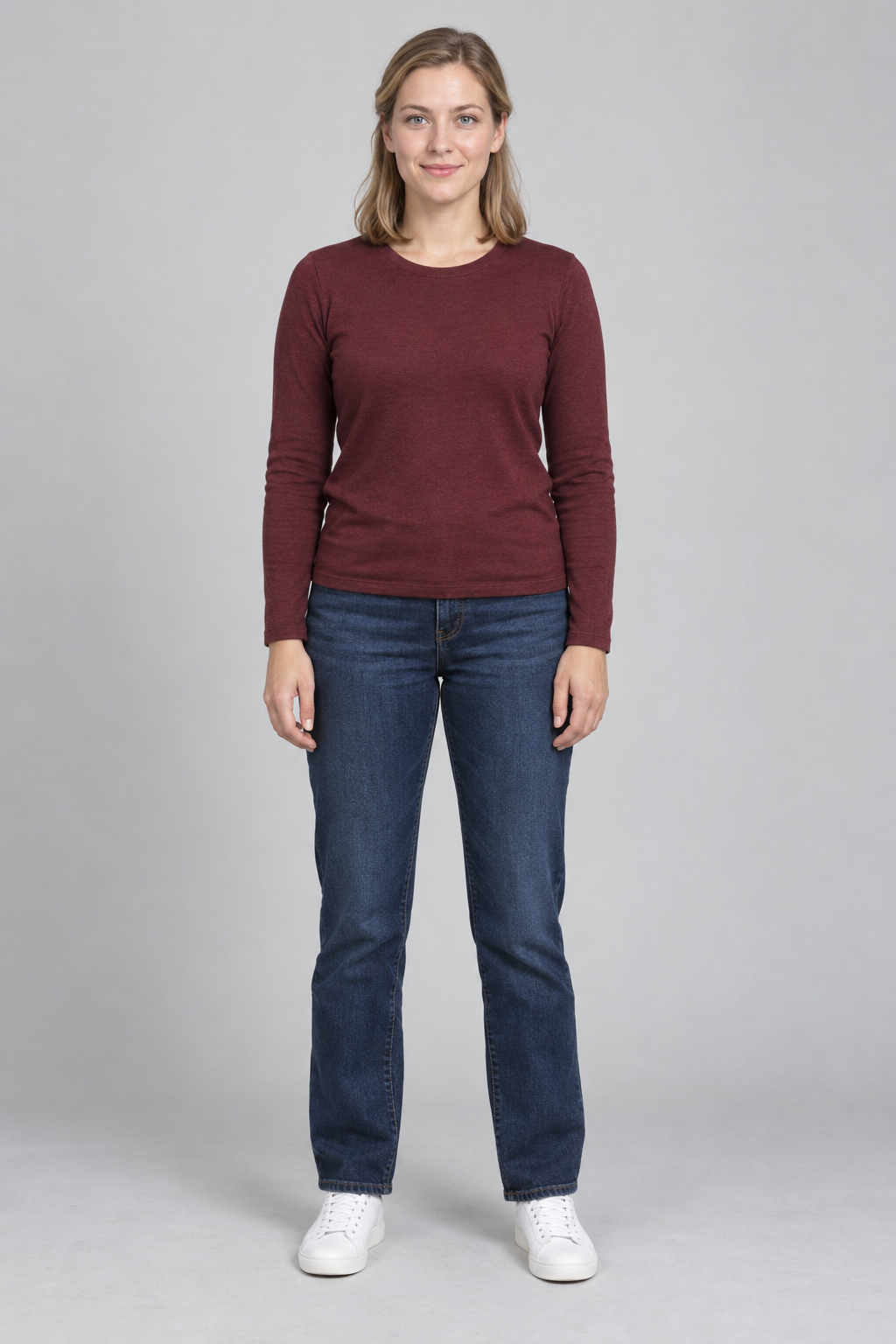
Upload one clear photo per person, preferably full-body. Photo 1 becomes the drummer; photo 2 becomes the singer. Your clip is 15 seconds with music.
Drummer
Singer
Preview video - Generate your own video above
See how different pairs take over the microphone and drums in the same pink-stage performance. Play the clips with sound to see the full effect.
A playful duo takes over the singing and drumming roles, with the pink studio setting tying the performance together.
A character pairing brings a different look to the same microphone-and-drums scene. Use the pairing itself as the punchline.
Another pair steps into the performance. Picture yourself and a friend, your partner, or two original characters in these roles.
Bring your two people into one playful performance, with a built-in scene and a clip you can preview and save.
Turn separate photos of you and a friend, your partner, or another favorite pair into a shared APT-style performance. One person takes the microphone while the other plays the drums.
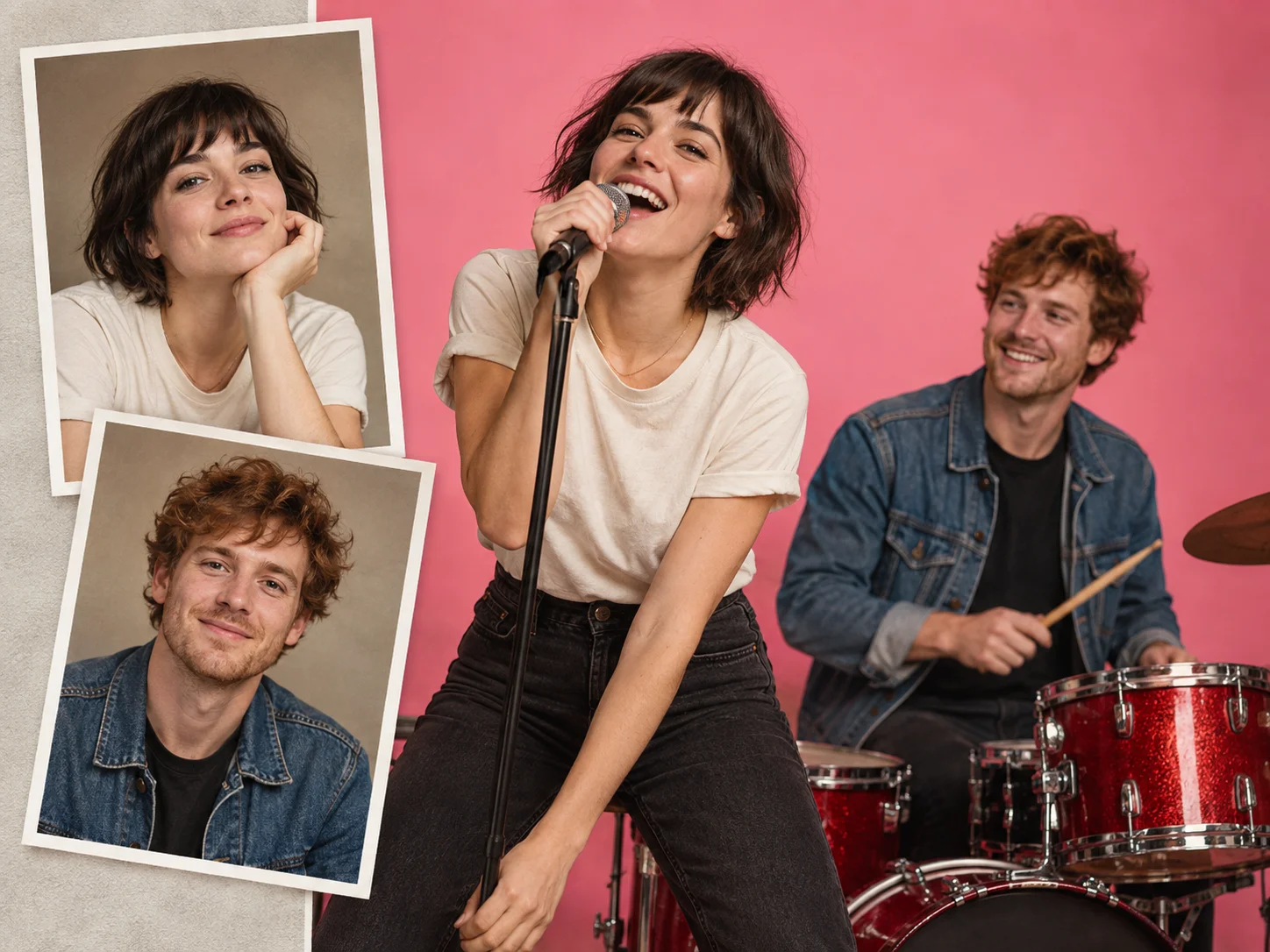
The built-in APT template provides the pink studio setting and performance direction. Choose your pair and let the scene bring the idea to life, without planning camera shots or writing a prompt from scratch.
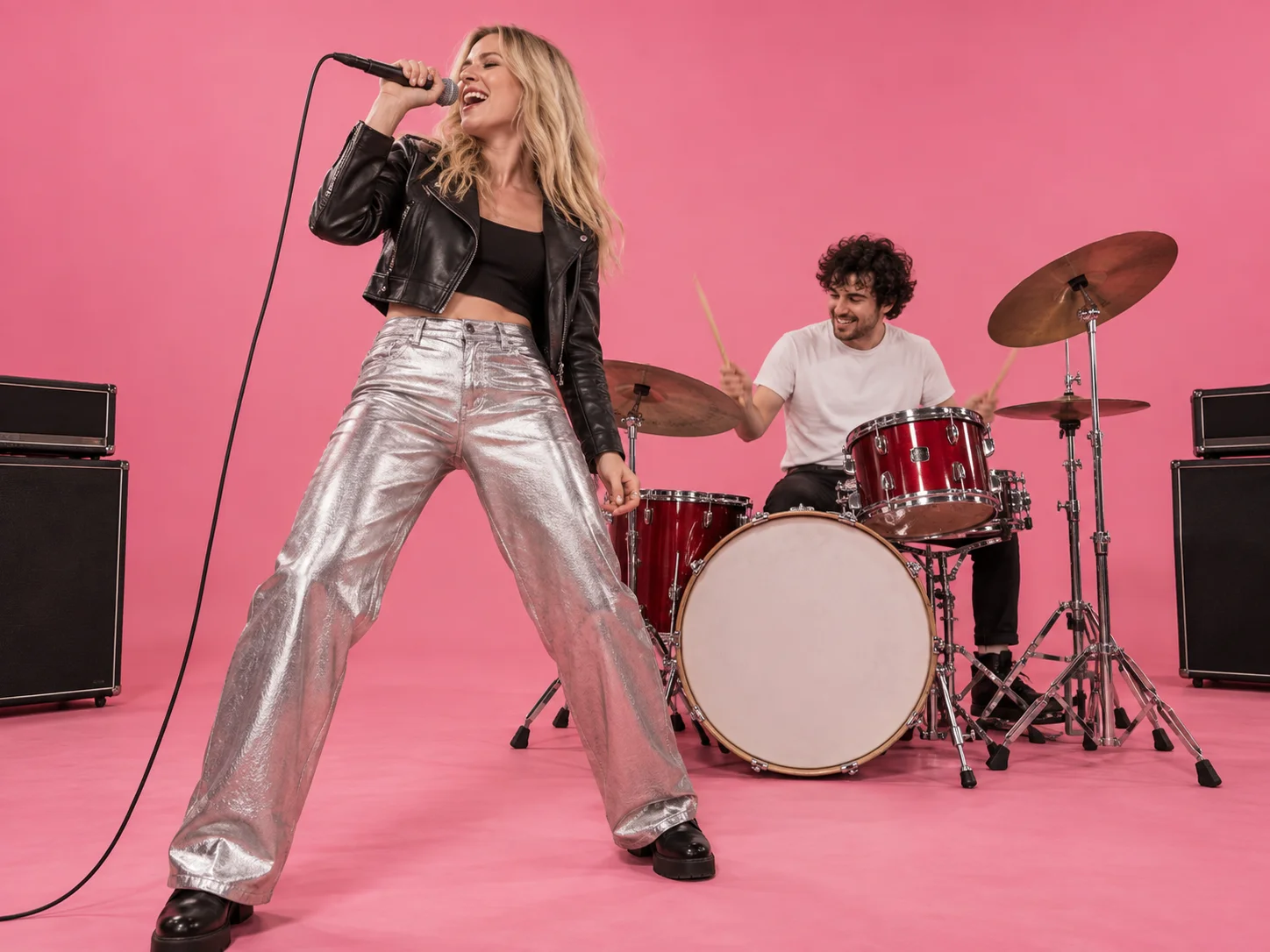
Play the finished video to see how both people look throughout the performance. Download your favorite result for a group chat, a birthday surprise, or your next social post.
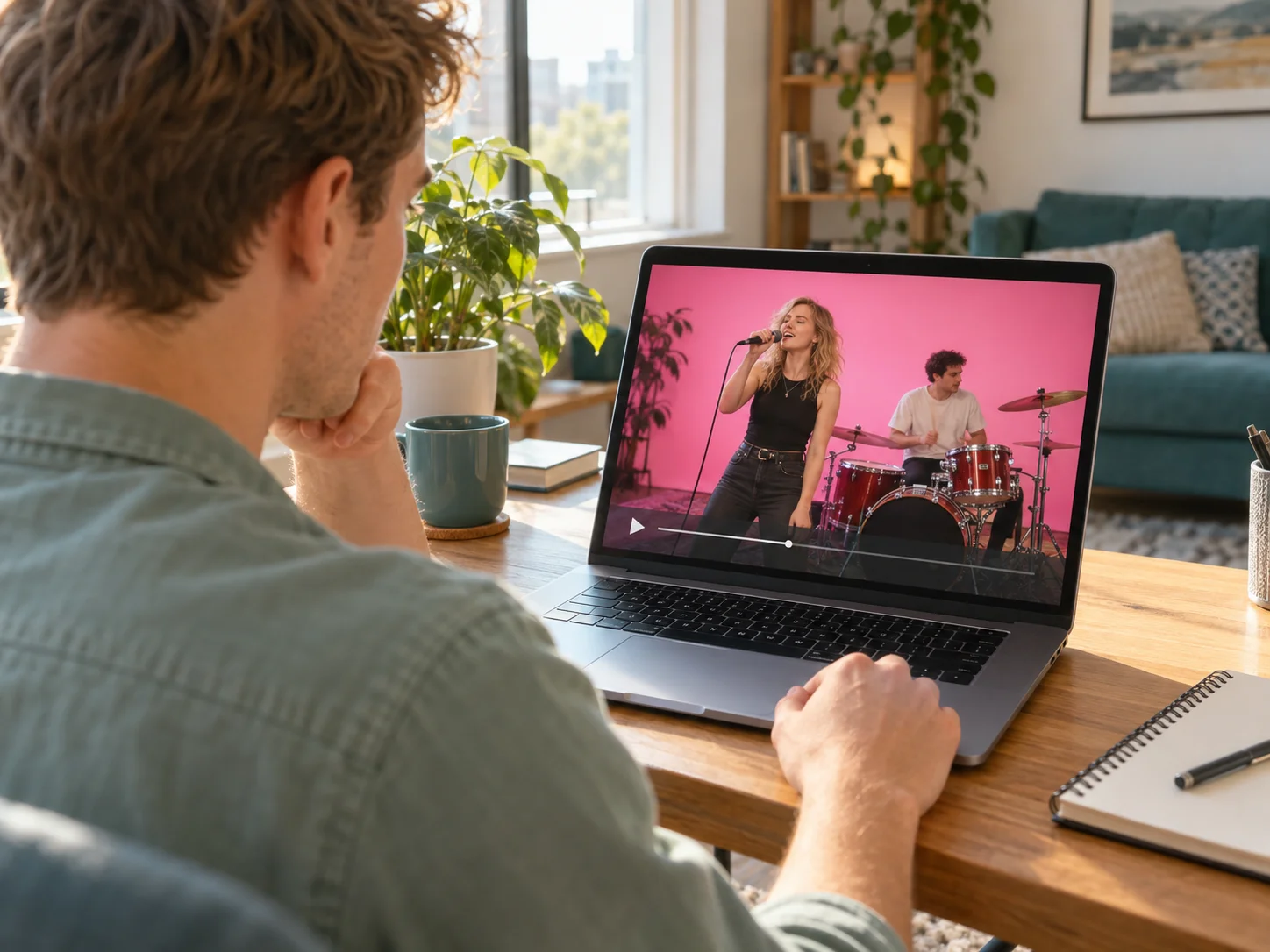
Bring two photos and a duo idea. The built-in APT template guides the scene and performance.
Use two separate images, with one person clearly visible in each. Choose the pair you want to see performing together.
Follow the upload labels to place each photo in its intended role. One person takes the microphone and the other plays the drums.
Start the generation, then play your finished clip to check both faces and the performance before downloading it.
Clear photos help keep both people recognizable as they move through the performance.
Choose a sharp, well-lit photo with the face unobstructed. Avoid heavy blur, deep shadows, and sunglasses that hide the eyes.
Upload a separate photo for each role. Avoid group shots that make it unclear which person should appear in the video.
Check both people throughout the video, including turns and movement. AI results can vary, even with clear reference photos.
What to know before you make your own APT-style music video.
Upload one photo for each of the two performers, check the role labels, and start the generation. The APT template supplies the pink-stage performance. Preview the finished clip and download it.
It is a tool for turning photos into an AI version of the APT-style music-video performance. This two-photo workflow places your chosen pair in the singer and drummer roles.
Use two separate photos, one for each person. A clear individual photo for each role gives the AI a less ambiguous reference than a group picture.
The APT performance direction is built in, so you can make your clip without writing a prompt from scratch. Focus on choosing your two photos and checking their roles.
Yes. Use a photo of yourself and a photo of your friend or partner to create your duo. Choose photos you own or have permission to use.
Yes. Once generation finishes, preview the result and use the download option to save the clip.
Pick your singer and drummer, bring a photo of each, and put your duo on the pink stage.