
What is Qwen-Image 2.1?
Qwen-Image 2.1 is a Qwen image model for text-to-image generation and image-conditioned editing. It processes written instructions and condition images together to create a new target image.
Turn a written idea into a finished visual, or bring reference images into one prompt for a focused edit. Select Qwen-Image 2.1 and create in the same simple workspace.
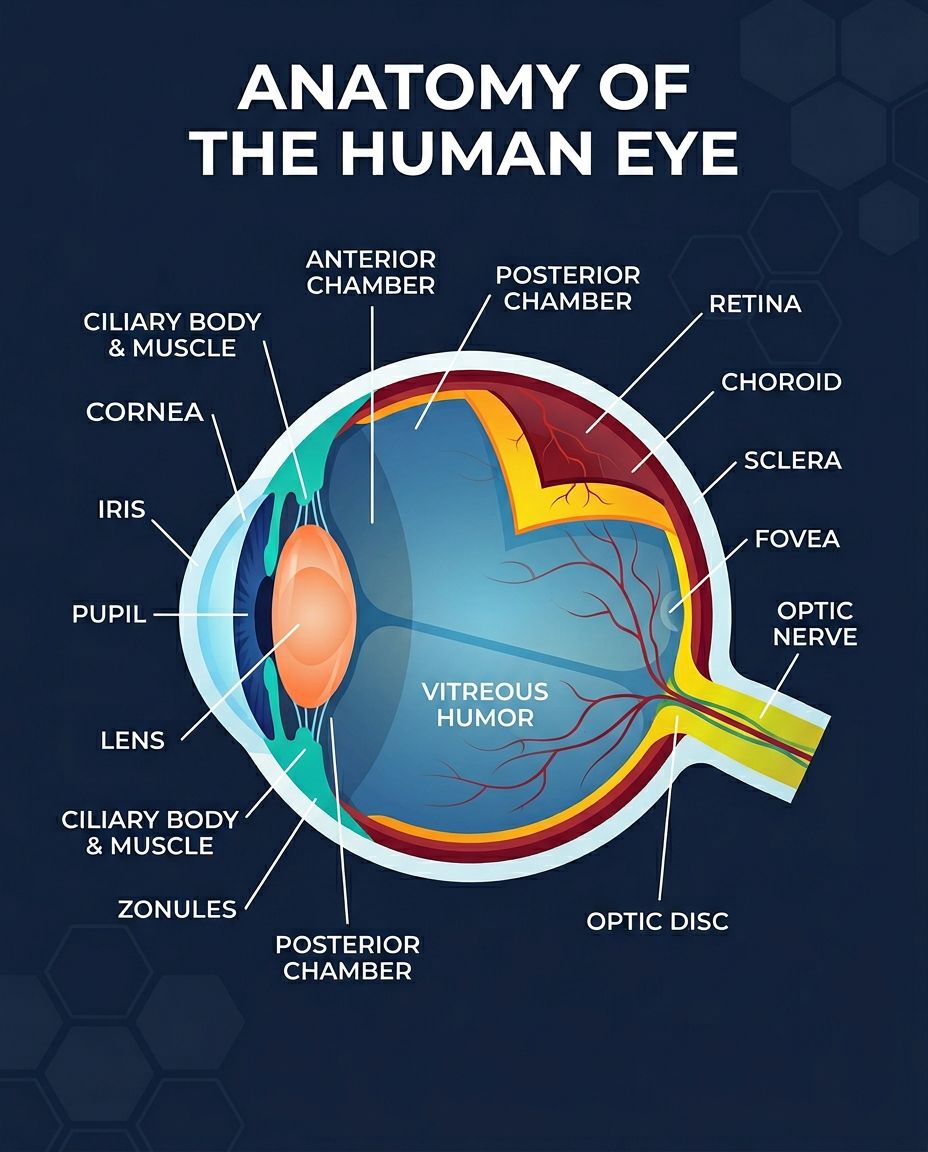
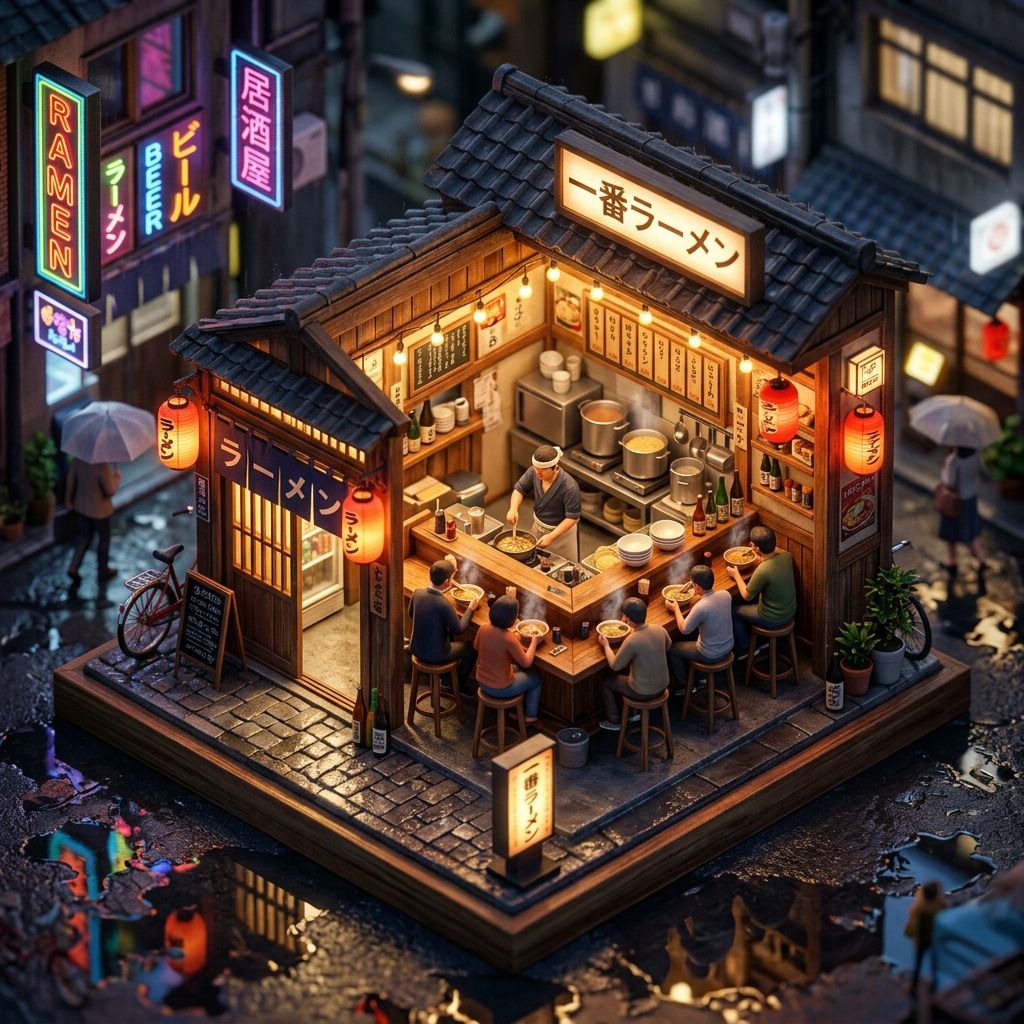
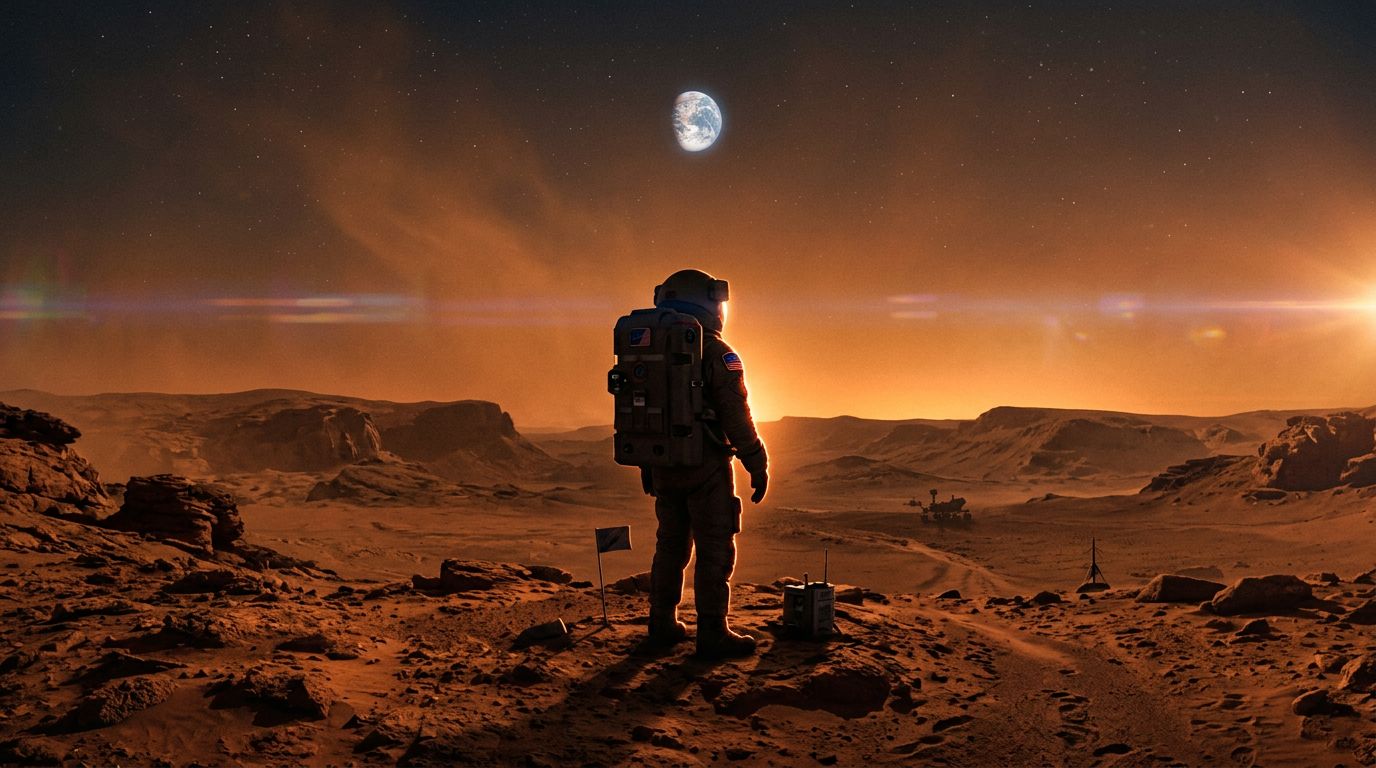
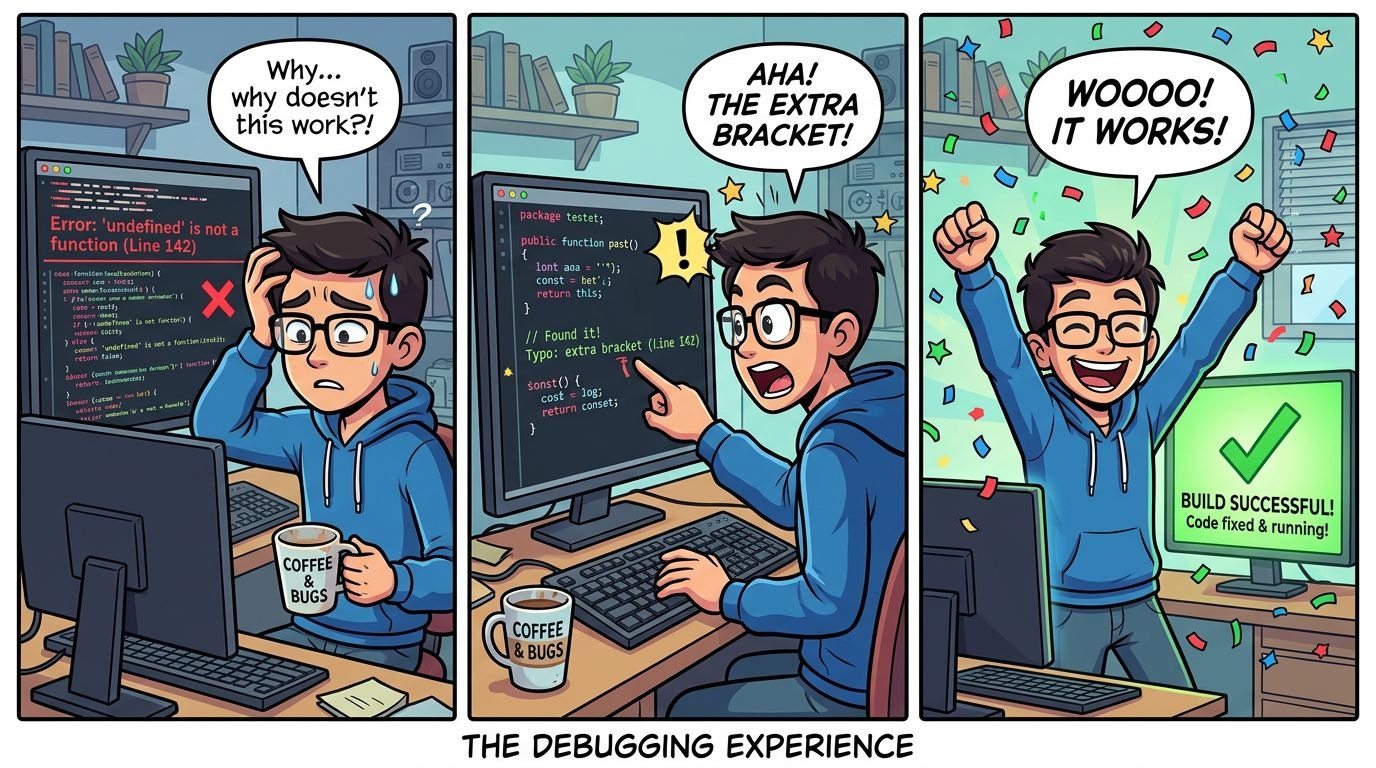
Example results — your generated image will appear here
Use these creative starting points to plan product images, story scenes, visual guides, and imaginative places, then adapt each prompt to your own project.
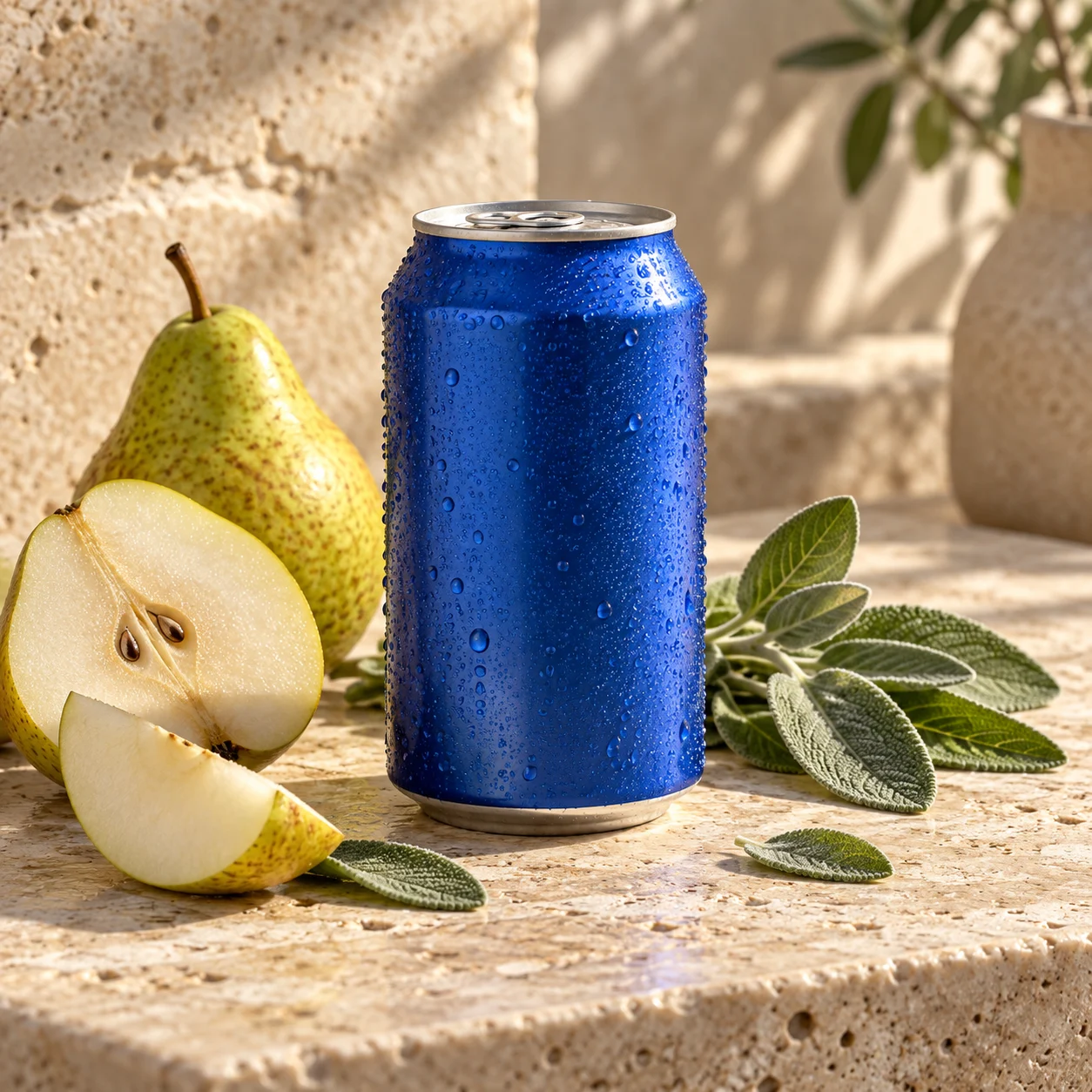
“Create a polished square product photograph for a small independent tea shop. Feature one unbranded cobalt-blue sparkling tea can beside sliced pear, fresh sage leaves, and clear condensation on pale travertine in natural late-afternoon window light. No readable text, logo, watermark, or extra cans.”
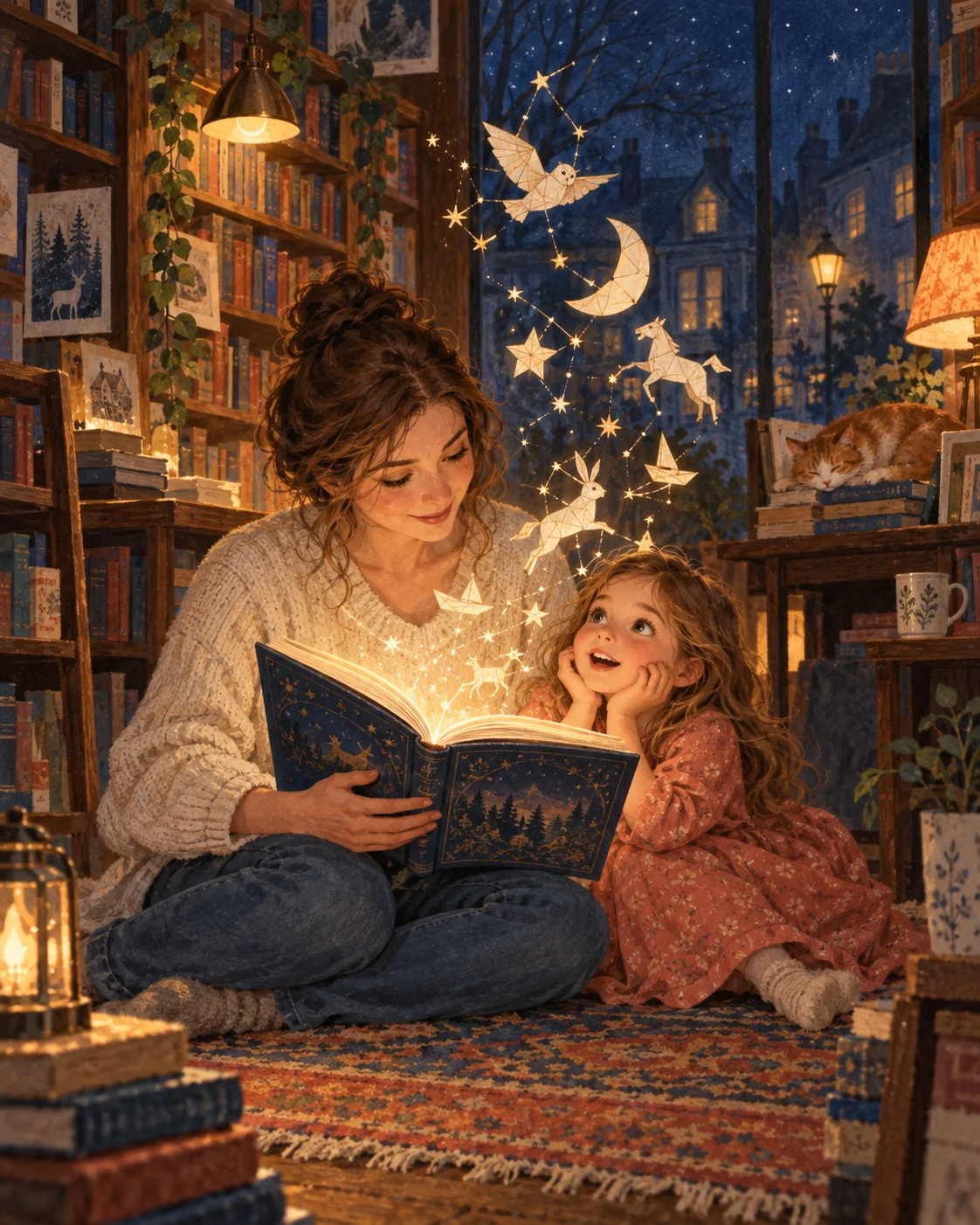
“Illustrate a cozy neighborhood bookstore at night where a white mother and young daughter discover tiny paper constellations floating from an open storybook. Use a painterly storybook style, warm lamplight, deep-blue evening windows, and a vertical composition. No readable text, logos, or watermark.”
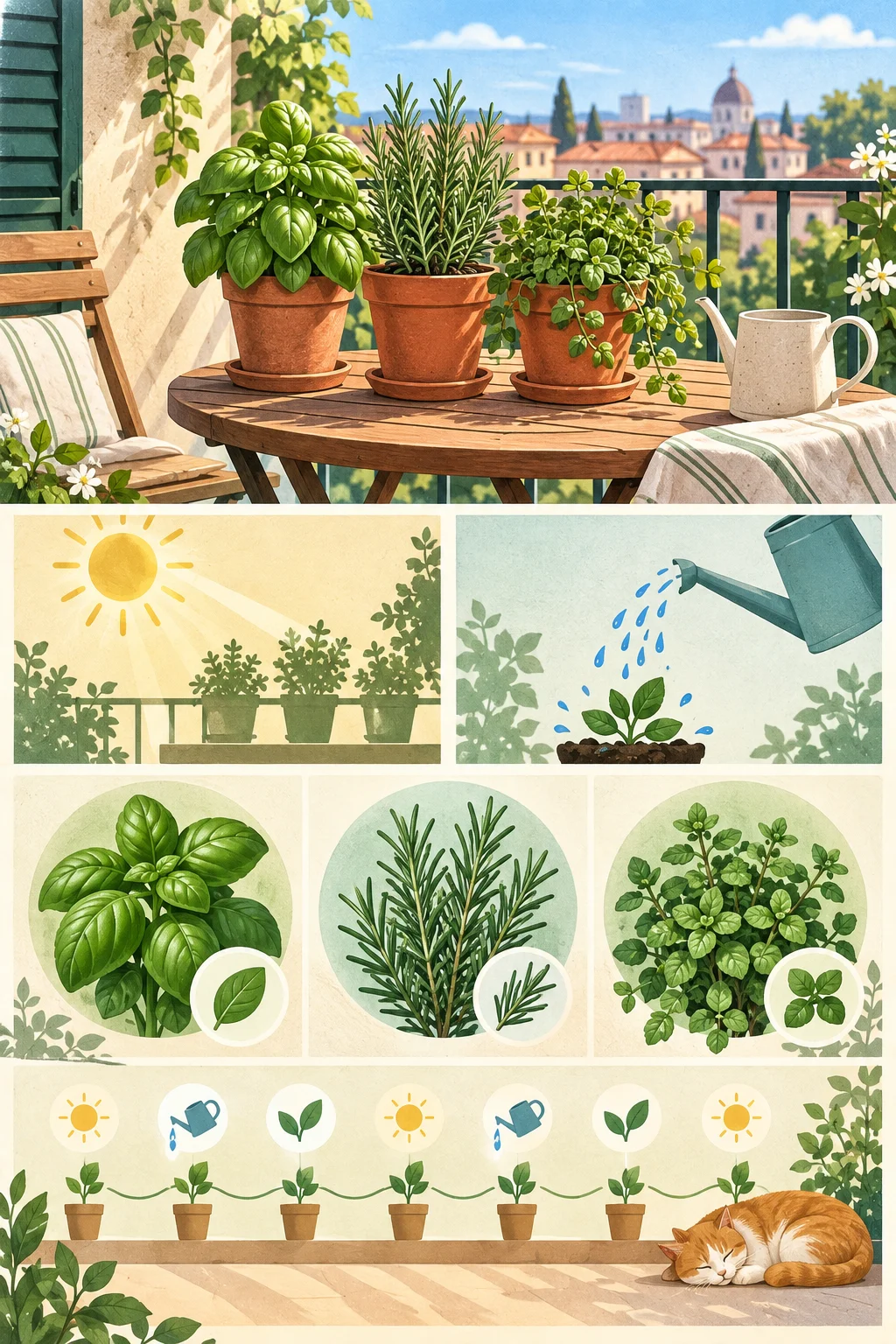
“Create a clean editorial visual guide to a weekend balcony herb garden. Organize sunlight, watering, basil, rosemary, and mint into distinct illustrated zones with icons and a simple weekly rhythm. Use sage green, tomato red, warm cream, and sky blue. No readable text, letters, numbers, logos, or watermark.”
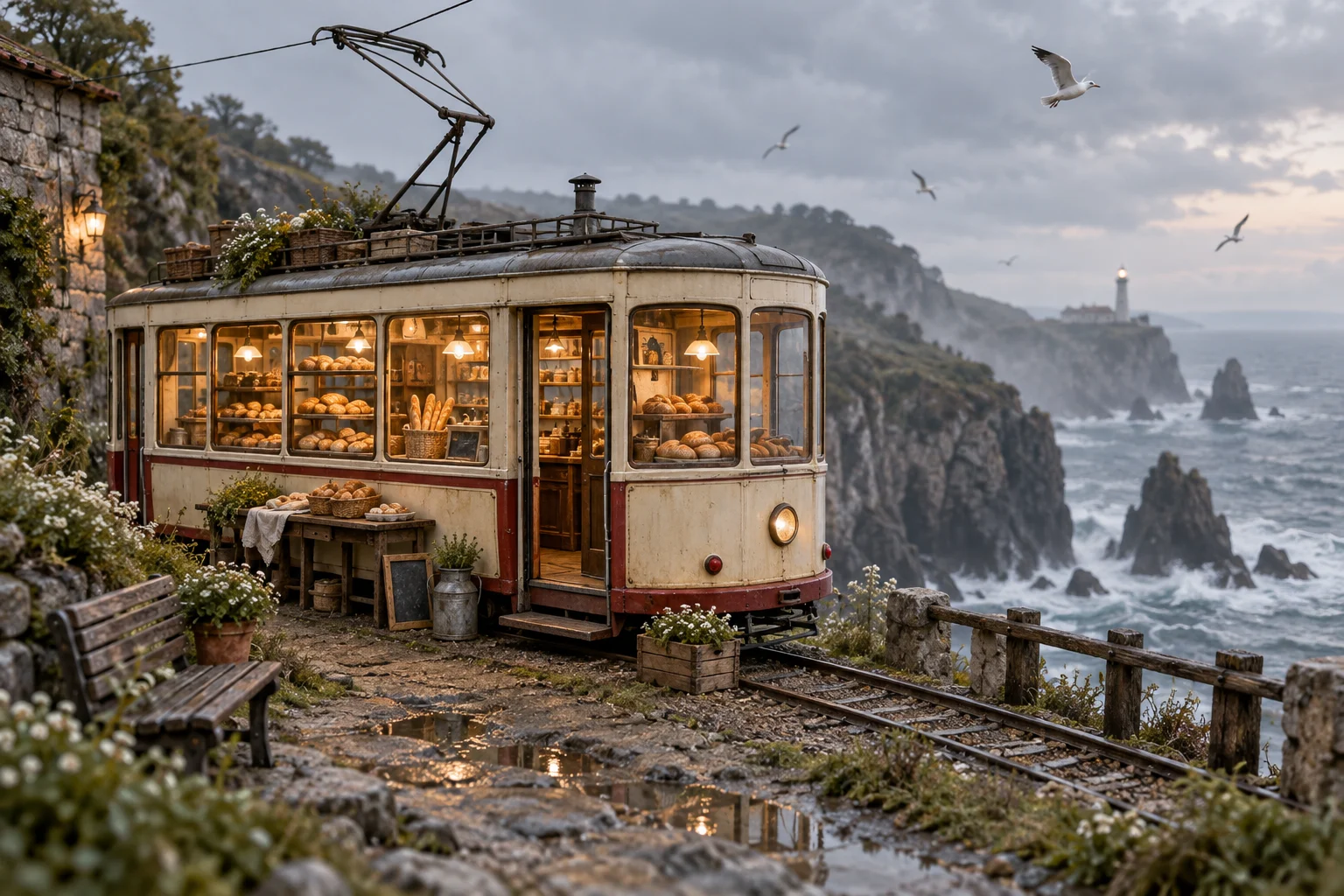
“Create a cinematic wide scene of a tiny mobile bakery built into a vintage cream tram beside a misty coastal cliff. Show bread shelves through warm windows, seabirds overhead, weathered materials, and layered ocean scenery. No people, readable signage, logos, or watermark.”
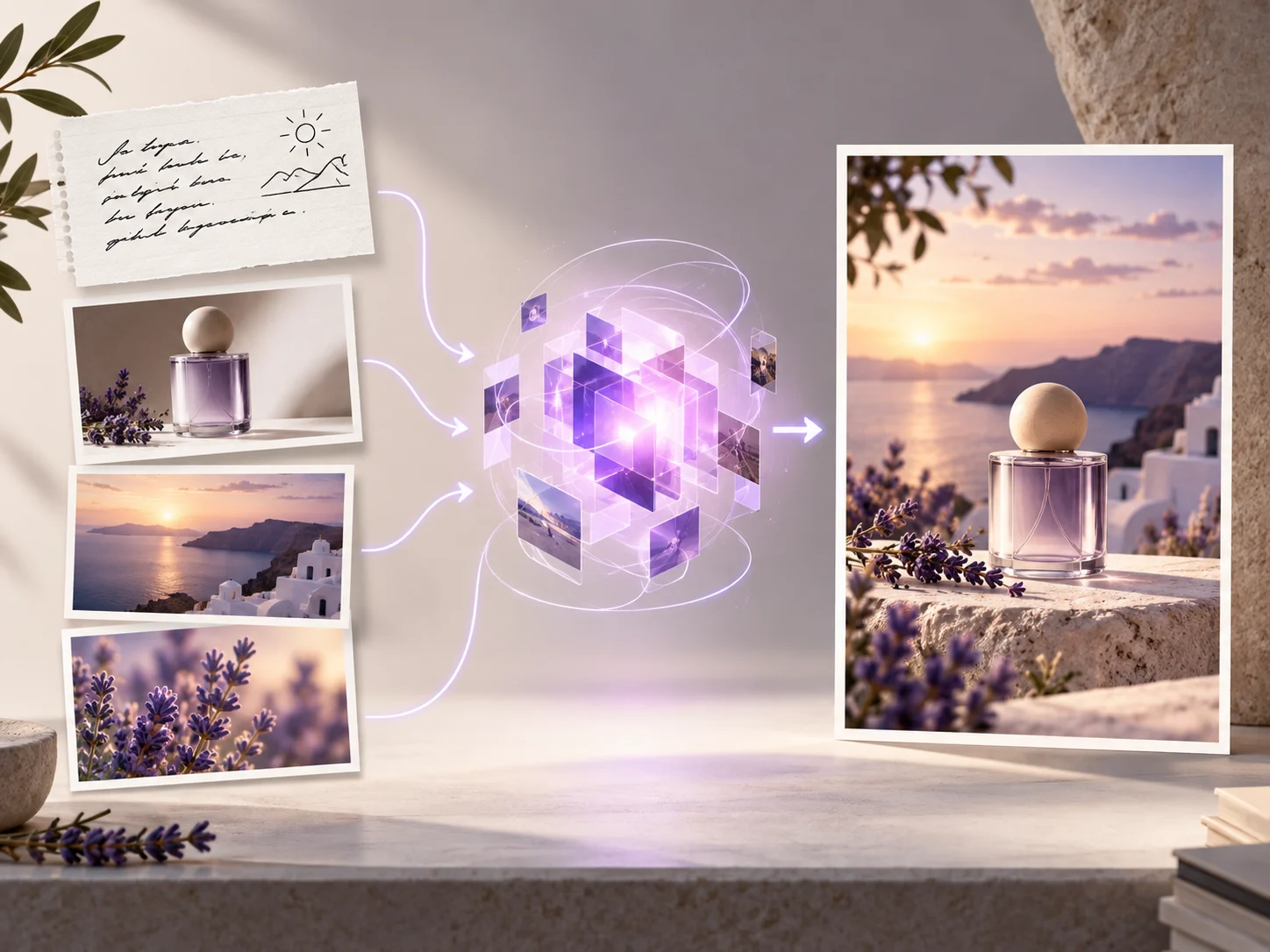
Qwen-Image 2.1 is an image generation and editing model from the Qwen team. It can start from text alone or combine a prompt with one or more condition images. Qwen3-VL reads those inputs together before the model creates the target image, giving generation and guided editing one shared workflow. Qwen-Image 2.1 is available in MagicCreator's image generator.
Build a detailed visual from words, coordinate several references in one composition, and continue from an existing image when a focused change is faster than starting again.
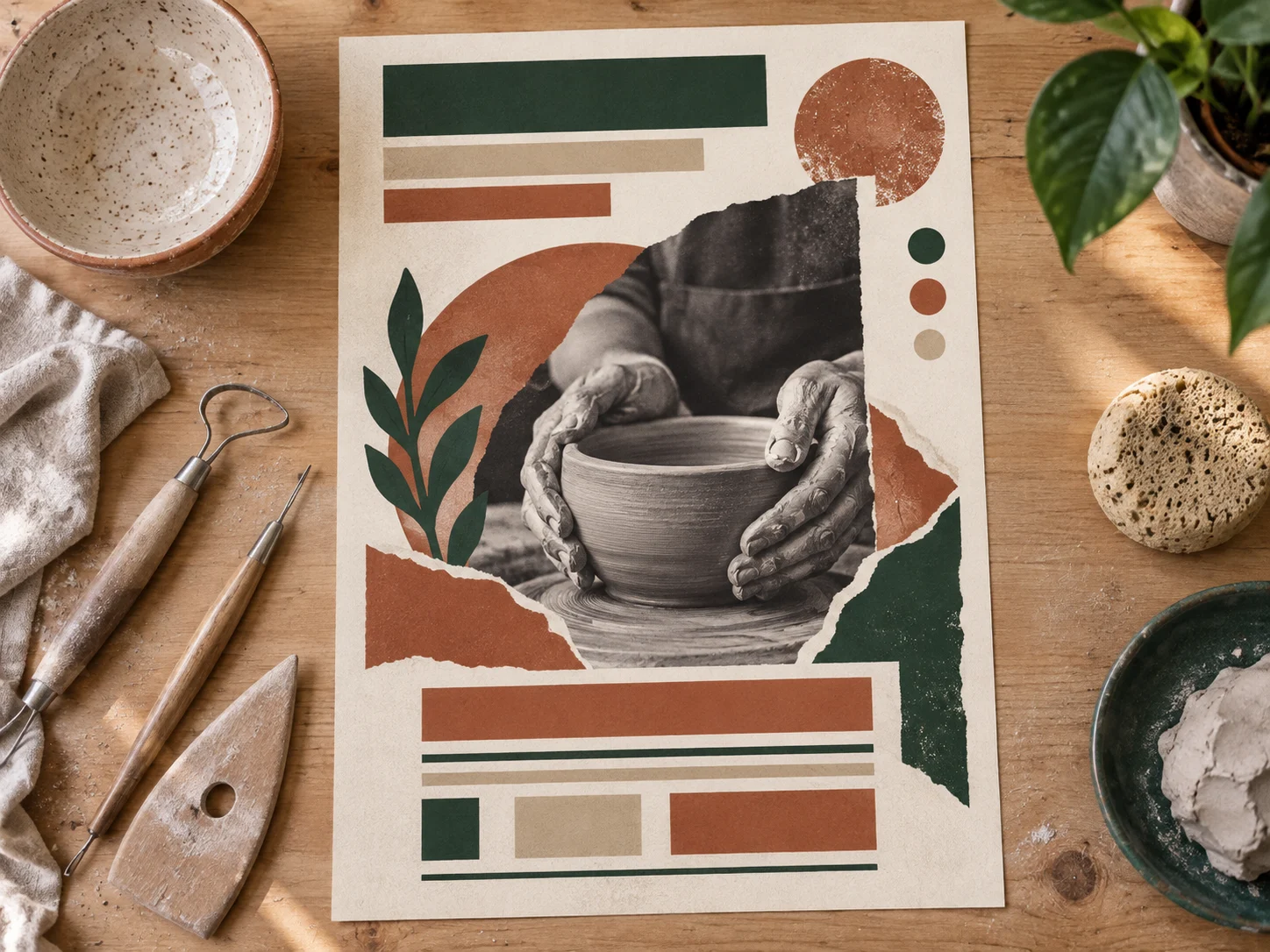
Describe the subject, visual hierarchy, objects, color direction, and format in one prompt. Qwen-Image 2.1 turns that brief into a composed image for posters, guides, announcements, and other information-rich visuals.
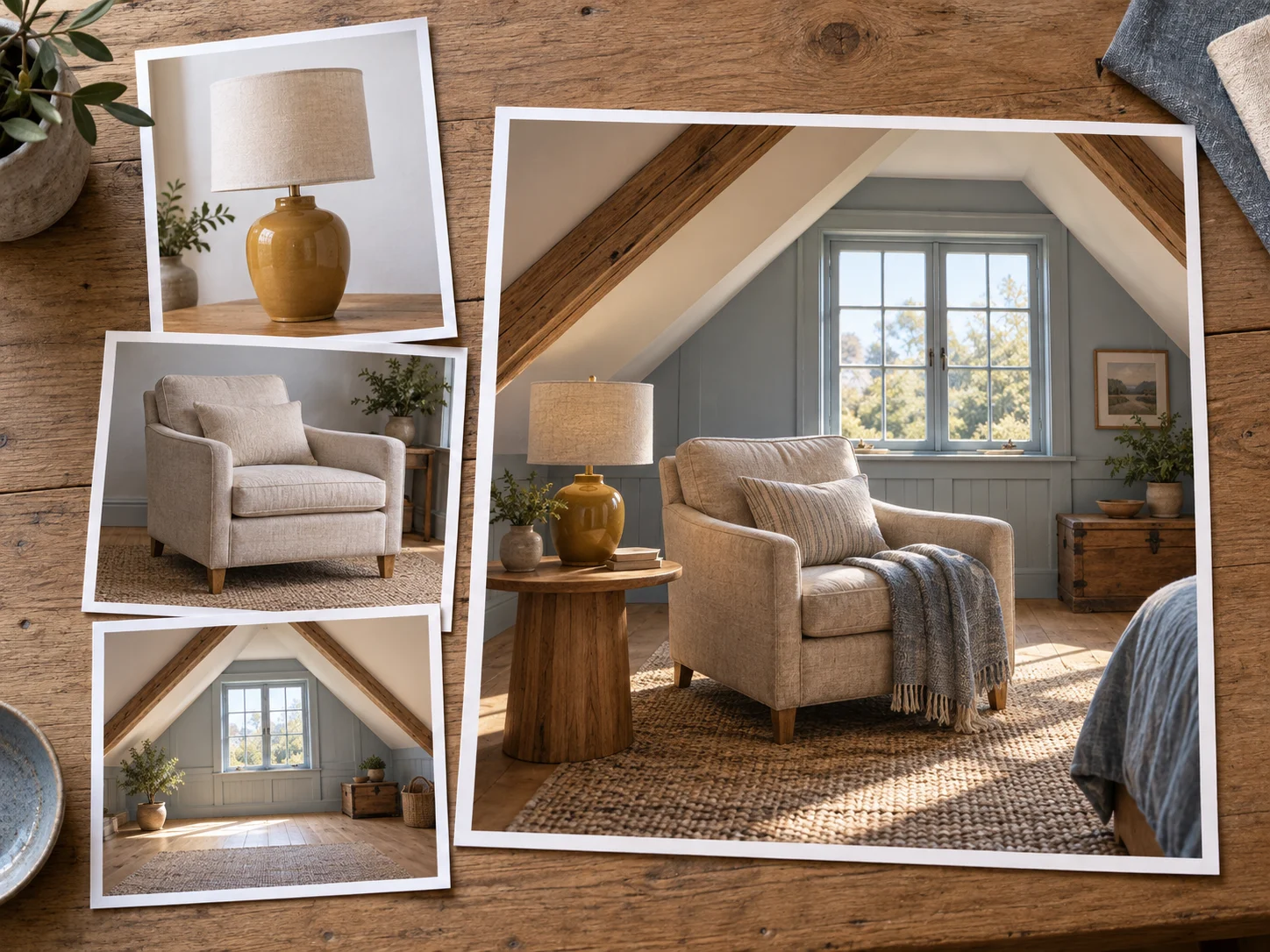
Provide multiple images for the objects and setting you want to bring together, then explain how they should relate. This makes it easier to place a recognizable product, furnishing, or visual cue into a new composition.
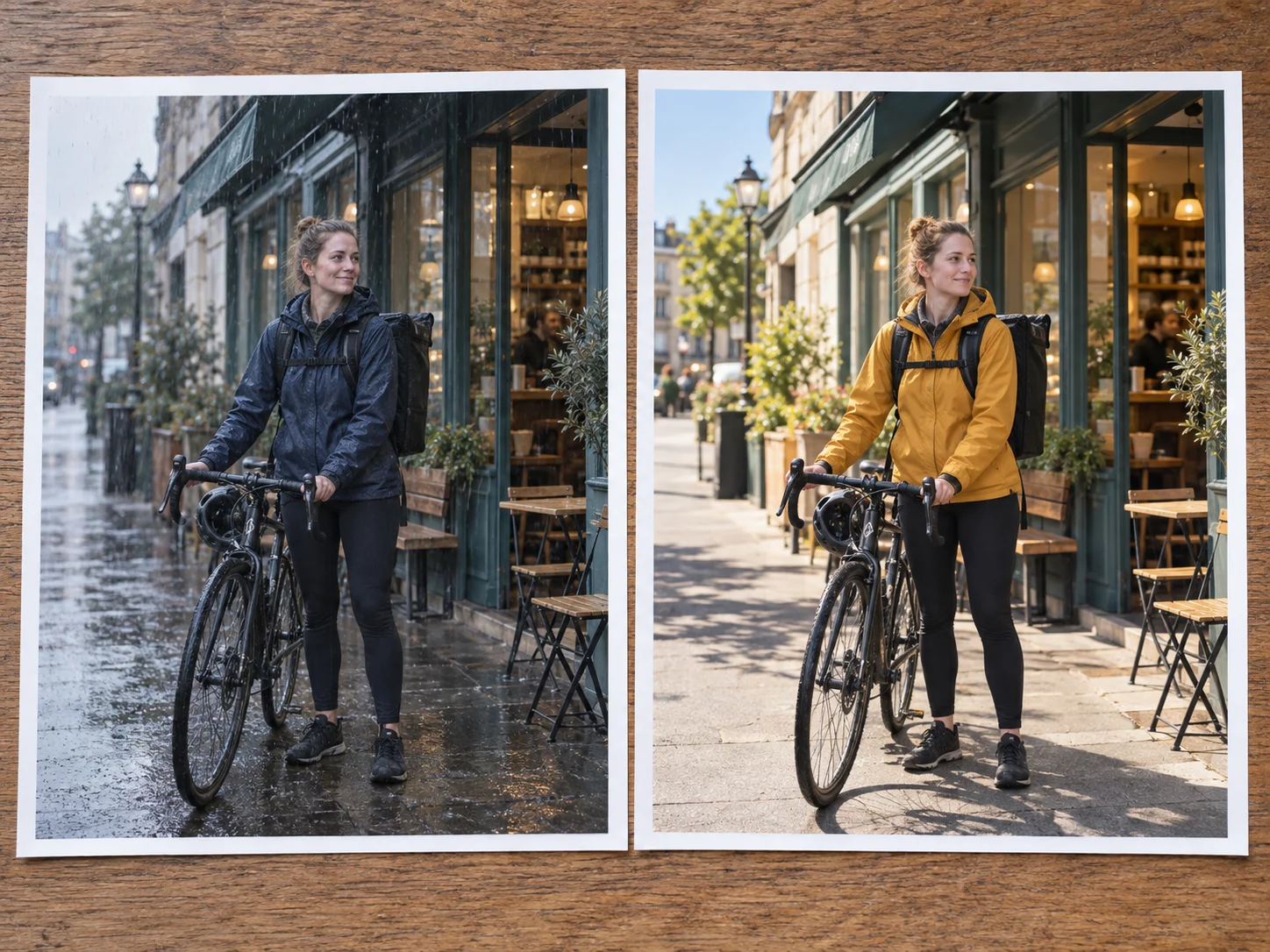
Start with a text prompt or an existing picture, then describe the specific result you need. Change the weather, color, object, or setting while clearly stating which parts of the source should remain in place.
Choose the model, give it a useful brief and any references, then review the result and continue with a more focused instruction when needed.
Open the model selector in the image generator and choose Qwen-Image 2.1. Start with text-to-image, or add reference images for a guided creation or edit.
Describe the subject, setting, composition, style, colors, and final use. When adding several references, say what the model should take from each one.
Review the available settings and credit amount, create the image, then adjust the prompt or inputs until the result is ready to save and use.
Use a prompt alone or coordinate several visual references to finish one practical creative task at a time, from a shop announcement to a personal story image.
Place a recognizable item into a fresh setting for listings, seasonal promotions, menus, and small-shop campaigns.
Plan the visual hierarchy, main image, color palette, and format for events, clubs, gatherings, and neighborhood announcements.
Bring separate objects, rooms, outfits, or style cues into one coordinated image with a prompt that assigns each reference a role.
Create storybook moments, original characters, locations, and props, then revise a chosen detail without abandoning the scene.
Turn an outline into a clear illustrated explainer, recipe card, study visual, or step-by-step concept with deliberate organization.
Change a background, season, color, or atmosphere while telling the model which people, pets, places, and objects should stay recognizable.
Learn how Qwen-Image 2.1 handles generation, editing, references, online access, model differences, pricing, and usage rights.
Qwen-Image 2.1 is a Qwen image model for text-to-image generation and image-conditioned editing. It processes written instructions and condition images together to create a new target image.
Yes. Select Qwen-Image 2.1 in the image generator, enter a prompt, add reference images when useful, and review the available settings before generating.
Yes. Add an image and describe the exact change you want, along with the subject, layout, or surrounding details that should remain unchanged.
Yes. Its public Diffusers pipeline accepts multiple condition images in one request, allowing the prompt to explain how different visual references should guide the result.
Qwen-Image 2.1 uses a dedicated Qwen3-VL-conditioned, single-stream block-causal transformer implementation. Qwen has not yet published a complete consumer-facing feature comparison, so choose the model by the workflow and results that fit your project.
Yes. MagicCreator runs the model through the online image generator, so you can create from a browser without downloading model weights or configuring local hardware.
The image generator shows the current credit amount before you submit a generation. The cost can vary with the available mode and output settings, so check the displayed amount for your request.
Commercial use depends on the model terms, your MagicCreator plan, and the rights attached to your prompts and source images. Review the current terms before publishing commercial work.
Bring a prompt, add references when they help, and turn one clear creative direction into an image you can refine and use.