
Wan 3.0 AI Video Generatoron MagicCreator
Create cinematic Wan 3.0 videos from text, frames, or reference images, with native audio, 2–30 second duration, and output up to 1080p.
Generate synchronized audio with the video
Preview video - Generate your own video above
See What Wan 3.0 Can Create and Edit
Explore how Wan 3.0 handles longer stories, precise frame transitions, mixed references, native audio, and video restyling. Use the player controls to hear each example.
What Is Wan 3.0?
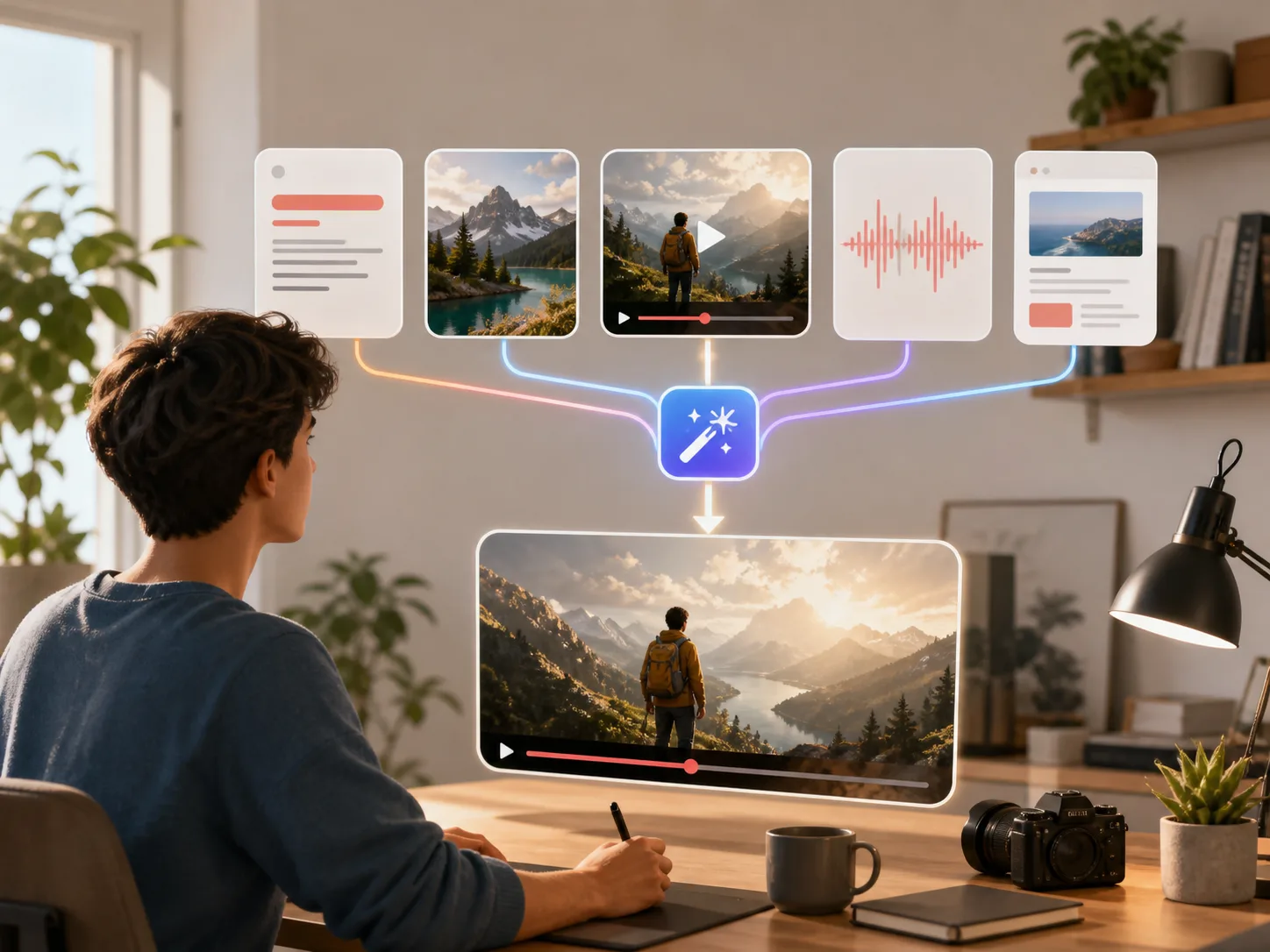
Wan 3.0 is Alibaba Cloud's released all-in-one AI video model. It brings text, frames, multimodal references, file or webpage context, video editing, extension, and audio generation into one model. MagicCreator now supports text-to-video, first-and-last-frame, and reference-image workflows with native audio.
- One Model for More Ways to StartUse text, a first frame, first and last frames, or mixed reference media instead of moving between separate task-specific models.
- Up to 30 Seconds at 1080pOfficial options span 2–30 seconds and 480p, 720p, or 1080p, giving everyday stories more room than Wan 2.7's shorter generation limits.
- Available Now in MagicCreatorCreate with Wan 3.0 through fal using text, a starting image, optional ending frame, or up to 10 reference images, with native audio controls.
Key Features of Wan 3.0 for Everyday Video Ideas
The official workflow expands what one person can make from familiar inputs, while keeping the final format and timing under practical control.
Build a Longer Story in One Generation
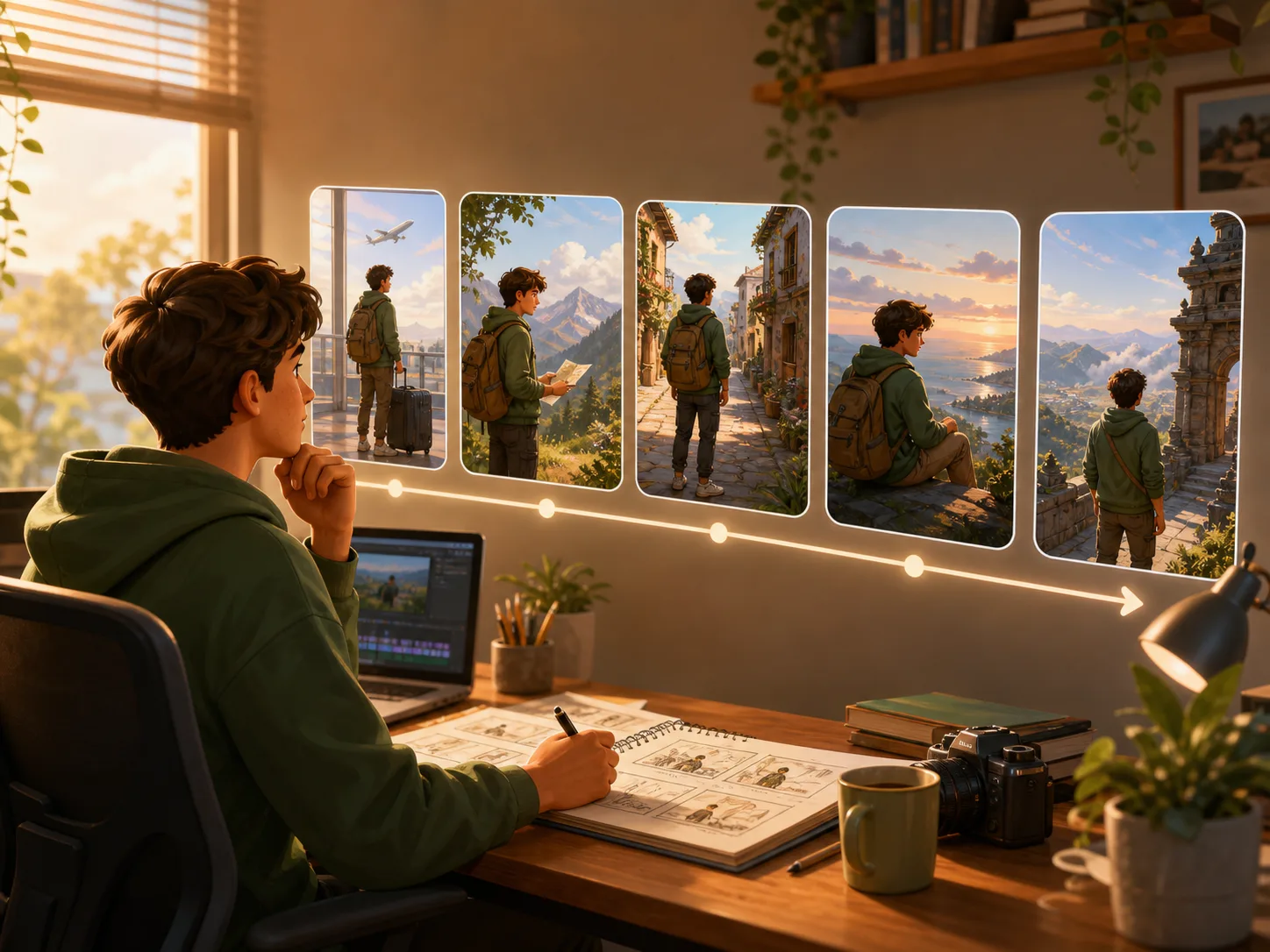
Describe a sequence and choose a duration from 2 to 30 seconds. Wan 3.0 can produce a longer continuous clip for a travel memory, short narrative, product story, or social post without limiting every idea to a brief shot.
- Choose a fixed duration or use smart duration
- Create in 480p, 720p, or 1080p
- Use adaptive ratio when the story needs a different frame
Guide the Result with Mixed References
Combine visual and sound references so the model has more context for a person, product, movement, atmosphere, or style. The official API accepts up to 20 reference assets within its per-media limits.
- Use up to 10 reference images
- Include up to 5 reference videos and 5 audio clips
- Add one supported file or webpage for extra context

Generate Sound, Edit, and Extend Video
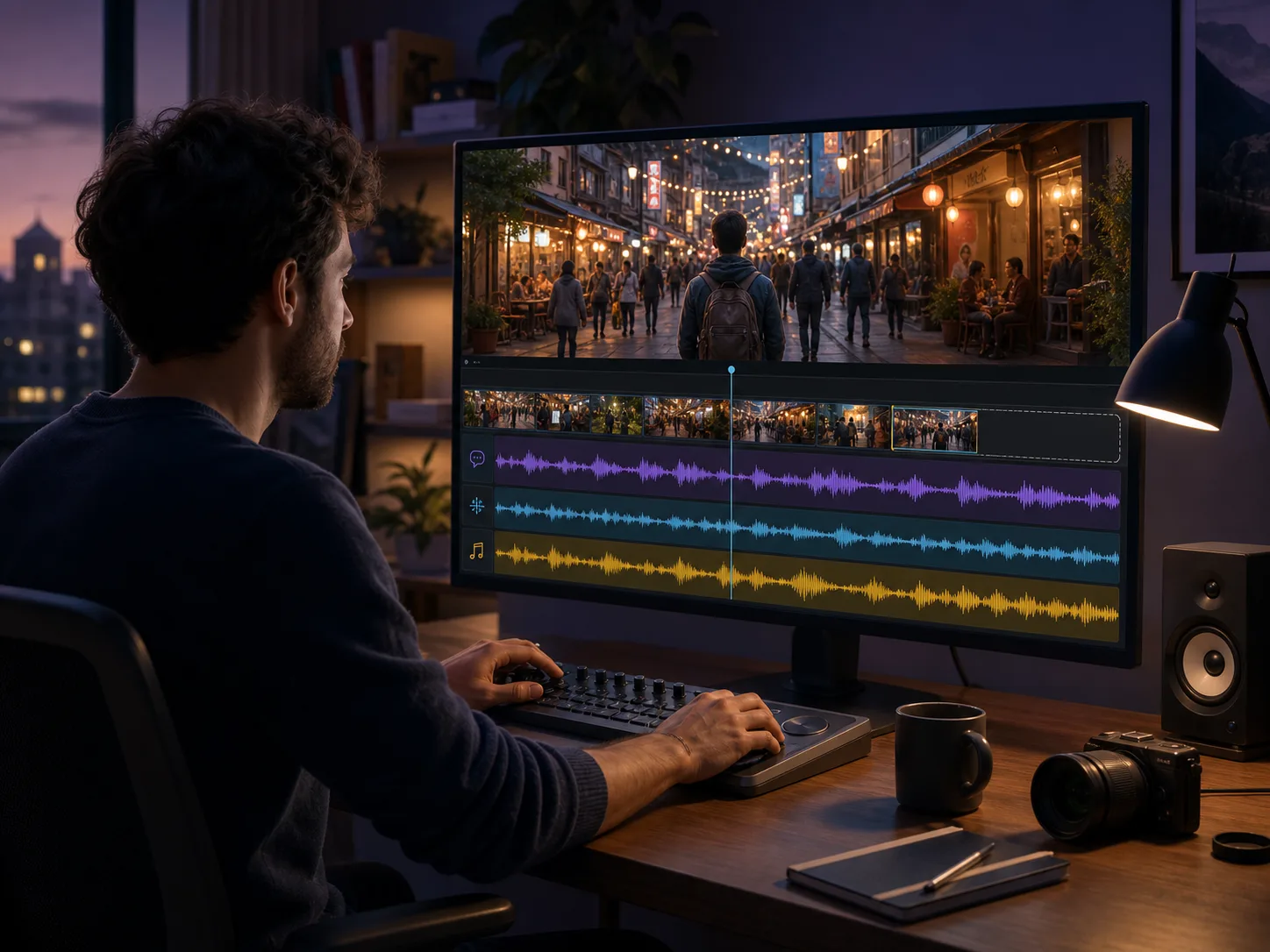
Ask for video and audio together, or start from existing footage and describe the change you need. Wan 3.0 supports audio generation, video editing, and extension for dialogue scenes, ambient moments, revised shots, and longer endings.
- Generate native audio with the video
- Describe edits to an existing clip
- Extend a scene beyond its original ending
How to Create a Wan 3.0 Video with MagicCreator
Start from a written idea, frames, or reference images, choose your output and audio settings, and generate a Wan 3.0 video directly on this page.
Choose a Supported Wan Workflow
Choose text to video for a new scene, frame to video for a starting image and optional ending frame, or reference images to guide characters and style.
Add Your Prompt and Media
Describe the subject, action, camera, lighting, and sound. Upload frames or up to 10 reference images when the selected workflow needs them.
Set, Generate, and Review
Choose the aspect ratio, a 2–30 second duration, 480p, 720p, or 1080p resolution, and whether to generate audio. Then generate, review, and revise as needed.
What Can You Create with Wan 3.0?
Wan 3.0's longer duration and broader inputs fit self-contained projects that one person can finish and use without a production team.
Product Page to Short Video
Provide a supported webpage or product file with a prompt, then turn the useful context into a concise demonstration, launch clip, or small-shop social post.
Travel and Memory Stories
Combine photos, short clips, and audio references to guide a longer travel recap, pet story, family memory, or event highlight in one connected sequence.
Reference-Led Character Clips
Use several images and motion references to communicate how a person or character should look and move across a short scene.
Dialogue and Ambient Moments
Generate sound with the visuals for a conversation, reaction, atmosphere, or simple narrative where silence would leave the moment unfinished.
Revise Existing Footage
Describe a visual change to a clip or extend its ending, then use the result for a transition, alternate scene, longer reveal, or repaired shot.
Style-Guided Social Videos
Combine reference imagery and a clear prompt to carry a chosen visual direction into an announcement, hobby project, invitation, or social post.
Frequently Asked Questions About Wan 3.0
Direct answers about Wan 3.0's release, inputs, output limits, access, variants, and MagicCreator availability.
Has Wan 3.0 been released?
Yes. Alibaba Cloud lists wan3.0-video as generally available and says no application is required for developer access through Model Studio.
Can I use Wan 3.0 on MagicCreator now?
Yes. The generator on this page uses Wan 3.0 through fal. You can create from text, first and last frames, or up to 10 reference images at 480p, 720p, or 1080p.
What inputs does Wan 3.0 support?
The official API supports text to video, first-frame video, first-and-last-frame video, and multimodal reference generation. It also supports video editing and extension, plus one supported file or webpage as context.
How long can Wan 3.0 videos be?
Wan 3.0 supports 2–30 second output at 480p, 720p, or 1080p according to Alibaba Cloud's official generation guide. Available combinations may depend on the selected mode and provider.
How many reference files can I add?
The official limit is 20 multimodal reference assets in total: up to 10 images, 5 videos, and 5 audio files. File types, sizes, and media durations have additional documented limits.
What is Wan 3.0 Prime?
Wan 3.0 Prime is the speed-optimized wan3.0-video-prime variant. Alibaba Cloud describes it as offering the same capabilities as the standard model with faster generation.
How much does Wan 3.0 cost on MagicCreator?
Wan 3.0 starts at 1 credit per second for 480p. The generator shows the exact credit cost before generation, with the amount scaling by duration and resolution.
Is Wan 3.0 open source or available for local download?
No official open-weight release has been verified. Wan 3.0 is currently confirmed as a generally available API model; claims about downloadable 1.3B or 14B weights should not be treated as official without an Alibaba source.
Create Your Wan 3.0 Video
Turn a prompt or starting image into a cinematic 2–30 second video, then download the result or refine your idea with another generation.