
Nano Banana 2.1 AI Image Generator

Explore Nano Banana 2.1 through creative ideas for photo edits, posters, and familiar subjects, then turn your prompt or reference into an image with the model selected below.

Keep the details that matterGive short text room to breatheCarry a subject across scenes
0 / 2000
Example 1
Example 2
Example 3
Example 4

Example results — your generated image will appear here

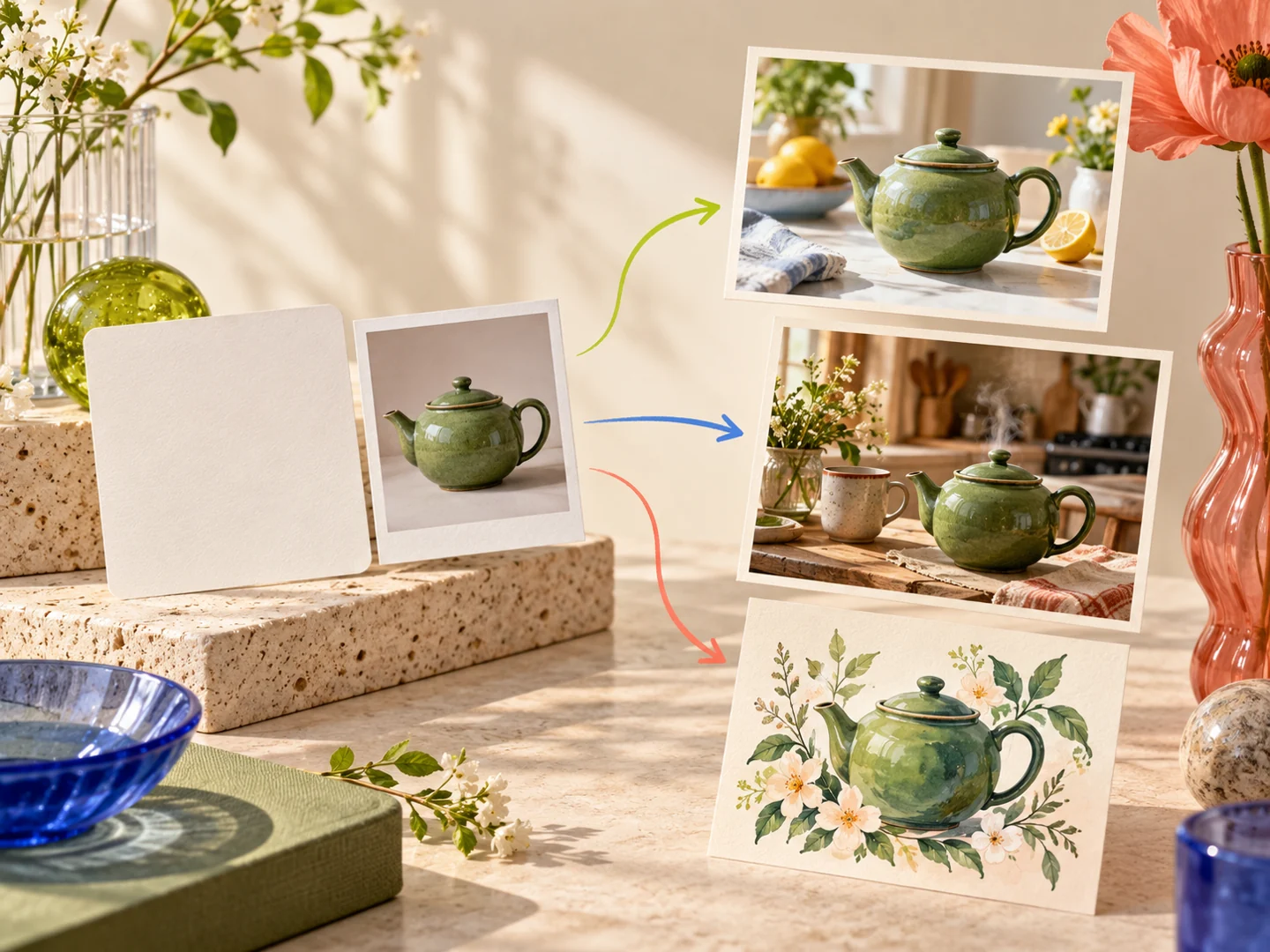
Concept illustration of a prompt and a teapot reference becoming three different image ideas

What Is Nano Banana 2.1?

Nano Banana 2.1 has not received a formal Google launch announcement in the sources checked on October 6, 2026. It is a Google image-model label reported in Flow, with additional Gemini sightings. Its precise model identity, upgrades, pricing, and broad availability remain undocumented; MagicCreator has not integrated a dedicated 2.1 model.

  • A New Name in the Nano Banana Family
    TestingCatalog first reported the 2.1 label replacing a 2.5 Flash reference in a Flow build. That connects the naming trail without proving which model serves a request.
  • Text and Reference Images as Starting Points
    The family is built around image creation and editing. This page explores those workflows without assigning unannounced output sizes or limits to 2.1.
  • Use the Model Shown in the Workspace
    The generator currently defaults to Nano Banana 2 and keeps other available models directly selectable. Read the selected model and displayed credits before creating. For the Flow reports and version relationship, read the guide below.

The Nano Banana 2.1 Upgrade That Would Matter: Fewer Redos

These are creative priorities for a possible update, drawn from the Nano Banana family’s existing editing, text, and consistency workflows—not a confirmed 2.1 feature list.

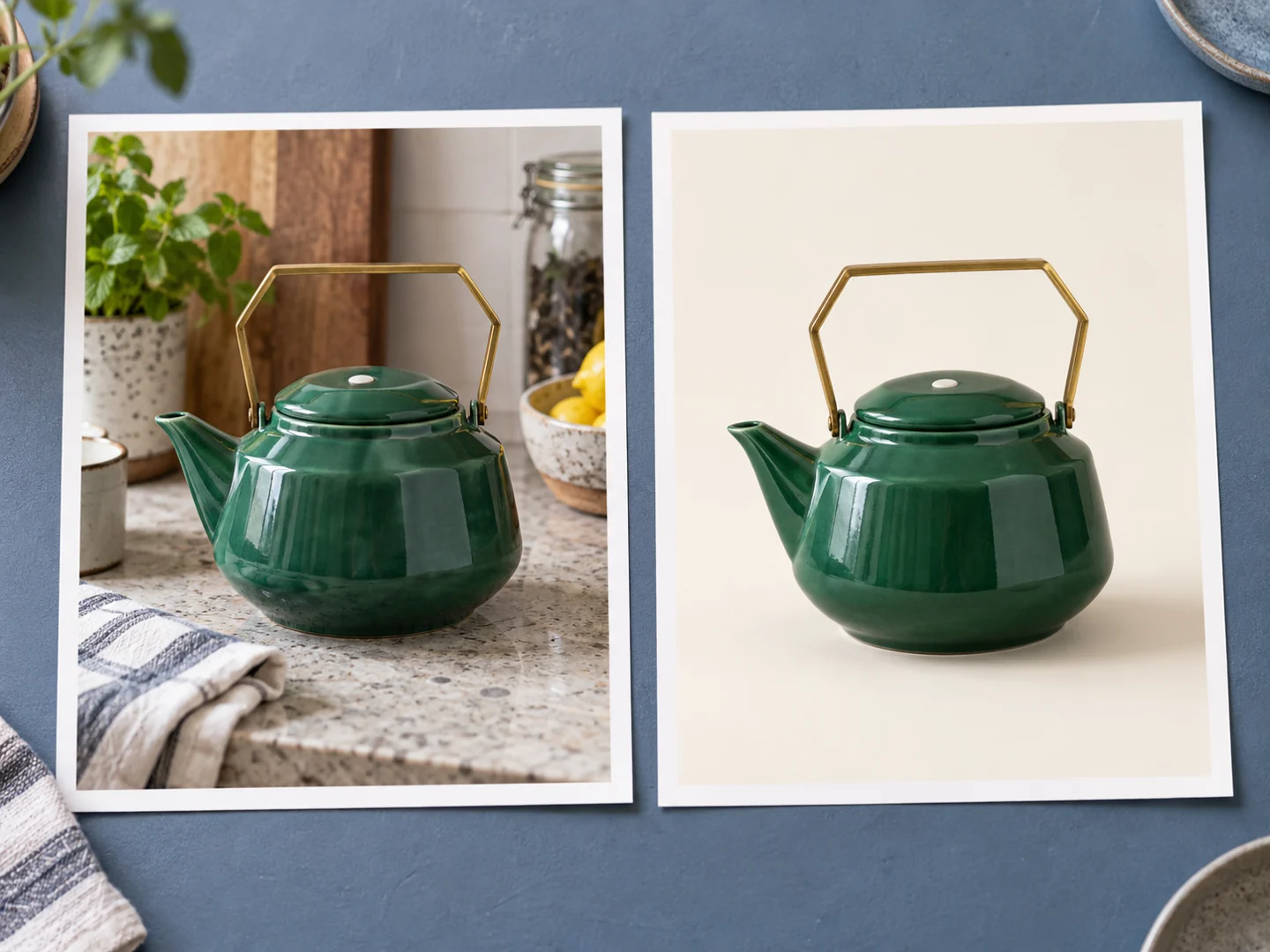
Keep the Product, Change Its Surroundings

Start with a photo of something you own and identify its shape, markings, and viewing angle. A focused background edit turns that input into a cleaner listing or gift image while keeping the object recognizable.

  • Specify the exact details to preserve
  • Change the setting without adding extra props
  • Choose a photo that fits a listing or card
Side-by-side concept of a green teapot preserved across kitchen and studio settings

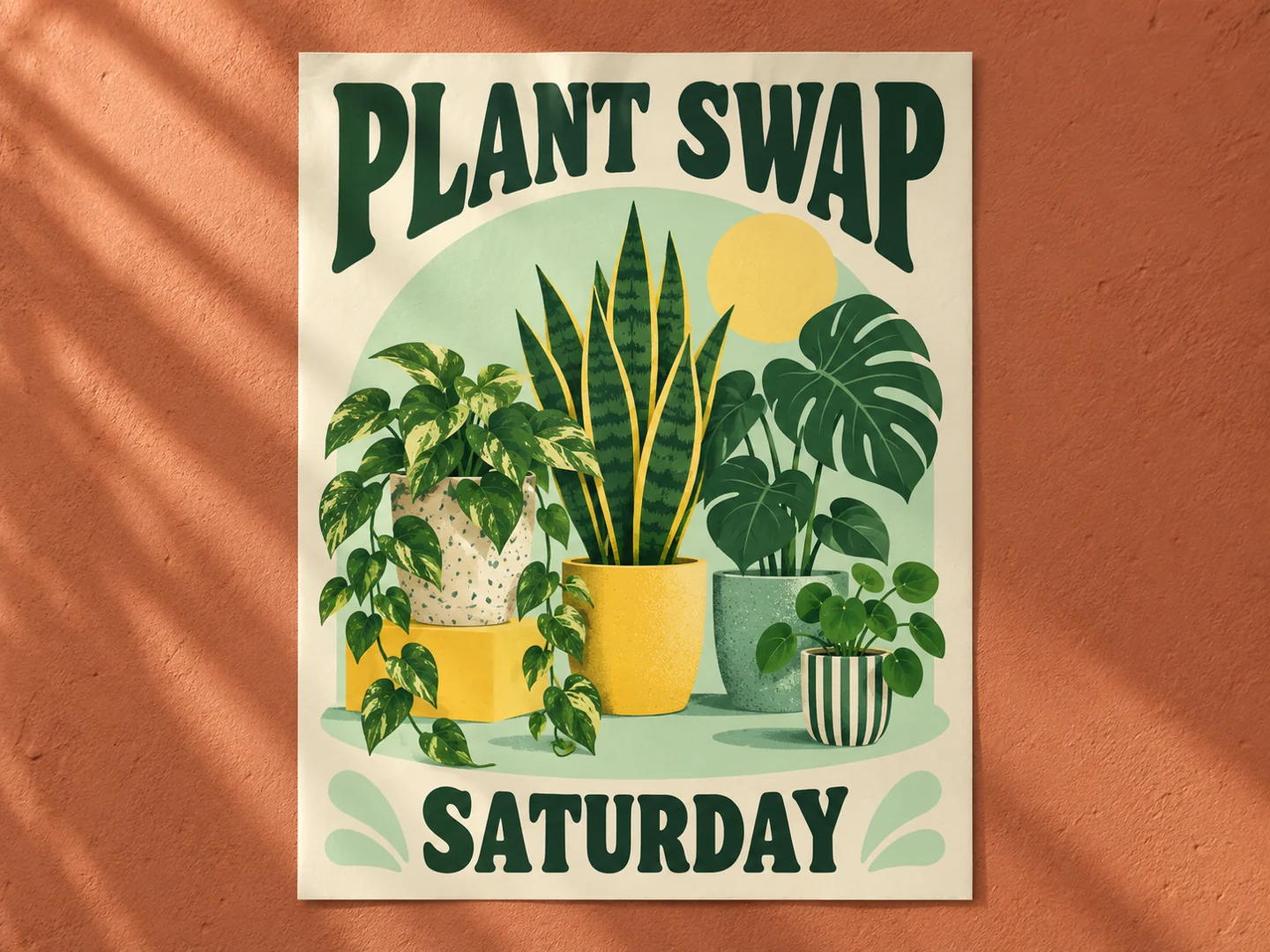
Give a Short Headline a Clear Place

Supply the exact event wording, a visual theme, and where each line belongs. A poster with a readable headline and open space is easier to use for a community event than a busy image with tiny text.

  • Quote the wording you want to appear
  • Describe the order and placement of text
  • Review spelling before sharing or printing
Illustrative plant swap poster with a large headline and open graphic layout

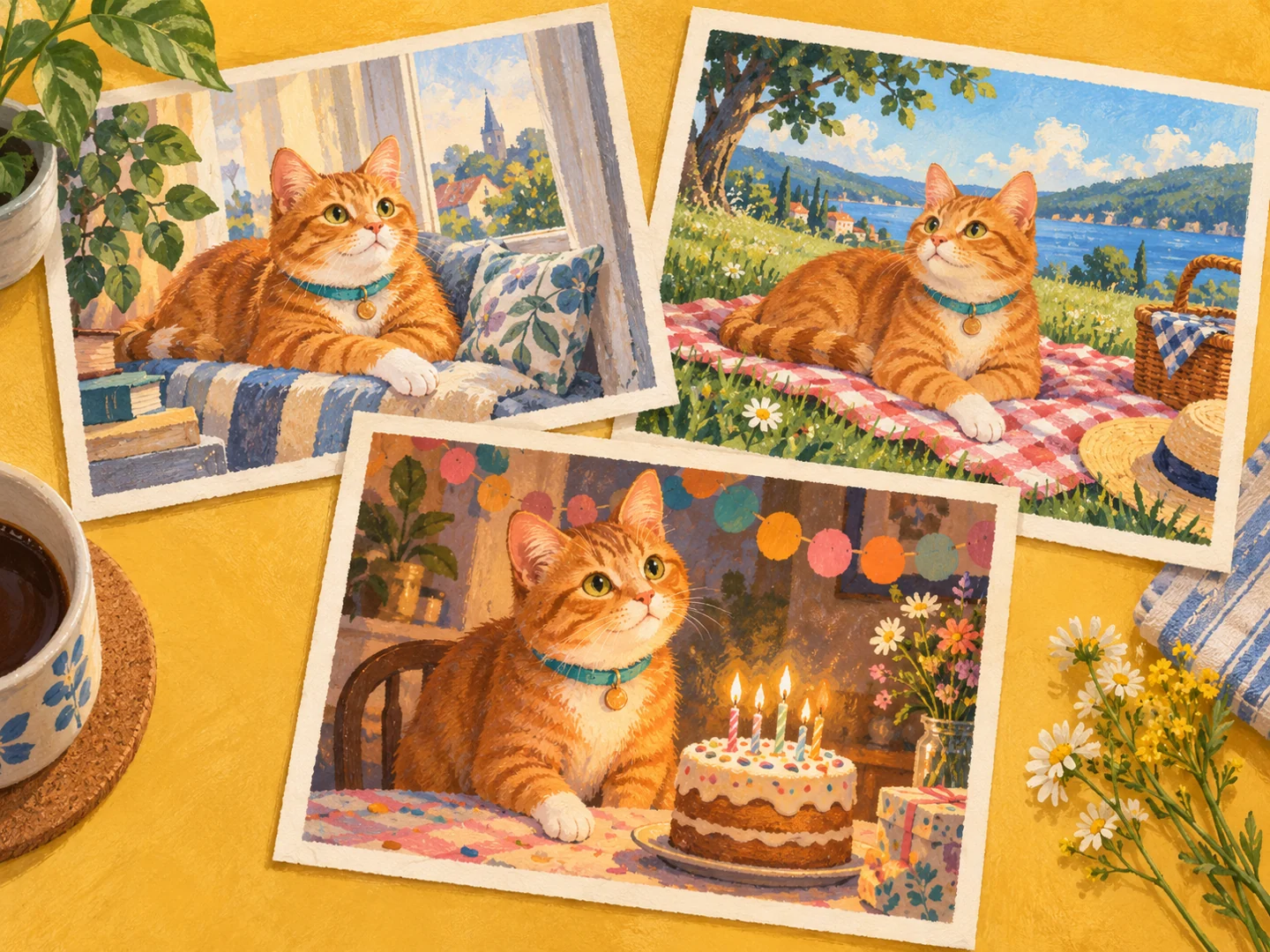
Bring the Same Character Into a New Moment

Use a reference or a concrete description of a pet or illustrated character. Carrying its distinctive markings and accessories into new settings gives you related postcards, birthday images, or a small visual story.

  • Name the subject’s distinctive details
  • Change the scene or occasion
  • Keep a recognizable look across the set
Illustrated orange tabby with matching markings across three postcard scenes

Begin a Nano Banana 2.1 Image Idea With a Prompt or Photo

The workflow starts with a clearly selected available model; the workspace currently defaults to Nano Banana 2.

01

Choose a Model and Mode

Select the model you want to use, then choose text-to-image for a fresh idea or image-to-image for a reference-led edit.

02

Describe the Finished Image

Name the subject, setting, style, and final purpose. For an edit, state which details should stay exactly the same.

03

Set the Output and Review Credits

Choose from the selected model’s real controls and check the displayed credit amount before generating.

04

Refine and Download

Review the result at full size. Make a focused follow-up change if needed, then download the version you want to use.

Nano Banana 2.1 Ideas for Listings, Local Events, and Personal Stories

Give each image a concrete job, whether it begins with a photo you already have or an idea written from scratch.

A Clear Resale Listing

Give a secondhand item a cleaner setting while preserving its actual condition and distinctive details.

A Neighborhood Event Poster

Turn a plant swap, garage sale, or casual gathering into a visual with one easy-to-read headline.

A Pet Birthday Card

Start with a familiar pet and build a playful birthday scene that keeps its recognizable markings.

A Small-Shop Announcement

Combine the featured item, a seasonal mood, and a simple layout for one timely social post.

A Travel Memory Illustration

Use a trip photo or remembered place as the starting point for a postcard or illustrated keepsake.

A Matching Invitation Set

Carry the same colors and illustrated subject through a main invitation and a smaller reminder image.

Nano Banana 2.1 Access, Version Names, and Costs

Answers about the Flow sightings, the 2.5 Flash name, current access, and what has been announced.

1

Has Nano Banana 2.1 been released?

Users have reported the label in Google Flow, but a formal Google launch and a confirmed separate model identity were not found in the sources checked on October 6, 2026. TestingCatalog also noted uncertainty about whether Flow requests reach a new model.

2

What is the Nano Banana 2.1 release date?

Google has not announced a formal release date in the sources checked. Flow menu sightings were reported on October 5–6, 2026; those dates should not be treated as an official launch date.

3

Can I use Nano Banana 2.1 on MagicCreator?

There is no dedicated 2.1 option on MagicCreator yet. The generator above defaults to Nano Banana 2 and uses the model you select, with its actual controls and credit amount.

4

Is Nano Banana 2.1 the same as Nano Banana 2.5 Flash?

TestingCatalog reported that a Flow build replaced the 2.5 Flash label with 2.1. This is a reported naming connection, not official confirmation that two independently released models are the same.

5

What improvements could Nano Banana 2.1 bring?

A useful update would make focused edits, text placement, and recurring subjects easier to finish with fewer retries. Those are workflow priorities based on the current family, not announced 2.1 upgrades or benchmark results.

6

How much does Nano Banana 2.1 cost?

No verified 2.1-specific price or free allowance was found. For Flow, review the cost displayed for your selected option; on MagicCreator, credits apply to the actual model shown in the workspace.

7

Are the creative ideas on this page Nano Banana 2.1 outputs?

No. They are illustrative creative concepts. A dedicated 2.1 model has not been integrated or tested by MagicCreator.

Turn a Nano Banana 2.1 Image Idea Into Something Useful

Bring one prompt or photo to the workspace and create with the available model you select.