
Nano Banana 2.1 is a new image-model label reported in Google Flow, with additional sightings in Gemini. As of October 6, 2026, the public Google sources checked for this guide do not announce a separate 2.1 model, its upgrades, or its price. The name has moved beyond an isolated rumor into reported product menus, but that does not yet establish what changed under the hood.
For someone making a poster, editing a product photo, or creating a personal image, the useful question is whether 2.1 will make the job easier to finish. Here is how the name emerged, what it could mean for everyday creation, and where you can start today. For creative prompts and the available image workspace, visit the Nano Banana 2.1 model page.
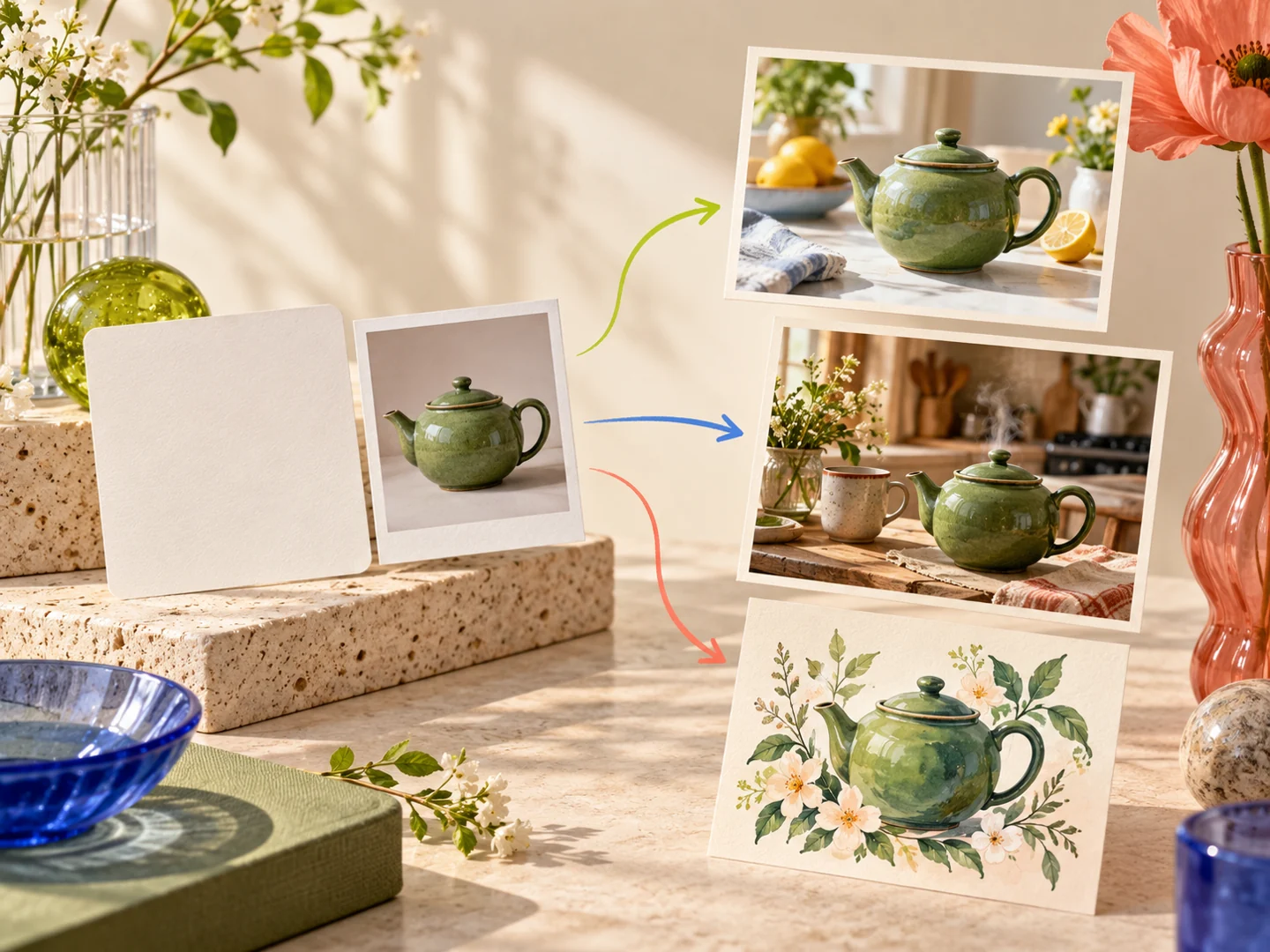
What changed from the first rumor to the Flow sightings?
The earliest concrete clue was a name change. On September 27, TestingCatalog reported that a Google Flow web build had replaced a Nano Banana 2.5 Flash reference with Nano Banana 2.1. The report suggested an incremental update, but did not establish a release date or feature list.
On October 5–6, the discussion shifted to access. Lyra reported the model in Flow, using the codename beluga, and later reported Gemini web and mobile availability. These are third-party observations, not Google's announced rollout plan.
There is a meaningful wrinkle: TestingCatalog's follow-up said the Flow option appeared available, while questioning whether requests actually reached a new model because the output resembled Nano Banana Pro. Similar-looking images cannot settle that question either way. The practical conclusion is that a visible label is evidence about an interface; it is not yet evidence of a particular performance gain.
| Where you want to create | What the evidence currently says |
|---|---|
| Google Flow | Multiple users report a 2.1 option. Check your own model menu and the cost shown before generating. |
| Gemini web or mobile | A third-party report describes availability; the official help page checked still describes Nano Banana 2 and Pro. |
| MagicCreator | No dedicated 2.1 integration. Nano Banana 2 is available as a visible model choice. |
| A documented separate 2.1 release | No formal announcement, confirmed feature list, or verified separate price was found in the official sources checked. |
Google's Flow model help page currently names Pro, 2 Lite, and 2. Its Gemini image help page describes generation with Nano Banana 2 and regeneration with Pro. Documentation can lag an interface change, so this gap does not prove the sightings are false; it limits how much we can confidently say about them.
Is Nano Banana 2.1 the same as 2.5 Flash or spicy-mayo?
The 2.5 Flash → 2.1 connection comes from TestingCatalog's observed Flow label change. It is the strongest public naming connection in this story. It does not establish two separately launched products or a confirmed upgrade path between them.
Lyra's October 6 account also connects earlier instant-ramen-v2 and spicy-mayo testing to the 2.1 configuration. That is a broader third-party interpretation of the naming history, not a Google model card. Treat beluga and spicy-mayo as reported codenames rather than selectable product names or promises about image quality.
One distinction is already clear: Gemini 2.5 Flash Image was the technical name of the original Nano Banana. Google identifies Nano Banana 2 with Gemini 3.1 Flash Image. The numbers in the Gemini name and the Nano Banana product name are different naming systems. An older page about Gemini 2.5 Flash Image therefore does not explain a new 2.1 release.
What would a useful 2.1 upgrade change for everyday images?
Google's Nano Banana 2 launch already emphasized image editing, text rendering, subject consistency, and instruction following. Those are the starting point, not newly discovered 2.1 features. With no confirmed 2.1 upgrade list, the following are practical expectations based on that existing workflow.
More focused edits, with less collateral change
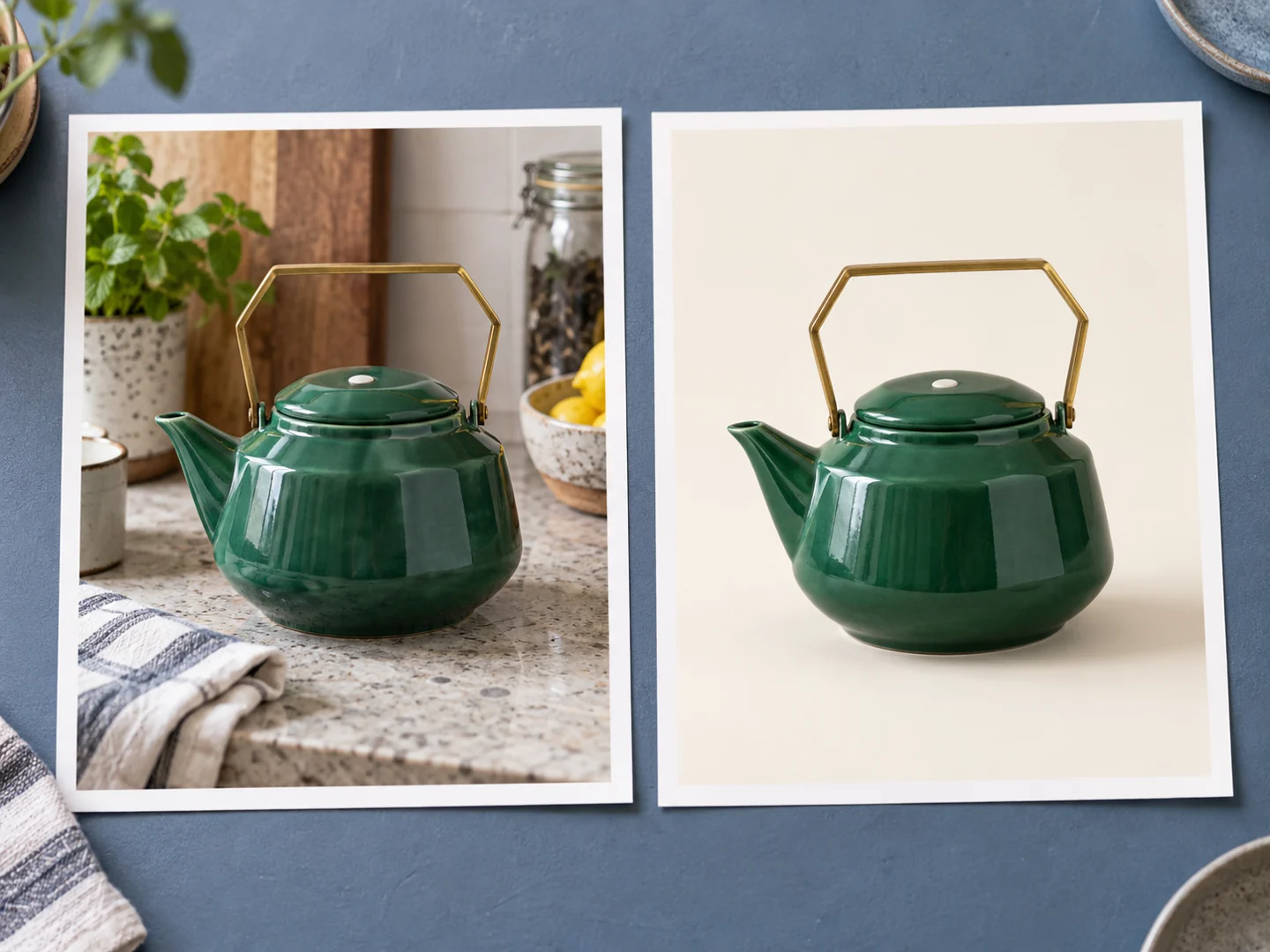
Imagine taking a photo of a teapot for a resale listing. You want a cleaner background, but the handle, lid, glaze, and proportions need to remain recognizable. An update that follows a single edit more reliably would save repeated generations and make the result easier to use. That is more valuable for this task than a dramatic new scene that changes the item.
A useful prompt states the boundary: keep the object, angle, and markings; change only the background and lighting. Whatever model you select, review small details before using the image to represent a real item.
Text that fits the image you actually need
For a neighborhood plant swap, a short, readable headline matters more than a dense decorative composition. Better text placement would help turn an attractive picture into a shareable announcement. Quote the wording, give each line a location, and leave enough empty space around it.
This is a creation strategy rather than a claim that 2.1 has solved text rendering. Even a good-looking output still needs a spelling check, especially for dates, addresses, and names.
A familiar subject across different scenes
A pet birthday card or a short illustrated story works better when the same markings and accessories survive a scene change. If an update makes that more dependable, it could reduce the work of making a matching set. Start with a reference and a few distinctive details, then vary the occasion or setting rather than changing every part of the prompt at once.
For these tasks, the meaningful upgrade would be fewer retries to reach a usable image. A larger version number alone cannot demonstrate that improvement, and this guide does not include a 2.1 benchmark.
Nano Banana 2.1 vs Nano Banana 2: should you switch?
There is not enough evidence to recommend switching solely for the 2.1 label. Google's current image documentation positions Nano Banana 2 as a versatile general-purpose model, Pro for more demanding precision, and 2 Lite for speed and efficiency. Their established roles help you choose an available model; they do not tell us where 2.1 will fit.
| Your immediate goal | Practical choice |
|---|---|
| Finish a photo edit or a new image today | Use an available model with the controls you need, such as Nano Banana 2. |
| Explore the 2.1 option you can see in Flow | Try it with a concrete task, using the cost and options displayed in your own account. |
| Decide whether 2.1 produces better results | A menu label or someone else's first impression is insufficient for a confident comparison. |
| Plan a paid workflow around 2.1 | Wait for clear access terms and pricing before assuming the new label has the same allowance or costs. |
How can you use it, and what does it cost?
If Nano Banana 2.1 appears in your Flow menu, select it and review the controls and credit cost shown for your account. If you do not see it, there is no verified universal rollout date in the sources checked. For Gemini, consult the options actually available in your app rather than assuming every account has the same rollout.
No verified Nano Banana 2.1-specific price, free quota, output limit, or commercial-use terms were found. Do not carry over Nano Banana 2 or Pro pricing just because the label appears in the same interface. Account allowances and per-generation costs also describe different things: an included allowance does not establish the cost of every possible output.
On MagicCreator, open the AI image generator, choose Nano Banana 2 or another available model, and start with text or a reference image. Use the displayed modes, output controls, and credit amount for that selection. MagicCreator does not currently offer a dedicated 2.1 model, so the results belong to the model you select.
Questions about the release and availability
When is the Nano Banana 2.1 release date?
No formal Google release date was found as of October 6, 2026. September 27 is the date of the reported Flow naming change; October 5–6 brought reported menu availability. Neither should be presented as Google's announced launch date.
Will Nano Banana 2.1 be free?
No verified 2.1-specific free-access plan was found. Check the allowance and selected-model cost in the product you use.
Is Nano Banana 2.1 a new Pro model?
That has not been established. TestingCatalog's observation that Flow outputs resemble Pro does not identify the underlying model or confirm a Pro replacement.
Can I generate Nano Banana 2.1 images on MagicCreator?
Not through a dedicated 2.1 integration yet. You can create images with the available model shown in the image workspace.
Update log
- October 6, 2026: First publication. Reviewed the September Flow naming report, October Flow and Gemini sightings, official Google image and Flow documentation, and MagicCreator's model configuration. This guide will retain the same URL as official identity, capabilities, access, pricing, and hands-on results become available.