
Change an outfit
The person, pose and room stay consistent while the clothing changes.
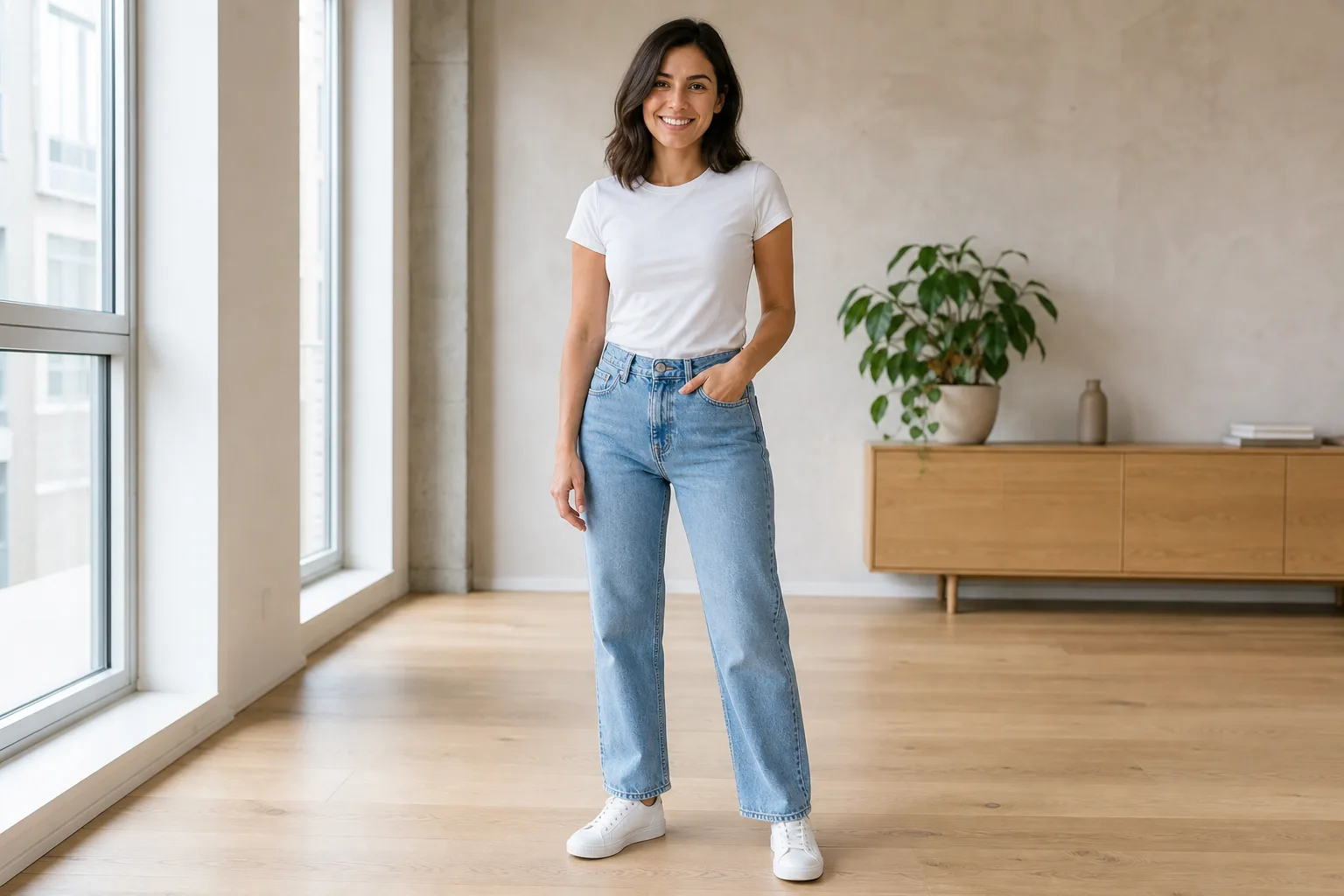
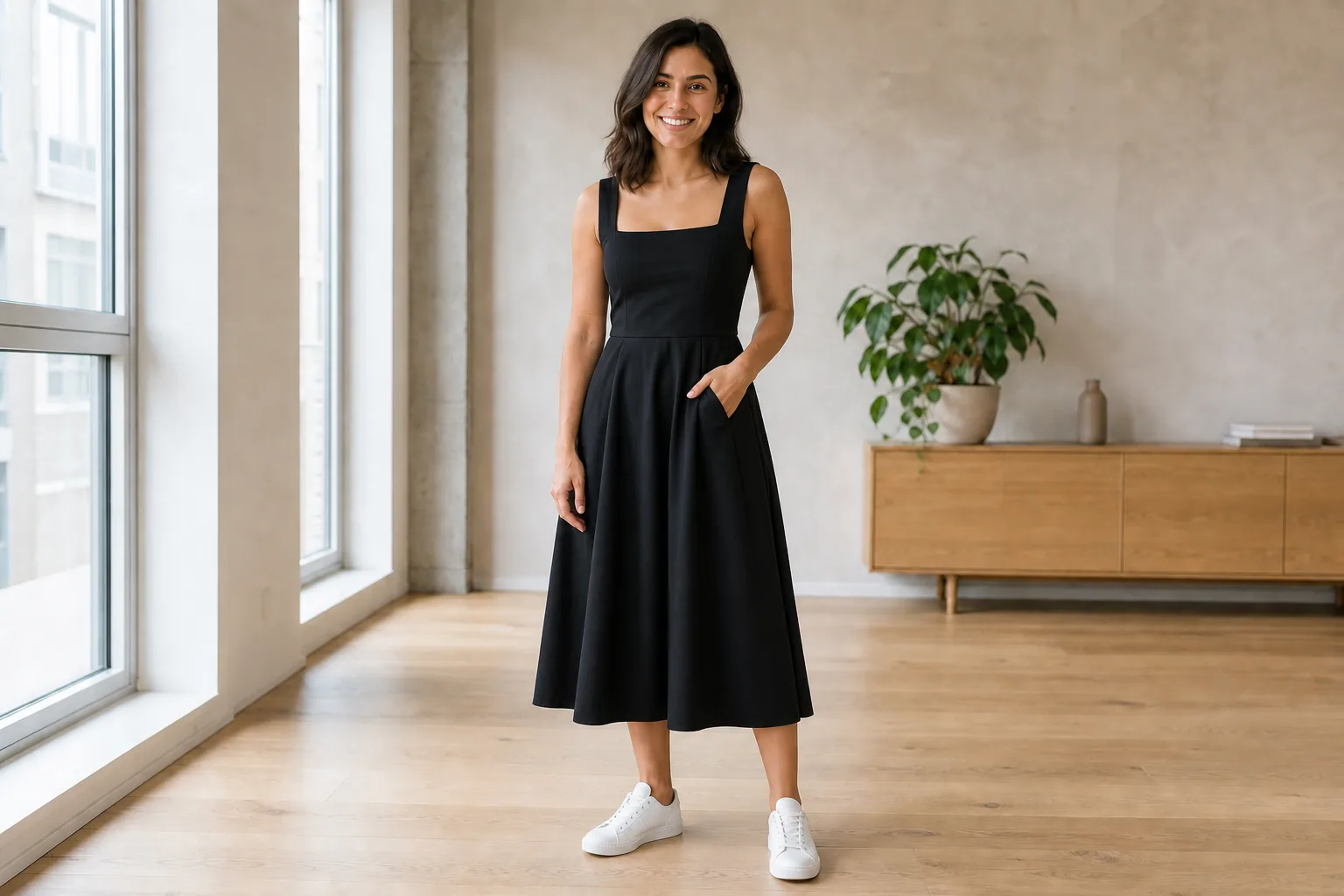
“Change only the casual outfit to an elegant black midi dress.”
Choose a leading model, describe your idea or upload an image, then generate, edit and upscale online.
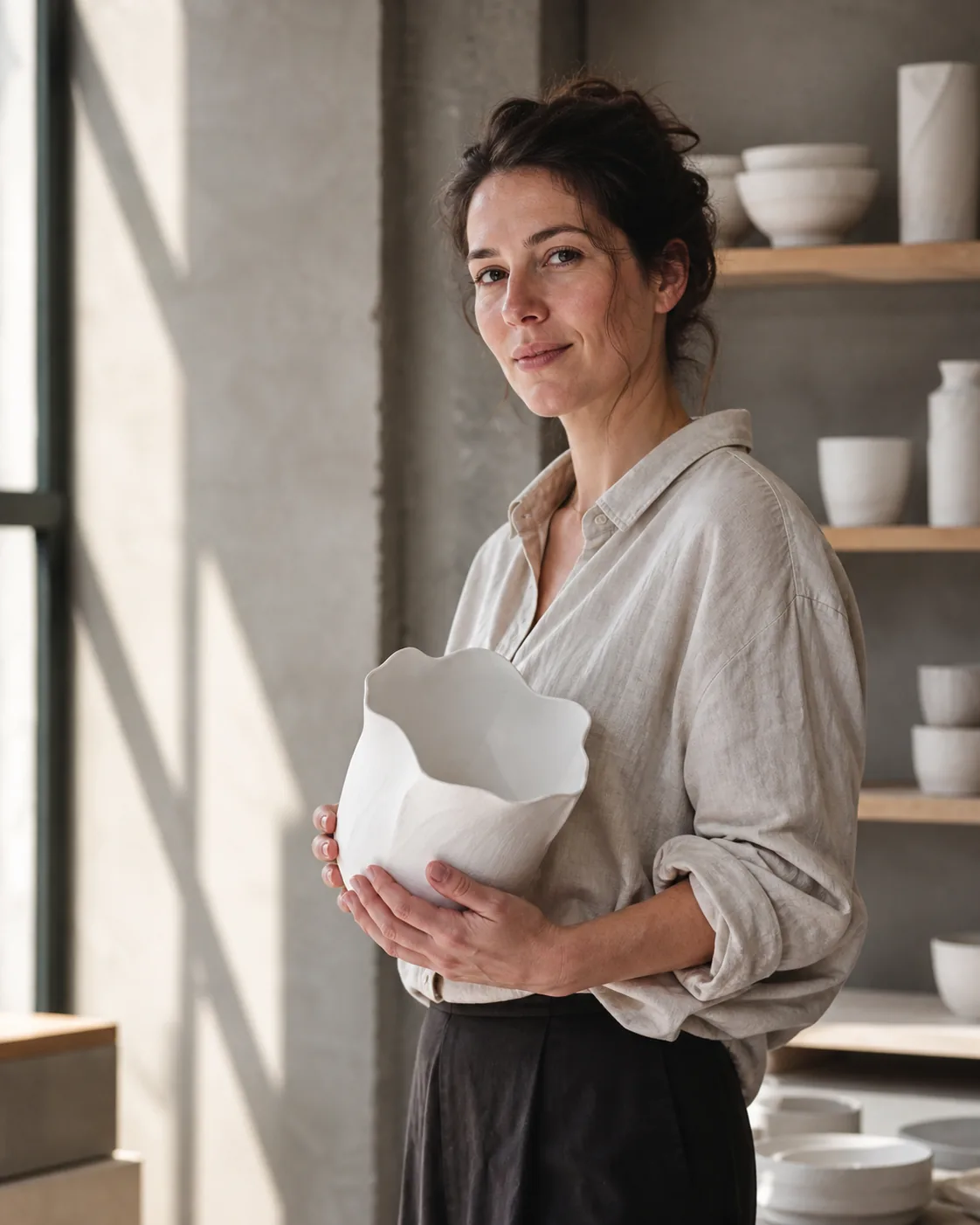
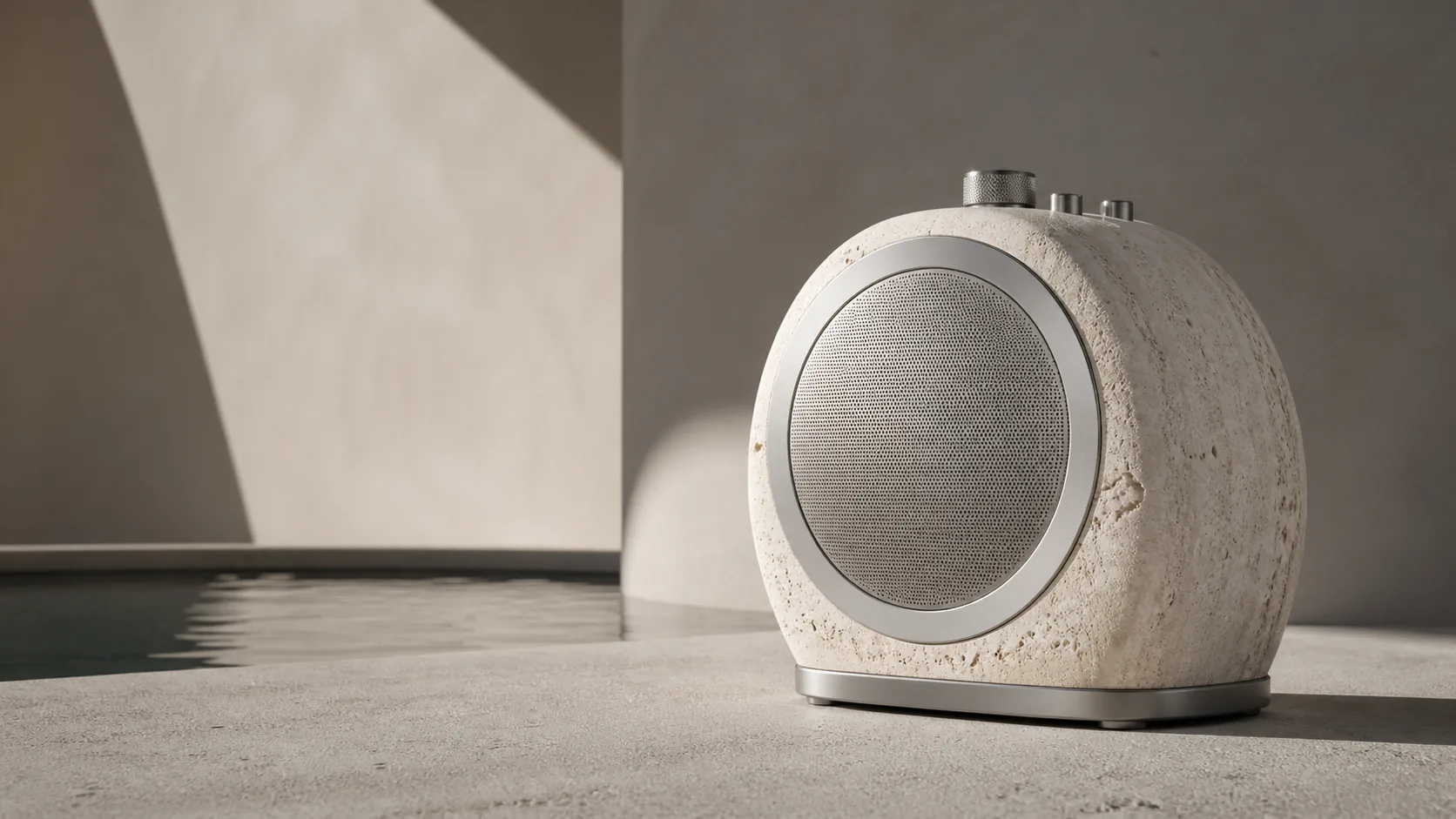
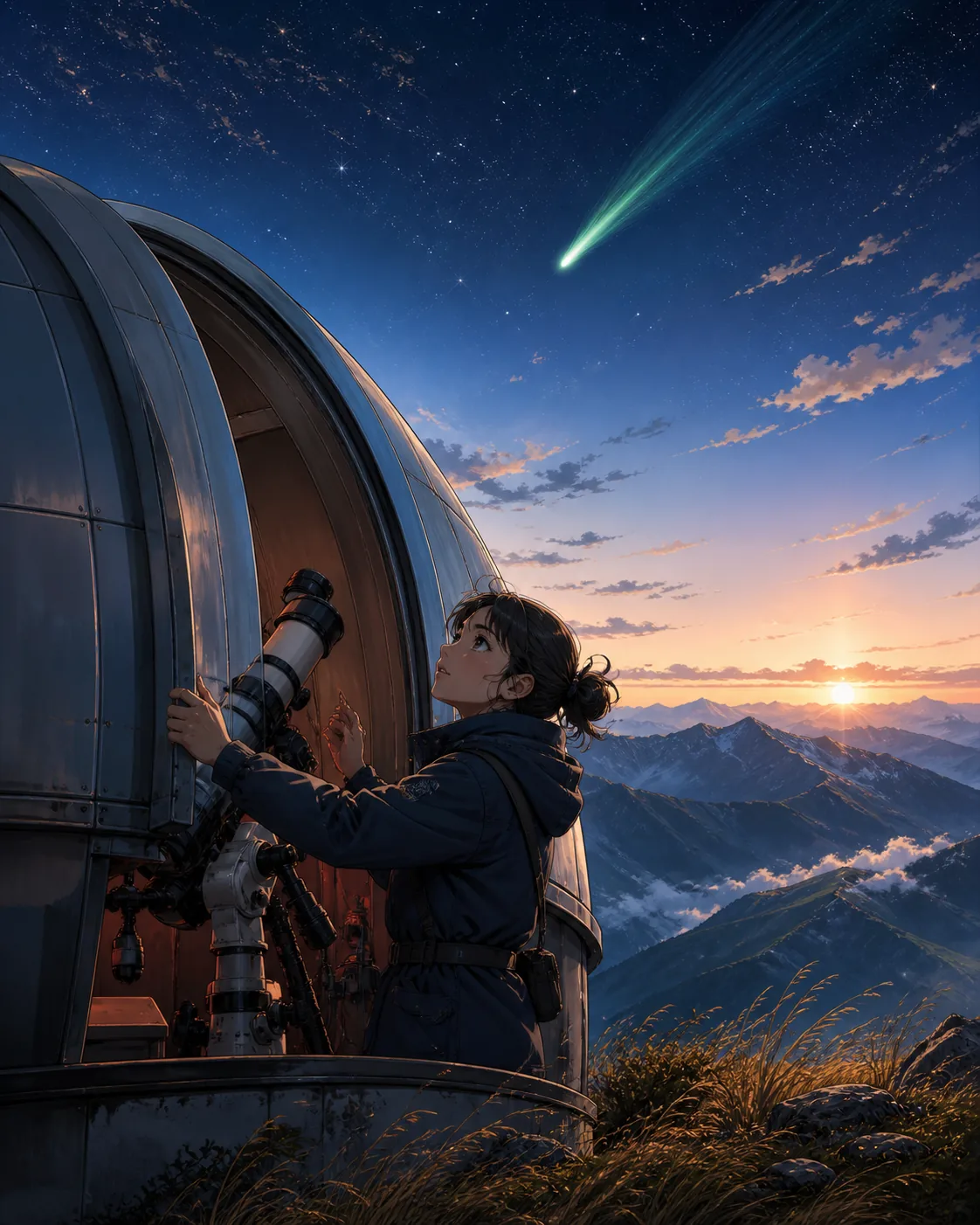
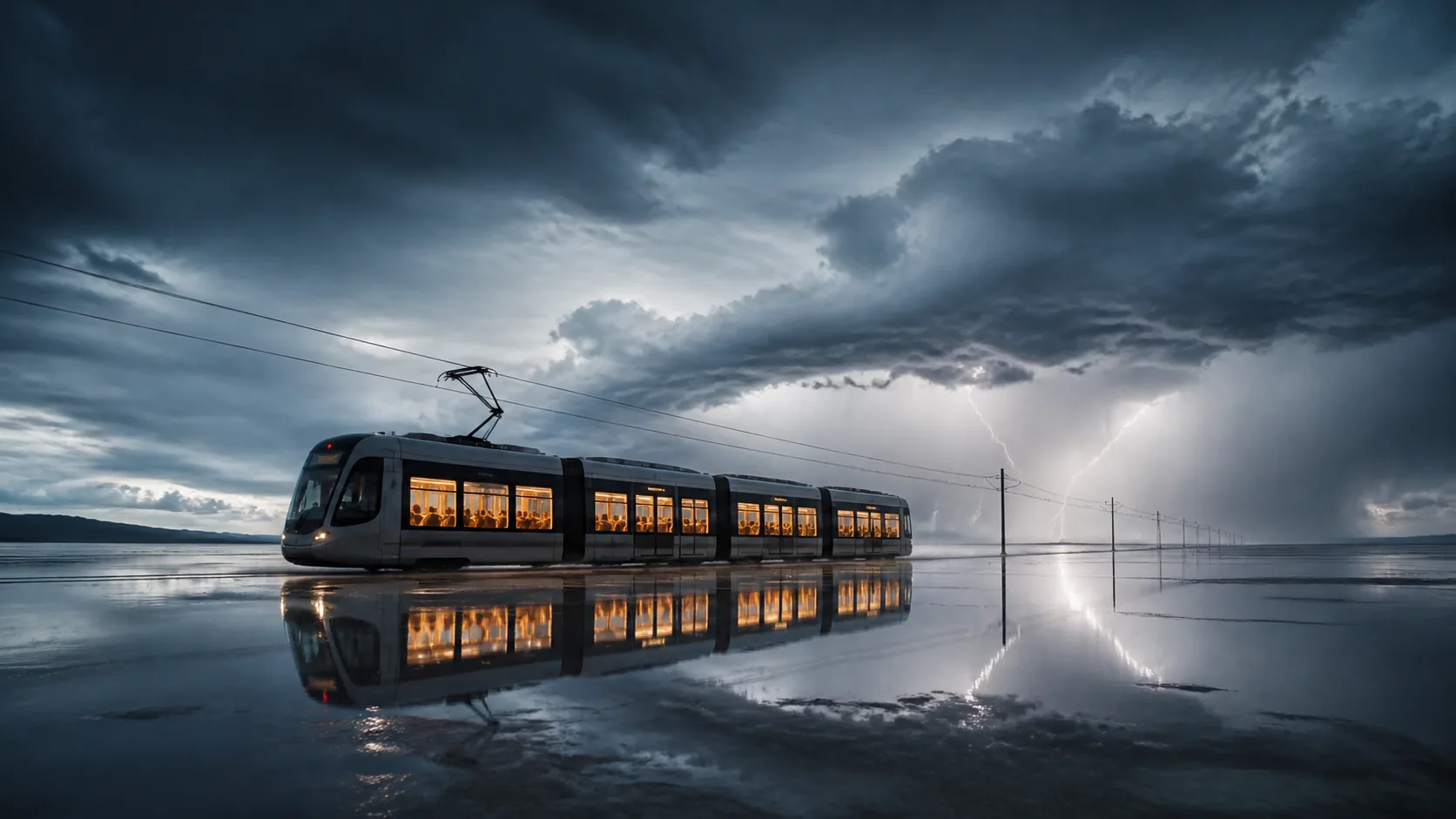
Example results — your generated image will appear here
Browse real outputs across six distinct visual styles. Open any image to see the prompt behind it and use it as a starting point.
Use plain-language instructions to change outfits, remove distractions, adjust details or rebuild complete scenes.
The person, pose and room stay consistent while the clothing changes.
“Change only the casual outfit to an elegant black midi dress.”
Keep the main subject intact and clear distracting people from the background.
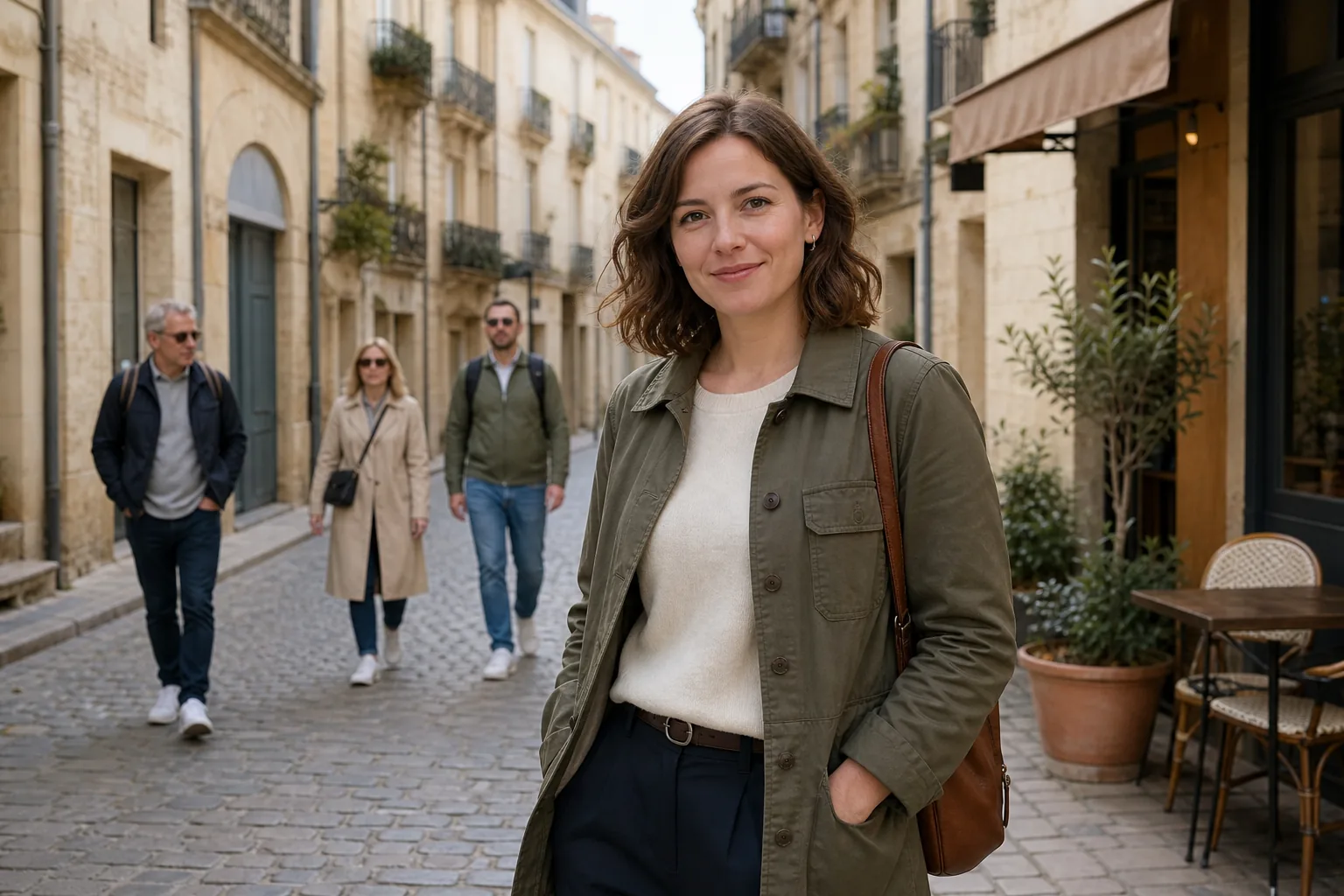
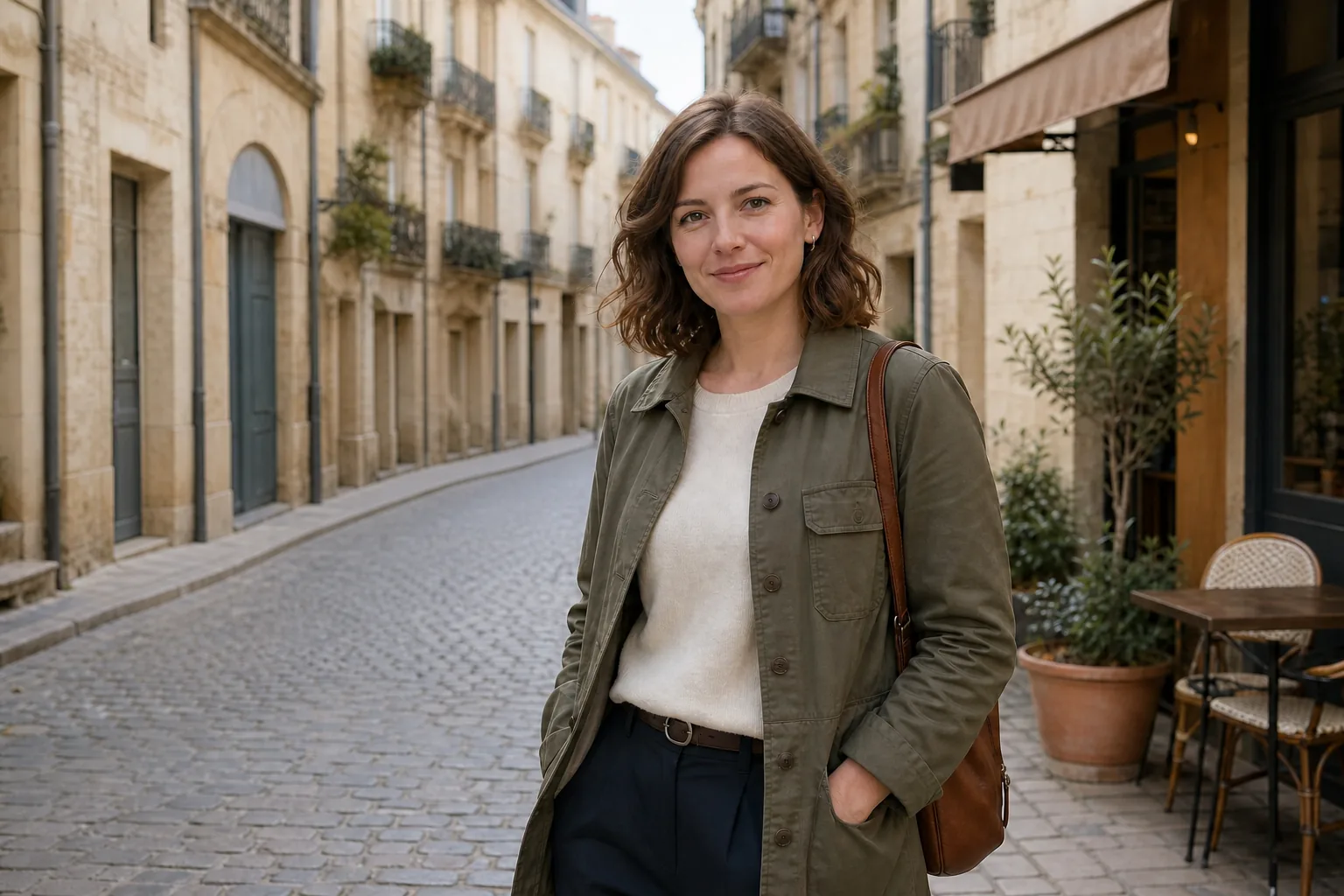
“Remove the three people in the background and rebuild the street naturally.”
The room, light and composition stay consistent while one material changes.
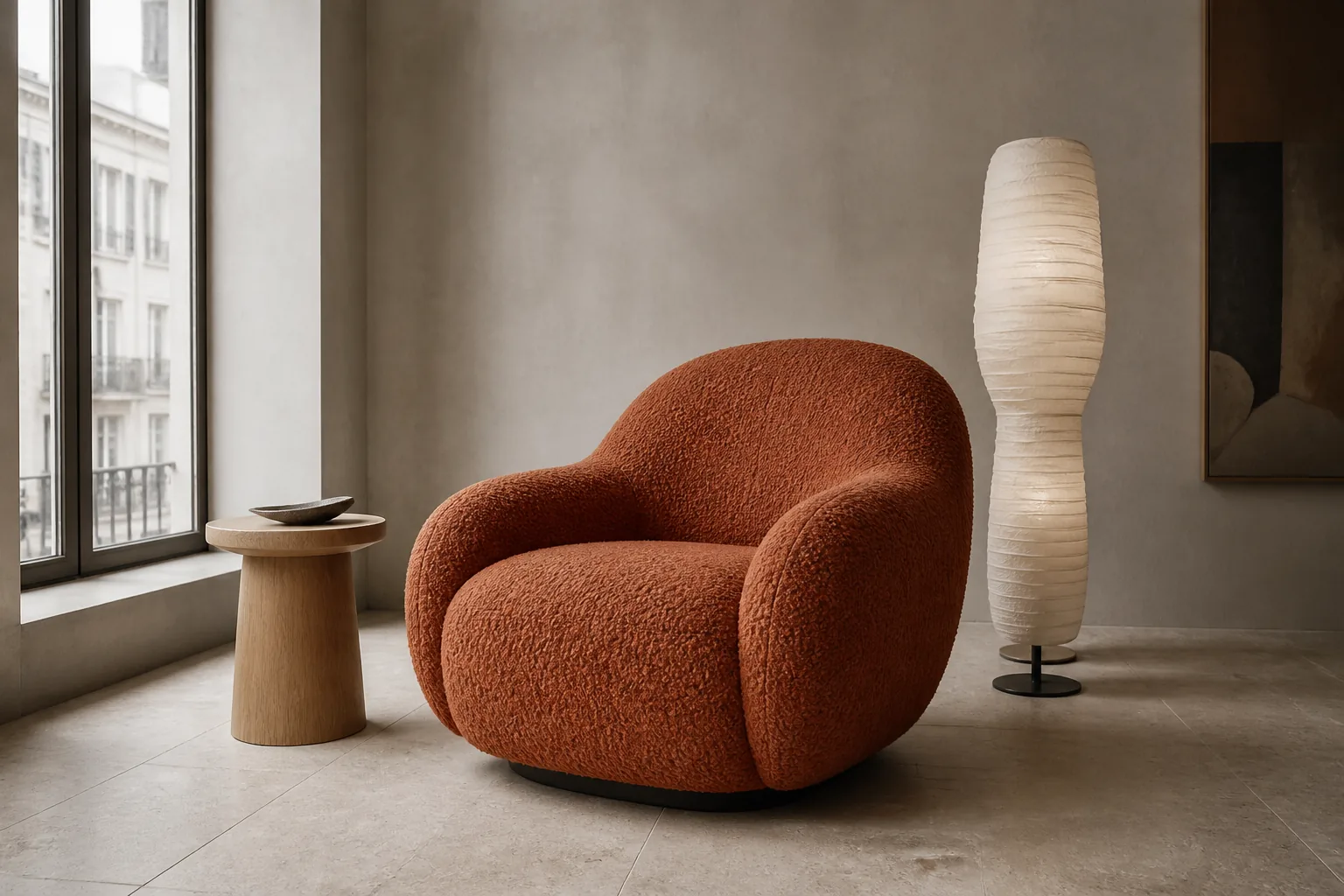
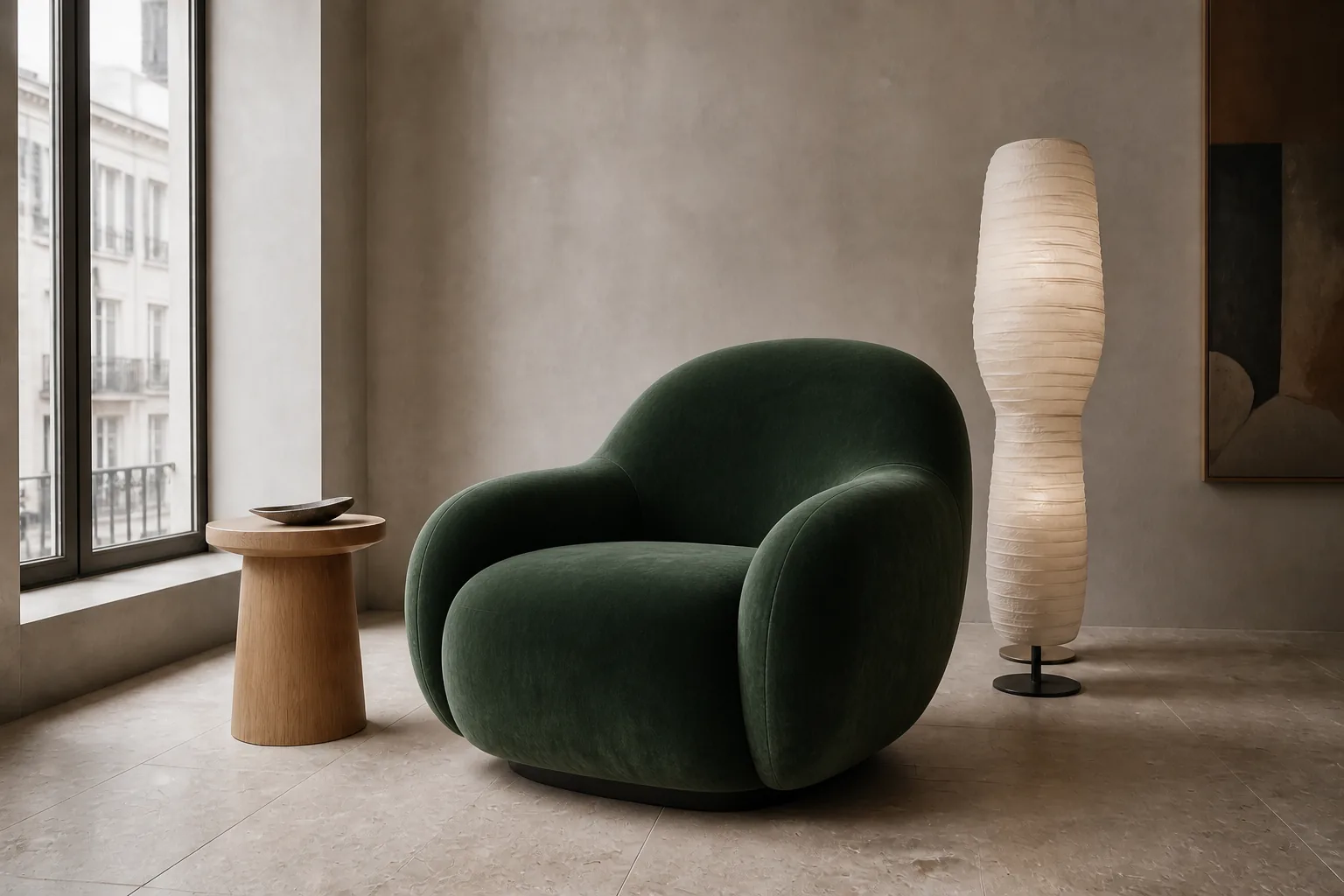
“Change only the chair upholstery to deep forest-green velvet.”
The product identity remains clear in a new, campaign-ready environment.
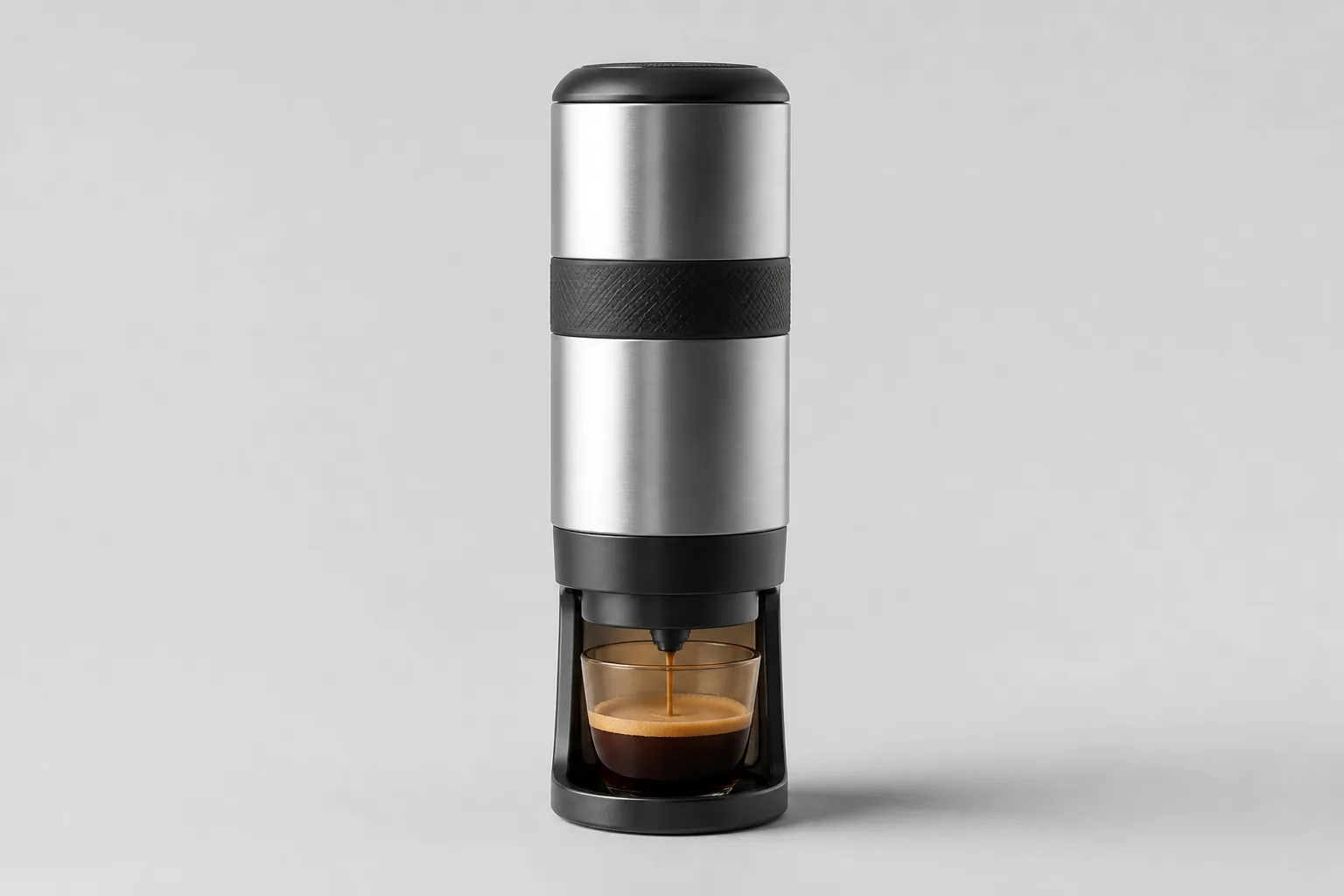
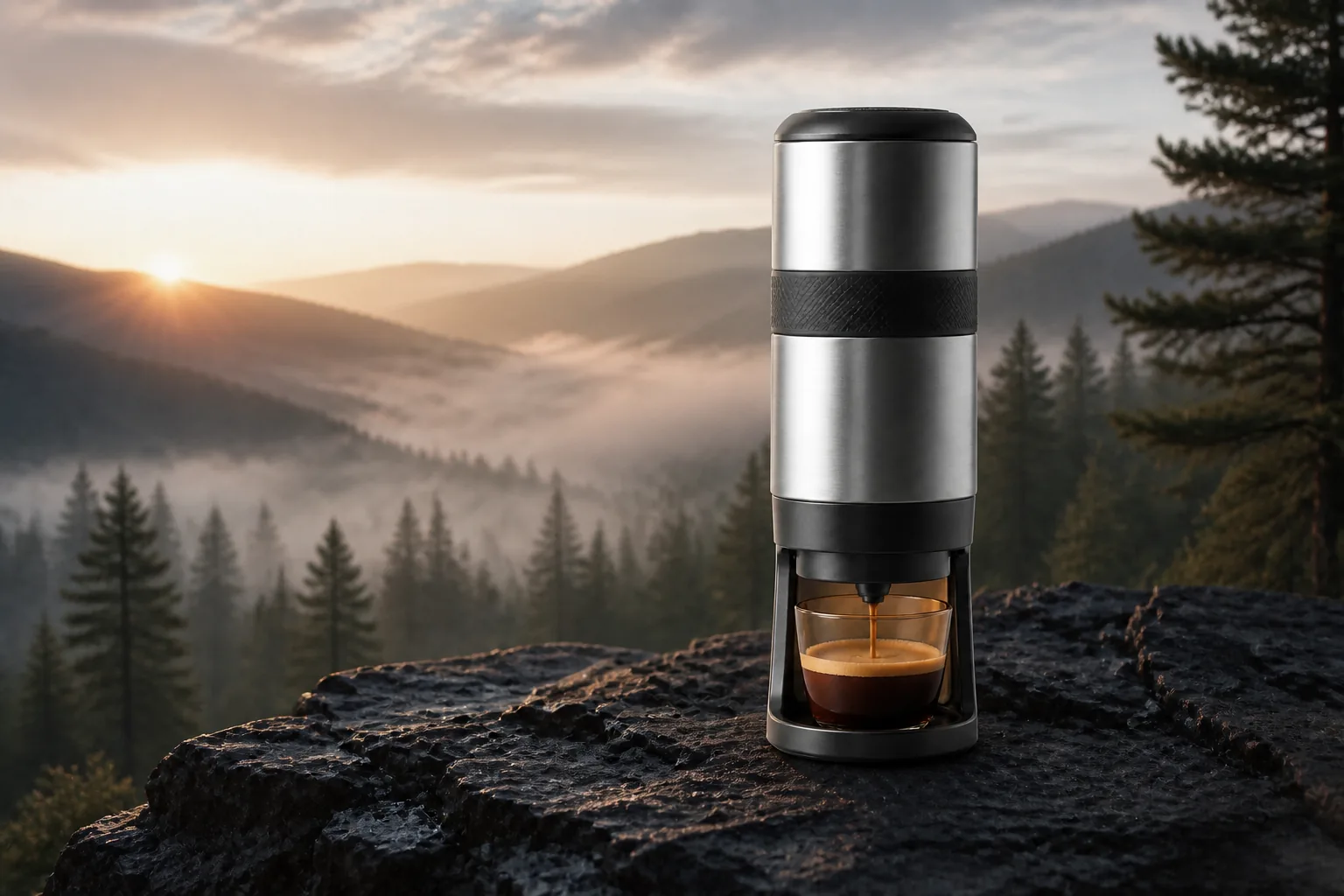
“Keep the exact espresso maker and place it on basalt above a misty pine valley at sunrise.”
Move from a quick idea to polished visual content for products, campaigns, profiles and original worlds.
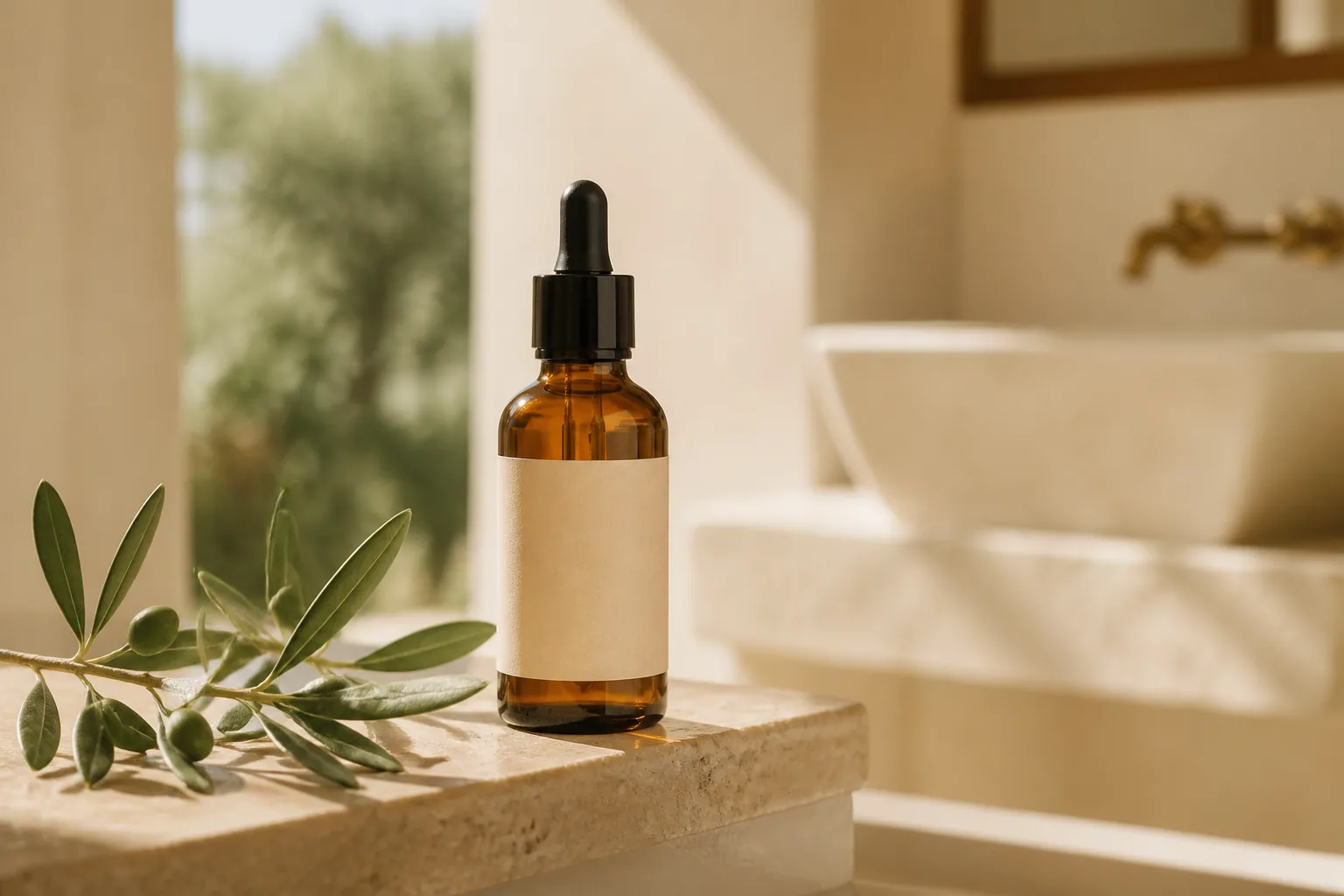
Create clean catalog shots and contextual product campaigns without rebuilding a studio for every idea.
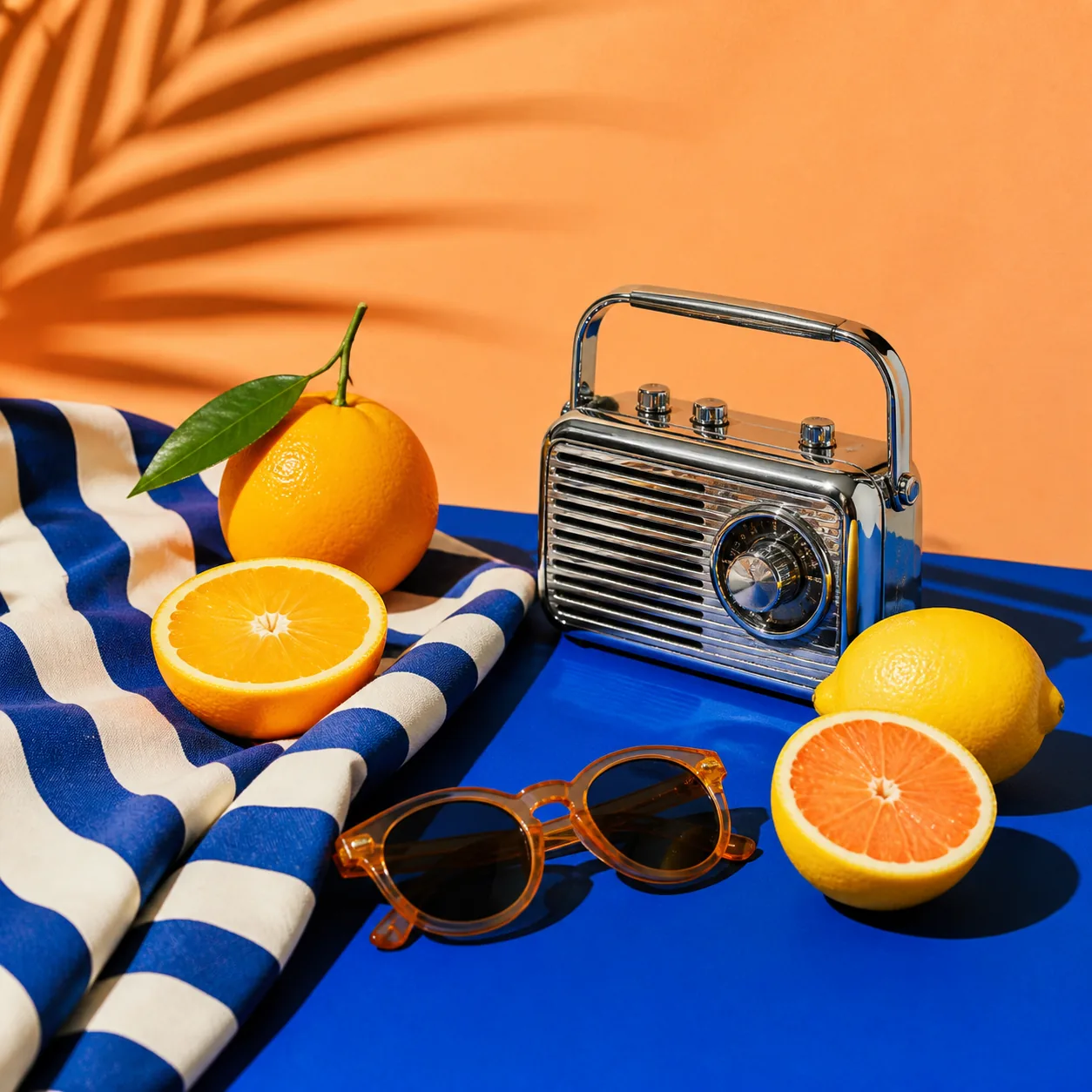
Develop bold, feed-ready visuals with a clear concept and strong thumbnail readability.
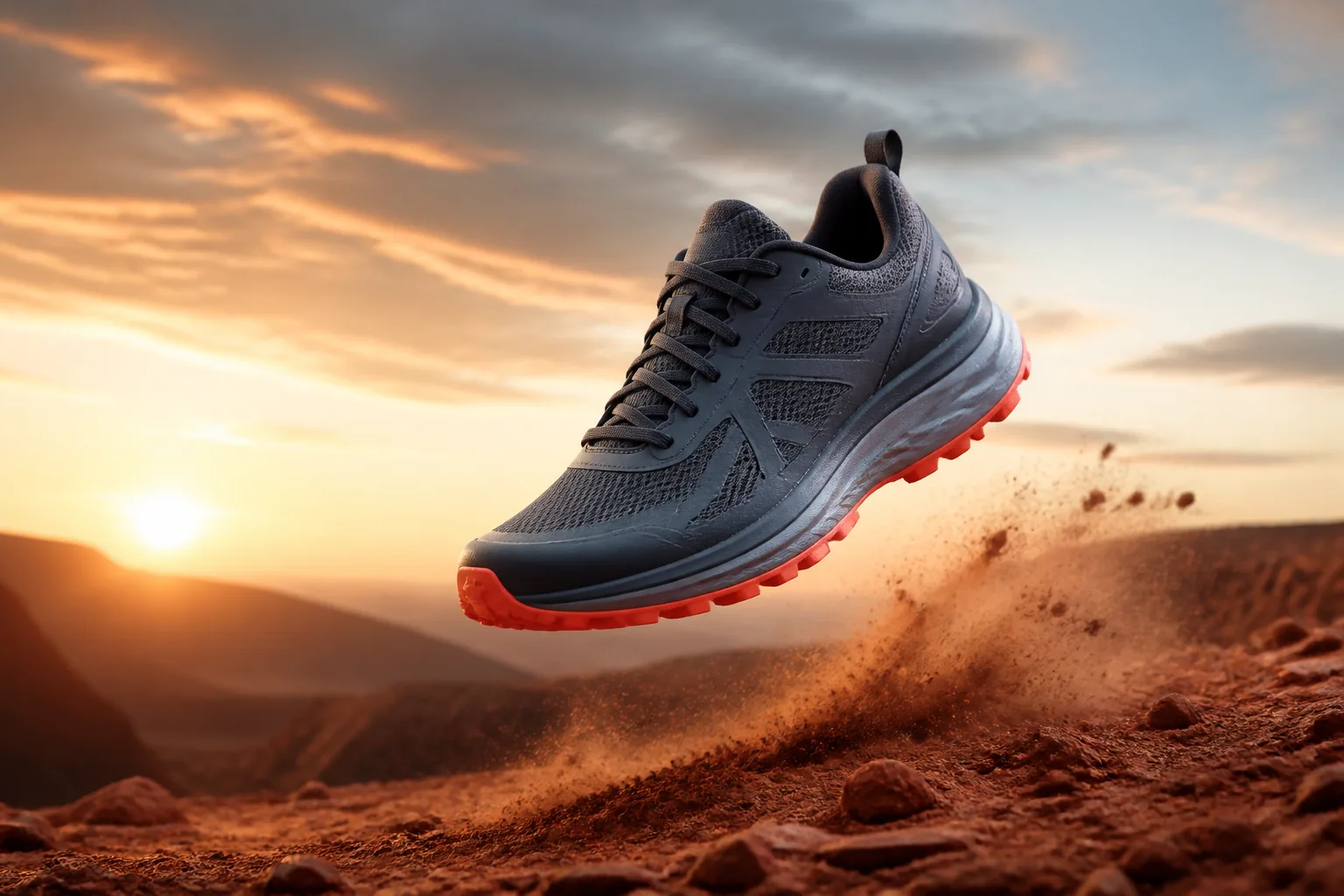
Explore campaign directions and product stories before committing to a full production shoot.
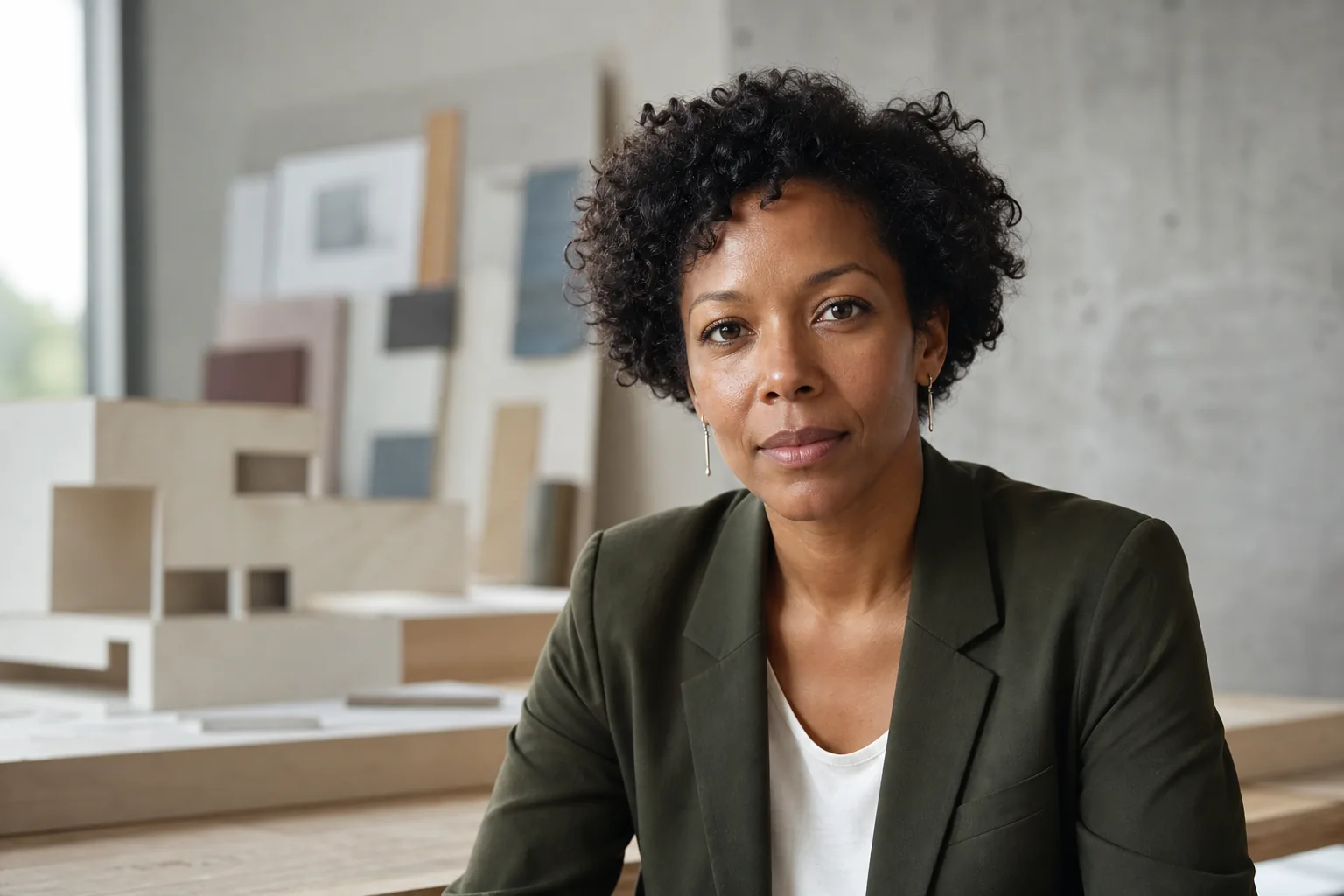
Create credible, natural portraits for profiles, teams and personal brands.
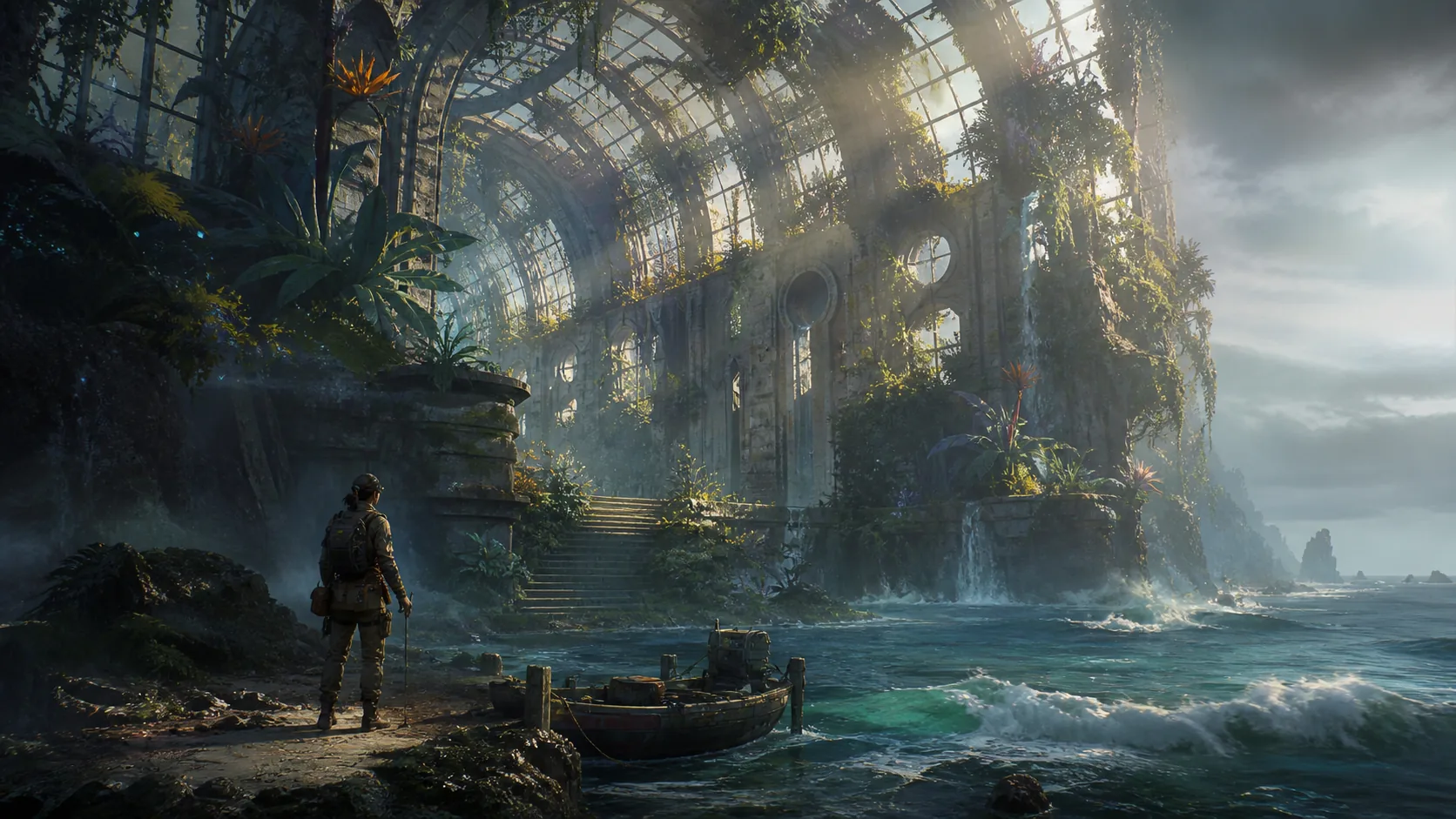
Turn an early world-building idea into an environment with scale, mood and visual direction.
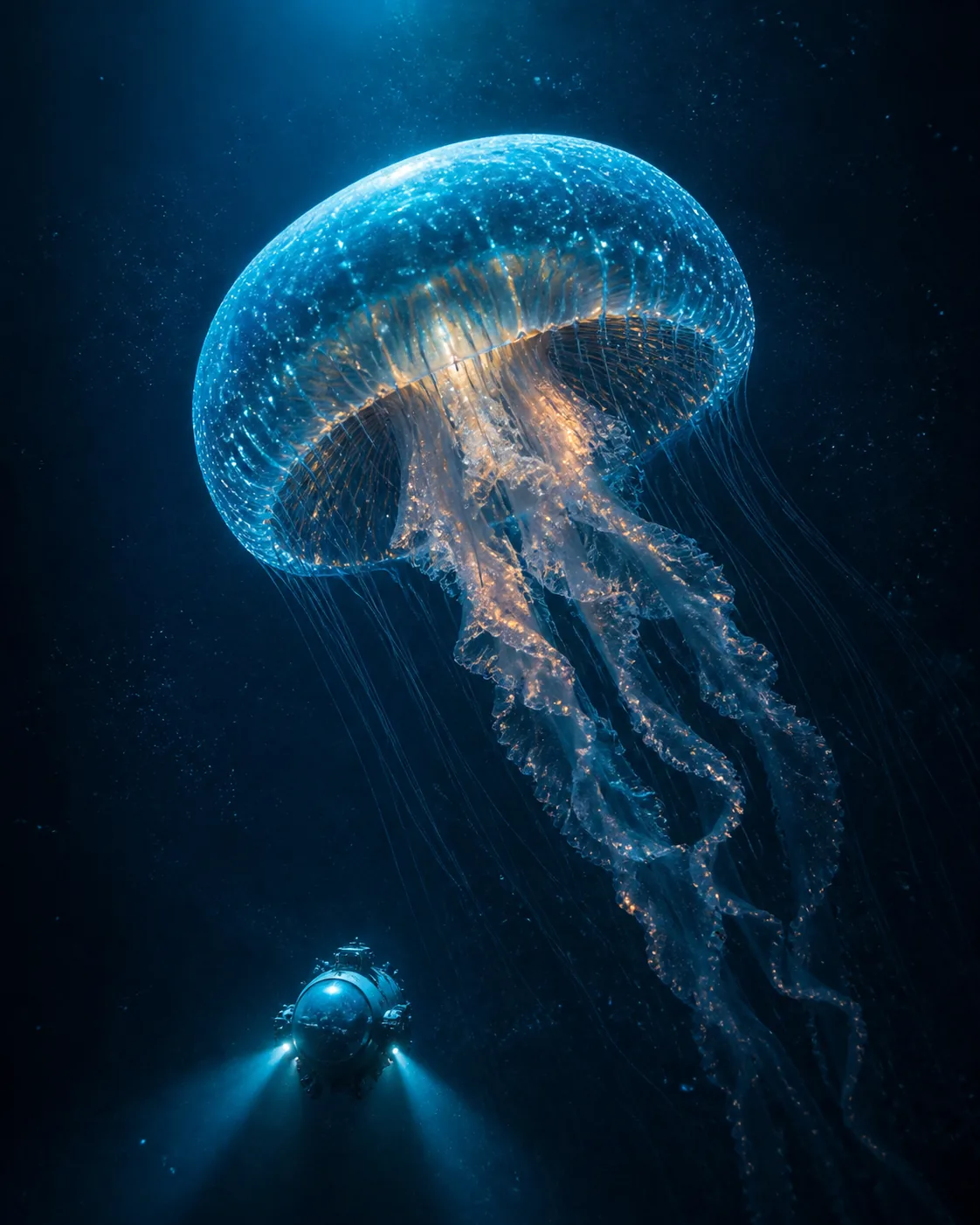
Build a strong focal image that remains clear from a large poster down to a small thumbnail.
A simple workflow keeps the tools out of your way and the creative decision in your hands.
Select the task and model that fit the result you need.
Write a prompt or upload an image, then state the change in plain language.
Review the result, refine when needed, and download the finished image.
The practical details to know before you create.
You can generate images from text, use an uploaded image as input, edit with natural-language instructions, and access supported upscaling workflows from one workspace.
MagicCreator brings together all the leading AI image models, including Nano Banana, GPT Image, Seedream and Flux variants. Available input types and settings vary by model.
Yes. Choose a model that supports image input, upload your source, and describe the change you want. Clear instructions about what should remain unchanged produce more controlled results.
Yes. MagicCreator provides free trial credits so you can generate images and explore the available models before purchasing more credits.
Yes. Upscaling is part of the MagicCreator image workflow and can be used when you need a larger final output.
Yes. All images you generate on MagicCreator can be used commercially, regardless of which model you choose—including in ads, social media, products and client work.
Return to the workspace and turn it into something you can use.