
When will Suno V6 be released?
Suno has not announced an exact Suno V6 release date. In August 2026, the company said a new generation of music models was coming soon, but it did not confirm the V6 name or give a launch day.
Turn lyrics, ideas, and moods into complete songs with vocals or instrumentals. Shape the genre, style, and voice, then generate two versions to compare.
Lyrics, titles, and styles must not contain names of famous people or sensitive words.
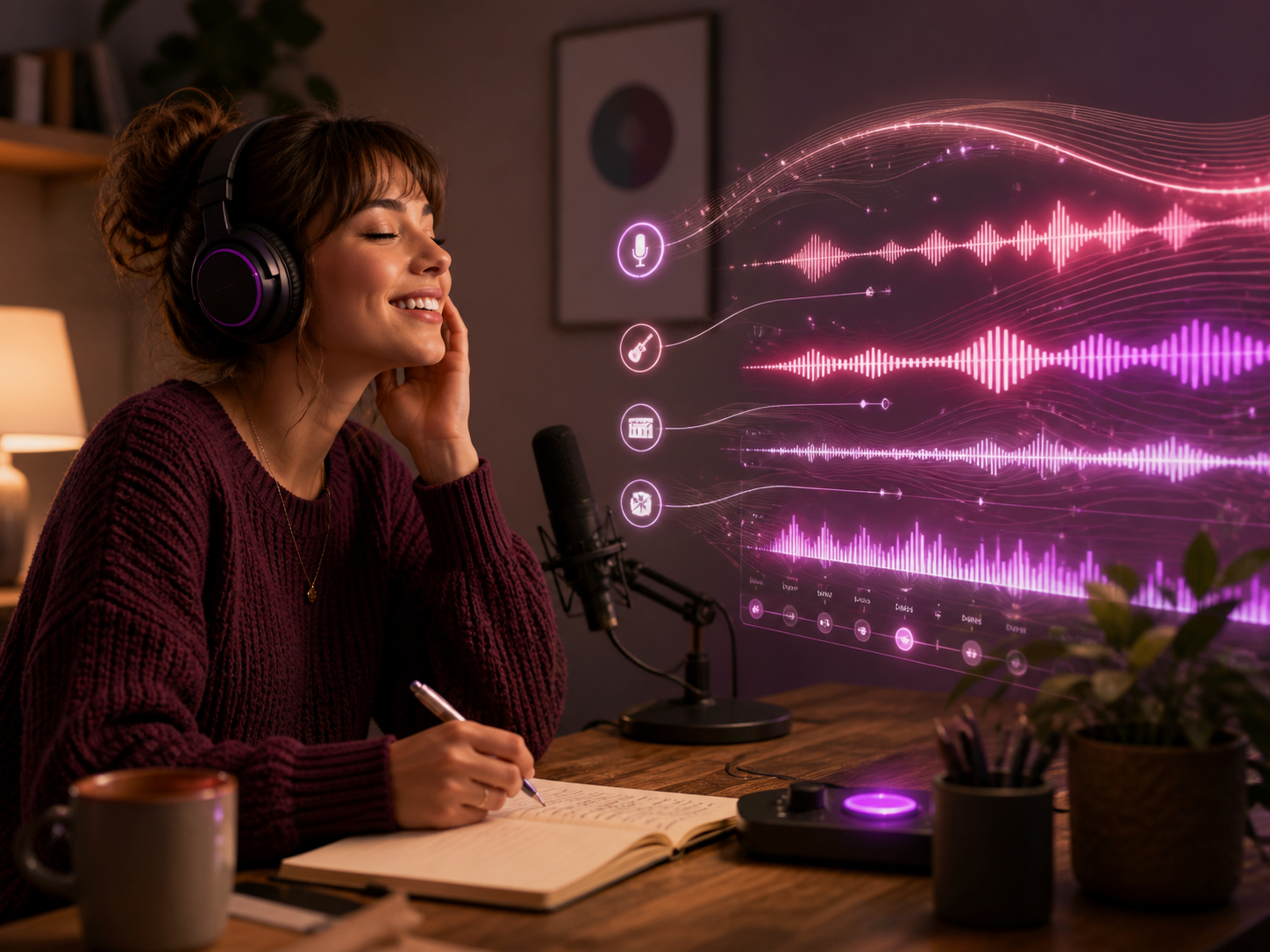
Suno V6 is the community name for Suno's expected next major music model. Suno has confirmed work on next-generation music models, but it has not officially announced the V6 name, release date, features, pricing, or access.
Explore original tracks made with MagicCreator across different genres, moods, and vocal styles, then start shaping your own Suno V6 song ideas.
Turn a few words, finished lyrics, or a mood into music you can share, replay, or add to something you are making.
Paste words you already wrote or describe your Suno V6 song idea in everyday language. MagicCreator turns that starting point into a complete track you can listen to and compare.

Guide the genre, mood, tempo, instruments, and voice so your Suno V6 song idea carries the feeling you want, from bright pop and hip-hop to calm ambient or cinematic music.
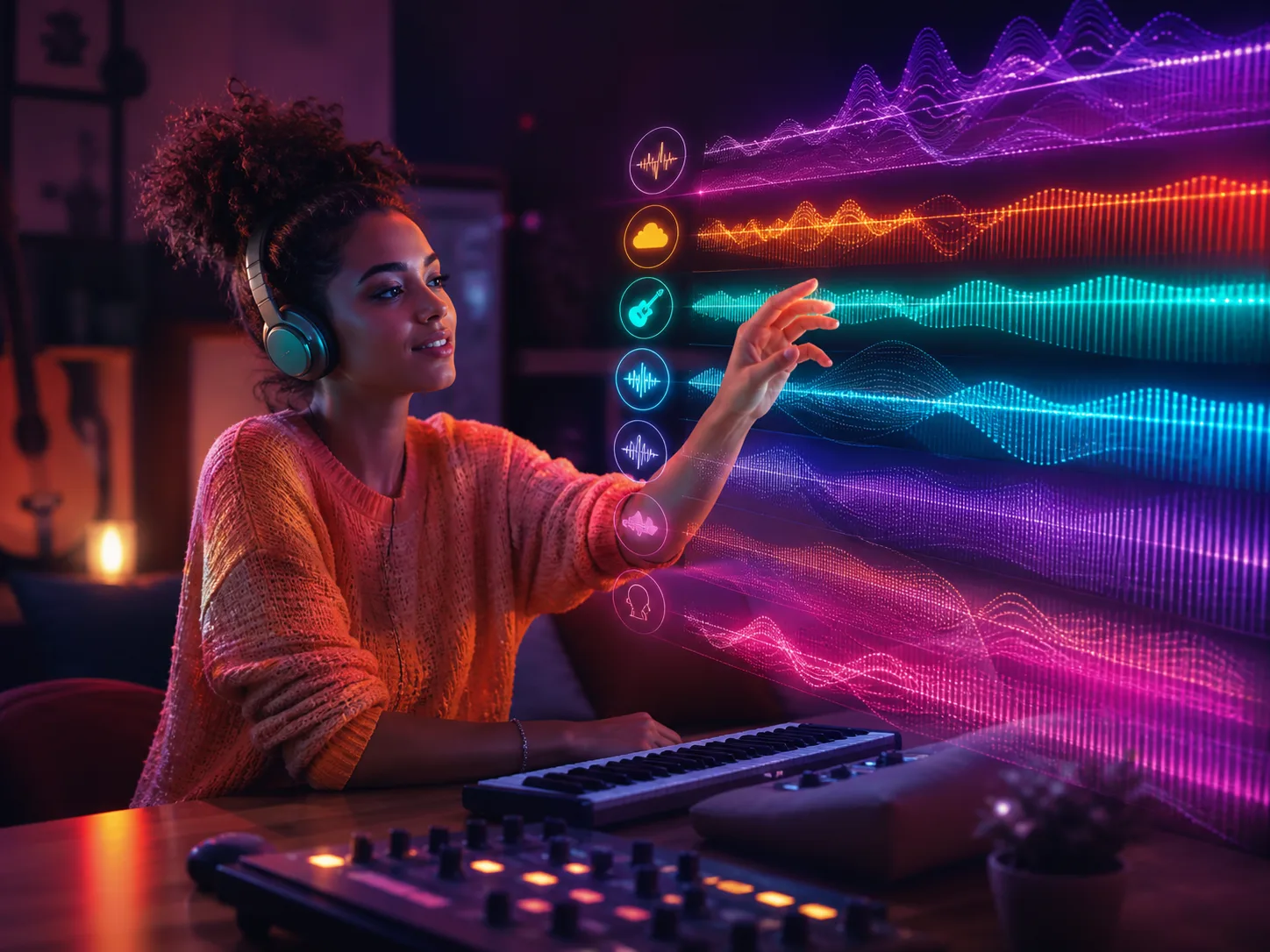
Turn a Suno V6 soundtrack idea into instrumental music for a travel edit, personal video, slideshow, podcast intro, or social post. Describe the atmosphere and pace, then keep the version that fits the moment.
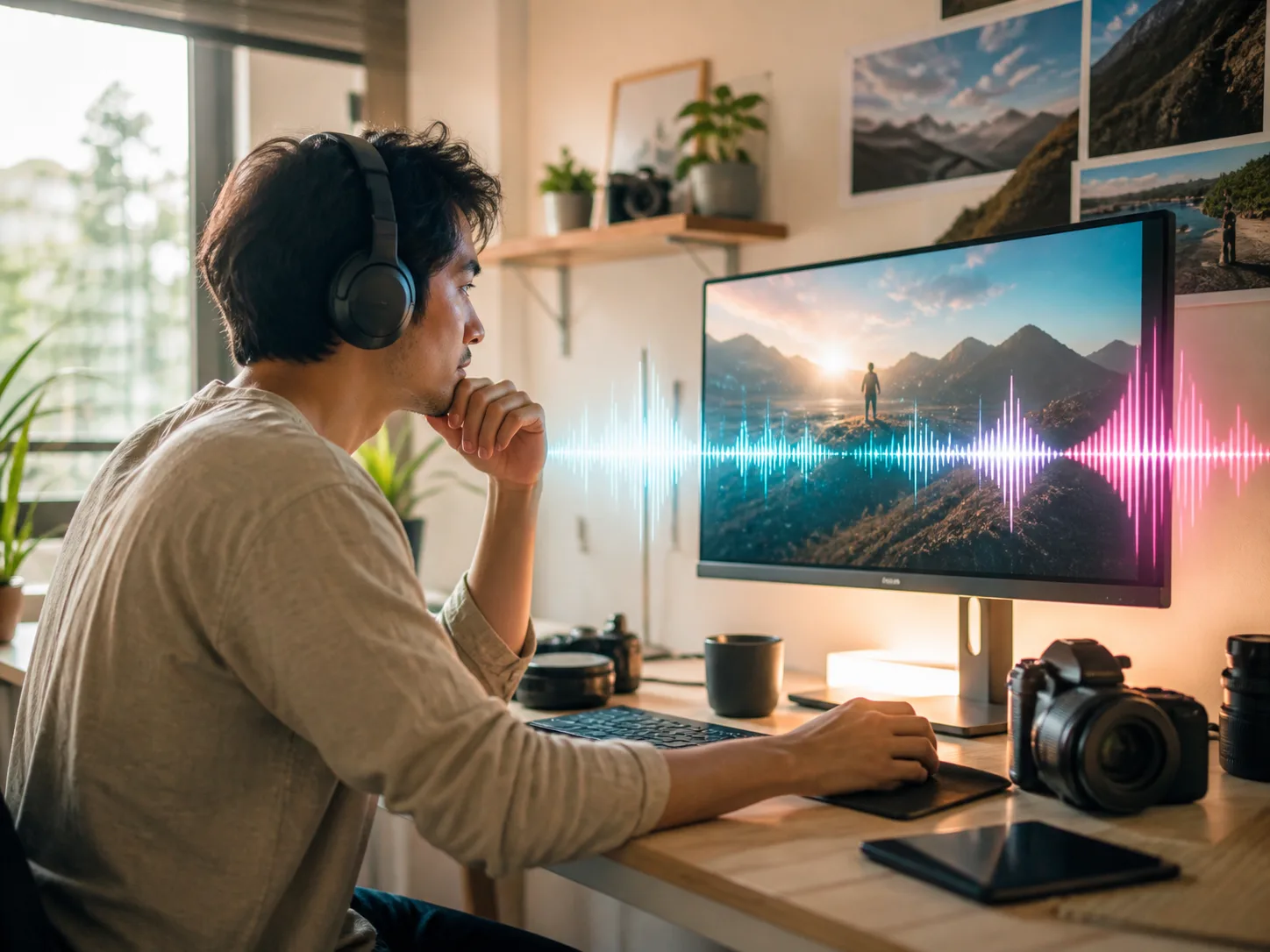
Bring a Suno V6 music idea to life without instruments or production software. Make a few creative choices and let MagicCreator build the track.
Begin with your own lyrics, describe a complete song in plain language, or choose instrumental mode for music without vocals.
Add a title and guide the genre, mood, tempo, instruments, and vocal direction so the result follows your idea.
Generate two versions, listen to both, and download or revisit the track that best captures what you wanted to make.
Start with one person, memory, message, or project, then shape each Suno V6 song idea around the moment you want the music to serve.
Write a few personal details, choose an upbeat or heartfelt style, and create a one-of-a-kind song for a birthday, anniversary, graduation, or reunion.
Turn a shared memory, private joke, thank-you, or love note into lyrics, then choose the voice and mood that fit the person who will hear it.
Paste unfinished lyrics, describe the musical direction, and generate two complete versions so you can hear which phrasing and style work best.
Describe the pace and emotion of your footage, generate a matching vocal or instrumental track, and use it to give a trip, pet, or family video its own sound.
Create a short musical identity around the energy of your show, then keep the version that works as an opener, break, or recurring transition.
Choose instrumental mode and describe a calm, playful, dramatic, or focused atmosphere for slideshows, games, study sessions, and other small projects.
Clear answers about the expected Suno V6 model and ways to turn your own ideas into music today.
Suno has not announced an exact Suno V6 release date. In August 2026, the company said a new generation of music models was coming soon, but it did not confirm the V6 name or give a launch day.
Suno says its upcoming generation produces faster results, higher-fidelity audio, and more creative control in early testing. These are claims about its next models, not confirmed specifications for a product officially named Suno V6.
Suno 6 and Suno V6 currently refer to the same expected next major version in community discussions. Suno has not confirmed either as the official product name.
Suno v5.5 is the latest confirmed model, with richer arrangements, sharper vocals, and more dynamic sound. Suno says its next generation should improve speed, fidelity, and control, but a verified V6 comparison is not available yet.
Yes. Choose Lyrics to Song, paste your lyrics, add a title and style direction, and MagicCreator can generate a performed version of your words.
Yes. Instrumental mode creates music without vocals for videos, slideshows, podcasts, games, study sessions, and other personal projects.
Start with a Suno V6 song idea, your own lyrics, or an instrumental mood and create a track you can listen to, compare, and keep.