
Gemini Omni 1.1 Flash Video Generatoron MagicCreator
Turn a prompt, opening frame, start-and-end frame pair, or reference images into a 10-second video with native audio. Draft at 360p, create at 720p, or choose an upscaled 1080p or 4K result.
Ready to generate
Your generated video will appear here
See Gemini Omni 1.1 Flash in Motion
Watch the model connect planned frames, continue a scene, compare quick drafts, and prepare sharper exports. Use the player controls to hear each example.
What Is Gemini Omni 1.1 Flash?
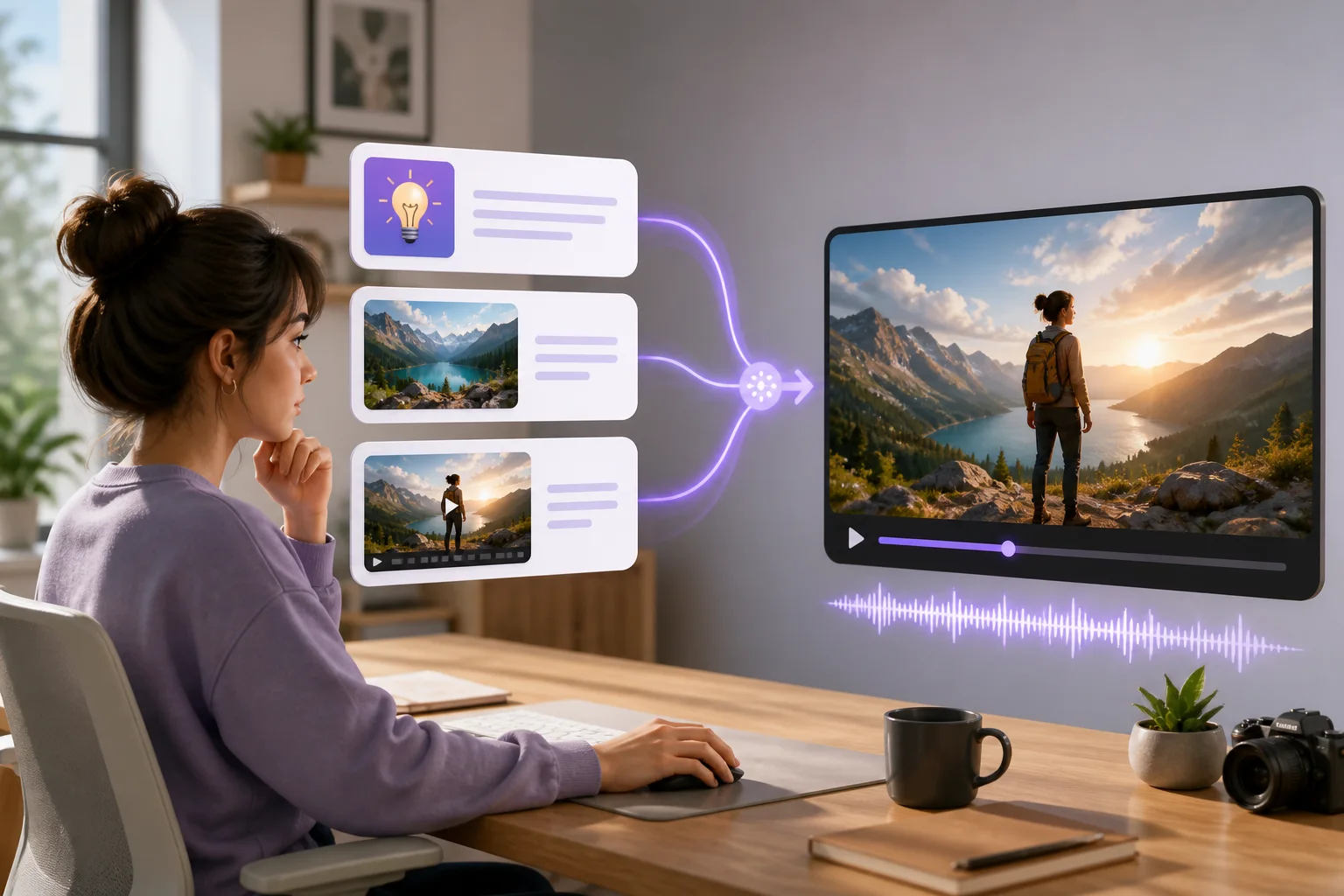
Gemini Omni 1.1 Flash is Google's generally available multimodal video generation and editing model. It accepts text, images, and short video context and produces 3–10 second video with audio. Compared with the preview, version 1.1 adds scene extension, first-and-last-frame interpolation, 360p drafts, and upscaled 1080p or 4K output. MagicCreator currently exposes text, frame, and reference-image generation through an independent, non-Google service.
- A Multimodal Video ModelStart with a written scene, one or two frames, or subject and style references, then receive a finished short video with sound.
- The Stable 1.1 ReleaseThe GA model code is gemini-omni-1.1-flash; Google's earlier preview endpoint is a separate, retiring version.
- Available Now on MagicCreatorThis page uses the real Gemini Omni 1.1 task through fal and Replicate, with the supported controls shown directly in the generator.
Key Gemini Omni 1.1 Flash Video Features
Version 1.1 adds practical control for shaping a short clip, revising an idea, and choosing how much resolution to use at each stage.
Connect a First and Last Frame
Upload an opening image and an ending image, then describe the action between them. Gemini Omni 1.1 Flash creates the intermediate movement for a reveal, transition, product turn, or character beat.
- Use one image as the first frame
- Add a second image to define the ending
- Describe subject, camera, and environmental motion

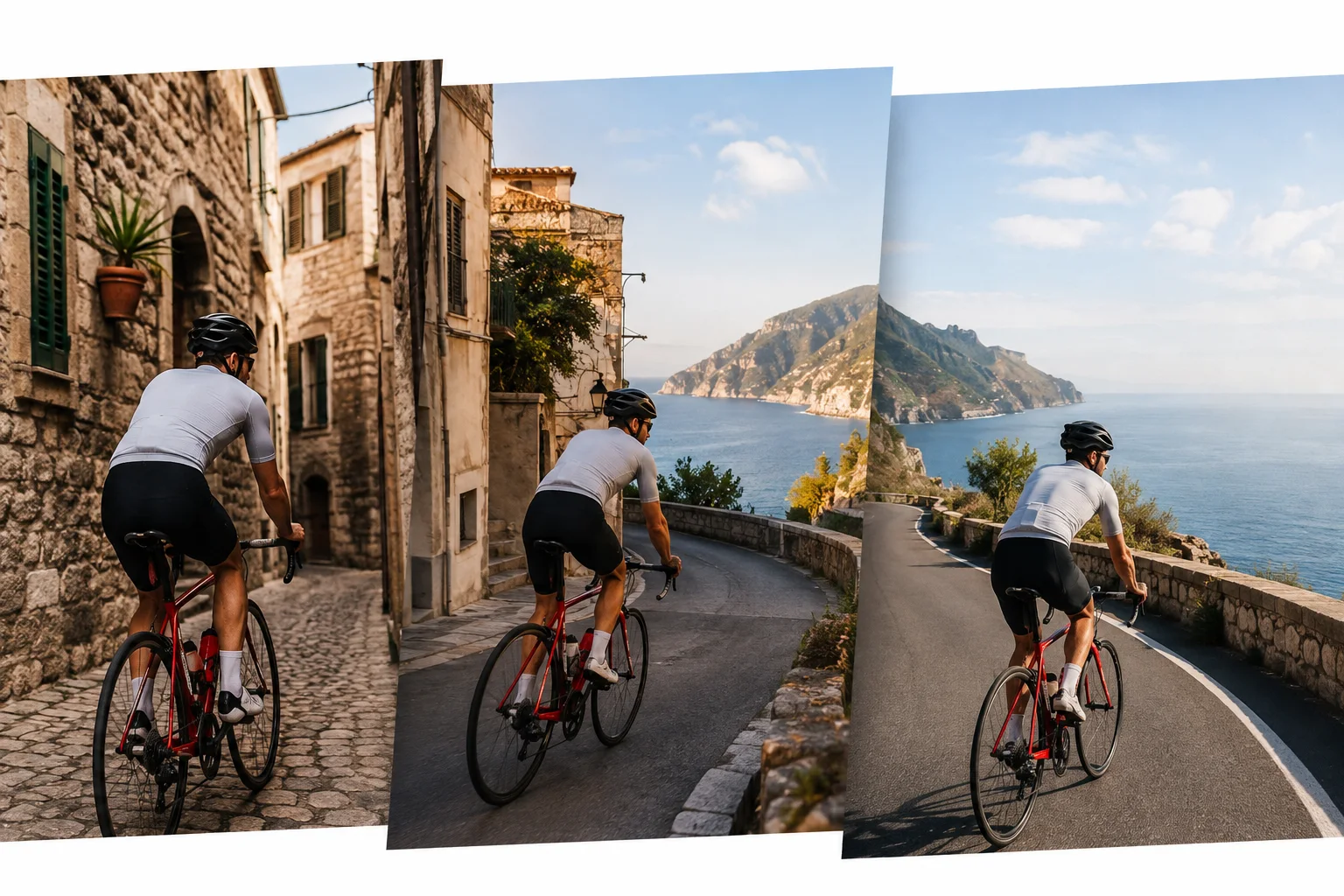
Continue a Scene beyond Its Ending
Give the official model a short clip or continue a prior generation and describe what happens next. It appends a new segment while using the existing scene as context, which can build a sequence up to 40 seconds across extensions.
- Append new action at the end of a clip
- Use up to 10 seconds of uploaded video context
- Access extension through supported Google interfaces; it is not yet in this page's generator
Refine Video with Follow-Up Instructions
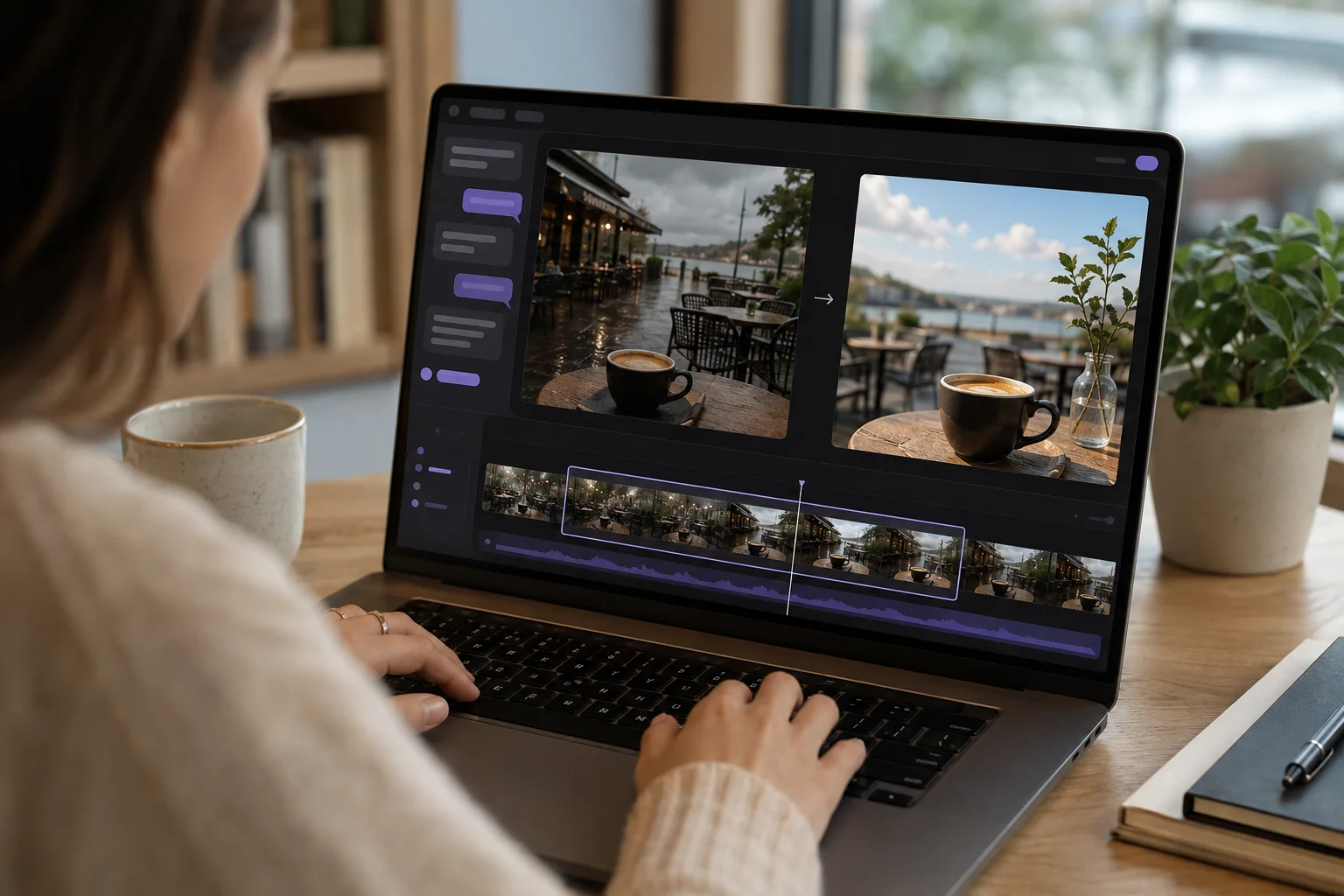
The official Interactions API can carry a generated video into another turn. Ask to adjust weather, framing, objects, or other details while preserving parts you did not mention instead of rebuilding the idea from scratch.
- Build edits on the previous interaction
- Describe the change in everyday language
- Use supported Google interfaces for editing; direct video editing is not yet in this page's generator
Draft Quickly, Then Choose a Sharper Export
Use 360p for a lower-cost draft, 720p for standard output, or select 1080p or 4K when the delivery needs more pixels. Google documents the two highest settings as upscaled output, not native generation resolutions.
- 360p for inexpensive idea checks
- 720p as the standard generated output
- 1080p and 4K delivered through upscaling
Gemini Omni 1.1 Flash vs the Preview
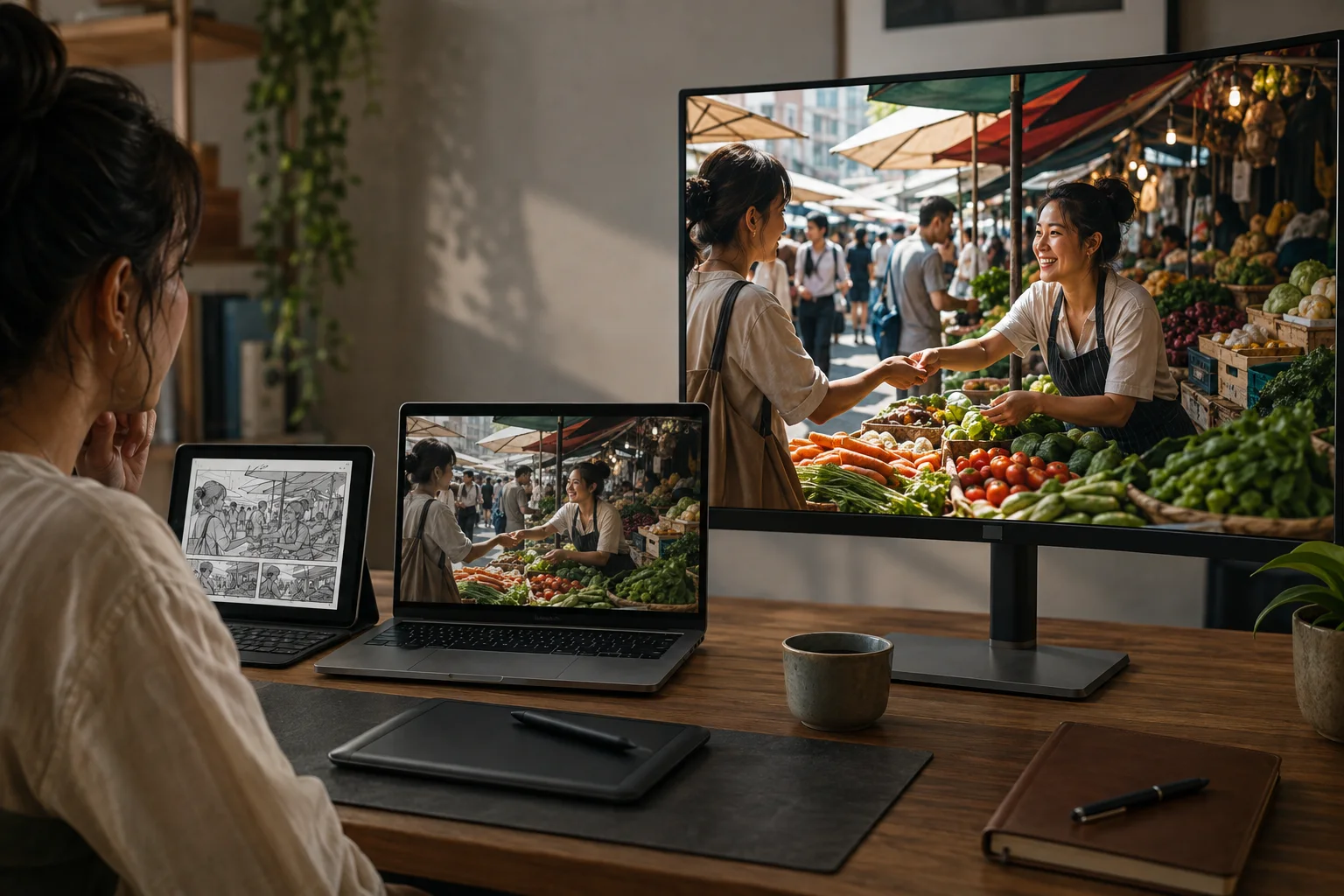
The 1.1 release moves the family to a stable endpoint and adds controls that matter when a first draft needs a planned ending, continuation, or sharper delivery.
Release status
Omni Flash Preview
Preview endpoint scheduled for deprecation on September 30, 2026.
Omni 1.1 Flash
Generally available stable model released August 27, 2026.
Scene control
Omni Flash Preview
Core short-video generation and conversational editing.
Omni 1.1 Flash
Adds first-and-last-frame interpolation and end-of-clip extension.
Resolution choices
Omni Flash Preview
720p generation baseline.
Omni 1.1 Flash
360p and 720p choices, plus upscaled 1080p and 4K output.
Model identifier
Omni Flash Preview
gemini-omni-flash-preview
Omni 1.1 Flash
gemini-omni-1.1-flash
How to Use Gemini Omni 1.1 Flash on MagicCreator
Choose the way you want to begin, add a specific prompt, and set the format before creating a 10-second clip on this page.
Choose Text, Frames, or References
Use Text to Video for a new scene, Frame to Video for an opening image and optional ending frame, or Reference Images for a subject, product, or style.
Describe Motion and Sound
Write the subject, action, camera movement, setting, lighting, and audio you want. Refer to uploaded images clearly when they guide specific parts of the result.
Set the Format and Generate
Choose 16:9 or 9:16 and select 360p, 720p, or an upscaled 1080p or 4K result. Review the exact credit total, generate, then download or revise your prompt.
What Can You Create with Gemini Omni 1.1 Flash?
The available workflows fit compact, ready-to-use projects that one person can create for a post, shop, event, hobby, or personal memory.
Small-Shop Product Clips
Use product references and a clear motion prompt to create a short showcase, launch teaser, or vertical social video with matching sound.
Animate a Favorite Photo
Turn a pet, travel, family, or event image into a moving moment by describing the subject motion, camera path, ambience, and mood.
Designed Frame Transitions
Provide the opening and closing composition for a scene, then generate the motion between them for a reveal, transformation, or visual handoff.
Reference-Guided Characters
Upload several views of a person or original character to give the model more visual context for a consistent short scene.
Video with Native Audio
Describe dialogue, ambience, effects, or music together with the visuals so the generated clip arrives as a more complete moment.
Landscape and Vertical Stories
Choose 16:9 for widescreen playback or 9:16 for a phone-first post, then frame the prompt around the final viewing format.
Gemini Omni 1.1 Flash FAQ
Straight answers about release status, MagicCreator access, inputs, duration, resolution, credits, and editing availability.
Has Gemini Omni 1.1 Flash been released?
Yes. Google released gemini-omni-1.1-flash as a generally available model on August 27, 2026. It replaces the earlier preview as the stable API version.
Can I use Gemini Omni 1.1 Flash on MagicCreator now?
Yes. The generator on this page uses the real Gemini Omni 1.1 task through fal and Replicate. It supports text, first-frame, first-and-last-frame, and reference-image workflows.
What inputs can I use on this page?
You can start from text, upload a first frame with an optional last frame, or upload up to 10 reference images. The official model also accepts short video context for editing and extension, but direct video upload is not yet exposed here.
How long are Gemini Omni 1.1 Flash videos?
MagicCreator currently generates a fixed 10-second clip. Google's model documentation lists 3–10 seconds per output; repeated extensions can build a longer sequence, up to 40 seconds in the documented workflow.
Does Gemini Omni 1.1 Flash generate native 4K video?
No. Google documents 360p and 720p generation choices, while 1080p and 4K are upscaled outputs. MagicCreator labels all four options in the generator.
Does the model generate audio?
Yes. Gemini Omni 1.1 Flash produces video with native audio. Include dialogue, ambience, sound effects, or music in the prompt when those details matter to the scene.
How much does Gemini Omni 1.1 Flash cost on MagicCreator?
A fixed 10-second generation starts at 6 credits for 360p, then scales with resolution. The generator shows the exact total before you create; Google API pricing and other services are separate.
Can I edit or extend an existing video here?
Not yet. Google supports conversational editing and end-of-clip extension through compatible official interfaces, but this MagicCreator page currently offers text, frame, and reference-image generation only.
Is MagicCreator affiliated with Google?
No. MagicCreator is an independent platform and is not affiliated with, endorsed by, or sponsored by Google. Gemini is a Google trademark.
Create with Gemini Omni 1.1 Flash
Start with a prompt, frames, or visual references and make a 10-second video with native audio in the format that fits your idea.