
Natural Realism
GPT Image 2
Creates polished images from prompts and references.
GPT Image 2.5
Adds sharper detail, more natural lighting, and richer textures for more grounded people, products, and places.
Create sharper images with natural light and rich texture, preserve people and products from reference photos, and make precise edits with less waiting.
Example results — your generated image will appear here
Start with a product photo, character, poster, or story scene, then shape the result with a clear prompt and reference images.
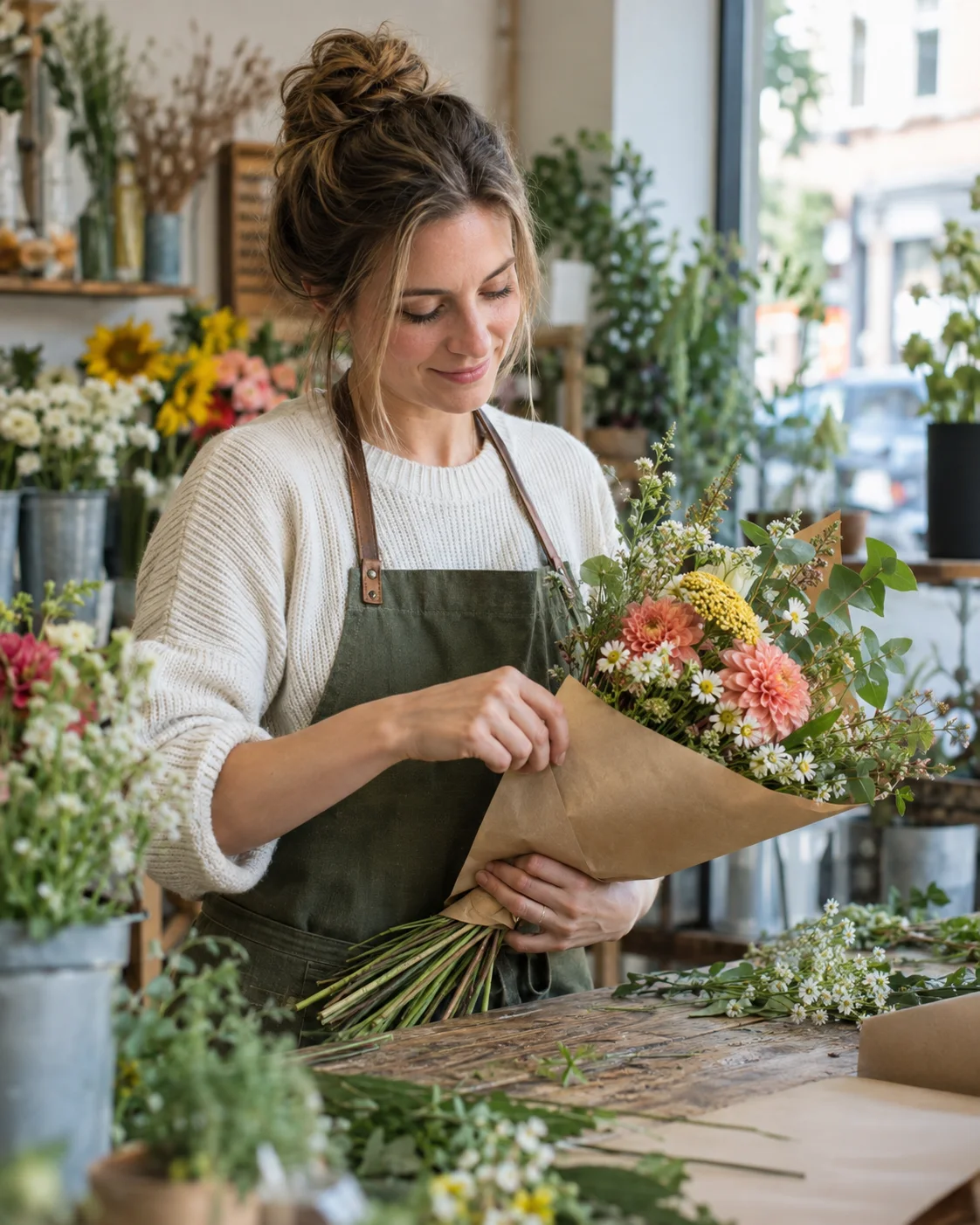
“Create a candid editorial photograph of a white woman arranging wildflowers at a small neighborhood flower shop. Show her wrapping a bouquet in kraft paper, with authentic skin, fabric, leaf, and flower textures in soft morning window light. Frame it as a vertical 4:5 environmental portrait with both hands clearly visible. No text, logo, watermark, plastic skin, or magenta grading.”
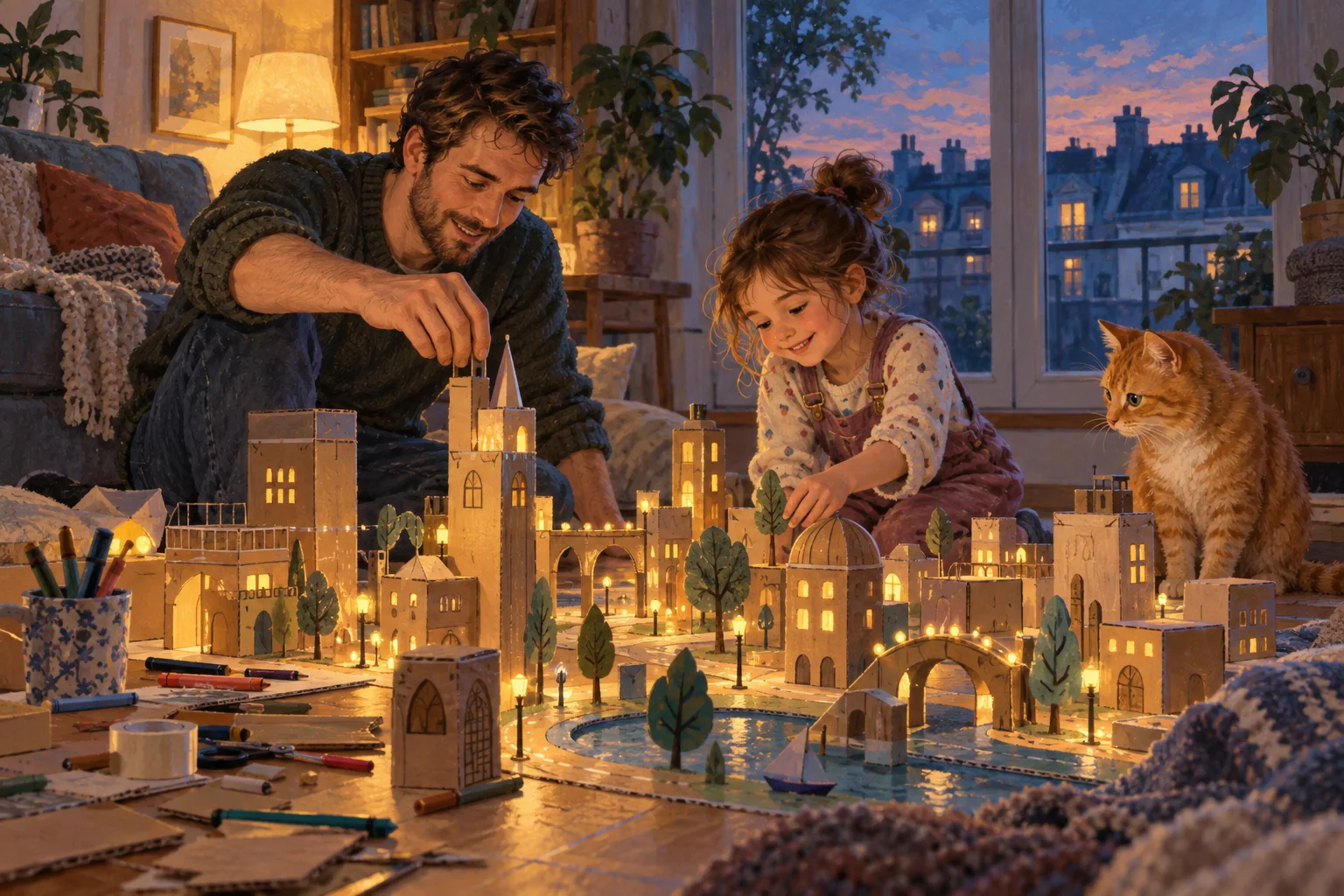
“Illustrate a white father and young daughter building a tiny glowing cardboard city across their living-room floor while an orange cat watches. Use sophisticated painterly gouache texture, a low floor-level horizontal composition, and warm lamp light mixed with blue dusk. Keep the characters and handmade details natural and readable. No text, logos, watermark, or clip-art styling.”
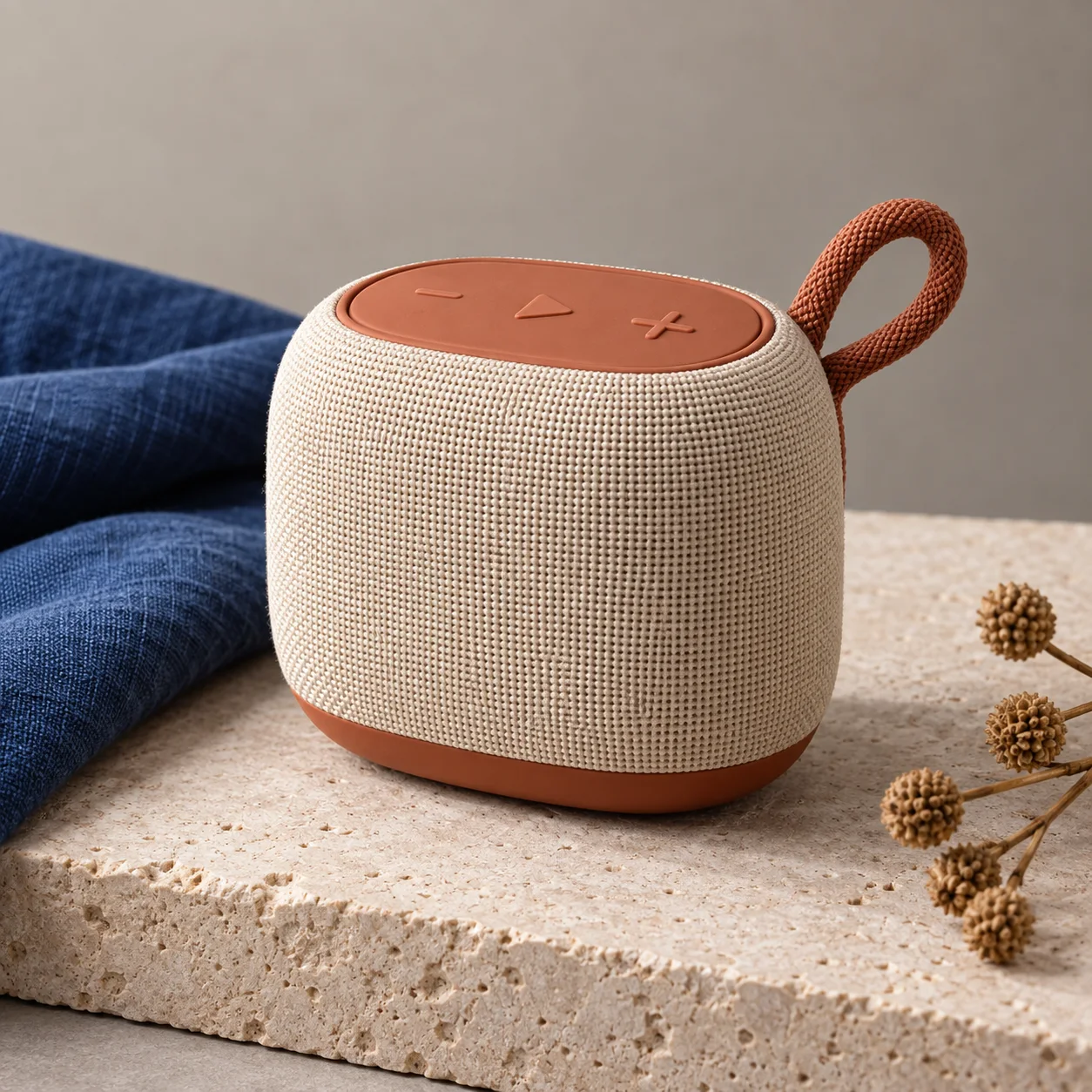
“Photograph a premium unbranded portable speaker with a warm ivory woven-fabric body and terracotta controls on pale limestone, beside folded cobalt-blue linen and subtle dried seed pods. Use a square three-quarter product view with crisp softbox lighting and precise textile texture. No readable text, logos, watermark, extra products, or glossy plastic.”
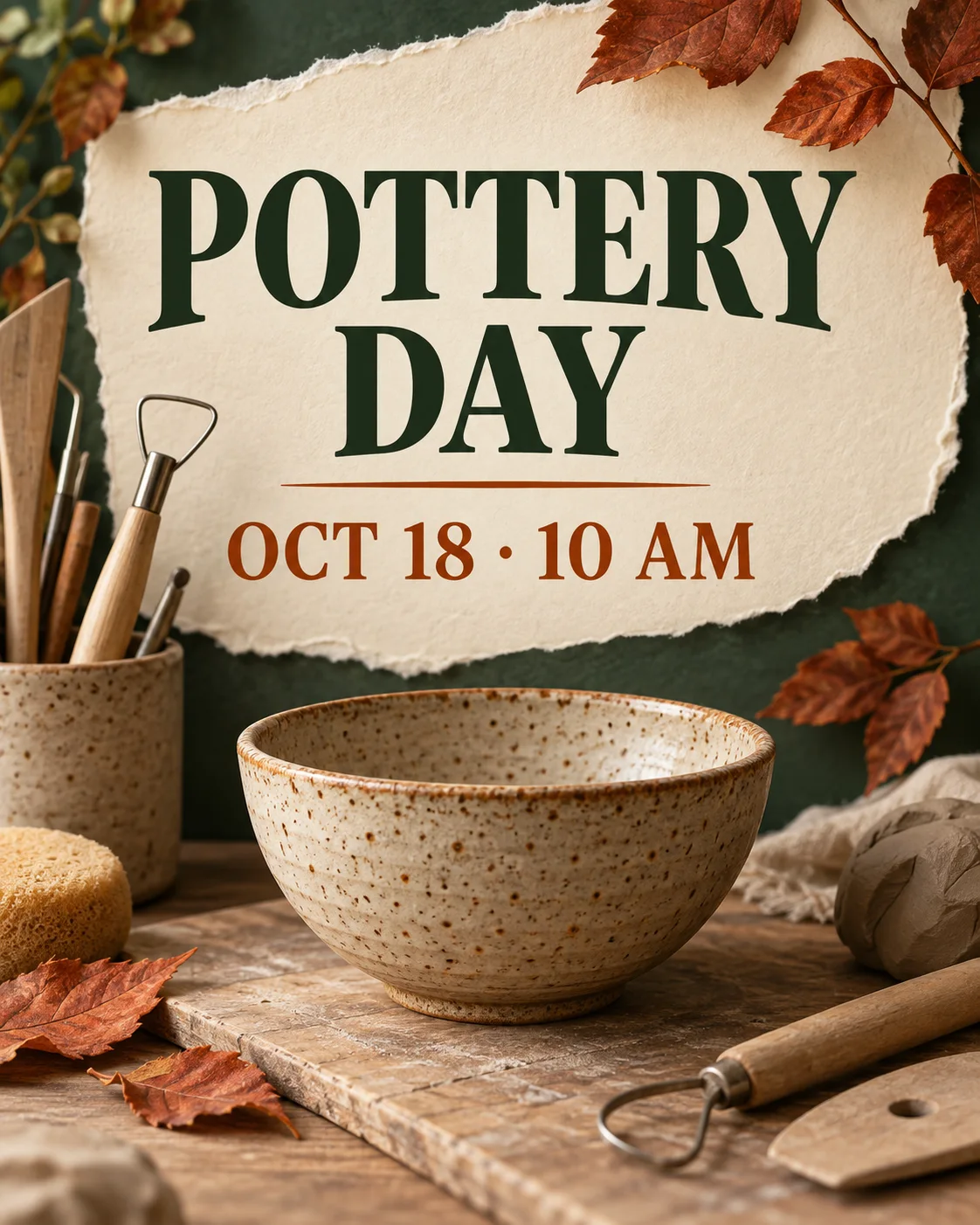
“Design a vertical contemporary poster for a neighborhood autumn pottery workshop using a handmade speckled bowl, clay tools, torn cream paper, and rust-colored leaves. Render only the exact text ‘POTTERY DAY’ and ‘OCT 18 · 10 AM’ in a clear editorial hierarchy. Use earthy clay, forest green, cream, and burnt orange. No logos, watermark, or other text.”
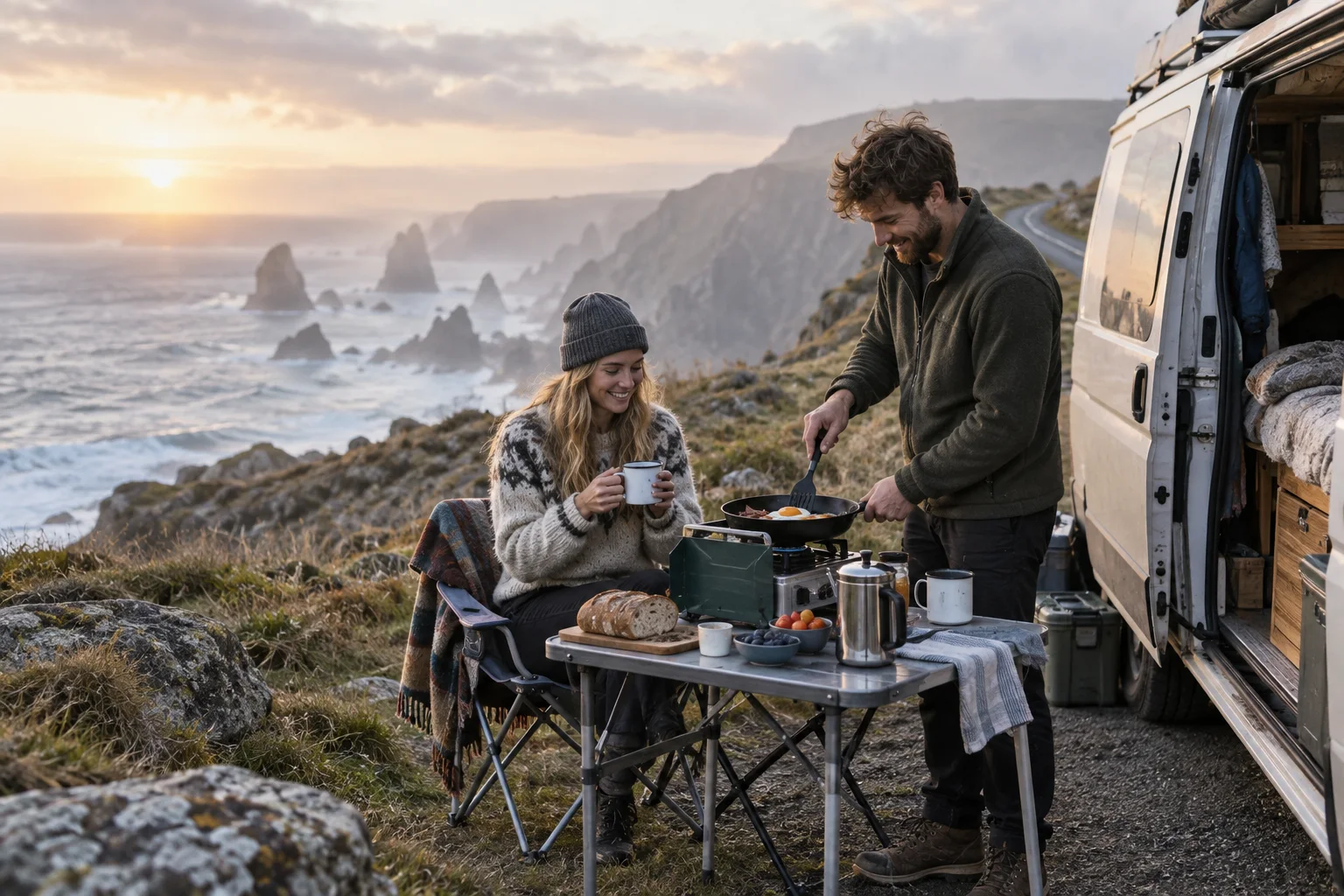
“Create a candid travel photograph of a young white couple cooking breakfast beside a compact camper van at a windswept Atlantic coastal overlook. Include pale grasses, enamel mugs, a folding camp table, ocean mist, and a quiet road. Use a horizontal composition with cool sunrise and soft amber edge light. No readable text, logos, watermark, luxury-ad posing, or exaggerated grading.”
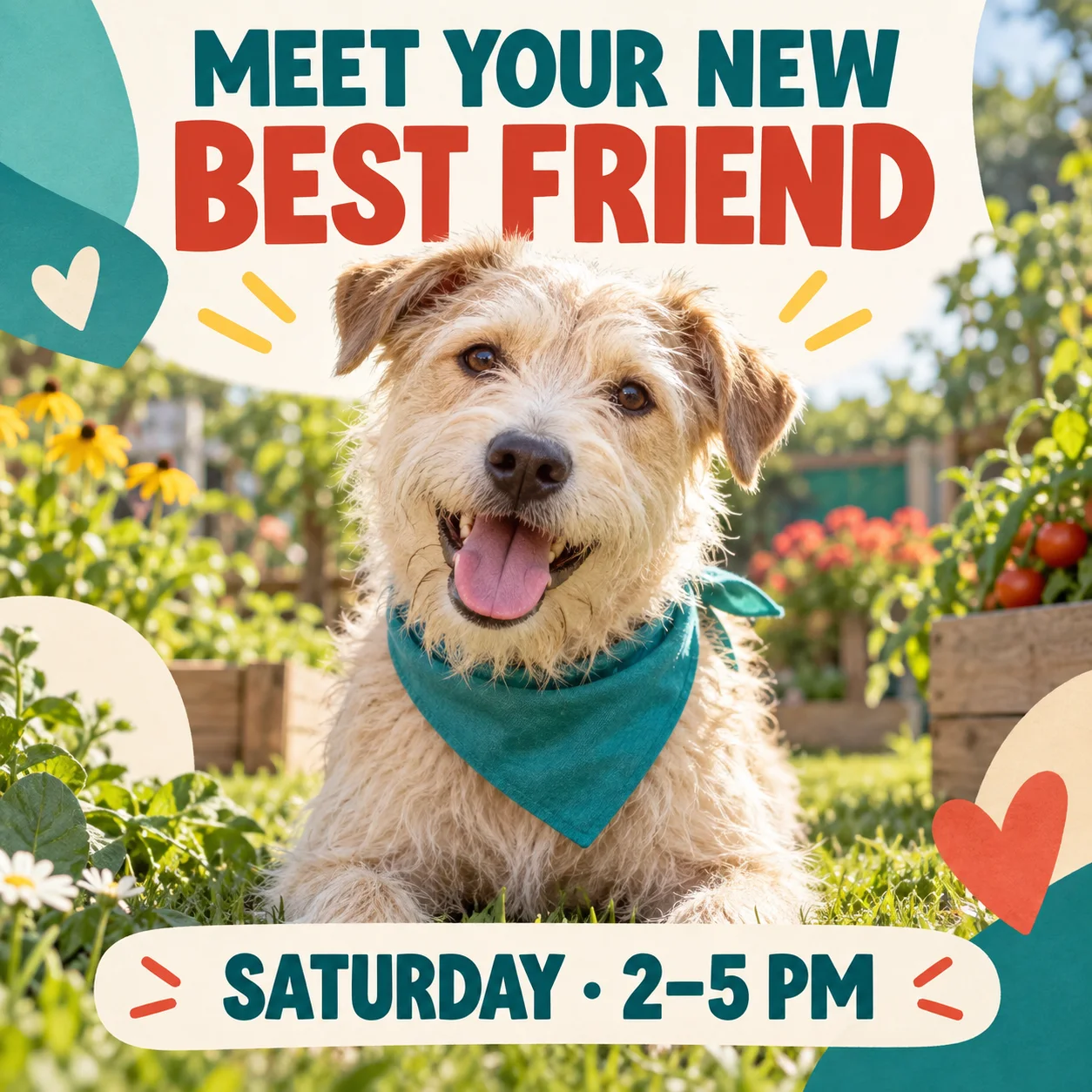
“Create a square social announcement for a neighborhood dog adoption afternoon, featuring a friendly scruffy cream-colored rescue dog in a teal bandana and a sunlit community garden. Render only the exact text ‘MEET YOUR NEW BEST FRIEND’ and ‘SATURDAY · 2–5 PM’ with large legible typography. Use teal, warm cream, tomato red, and fresh green. No people, logos, watermark, or other text.”
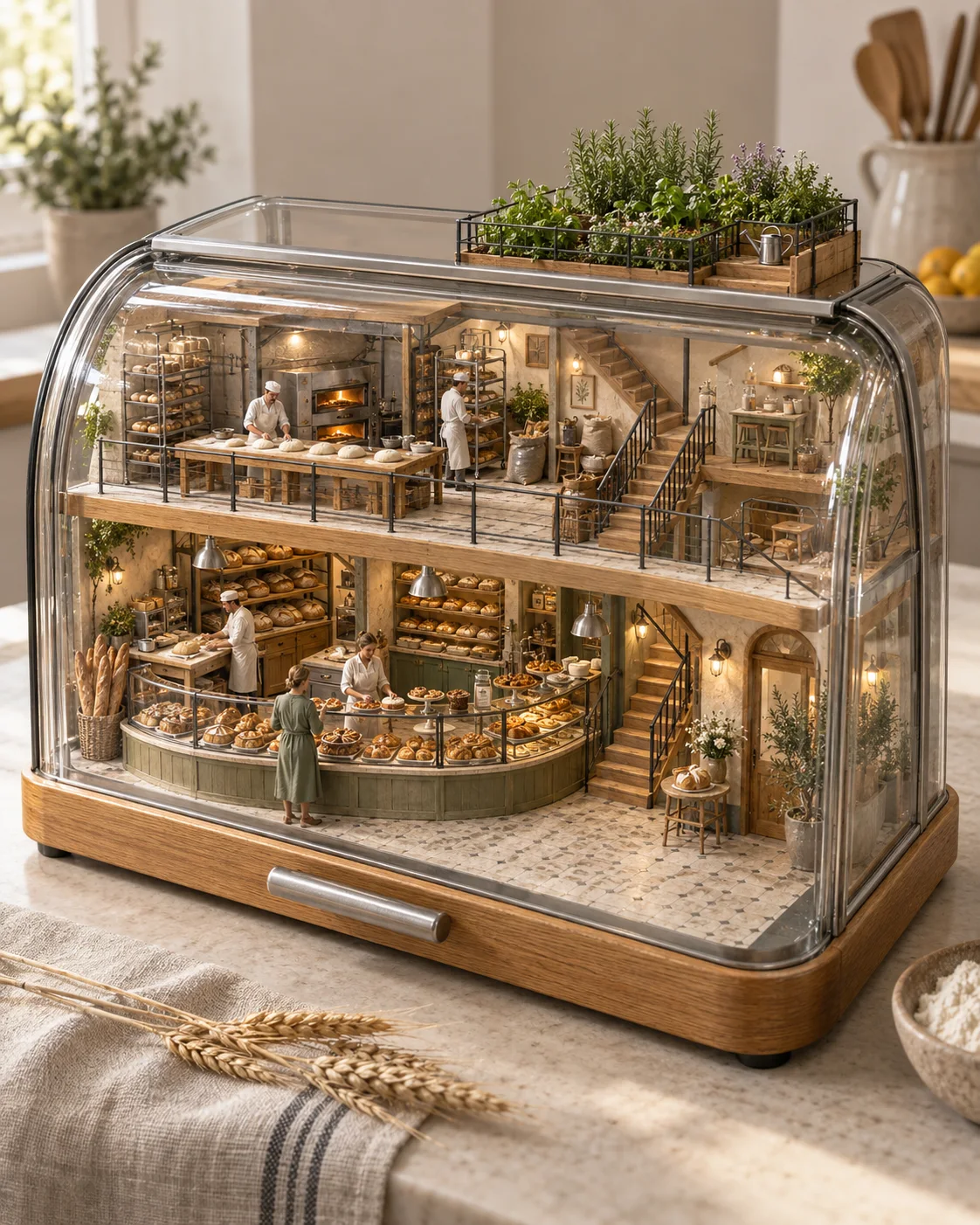
“Build a miniature neighborhood bakery inside a transparent glass bread box, with tiny white bakers shaping dough, curved display counters, ovens, coherent stairs, and a rooftop herb garden. Render it as a vertical photorealistic 3D architectural cutaway with tactile oak, brushed steel, linen, bread crust, and glass in soft morning light. No text, signage, logos, watermark, or toy-plastic surfaces.”
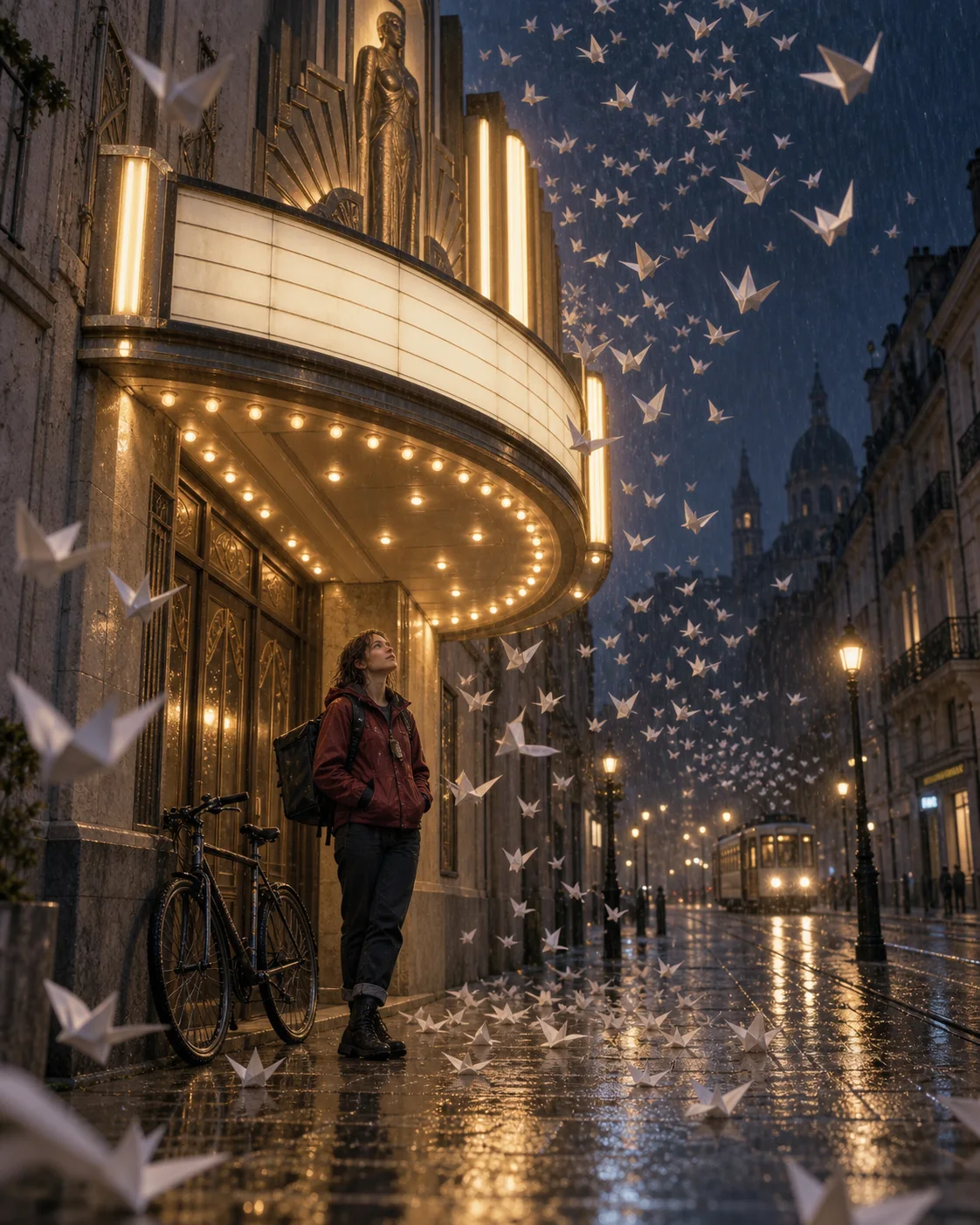
“Create a cinematic vertical film still of a white woman bicycle courier sheltering under the illuminated marquee of a closed art-deco cinema while folded paper birds swirl through the rain. Show wet pavement, blank marquee panels, a plausible bicycle, and a distant tram. Mix warm tungsten light with a deep rain-blue night and subtle 35mm grain. No readable text, logos, watermark, cyberpunk neon, or heavy teal-orange grading.”
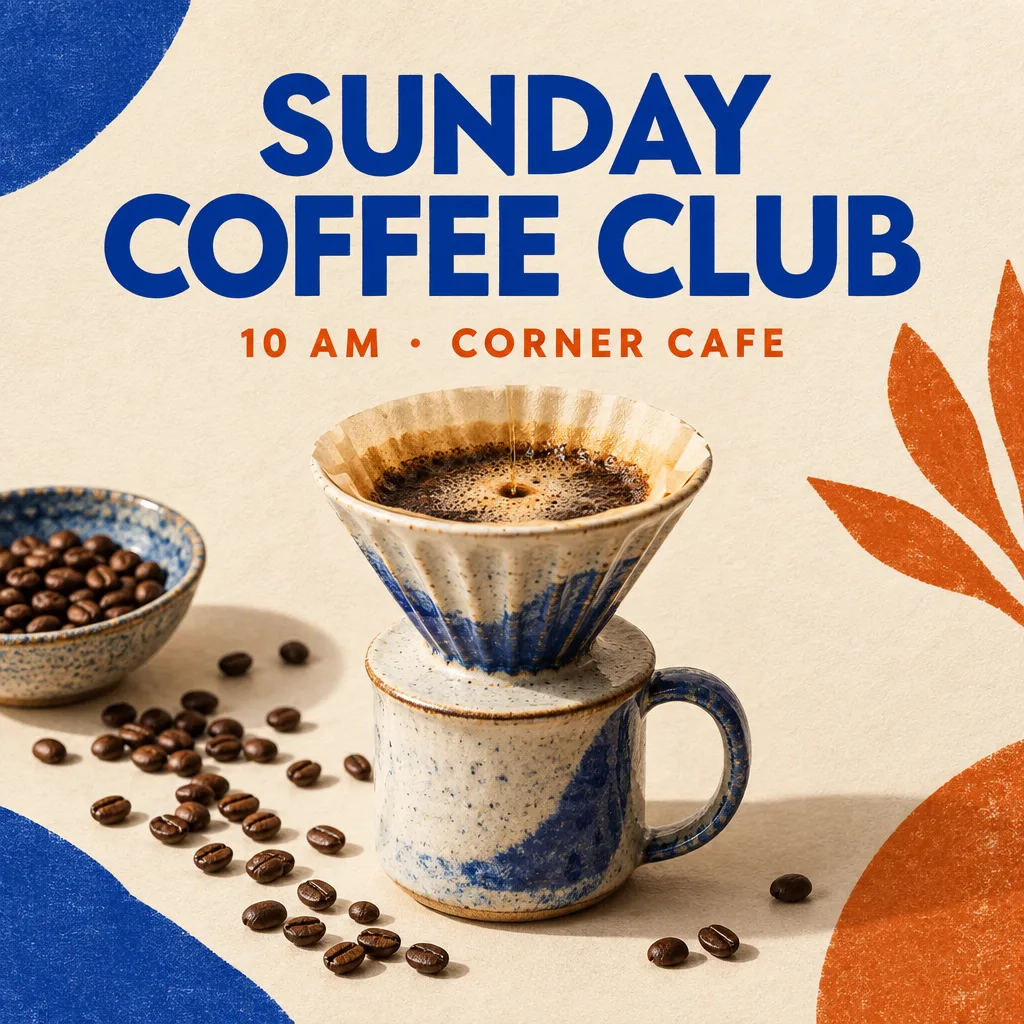
“Create a square editorial social poster for a neighborhood coffee tasting. Feature a ceramic pour-over cup, scattered coffee beans, warm cream paper texture, cobalt blue and burnt orange accents, and crisp studio lighting. Render only the exact text ‘SUNDAY COFFEE CLUB’ and ‘10 AM · CORNER CAFE’ in a clear modern hierarchy. No logos, watermark, extra text, misspelled words, or people.”
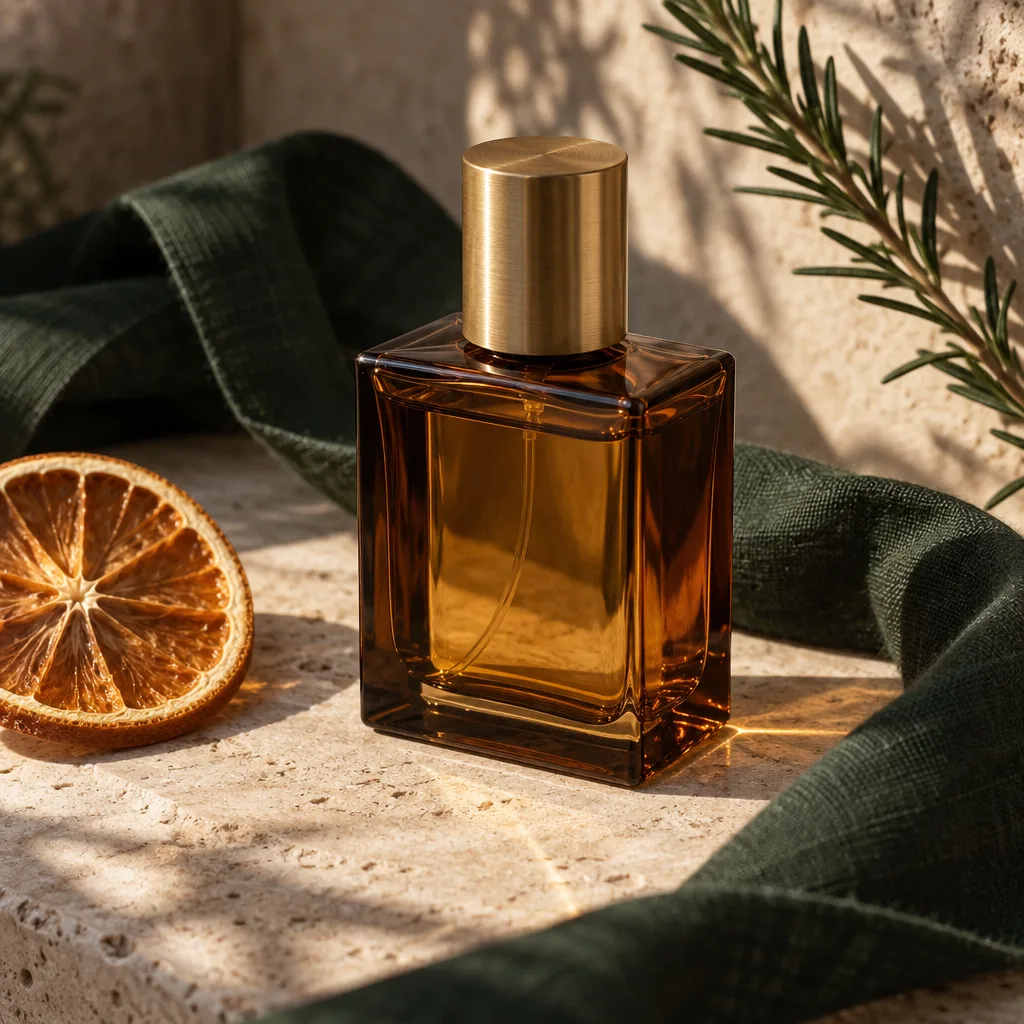
“Create a refined square product photograph for a small handmade fragrance shop. Show one unbranded amber glass perfume bottle with a brushed brass cap on pale limestone, surrounded by a folded deep-green linen ribbon, a single dried orange slice, and delicate rosemary shadows. Use a precise three-quarter composition, natural late-afternoon window light, realistic glass reflections, crisp label-free surfaces, and rich tactile detail. No text, logos, watermark, duplicate bottles, extra caps, or people.”
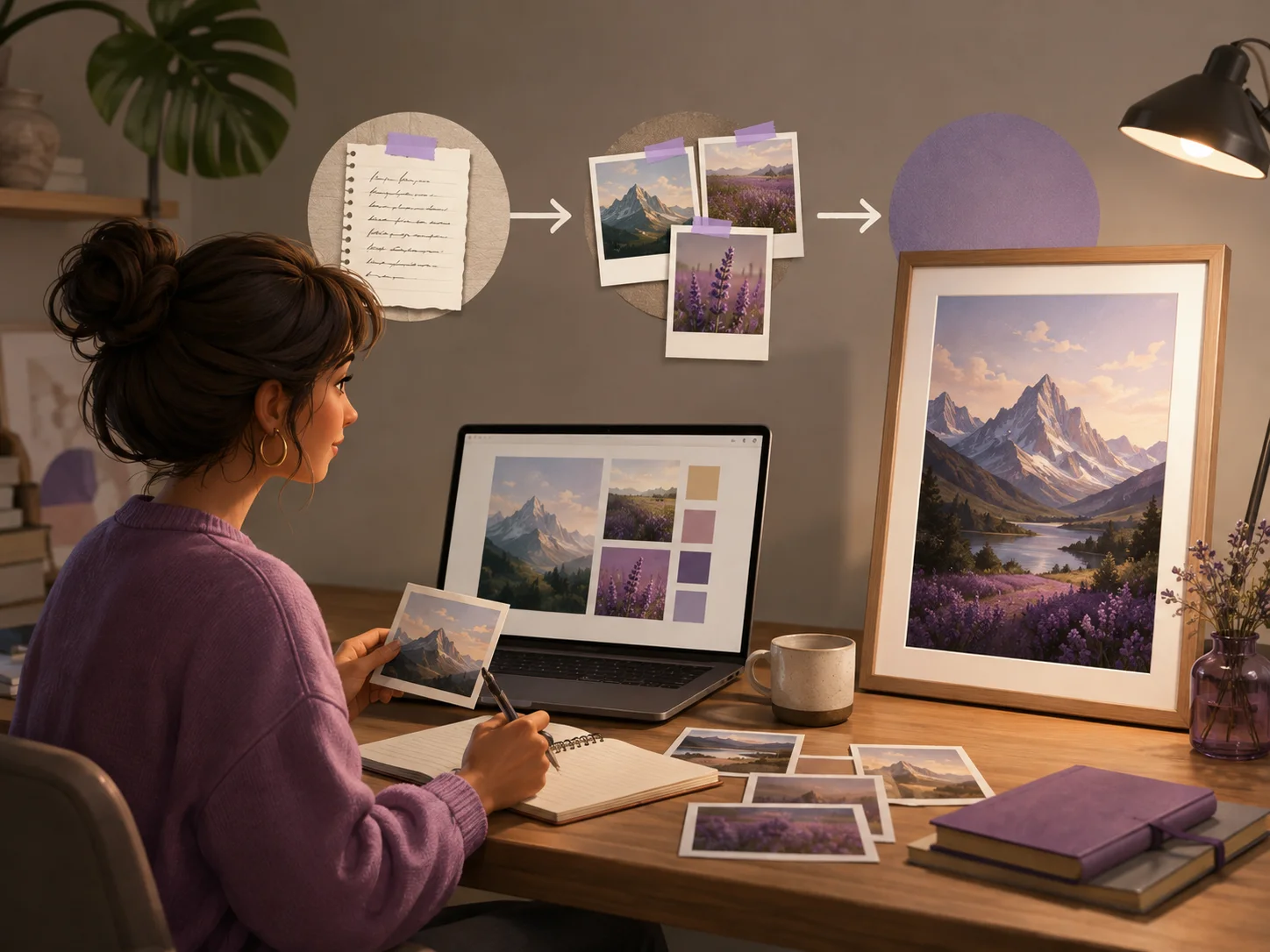
GPT Image 2.5 is OpenAI's latest image generation and editing model family, released on September 8, 2026. Known as ChatGPT Images 2.5 in ChatGPT, it creates sharper images, preserves reference subjects more reliably, and follows focused edit instructions across multiple revisions.
Create more faithful images from references, make focused changes without losing approved details, and handle demanding visual instructions with greater control.
Upload photos of a person, pet, product, or place and describe a new setting, style, or composition. GPT Image 2.5 preserves recognizable features more reliably while adding sharper detail, natural lighting, and richer textures.
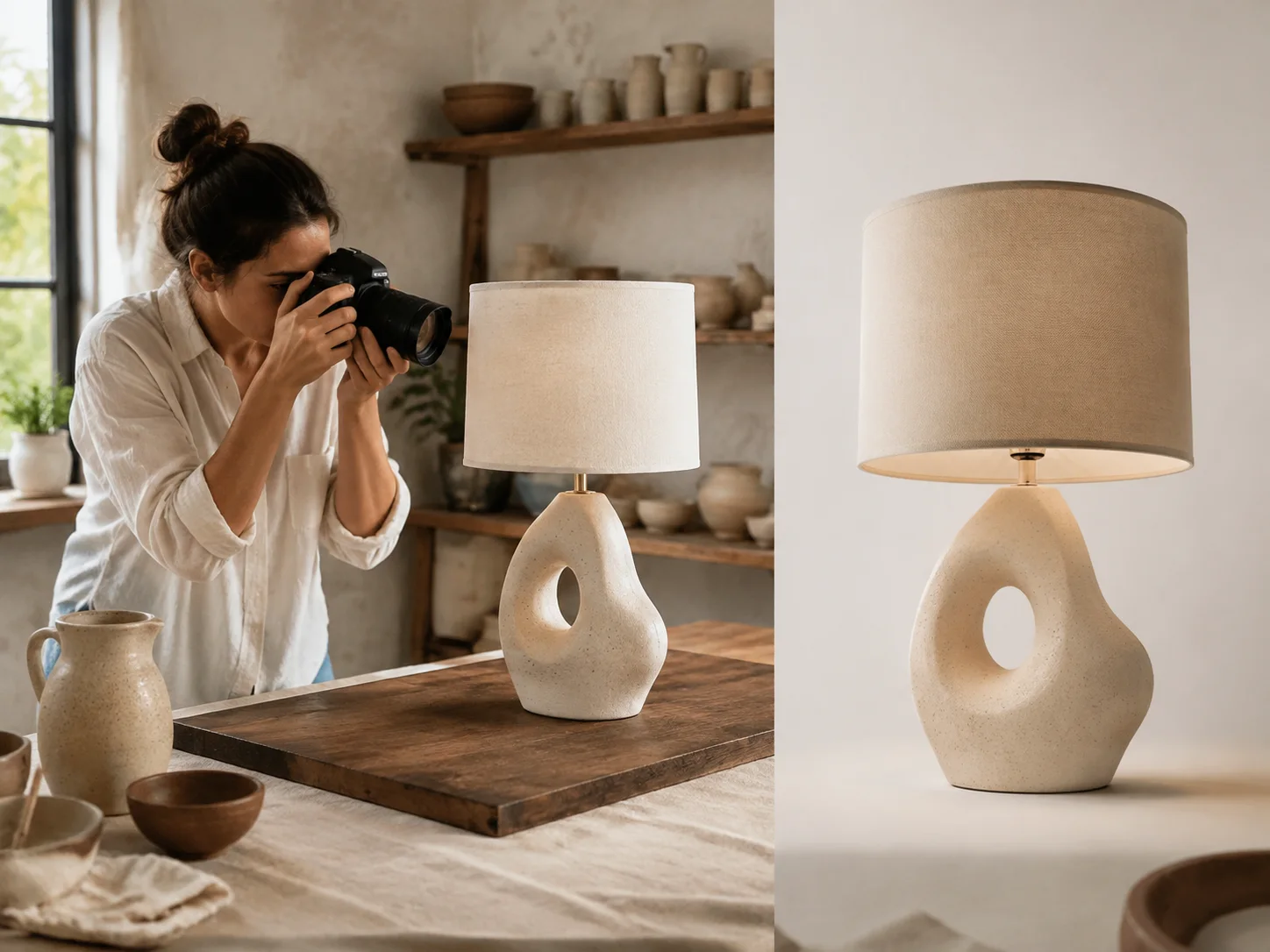
Ask to replace one object, adjust a background, or revise a piece of copy while keeping the rest of the image intact. Continue editing in several rounds with less drift, so earlier decisions and image quality are more likely to hold up.
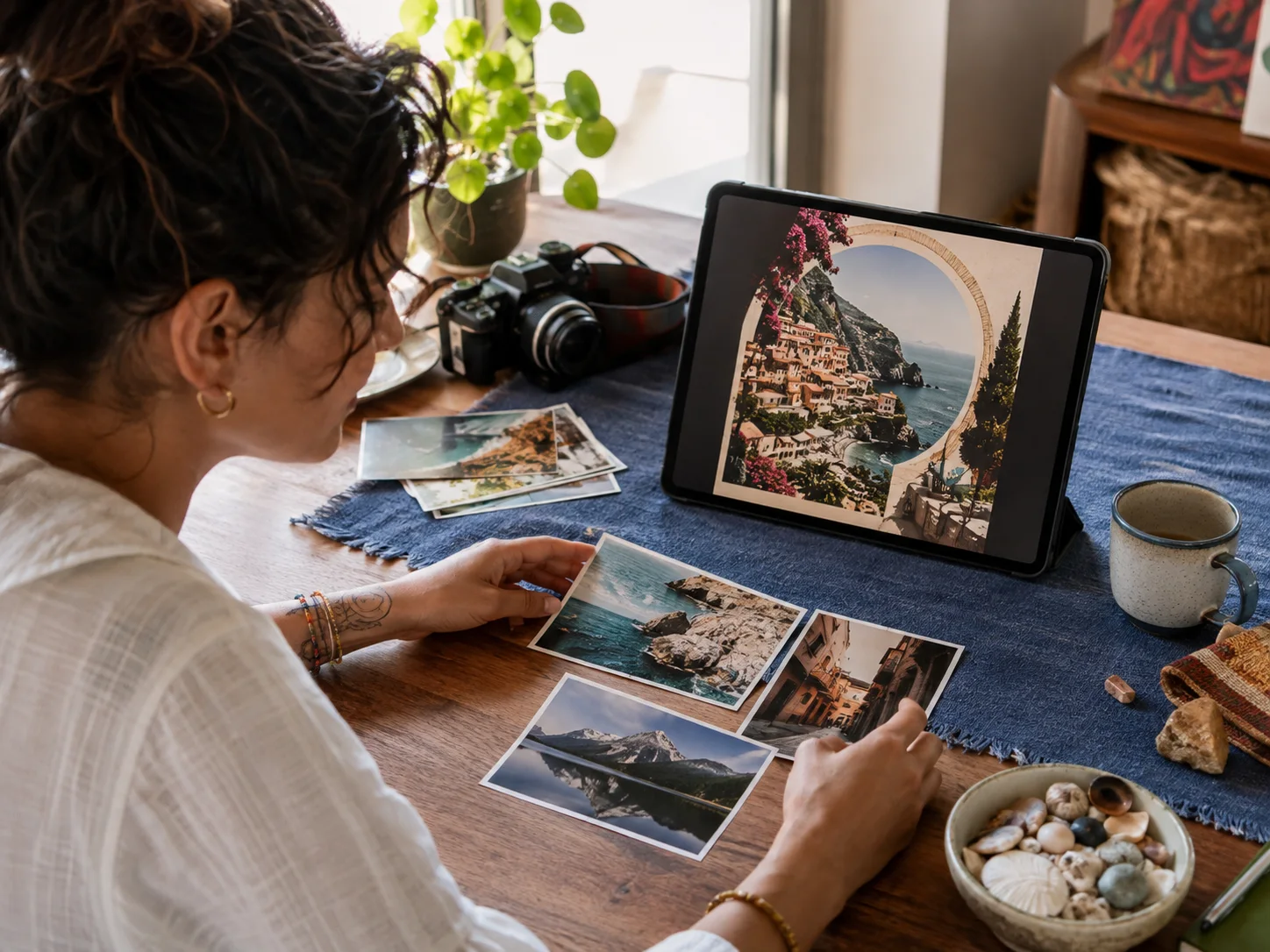
Provide a detailed brief with the subject, real-world context, text, hierarchy, and output requirements. GPT Image 2.5 follows complex visual instructions more coherently, including structured layouts and transparent backgrounds.
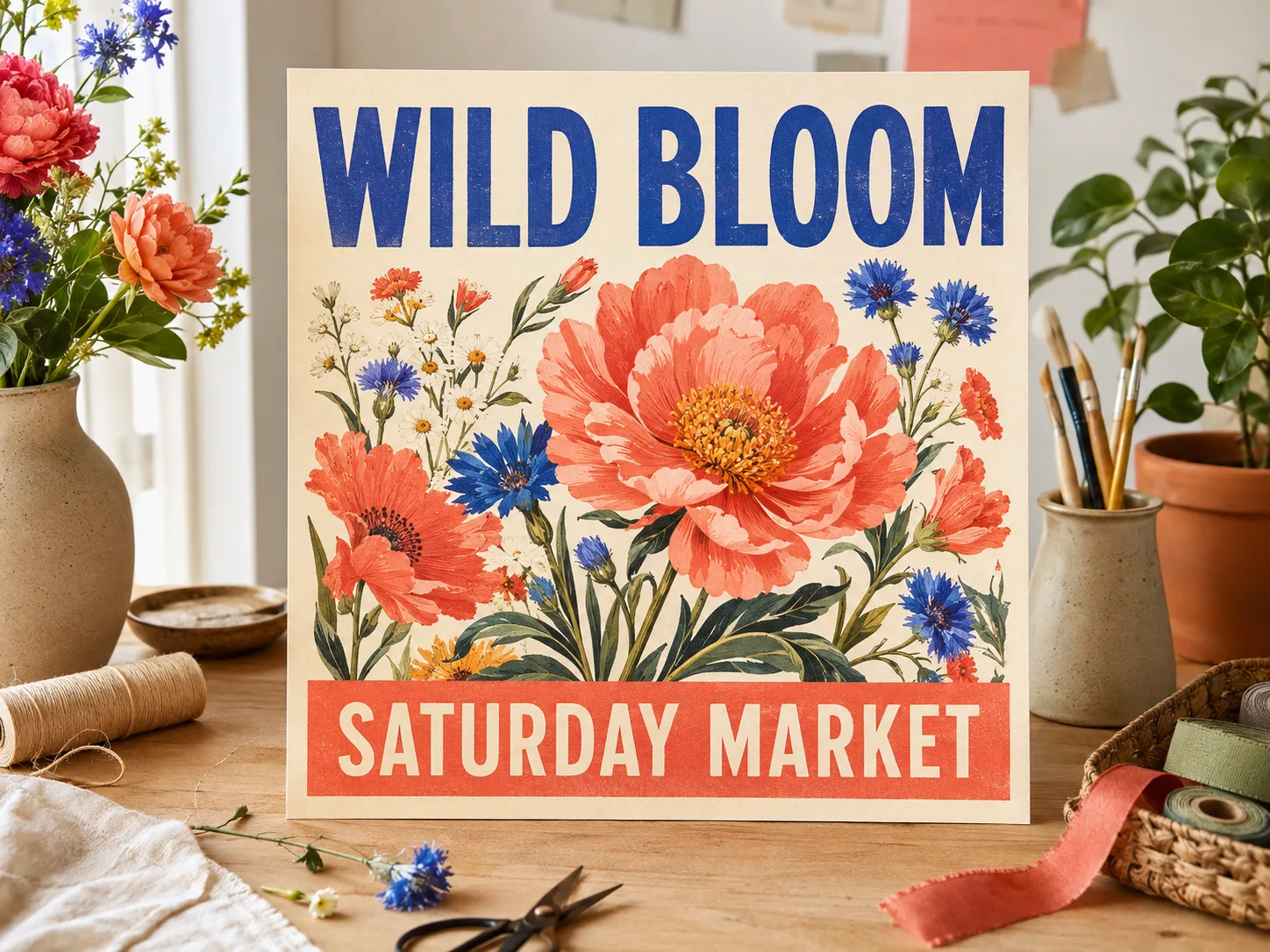
GPT Image 2.5 improves the parts of image creation that matter during real projects: visual fidelity, reference preservation, editing control, and iteration speed.
GPT Image 2
Creates polished images from prompts and references.
GPT Image 2.5
Adds sharper detail, more natural lighting, and richer textures for more grounded people, products, and places.
GPT Image 2
Uses reference images to guide the subject and composition.
GPT Image 2.5
Preserves recognizable people, pets, products, and other subjects more reliably across new settings and compositions.
GPT Image 2
Handles image edits and visual revisions.
GPT Image 2.5
Changes the requested element more precisely while keeping the subject, composition, and surrounding details intact.
GPT Image 2
Provides the previous generation and editing workflow.
GPT Image 2.5
Reduces generation latency by up to 50%, helping you try variations and refine an idea more quickly.
Start from a written idea or reference image, describe the result clearly, and refine only the details you want to change.
Select GPT Image 2.5 Flare for faster everyday creation or GPT Image 2.5 Sunburst when a detailed image or precise edit matters more than generation time.
Write the subject, setting, style, composition, text, and important constraints. For an edit, state exactly what should change and what should stay the same.
Choose the available output settings, generate your image, and review the result. Continue with focused edits until it is ready to download and use.
Use stronger subject fidelity, natural detail, and precise editing to finish everyday creative projects without rebuilding the image after every change.
Keep a product recognizable while changing its setting, season, angle, or promotional treatment for listings and small-shop campaigns.
Turn one visual idea into social posts, stories, invitations, flyers, and announcements with more dependable layouts and text.
Carry the same person, pet, outfit, or original character through new settings, compositions, and editing rounds.
Restyle a favorite photo or combine personal references while keeping the people, pets, and places recognizable.
Develop environments, props, creatures, and story moments, then refine individual details without remaking the whole scene.
Explore photographic, illustrative, tactile, and cinematic treatments while retaining the central subject and visual direction.
Answers about the release date, model names, Flare and Sunburst modes, editing capabilities, availability, and MagicCreator credits.
OpenAI released ChatGPT Images 2.5 and its two GPT-Image-2.5 API models on September 8, 2026.
They belong to the same OpenAI image generation release. ChatGPT calls the experience ChatGPT Images 2.5, while developers and image generators use the GPT Image 2.5 Flare and GPT Image 2.5 Sunburst API models.
Yes. Choose GPT Image 2.5 Flare or GPT Image 2.5 Sunburst in the model selector, add a prompt or reference image, and use the available settings to create or edit your image.
Choose GPT Image 2.5 Flare for most images and faster iteration; OpenAI describes it as higher quality than GPT Image 2 at 50% lower latency. Choose GPT Image 2.5 Sunburst when extra precision is worth a longer generation time.
GPT Image 2.5 produces sharper, more natural-looking images, preserves reference subjects more reliably, follows targeted edits more precisely, and maintains quality better across multiple revisions.
Yes. Provide an image and describe the change you want. The model is designed to update the requested element while preserving the subject, composition, and other details more reliably.
GPT Image 2.5 improves subject fidelity from reference photos, making recognizable features more likely to carry into a new setting, style, or composition. Results can still vary, so review important details before use.
Yes. OpenAI lists transparent backgrounds among the more complex image and layout instructions that GPT Image 2.5 handles better. Include the requirement clearly in your prompt and choose a compatible output format when available.
The credit cost depends on the model variant and settings available in the generator. MagicCreator shows the exact credit amount before you generate.
Bring a prompt or reference image, generate a sharper result, and refine the details without starting over.