
Two familiar faces, a microphone, a drum kit, and that unmistakable pink stage: the APT AI video effect turns a pair of photos into a playful music-video performance inspired by ROSÉ and Bruno Mars's “APT.” One person becomes the drummer, while the other takes the singer's role.
To make your own APT AI video on MagicCreator, upload two separate photos—one for each person. The performance is built in, so you do not need to write a prompt, record yourself dancing, or edit a video timeline. Below, you'll see the original inspiration, our two example photos, and the resulting clip before making your own.
What Is the APT AI Video Effect?
An APT video generator places your chosen duo into an APT-style pink-studio scene, with singing and drumming in one short clip. The fun comes from the pairing: you and a friend, you and your partner, or two people your group chat would never expect to see performing together.
You may also see it called an AI APT MV, an APT AI dance video, or an APT character-swap video. This guide covers the two-photo singer-and-drummer version, where each upload has its own role.
How Did the APT Video Trend Become Popular?
The starting point was ROSÉ and Bruno Mars's original “APT.” music video, released in October 2024. The song's title comes from the Korean apartment game, pronounced “apateu.” Its chant-like hook and lively performance helped make it memorable; the song debuted at No. 4 on the UK singles chart on October 25, 2024. Official Charts explains the song's backstory and early chart success.
The AI versions add a new joke to that familiar setup: keep the recognizable performance, change the duo. By late September and early October 2026, character-swapped pink-stage clips were circulating on social media, including this widely shared APT duo post. That is the appeal of the format: viewers recognize the scene, then notice who is suddenly behind the microphone or drums.
Watch the Original APT. Music Video
Here is the official ROSÉ and Bruno Mars video that inspired the effect. This is the original music video, separate from the MagicCreator example below.
Watch the official APT. music video on YouTube.
How to Make an APT AI Video on MagicCreator
The only creative inputs you need are the two photos. Choose who should sing and who should play the drums, then follow these steps.
1. Open the APT AI Video Generator
Go to the APT AI video generator. The APT effect is already selected, and the example shows the performance your photos will be used for.
2. Upload Your Drummer and Singer Photos
Replace the example images with one individual photo for each performer. The Drummer upload is for the person playing the drums; the Singer upload is for the person holding the microphone. Check those labels before generating so each person gets the role you intended.
These are the two input photos used for our example:
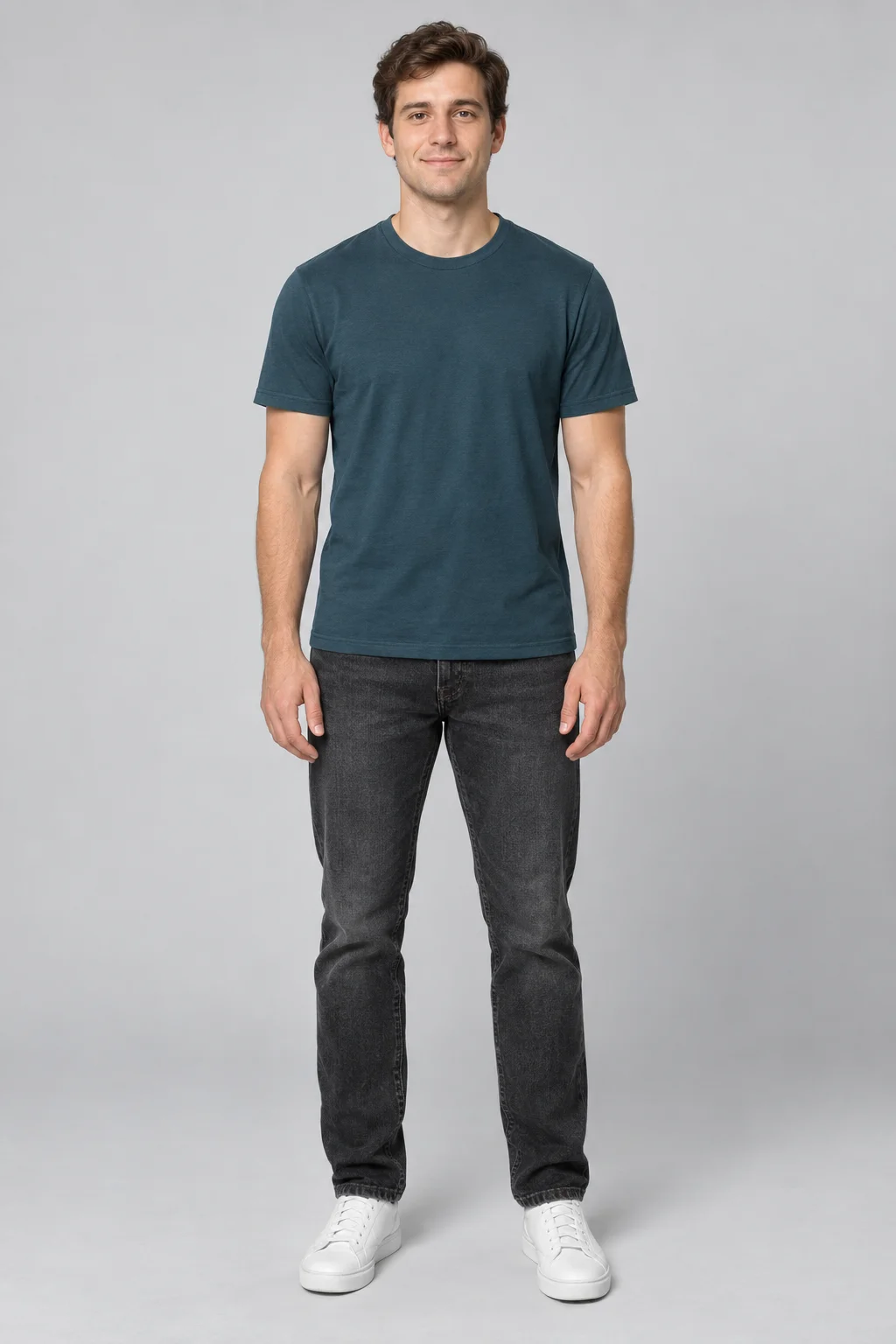
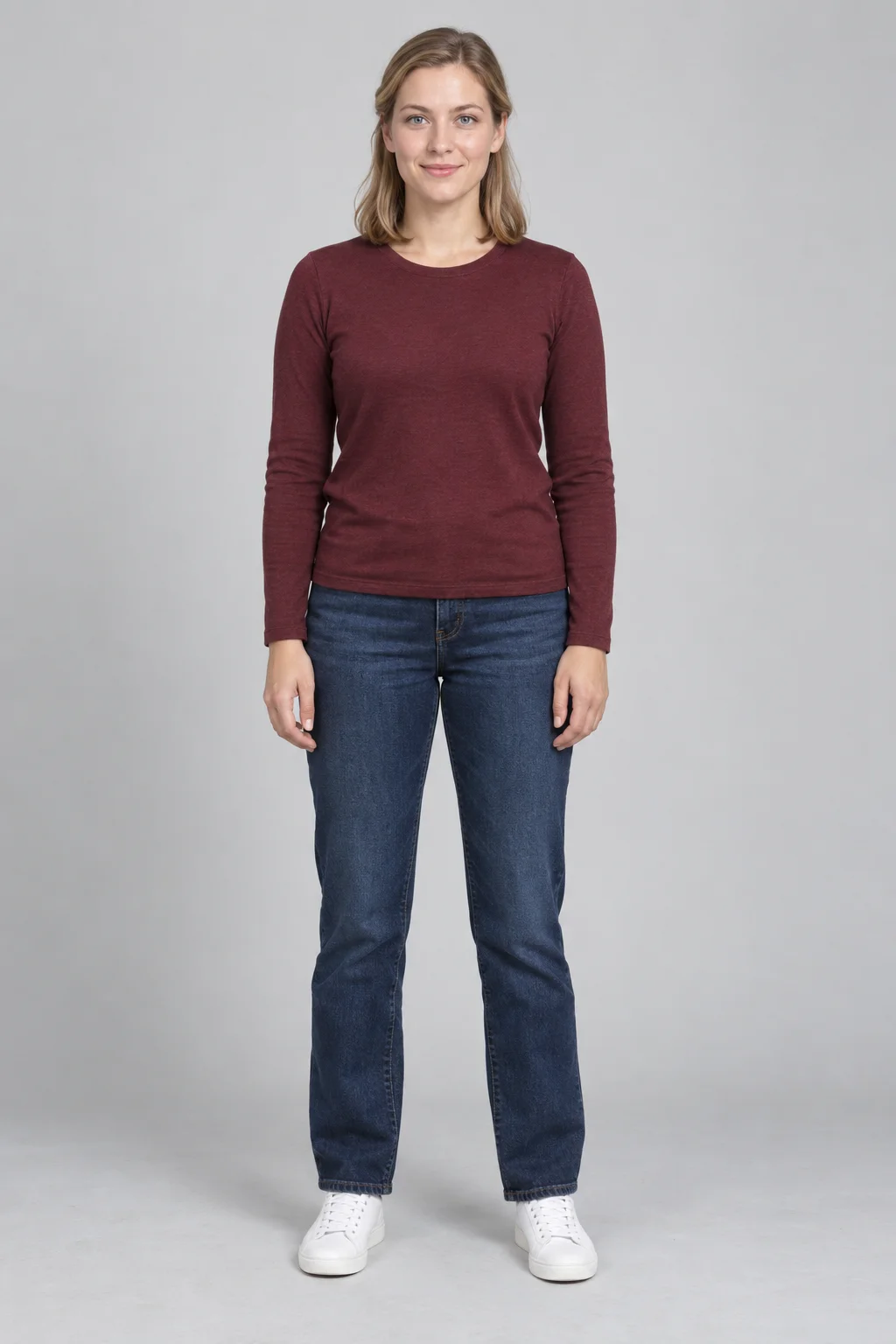
The photos do not need to share a background. Full-body photos with clearly visible faces are preferred, like the examples above. You do not need a picture of the two people together, or photos of them holding instruments.
3. Generate Your APT Video
Once both photos are in the correct slots, start generation. MagicCreator creates a 15-second clip with music and supplies the pink-stage scene and performance direction. There is no prompt to write and no reference video to upload.
Here is the actual MagicCreator result made with the two example photos above. Play it with sound to see the full performance.
4. Preview and Download
When your video is ready, watch the whole clip. Check both faces during movement and make sure the roles match your uploads, then use the download option to save the result. A familiar duo makes a fun surprise for a group chat, a birthday message, or a social post.
Which Photos Work Best for an APT AI Video?
Start with photos that make each person easy to recognize:
- One person per image: separate portraits make each role clear.
- A sharp, well-lit face: avoid blurry screenshots and deep shadows.
- An unobstructed view: choose a photo without hands, hair, or sunglasses covering much of the face.
- A front-facing or slight-angle portrait: avoid extreme side profiles for your first attempt.
AI results can vary. If one person looks less recognizable, try a clearer photo for that role and review the new clip from beginning to end.
APT AI Video FAQ
Do I Need One Photo or Two?
Use two separate photos on MagicCreator: one for the drummer and one for the singer. Each image should clearly show the person intended for that role.
Do I Need an APT Video Prompt?
No. The APT performance is built in. Upload your two photos, check the role labels, and generate.
Do I Need to Upload the Original Music Video?
No. The official video above explains the inspiration; it is not an extra input you need to provide.
Can I Make an APT Video with My Friend or Partner?
Yes. Upload an individual photo of each of you and decide who gets the microphone and who gets the drums.
Can I Download the Finished Video?
Yes. Preview your completed result, then download it from MagicCreator.
Ready to see your duo on the pink stage? Make your APT AI video from two photos.