
How many photos do I need?
Exactly two. Image 1 becomes the left performer and Image 2 becomes the right performer.
Upload one photo of each person to create a 15-second Hotel Lobby AI video with generated audio, including music and vocals. Choose 9:16 vertical for TikTok, Reels, and Shorts, or use landscape or square.
Upload two clear photos, preferably full-body: Image 1 is the left performer and Image 2 is the right performer.
Preview video - Generate your own video above
Two generations made with the same two-photo workflow. Unmute the videos to compare the automatically generated performances and audio.
A full 15-second take showing how two separate reference identities can remain readable while sharing one performance scene.
A second take focused on native music, alternating vocal parts, synchronized gestures, and a shared ending.
The workflow fixes the technical choices and provides the performance direction, so you can focus on the two people and the performance.
The first photo always defines the left performer and the second defines the right. The prompt reinforces stable faces, outfits, body proportions, and screen positions throughout the clip.
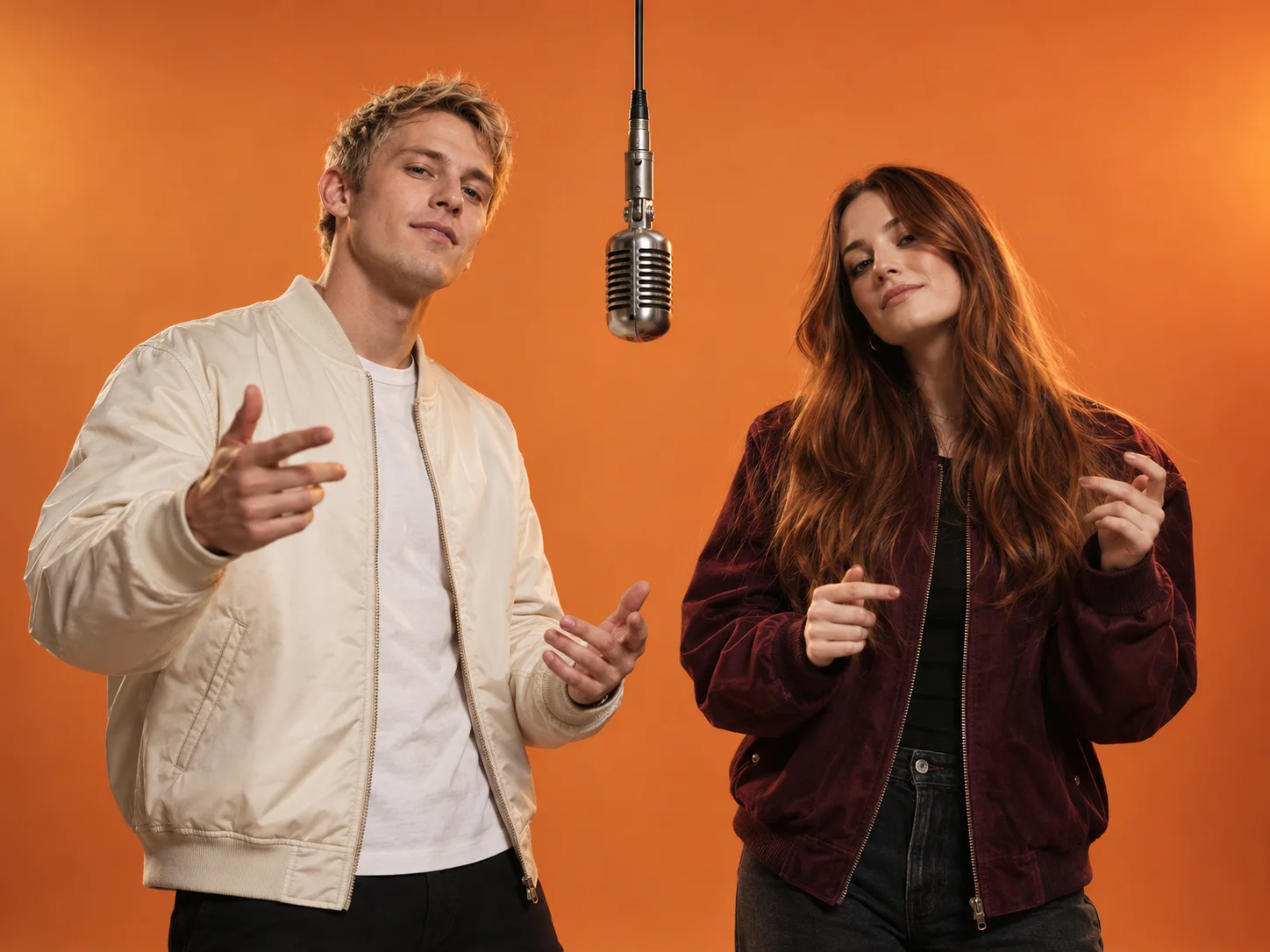
The built-in references guide the setting, movement, camera language, and vocals while keeping the tested timing structure intact.
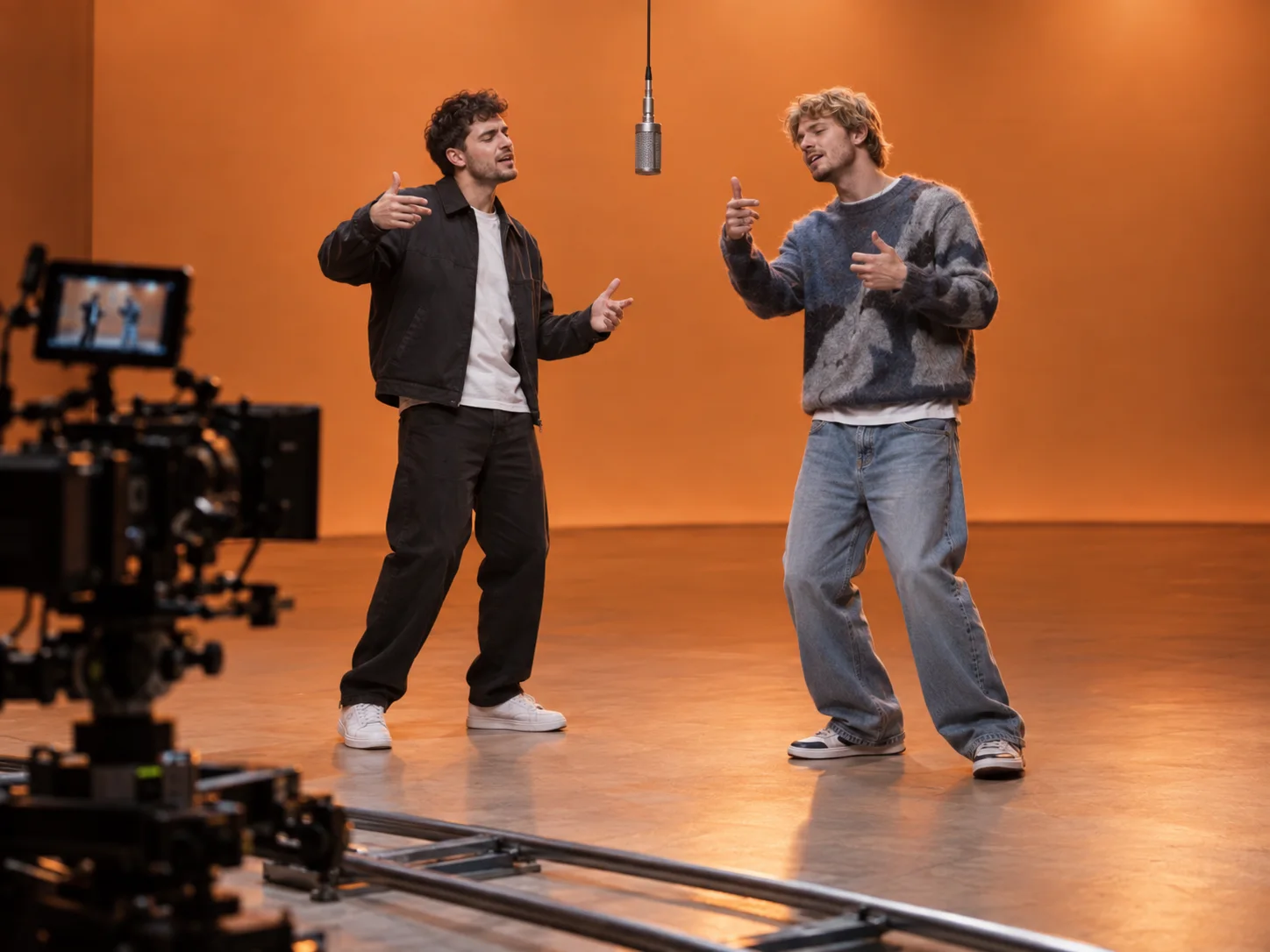
Music and vocals are generated together with the video, guided by the built-in audio reference. The performance follows the soundtrack timing throughout the clip.
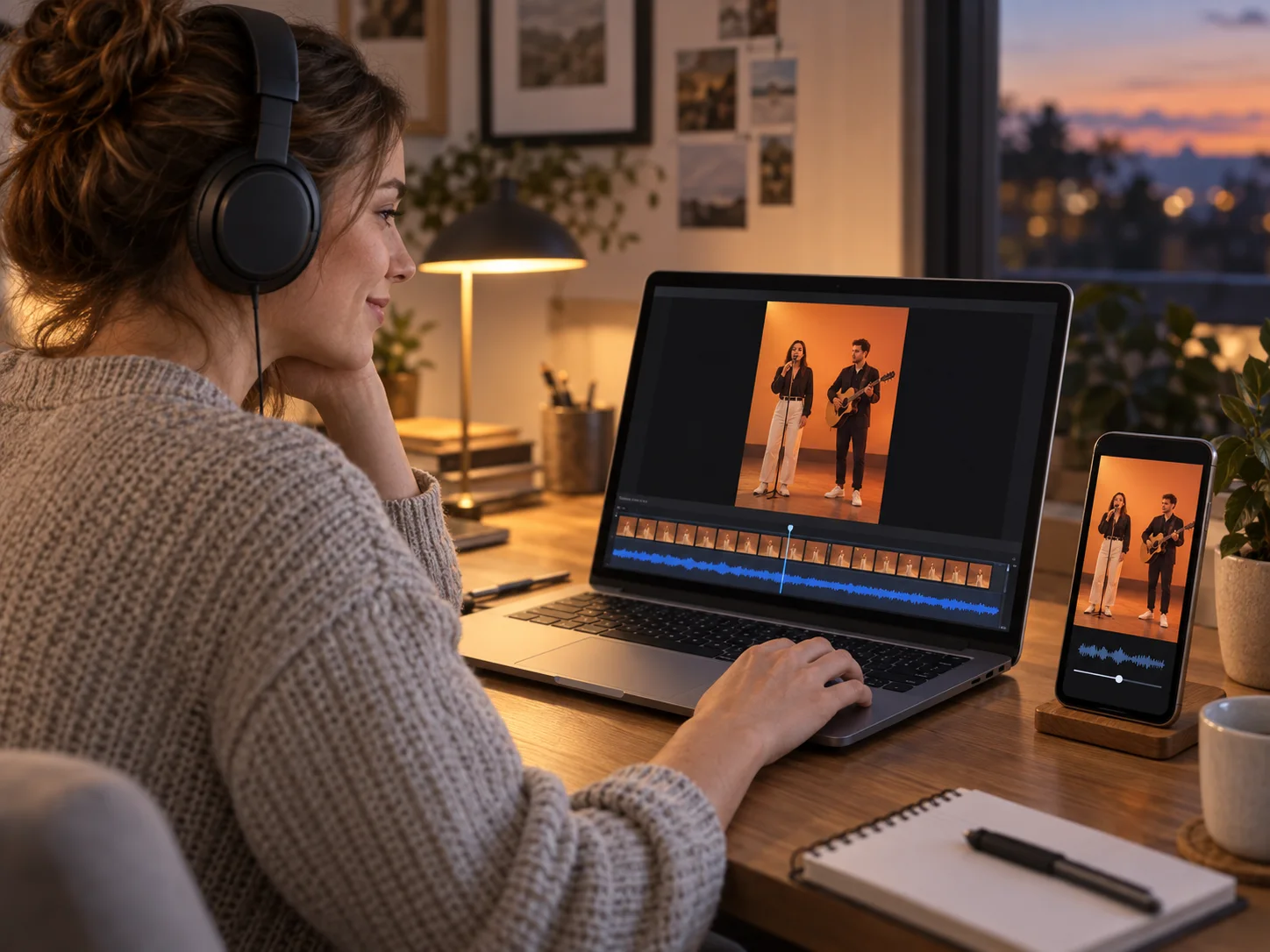
Choose an aspect ratio, then complete the workflow in three steps.
Use one well-lit person per image. Upload the intended left performer first and the right performer second.
Check that Image 1 is the left performer and Image 2 is the right performer. The performance direction and audio reference are built in.
Choose an aspect ratio, then submit the two photos to create a 15-second video with synchronized generated audio, including music and vocals. Review and download the result.
The format works best when the pairing is instantly recognizable and the two roles remain visually clear.
Turn a familiar pair into a playful performance for a birthday, group chat, or social post.
Place two original or illustrated characters in one scene while preserving their separate identities.
Choose a vertical format to create a complete visual and audio concept for your publishing channel.
Clean inputs and a clear division of roles give the generator less room to confuse the two performers.
Choose sharp, front-facing or three-quarter images with an unobstructed face and similar framing.
Upload the left performer as Image 1 and the right performer as Image 2.
Play the result with sound to check that the left performer’s lip movements follow the vocals.
Answers about photos, audio, output, and responsible use.
Exactly two. Image 1 becomes the left performer and Image 2 becomes the right performer.
No. The tested performance direction is built in. Upload your two photos and choose an aspect ratio before generating.
Yes. Choose 9:16 for a vertical 13-second video for TikTok, Reels, or Shorts. You can also select 16:9, 1:1, 4:3, 3:4, or 21:9 before generating.
The built-in audio reference uses the Hotel Lobby soundtrack to guide the music, vocals, and lip sync. The result keeps the model’s generated audio track.
The built-in audio reference guides the left performer’s vocals and lip movements, while the right performer follows the coordinated body movements.
Only use images you own or have permission to use. Do not create deceptive, harassing, sexual, or otherwise harmful impersonations.
Upload two photos and generate a complete video with generated audio, including music and vocals.