
Higgsfield Katana is a Claude video-editing skill. Through Higgsfield MCP, it recreates a reference edit or preset with up to five subject photos. Results are MP4s saved in chat and Higgsfield Assets. See the official guide.
For someone making a social post or a small-shop product video, the useful question is: do you already have an edit whose pacing you like? If so, Katana gives you a reference-led starting point.
Information checked October 14, 2026. This is a guide based on official documentation, not a MagicCreator hands-on test.
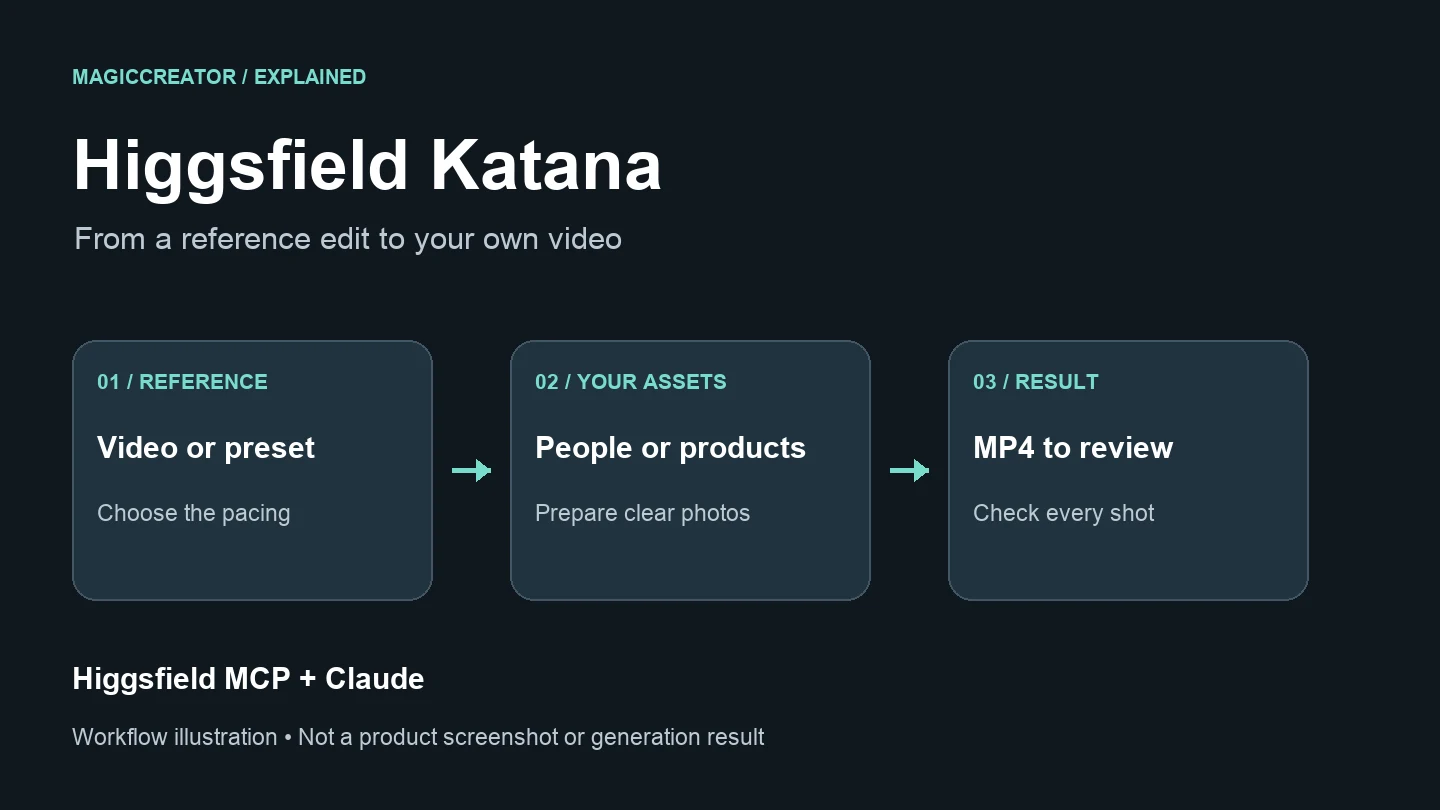
What does Higgsfield Katana do?
Higgsfield's October 8 release notes introduce Katana as a skill for making edits in Aura Farming, Motion, or Clipping styles. The release lists a preset library, references for characters and products, and community presets.
Think of the reference as the creative brief. Before starting, decide which part attracts you: the opening close-up, the order of shots, or the rhythm of the cuts. That makes your request easier to judge when the result arrives.
| Your starting point | A useful next step |
|---|---|
| A preset you like and a clear photo | Try a simple personalized edit |
| Your own product photos and a reference sequence | Describe which product belongs in each shot |
| Several photos with conflicting outfits or backgrounds | Choose the most consistent references first |
| Only a loose idea for a video | Plan the subject and action before choosing an editing format |
For a first attempt, choose an uncomplicated reference: one main subject and a few distinct shots. A crowded montage makes it harder to identify why a replacement looks wrong.
How to connect Higgsfield to Claude
Higgsfield's connection instructions require an active paid Higgsfield subscription and a Claude account. You do not need an API key.
- Open Claude's Settings → Connectors.
- Choose Add custom connector and name it Higgsfield.
- Paste
https://mcp.higgsfield.ai/mcpas the server URL. - Connect, sign in to Higgsfield, and authorize the connection.
- Start a conversation and ask Higgsfield to check your credit balance.
That last step helps distinguish a working connection from a chat that is merely describing the tool. Higgsfield recommends checking that the agent actually calls its tools. If authorization expires, disconnect and reconnect the connector.
How to make your first Katana edit
Open the Katana page or use /katana in Claude for presets. Upload through Higgsfield's window or direct media links, rather than social-profile URLs. Output length, aspect ratio, and frame rate follow the reference. See the workflow details.
1. Give each photo a clear role
For a bag showcase, label your inputs in your instructions: “Photo 1 is the whole bag; photo 2 shows the clasp; photo 3 shows the strap.” Avoid making the tool guess whether two similar objects are different products or different views of one product.
For a person, prioritize a sharp, unobstructed face. For clothing, show the silhouette and the details you want preserved. These are preparation suggestions, not guarantees of identity or product accuracy.
2. State what should stay and what should change
The following is an original example brief, not a tested Katana prompt:
Use Higgsfield Katana to recreate the selected reference edit with my blue shoulder bag. Photo 1 shows the whole bag; photo 2 shows the silver clasp. Follow the reference's shot order and pacing. Keep the bag blue and the clasp silver. Make the closing shot a clear view of the bag. Show the credit cost before generating and wait for my confirmation.Concrete details give you something to verify. “Make it amazing” offers no clear answer when the color changes or the final shot hides the product.
3. Review the whole sequence
Watch once for pacing, then pause on the shots where the subject is largest. Check facial features, hands, product shape, lettering, and whether transitions hide the detail you wanted to show. Also listen to the audio rather than judging only the thumbnail.
4. Ask for one specific correction
Corrections regenerate affected shots; reassembly without generation is free. Costs appear before generation. See the official correction explanation.
Try a request with a visible target:
In the closing shot, the bag clasp looks gold. Change it to silver to match photo 2. Keep the other shots as they are. Show any additional generation cost before proceeding.Save the version you like before making more changes, so you can compare rather than relying on memory.
Is Higgsfield Katana free?
Katana uses plan credits without an MCP markup. The official guide gives no universal per-edit price.
Higgsfield's MCP billing explanation makes an important distinction: generations through MCP spend credits at standard rates. Unlimited model access and free generations on the Higgsfield website do not carry over to MCP. Account authorization and an API key are also different: MCP uses your existing account, while the API is a separate developer product.
For a small personal project, start with one version and inspect it before asking for alternatives. Judge the cost of a usable result, including corrections, rather than assuming the first quote covers every later change. Check the current Higgsfield plans and the quote shown for your task.
When should you choose a different workflow?
Choose by the thing you want to finish. If you want to reuse an existing edit's structure, explore Katana. If you want to invent a single scene from a description or animate a still image, start with a generator and decide on the edit afterward.
You can prepare a visual with MagicCreator's AI image generator or make a standalone clip with its AI video generator. MagicCreator does not currently provide Katana or its Claude editing workflow. Those tools are useful for separate image and clip creation tasks.
Higgsfield Katana FAQ
Is Katana a standalone AI video model?
It is a Claude skill, according to the official introduction.
When was Higgsfield Katana released?
The official changelog lists Katana on October 8, 2026.
Can I share my own Katana preset?
The release notes describe community presets made from a 3–30 second motion video, up to 40 images, and a prompt referring to images with @. That is the preset-sharing workflow; it should not be confused with the five-photo reference limit for an individual edit.
Do I need to write code?
The documented Claude setup uses a connector and account authorization. Your creative instructions can be ordinary messages; you do not need to build an API integration to follow this guide. See the connection help.