
JoyAI Video Edit is JD.com's open-source, instruction-guided model for editing a live camera feed or an existing video as frames arrive. Instead of waiting for a complete clip and processing it as one fixed batch, the model can keep editing an open-ended stream. You describe the change in ordinary language, and the system aims to preserve the video's motion and structure while changing subjects, objects, backgrounds, or visual style.
The model is real and publicly released: JD's open-source team published the checkpoints, deployment code, and technical report in August 2026 under the Apache 2.0 license. A browser demo is also available on Hugging Face. MagicCreator has not integrated JoyAI Video Edit, so the demo—not the MagicCreator video generator—is the current way to try this specific model online.
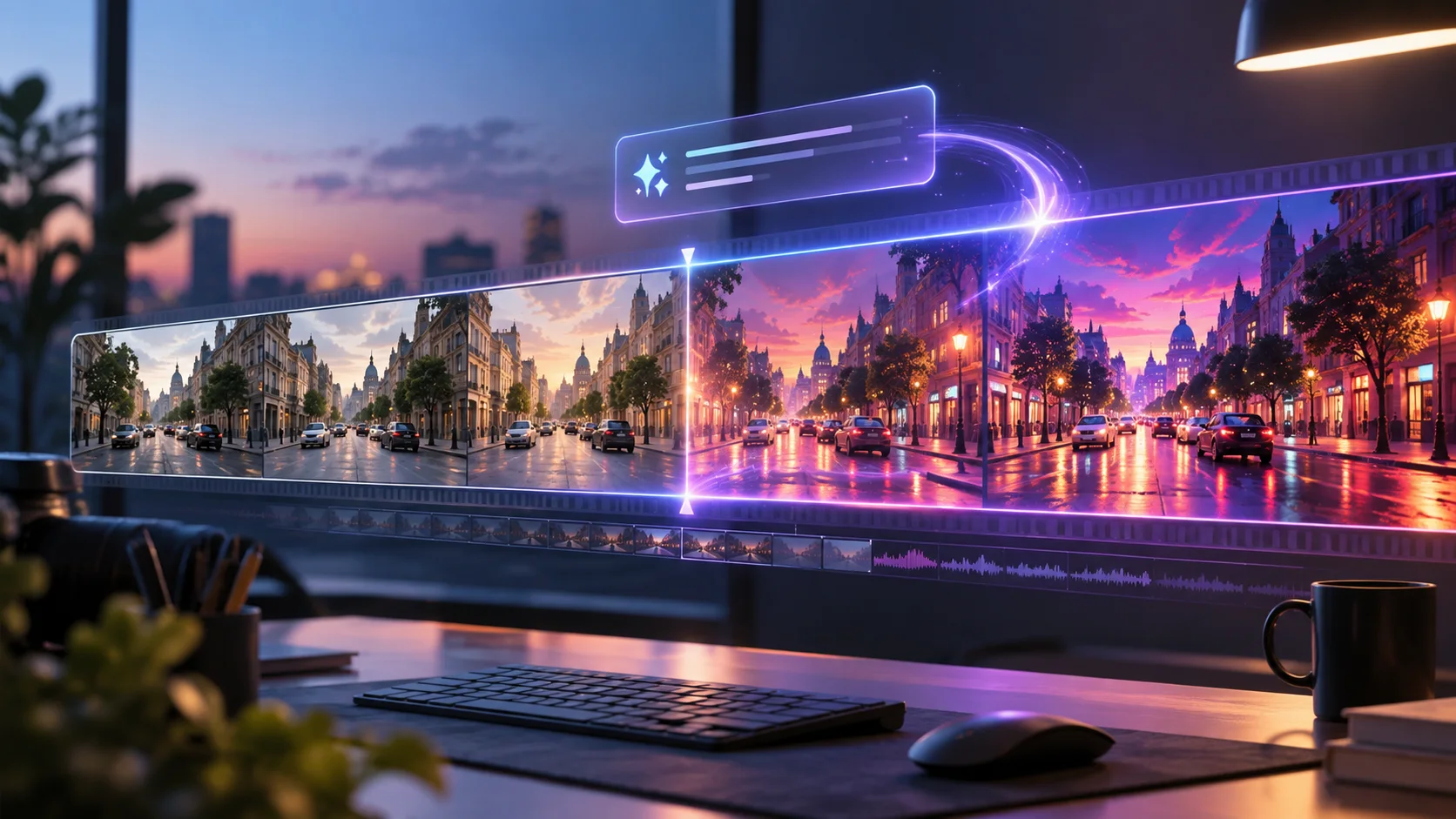
Concept artwork illustrating instruction-guided streaming video editing. It is not an output or benchmark from JoyAI Video Edit.
JoyAI Video Edit at a glance
| Question | Verified answer |
|---|---|
| Who made it? | JD.com Open Source and researchers from JD Explore Academy and collaborators |
| What does it do? | Natural-language video-to-video editing for live or uploaded footage |
| What can it change? | Global appearance, local objects, subjects, backgrounds, style, motion, and reference-guided appearance |
| What makes it different? | It edits causally as frames arrive, without needing the final video length or future frames |
| Model size | 16B-parameter multimodal diffusion transformer, plus a condition encoder and causal video VAE |
| Public release | Checkpoints, deployment code, and technical report released August 5, 2026 |
| License | Apache 2.0 |
| Online access | Hugging Face live demo, subject to GPU availability and session limits |
| MagicCreator access | Not currently integrated |
The defining feature is not simply “AI video editing.” Several models can transform a finished clip. JoyAI Video Edit is designed to do the work continuously, using only the frames it has already received. That opens a more interactive workflow: point a webcam at a scene, type an instruction, and watch the edited stream return with a short delay.
What can JoyAI Video Edit change?
The official release demonstrates six broad types of edits:
- Global appearance changes: transform the whole clip into a watercolor, storybook, cinematic, or other visual treatment.
- Local object edits: change a hat, shirt, product color, or another selected detail while leaving the wider scene intact.
- Subject edits: add, remove, replace, or restyle a person, animal, or object.
- Background replacement: keep the foreground action while changing the room, landscape, weather, or setting.
- Motion changes: alter how a subject moves rather than only changing its appearance.
- Reference-guided editing: use an image to guide clothing, identity, or another target appearance across the video.
JD's showcase includes instructions such as turning a clip into a watercolor wash, changing dogs and their accessories, restyling clothing, and removing subjects from a scene. Those examples show the range of the released system, but they do not guarantee that every source clip will preserve small details equally well.

Illustrative editing scenarios for everyday videos. These are concept images, not JoyAI Video Edit results.
For an everyday creator, the best first projects are edits with one obvious goal: change the season behind a walking subject, recolor one product, replace a plain room, or apply one coherent art style. A request that changes the subject, outfit, background, lighting, and camera motion at once is harder to judge and more likely to introduce unwanted changes.
Why real-time, open-ended editing matters
Most generative video tools ask for a duration before generation begins. They can inspect or create the whole sequence, but the user waits for the completed result. JoyAI Video Edit takes a different approach: it processes video in causal chunks and does not look ahead to future frames. The stream can continue without a predefined ending.
That design matters in three practical situations:
- Live camera effects. A webcam or live scene can be transformed while it is happening rather than recorded, uploaded, and processed later.
- Longer source footage. The model's bounded state is designed to avoid computation growing without limit as a stream continues.
- Fast creative iteration. You can see whether an instruction is moving in the right direction before waiting for a complete long render.
“Real-time” still depends on the hardware and output setting. JD reports about 30 frames per second at 720 × 1280 on one Nvidia B200 in its deployment benchmark. The public live setup reports 840 × 480 at 24 FPS or 720p at 16 FPS on an RTX PRO 6000 Blackwell. Support added for a GeForce RTX 5090 reports 840 × 480 at 24 FPS. These are the team's measured deployment configurations, not a promise that every computer or hosted session will match them.
How to try the JoyAI Video Edit demo
The simplest route is the JoyAI Video Edit Hugging Face Space. The live interface is built for a webcam workflow: allow camera access, enter one editing instruction, wait for a GPU session, and compare the source with the returned stream.
Use a short, observable instruction for the first test. Good starting patterns include:
Turn the background into a warm alpine lake at sunrise. Keep the foreground objects unchanged.Change only the blue travel mug to coral. Preserve its shape, handle, lid, and reflections.Render the scene as a soft paper-craft storybook while preserving the subject's motion.Replace the plain wall with a cozy bookshop interior. Keep the camera angle and lighting direction.
The free Space runs on shared GPU capacity. A queue, a short session lease, or a temporarily busy GPU is normal and says nothing about the model's editing quality. Do not upload private or sensitive footage to a public demo unless its current terms and handling are acceptable for your material.
The open-source project also supports uploaded video and local deployment, but this is not a lightweight consumer install. The official deployment guide describes roughly 51 GB of checkpoints plus additional model dependencies and specialized GPU acceleration. For most people, the hosted demo is the sensible first evaluation.
How to write better JoyAI Video Edit instructions
Treat the prompt as an edit request, not a new video screenplay. A useful instruction answers three questions:
- What should change? Name the subject, object, region, motion, or global style.
- What should it become? Describe the new appearance or action with concrete visual details.
- What must stay fixed? Protect identity, object shape, camera motion, framing, lighting direction, or background elements that matter.
A compact pattern is:
Change [target] into [new appearance or action]. Preserve [identity, geometry, motion, framing, or other invariants]. Keep [unrelated region] unchanged.Avoid vague instructions such as “make it better” or “make it cinematic.” They do not identify which pixels should change or what consistency matters. Also avoid stacking many unrelated transformations in the first attempt. Confirm one edit, then add a second only if the first remains stable.
How well does the model perform?
JD's technical report compares JoyAI Video Edit with both streaming and offline video editors. The authors report that it ranked first across five editing categories in their automatic evaluation of one-minute videos. In pairwise human evaluation on single-shot clips shorter than ten seconds, the report says viewers preferred its results over several streaming systems and found it competitive with strong offline editors.
Those results are promising, but they are supplier-reported rather than an independent MagicCreator benchmark. The paper also evaluates particular hardware, prompts, data, and comparison versions. For your own decision, test the source material that actually matters:
| Check | What to watch for |
|---|---|
| Source fidelity | Faces, product shape, room geometry, and camera path stay recognizable |
| Edit accuracy | The requested target changes without unrelated parts drifting |
| Temporal consistency | Color, texture, and identity do not flicker or slowly mutate |
| Motion | Hands, limbs, fur, reflections, and fast movement remain coherent |
| Long-stream stability | The edit does not weaken or wander as the session continues |
| Practical delay | The returned stream is responsive enough for your intended use |
Keep both successful and failed attempts. One impressive moment can show potential; several repeated trials show whether the workflow is dependable.
Is JoyAI Video Edit available in MagicCreator?
No. MagicCreator does not currently expose JoyAI Video Edit in its model selector, and this article does not route another model behind the JoyAI name. The Hugging Face Space is the direct online trial linked by the official model card.
If you need to create a new clip rather than edit a live or uploaded one, you can use MagicCreator's AI video generator with the models that are actually listed there. Generation and editing are different tasks: a text-to-video model begins from a prompt or reference image, while JoyAI Video Edit begins from a moving source and tries to transform it continuously.
There is also no official consumer subscription price for the open model itself. The weights are Apache 2.0, but running them still carries hardware or hosting costs. A free shared demo, a self-hosted deployment, and any future commercial service can therefore have very different limits and prices.
Who should try JoyAI Video Edit?
JoyAI Video Edit is worth trying if you want to:
- restyle a webcam feed while preserving live movement;
- change a background without rebuilding the action from scratch;
- make a focused product, clothing, or color edit across a clip;
- explore open-ended video effects that do not require a fixed duration;
- evaluate an open-weight alternative to closed video editing products.
It is less suitable if you need a simple mobile editor, guaranteed access with no GPU queue, a finished text-to-video generator, or a proven one-click workflow for long polished productions. The current release is an impressive open model and live research demo, but the local deployment requirements are still substantial.
Frequently asked questions
Is JoyAI Video Edit made by JD.com?
Yes. The model is published by JD.com Open Source, and the official repository identifies it as a JoyAI project from JD Explore Academy and collaborating researchers.
Is JoyAI Video Edit free?
The model checkpoints and code are released under Apache 2.0, and the Hugging Face demo can be tried with shared GPU limits. That does not make compute free: local or hosted use still requires suitable hardware and may have quotas or future service charges.
Can JoyAI Video Edit process an existing video?
Yes. The official model description supports uploaded video as well as a live camera stream. The featured Hugging Face experience emphasizes live webcam editing.
Does JoyAI Video Edit support reference images?
Yes. The upgraded checkpoint released on August 14, 2026 adds stronger reference-image-guided video editing, with the team reporting better subject preservation, reference fidelity, and temporal consistency.
Does JoyAI Video Edit generate a video from text alone?
No. It is a video-to-video editor: the text tells the model how to transform an incoming camera stream or source video. Use a text-to-video model when you want to create the whole scene from a prompt.
Can I use JoyAI Video Edit in MagicCreator?
Not currently. Use the official Hugging Face demo to test this model. MagicCreator's video generator contains a separate, clearly named set of available generation models.
Sources and update notes
Last fact check: September 26, 2026. This guide will be updated at the same URL if JoyAI Video Edit adds a simpler consumer workflow, materially changes its released checkpoint, or becomes available in MagicCreator.
- Official JoyAI Video Edit model card — release dates, capabilities, model files, demo, license, and reported deployment performance.
- Official JoyAI Video Edit repository — showcase tasks, live-demo description, code, and deployment status.
- JoyAI Video Edit technical report — architecture, evaluation protocol, supplier-reported comparisons, latency, and throughput.
- JoyAI Video Edit live demo — current browser-based webcam experience and shared GPU access.