
GPT Image 2.5 does not have one universal price per picture. What you pay depends on where you use it, the quality setting, and how many successful attempts you keep refining before one is ready to use. On MagicCreator, both GPT Image 2.5 Flare and Sunburst currently cost 1 to 20 credits per successful generation, depending on quality. Matching quality settings cost the same on both models.
The practical difference is their starting point: Flare defaults to medium quality at 2 credits, while Sunburst defaults to high quality at 6 credits. You can change the model and quality directly before generating.
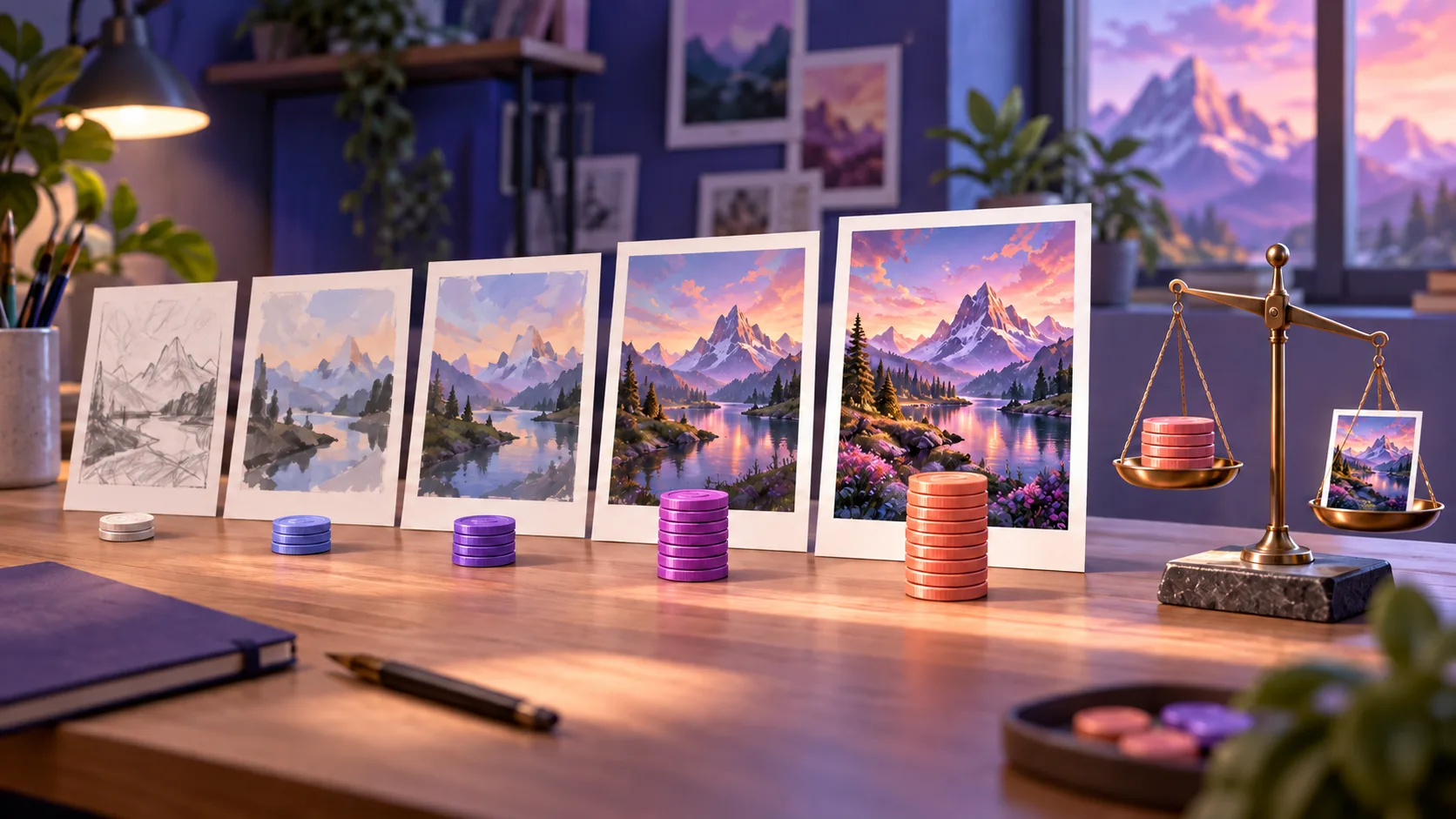
Editorial artwork illustrating the relationship between quality and cost. It is not a GPT Image 2.5 output or pricing benchmark.
GPT Image 2.5 price at a glance
The following is the current MagicCreator credit charge for one successful GPT Image 2.5 generation. The schedule is the same for Flare and Sunburst.
| Quality | Credits per generation | Best starting point |
|---|---|---|
| Low | 1 | Rough composition checks and disposable drafts |
| Medium | 2 | Everyday social graphics, thumbnails, and idea exploration |
| High | 6 | Finished images, product details, faces, and visible text |
| XHigh | 10 | Difficult edits and detail-sensitive final assets |
| Max | 20 | Cases where the strictest available quality setting is worth the cost |
| Auto | 10 | Letting the model choose while reserving enough credits for an unknown quality level |
These charges reflect the generator on September 9, 2026. They are based on quality, not the selected aspect ratio. MagicCreator supports square, portrait, landscape, and auto ratios for both variants, and shows the exact credit charge before you submit.
Failed generations do not deduct MagicCreator credits. A successful result you decide not to use still consumed a generation, so creative retries matter when estimating the cost of the image you finally accept.
How much does one image cost in dollars?
MagicCreator sells one-time credit packs rather than a recurring subscription. The current packs are:
| Pack | Price | Credits | Approximate cost per credit |
|---|---|---|---|
| Basic | $9.99 | 70 | $0.143 |
| Standard | $29.99 | 300 | $0.100 |
| Premium | $69.99 | 800 | $0.087 |
That makes the approximate dollar cost of one generation:
| Quality | Basic pack | Standard pack | Premium pack |
|---|---|---|---|
| Low, 1 credit | $0.14 | $0.10 | $0.09 |
| Medium, 2 credits | $0.29 | $0.20 | $0.17 |
| High, 6 credits | $0.86 | $0.60 | $0.52 |
| XHigh or Auto, 10 credits | $1.43 | $1.00 | $0.87 |
| Max, 20 credits | $2.85 | $2.00 | $1.75 |
The figures are calculated from the listed pack price divided by its credits and rounded to the nearest cent. They do not include unused credits that expire. Each current pack is valid for one month, so the effective cost is higher if you purchase more credits than you use.
Open the MagicCreator pricing page for the current pack details before purchasing.
Do Flare and Sunburst cost the same?
Yes, when you compare the same quality setting in MagicCreator. Medium Flare and medium Sunburst both cost 2 credits; high Flare and high Sunburst both cost 6 credits. Model name alone does not change the displayed charge.
The defaults can make them look different at first:
- GPT Image 2.5 Flare opens at medium quality, which costs 2 credits.
- GPT Image 2.5 Sunburst opens at high quality, which costs 6 credits.
OpenAI positions Flare as the smaller, faster model and Sunburst as the quality-optimized model. That affects which starting setting makes sense, but it does not create a separate MagicCreator rate for each model. Our Sunburst vs Flare comparison explains when the extra precision is likely to matter.
Why OpenAI pricing is not a fixed price per image
OpenAI publishes usage rates for both API models rather than a single flat charge for every finished picture. As of September 9, 2026, it lists the same rates for Flare and Sunburst:
| Usage type | Standard input | Cached input | Output |
|---|---|---|---|
| Image tokens | $8 per million | $2 per million | $30 per million |
| Text tokens | $5 per million | $1.25 per million | Not listed |
Those numbers are useful for services that build directly on OpenAI, but they do not tell an everyday creator the exact cost of a finished image. The final token use can vary with the prompt, reference images, dimensions, quality, and generated result. OpenAI also notes in its image documentation that its existing GPT Image 2 calculator does not estimate GPT Image 2.5 consumption.
That is why a product-facing credit price is easier to use: you can see the charge before creating rather than estimating tokens afterward.
Price per attempt is not price per usable image
The cheapest quality setting can become expensive if it takes repeated attempts to reach an acceptable result. Suppose you are making a product listing image:
| Workflow | Successful attempts | Total credits |
|---|---|---|
| One high-quality result accepted immediately | 1 × 6 | 6 |
| Four medium drafts before acceptance | 4 × 2 | 8 |
| Two XHigh attempts before acceptance | 2 × 10 | 20 |
High quality costs more per click than medium in this example, yet the one-pass high result is cheaper than four successful medium drafts. This does not mean high always wins. It means the right comparison is total credits spent before you have something you will actually download and use.
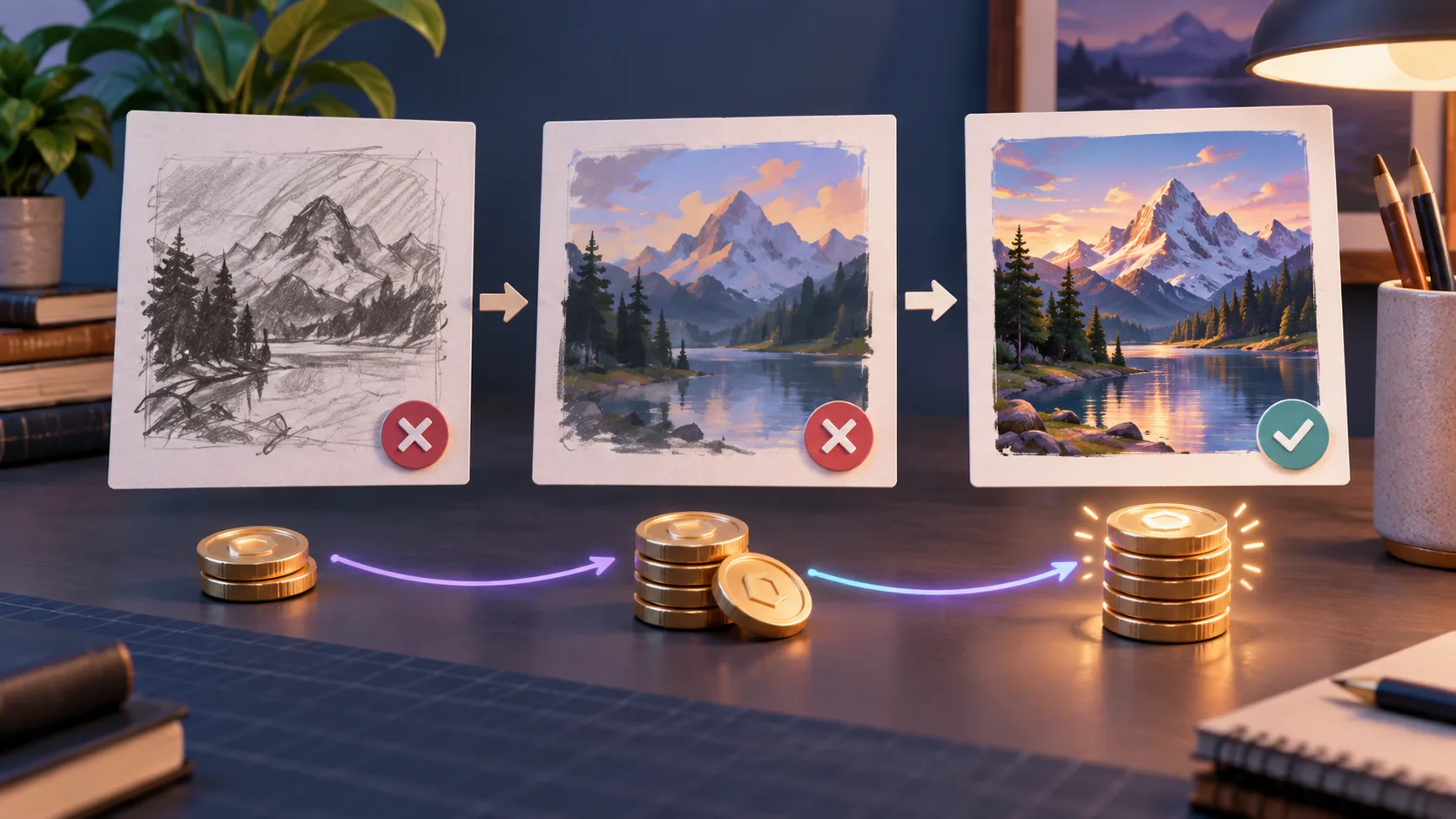
A useful budget counts every successful attempt needed to reach the accepted image, not only the final click. This is an editorial illustration, not a model test.
Which quality should you choose?
Use low for cheap structural checks
Low quality makes sense when you only need to know whether the composition is headed in the right direction. Test the subject, camera angle, rough layout, and overall idea before paying for detail. Do not judge tiny text, subtle skin texture, or packaging accuracy from a low-quality draft.
Use medium for everyday creation
Medium is Flare's default and the best general starting point for social posts, thumbnails, invitations, simple product concepts, and quick variations. At 2 credits, it leaves room to explore several directions without jumping immediately to a premium tier.
Use high for finished images and careful edits
High is Sunburst's default. Start here when a face, pet, product, label, layout, or small detail determines whether the image is usable. It is also a sensible choice for image editing when you need the untouched parts of the original to remain stable.
Use XHigh or Max only with a named reason
More quality is not automatically visible in every task. XHigh and Max make sense when you can identify a failure that the cheaper setting did not solve: unstable product geometry, a dense poster, repeated edit drift, fine texture, or a demanding final deliverable. If medium or high already clears your acceptance bar, paying more adds no practical value.
Treat Auto as a convenience, not a bargain tier
Auto costs 10 credits in MagicCreator because the final quality level is not known before the request. Choose it when you want the model to decide and value simplicity more than controlling the budget. Pick an explicit quality when predictable cost matters.
A budget-first workflow that avoids wasted credits
- Write the full prompt before generating. Include the subject, composition, visual style, and what must not change.
- Test the composition with Flare at low or medium quality.
- Correct the prompt rather than repeatedly rerunning the same vague request.
- Move to high quality only after the direction is right.
- Use Sunburst when a specific precision problem remains, not simply because it is the larger model.
- Track successful attempts, not only the final image, when comparing workflows.
You can run this workflow in the GPT Image 2.5 generator, where Flare and Sunburst remain directly selectable.
How many images can each pack create?
The maximum assumes every generation succeeds and you spend the whole pack at one quality level.
| Pack | Medium, 2 credits | High, 6 credits | XHigh, 10 credits | Max, 20 credits |
|---|---|---|---|---|
| Basic, 70 credits | 35 | 11, with 4 credits left | 7 | 3, with 10 credits left |
| Standard, 300 credits | 150 | 50 | 30 | 15 |
| Premium, 800 credits | 400 | 133, with 2 credits left | 80 | 40 |
Real output will be lower when you mix image, video, and music generation, because MagicCreator uses one shared credit balance. Unused credits also expire with the pack.
Frequently asked questions
How much does GPT Image 2.5 cost per image?
On MagicCreator, one successful GPT Image 2.5 generation currently costs 1 credit at low quality, 2 at medium, 6 at high, 10 at XHigh or Auto, and 20 at Max. The approximate dollar amount depends on which credit pack you buy.
Is GPT Image 2.5 Flare cheaper than Sunburst?
Not at matching quality settings in MagicCreator. Flare looks cheaper initially because it defaults to medium quality, while Sunburst defaults to high. You can select the same quality on either model for the same credit charge.
Does image size change the MagicCreator price?
The current GPT Image 2.5 charge is quality-based. Choosing a supported square, portrait, landscape, or auto aspect ratio does not change the displayed credit amount.
Do failed images use credits?
No. MagicCreator does not deduct credits when generation fails. Successful results that you reject creatively still count, so retries can raise the cost of the image you ultimately keep.
Is there a free GPT Image 2.5 tier?
GPT Image 2.5 is currently a paid image model in MagicCreator. Credit packs are one-time purchases rather than subscriptions. Check the live pricing page because packs and product availability can change.
Sources and update notes
Pricing checked September 9, 2026. MagicCreator credit charges, pack prices, expiry, and failed-generation behavior reflect the current product configuration. OpenAI rates come from its official pricing and image documentation.
- OpenAI API pricing — published image and text token rates for Flare and Sunburst.
- OpenAI image prompting guide — model positioning, quality options, workflow guidance, and calculator limitation.
- Introducing ChatGPT Images 2.5 — release positioning and availability.